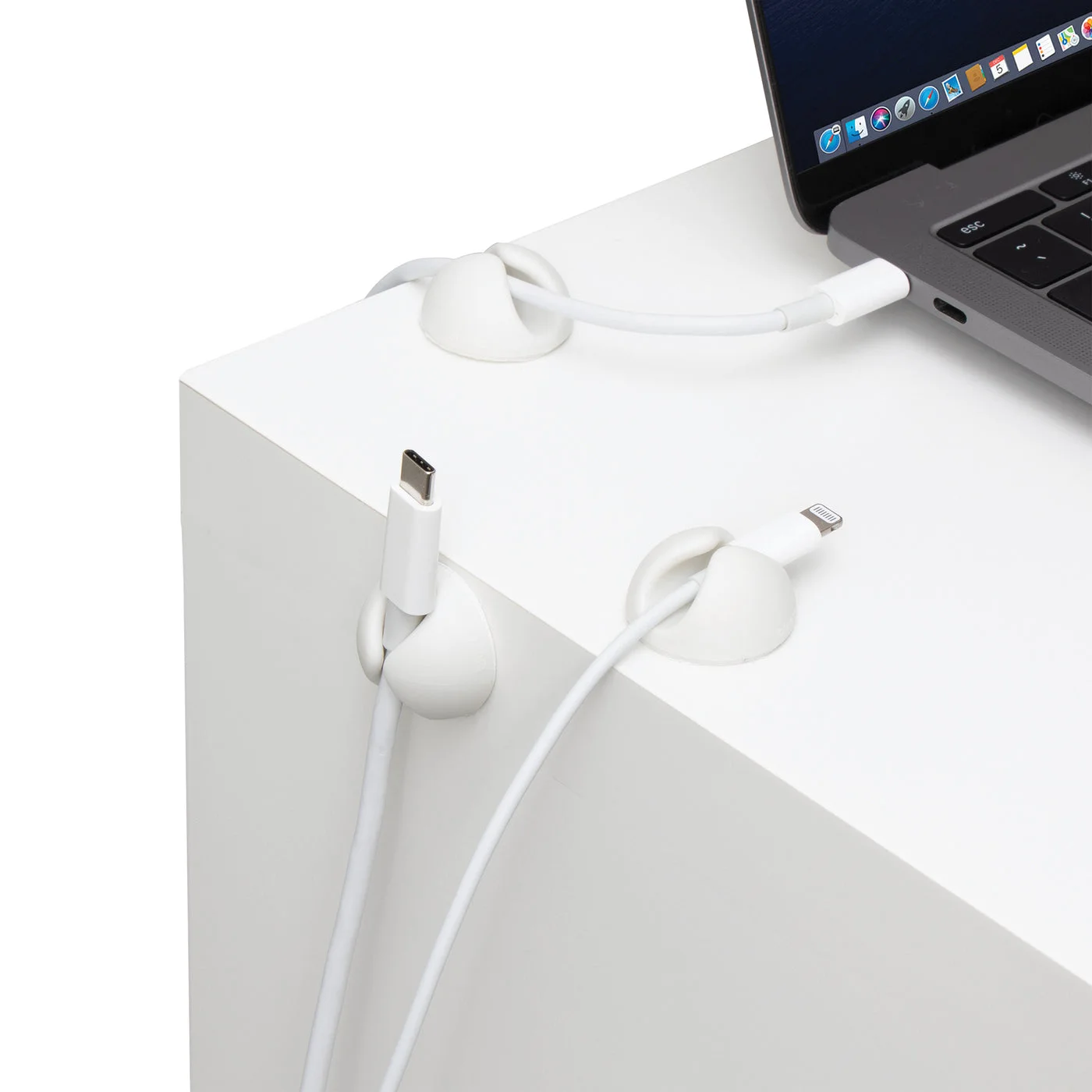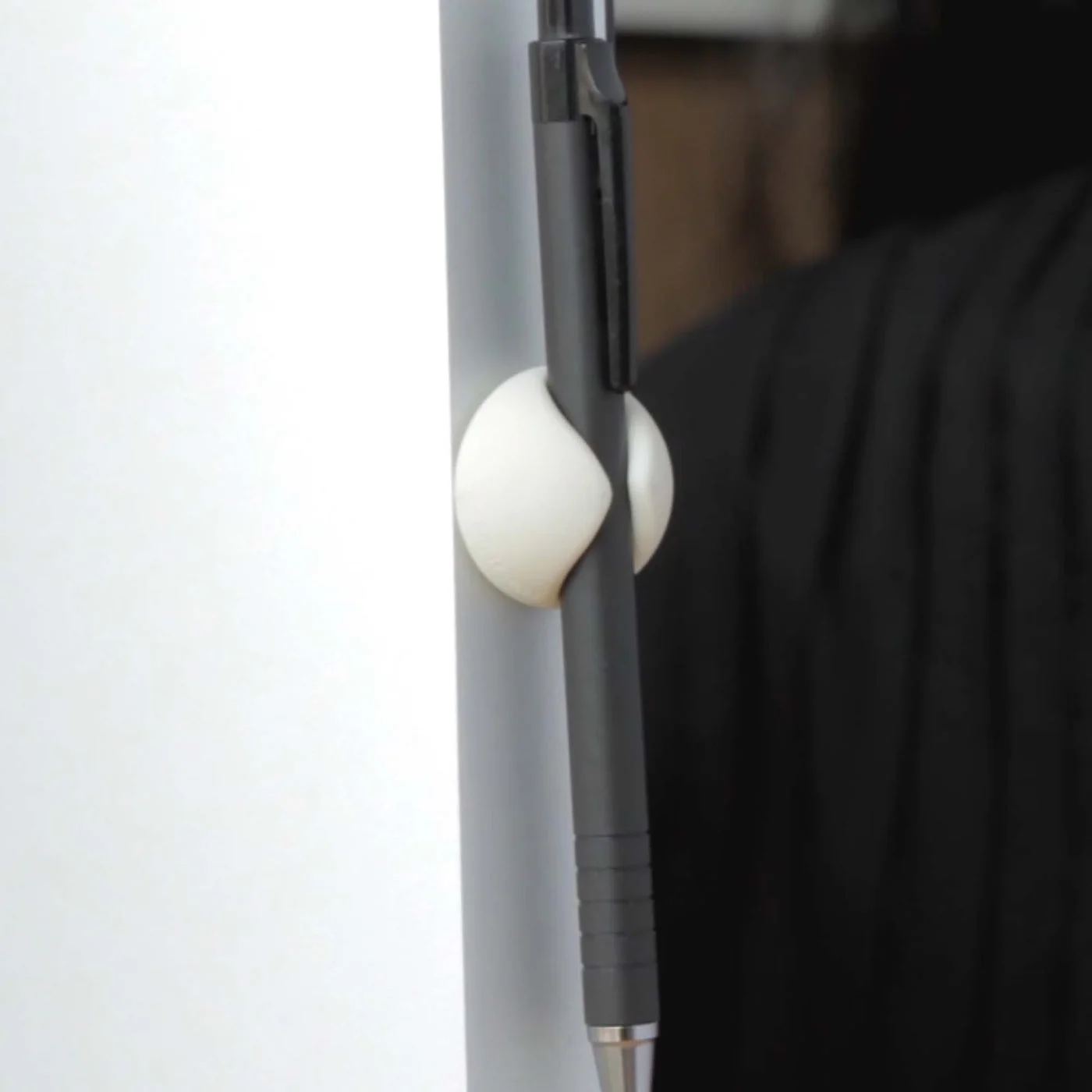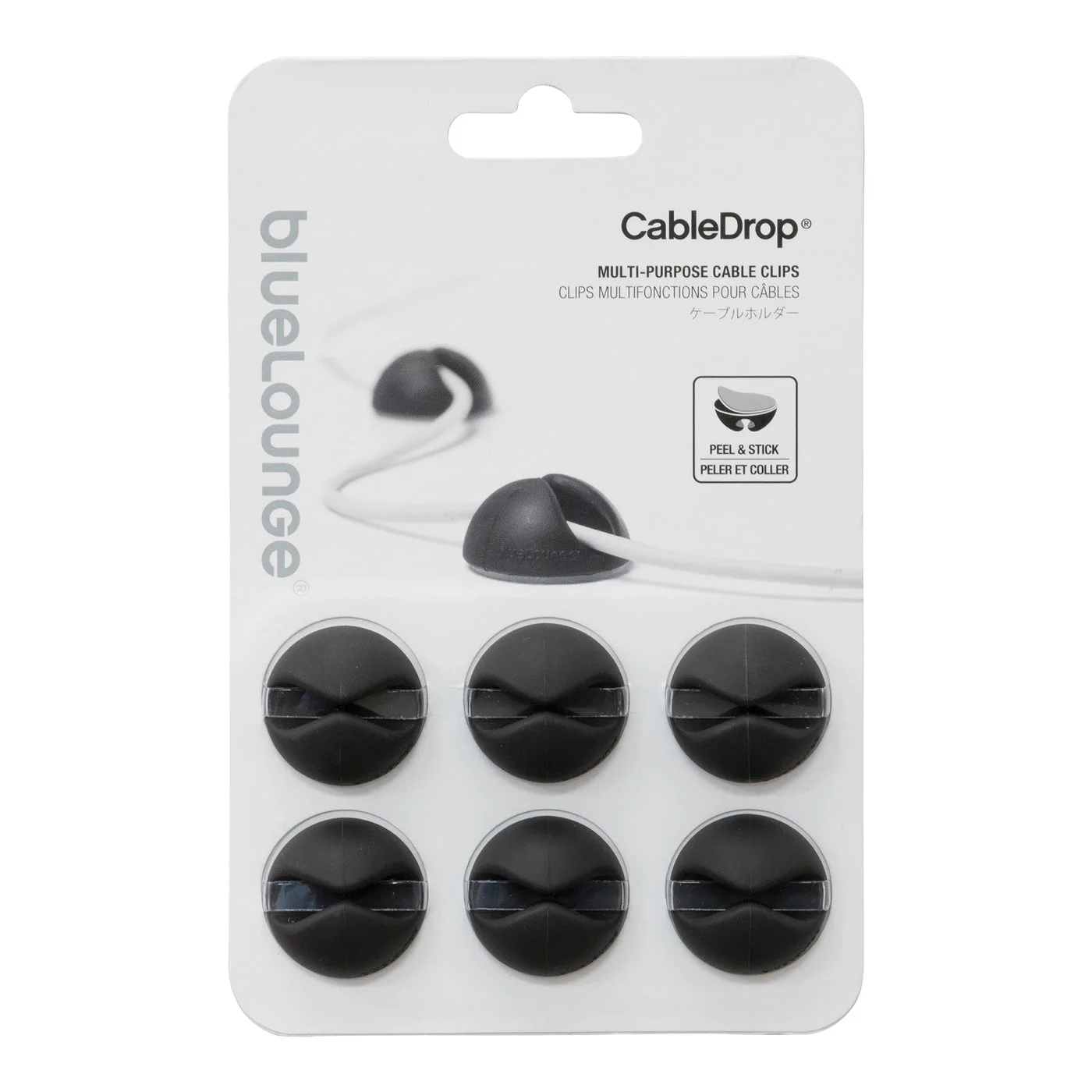
Unplug the laptop, move it away, and the charging lead slides behind the desk. It is a tiny annoyance until it happens every morning. Bluelounge CableDrop clips keep individual cable ends at the edge where you actually reach for them. This linked pack contains six black Regular clips, not the smaller Mini version.
Place the clip where you finish using the cable
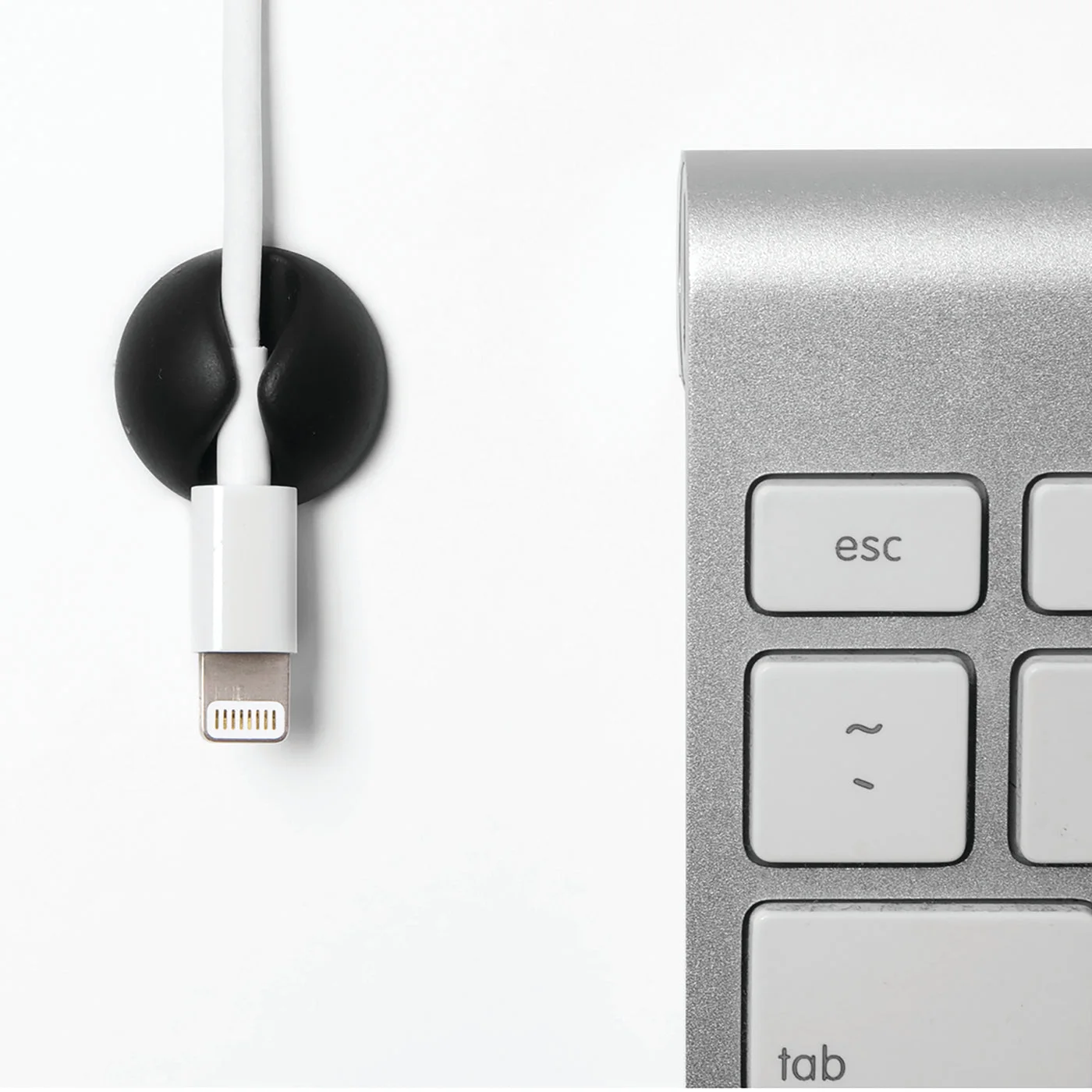
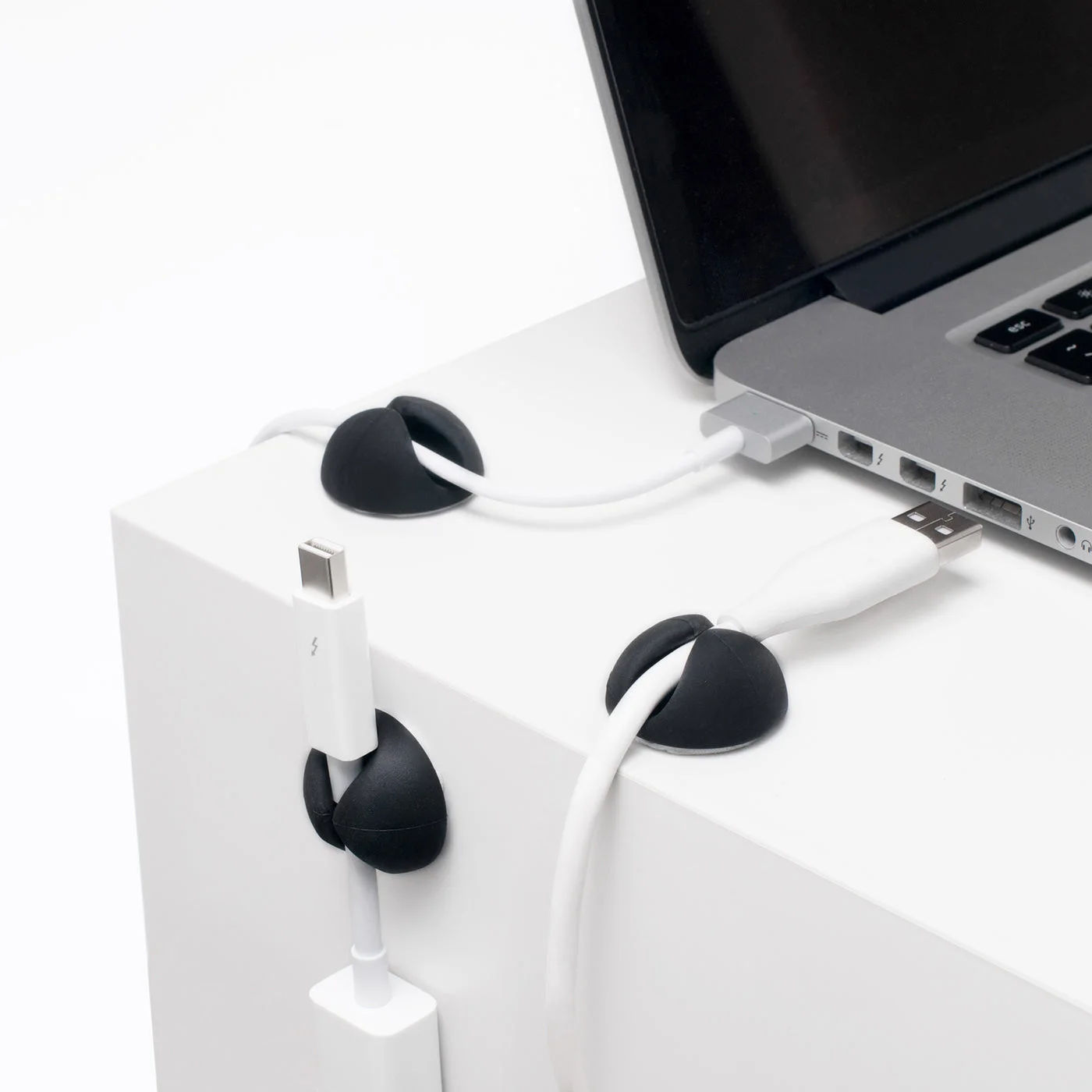
The adhesive-backed holder grasps a lead while allowing its end to remain available. A bedside charging position, desk edge or media cabinet can be more useful than an impressive row of clips arranged for a photograph.
Before sticking one down, unplug and reconnect the actual device a few times. Check that there is enough slack for the normal position and that the cable is not pulled tightly against a connector. A clip that makes the lead harder to use has solved the wrong problem.
Regular is not automatically right for every lead
Cable diameter, flexibility and the size of the connector all affect fit. The Regular form is aimed at medium-to-larger cables; a thin lead can need a smaller holder. The manufacturer sells a separate Mini version. Do not assume the brand name alone establishes compatibility with your particular USB-C cable.
The photographs show the black Regular pack and cable-routing examples. White Regular clips illustrate the same use in an alternative finish; they are not included in this Black pack. Electronics and cables are separate.
Adhesive needs a considered surface
The listing describes the backing for permanent use. Think about the desk finish before applying it, and follow surface-preparation instructions. Do not promise yourself damage-free removal from delicate paint, veneer or rented furniture. A freestanding cable holder may be preferable where adhesive is unsuitable.
Buy CableDrops if a few regularly used ends keep disappearing. Skip them if attached cable wraps or existing desk routing already keep everything accessible. The goal is to remove one repeated irritation, not fasten every spare cable to the nearest surface.