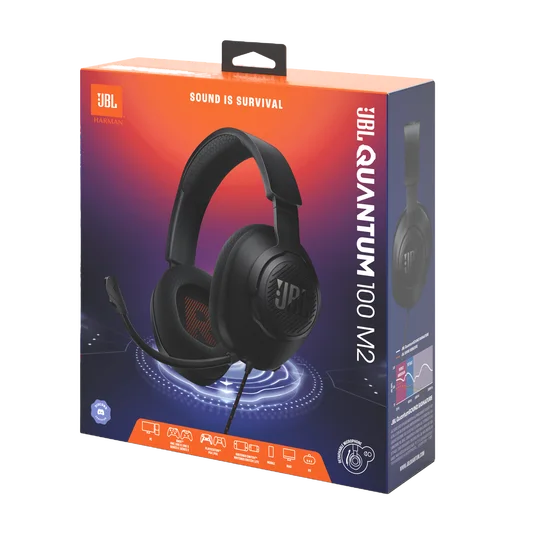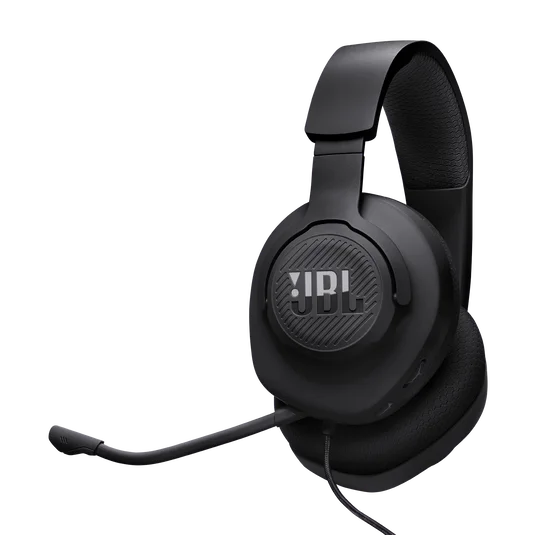
The headset is flat just as your friends are ready to play. A wired model removes that particular nuisance. The black JBL Quantum 100M2 connects through a 3.5 mm jack, with a detachable boom microphone: an appealingly direct arrangement if your gaming device supports it.
Check the socket before the sound claims
Look at the actual device or controller you will use. A headset socket must support both headphones and microphone if you need voice chat. A computer with separate sockets, or a device without a 3.5 mm jack, may need additional compatible hardware. Do not assume a cable that produces sound will also carry your voice.
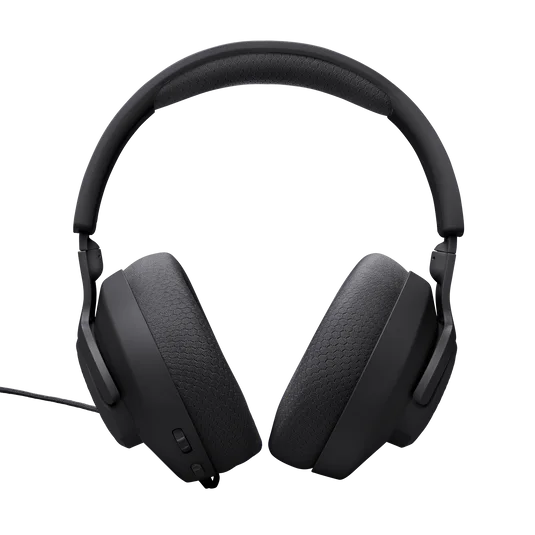
Wired use also limits movement. Picture the distance between the controller, chair and screen; if you regularly stand up with the headset on, a wireless alternative may suit your habits better. Avoid buying on the strength of broad platform-compatibility language alone.
Comfort is a fit question
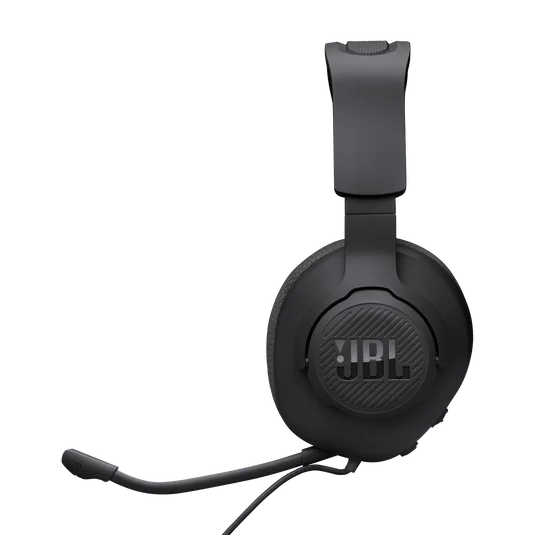
The 100M2 uses fabric-covered memory-foam cushions and a relatively simple headband. Those details are useful to compare, but they cannot establish how it will fit your head, glasses or ears. For a long-session purchase, check the retailer’s returns conditions instead of treating a product photograph as a comfort test.
Keep the microphone optional
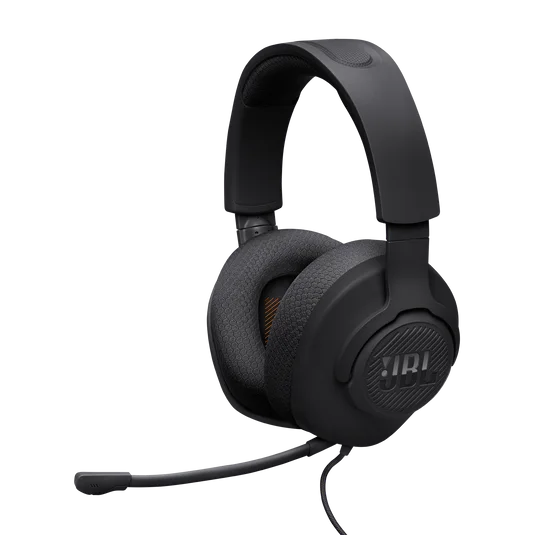
The detachable mic lets you remove it when you only want to listen. There are microphone mute controls, but this is not a wireless headset or an active-noise-cancelling travel headphone. It makes sense for a straightforward wired gaming setup where reliable connection matters more than roaming around the room. Verify the 100M2 suffix; the original Quantum 100 and other Quantum models are separate products. We have not tested its game audio or microphone performance.