computer-mice

Logitech G502 HERO Puts Useful Shortcuts Under Your Thumb

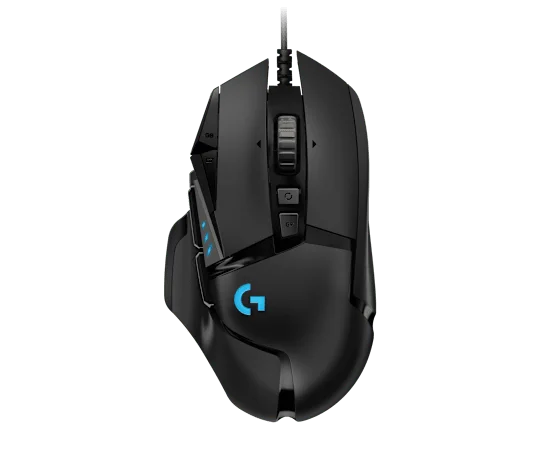
There is a particular appeal to a mouse that makes a busy game feel less like searching the keyboard. The black Logitech G502 HERO puts a bank of controls beside your thumb and keeps its connection wired. It suits players who want deliberate access to more actions, rather than simply the lightest possible mouse.

Findweave Editorial2 min read

Published

Shop at Amazon

Paid link — we may earn a commission. Amazon may show a local match, an alternative or search results. Check the exact product, delivery and current price.

Black wired G502 HERO; this is not a G502 X or LIGHTSPEED model.
Photo: Logitech G · Manufacturer reference image

Some links are paid links: we may earn a commission from qualifying purchases. As an Amazon Associate I earn from qualifying purchases. How we earn money.

THE SHORT VERSION

Before you browse

  1. Eleven programmable buttons and a switchable scroll wheel
  2. Wired USB connection and adjustable weights
  3. More controls and heft are not automatically better for fast low-sensitivity play

There is a particular appeal to a mouse that makes a busy game feel less like searching the keyboard. The black Logitech G502 HERO puts a bank of controls beside your thumb and keeps its connection wired. It suits players who want deliberate access to more actions, rather than simply the lightest possible mouse.

Decide what the extra buttons will actually do

Eleven programmable buttons sound impressive, but a short list of meaningful assignments is more useful than filling every slot. Start with the actions you repeatedly reach for: push-to-talk, a map, a frequent ability or a desktop shortcut. Check the current Logitech software requirements before relying on custom profiles.
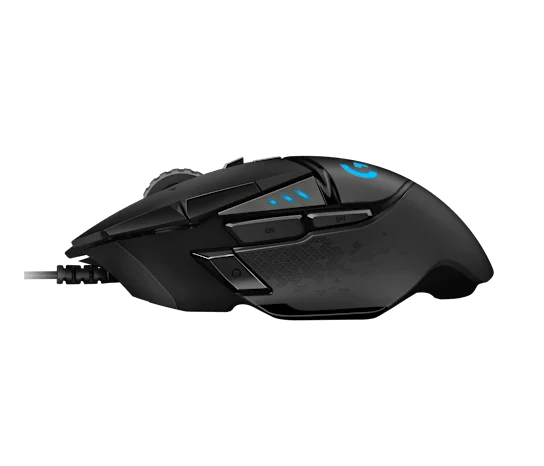
Thumb-side controls and the fixed cable.
Photo: Logitech G · Manufacturer reference image. Thumb-side controls and the fixed cable.

The side photographs help you judge the thumb rest and button placement. These are not interchangeable with a symmetrical shell: the shape is right-handed, and accidental presses can be a problem if your grip lands on the wrong control. Try the size where possible.
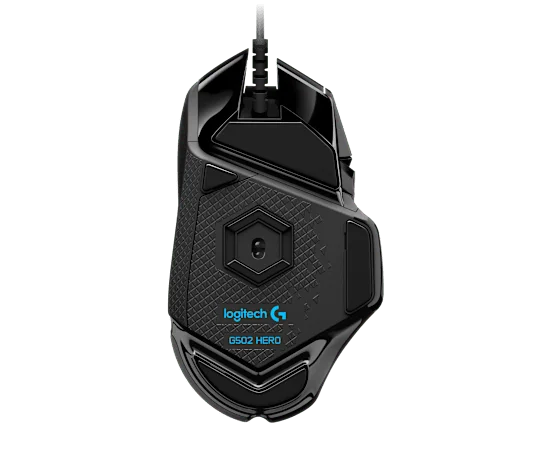
Underside and optical sensor.
Photo: Logitech G · Manufacturer reference image. Underside and optical sensor.

More control comes with more mouse

The removable weights let you alter the feel, but they do not turn G502 HERO into an ultralight design. Someone making broad, rapid low-sensitivity movements may prefer a lighter, simpler mouse. Leave enough slack in the USB cable so it does not tug during a turn.
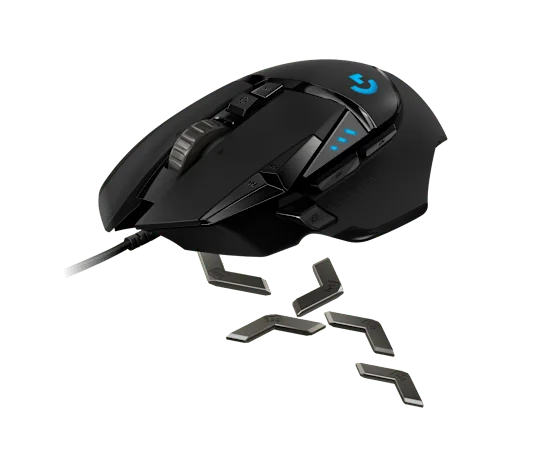
Manufacturer view illustrating the removable weight system.
Photo: Logitech G · Manufacturer reference image. Manufacturer view illustrating the removable weight system.

The switchable scroll wheel also gives this gaming model a useful second job navigating long documents. Choose it for the controls, wheel and sculpted grip. Skip it if wireless freedom or minimal weight comes first. Order the original wired HERO listing intentionally: G502 X and LIGHTSPEED are different products, not names for the same package.
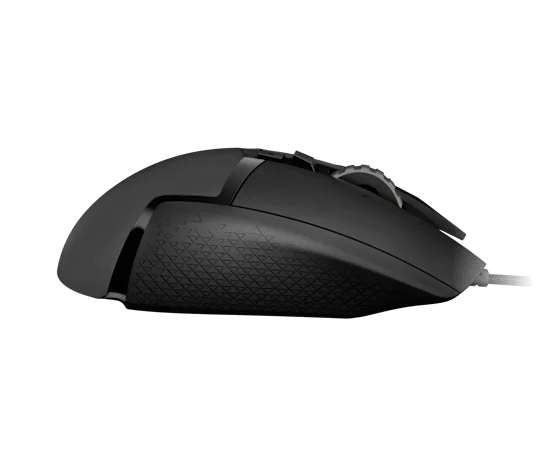
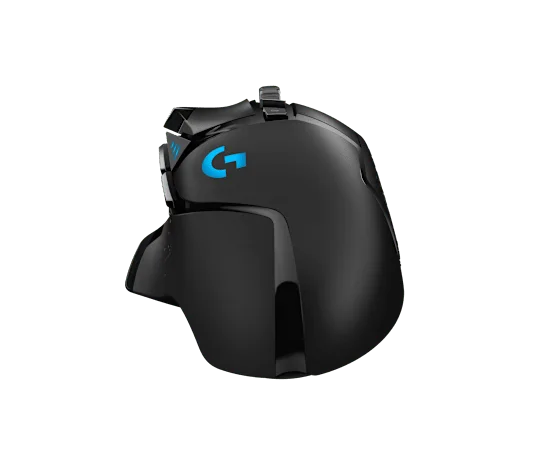
Opposite-side profile shows the sculpted right-hand shell.
Photo: Logitech G · Manufacturer reference image. Opposite-side profile shows the sculpted right-hand shell.
Rear angle of the black HERO model.
Photo: Logitech G · Manufacturer reference image. Rear angle of the black HERO model.

Ready to check availability?

Shop at Amazon

Paid link — we may earn a commission. Amazon may show a local match, an alternative or search results. Check the exact product, delivery and current price.

Evidence and sources

Research-based product guidance, not hands-on testing. Exact variant reviewed; price, stock, medical effects and international equivalence are not promised.