Computer mice

Logitech M720 Triathlon: One Mouse for Several Computers?

An honest decision guide for people juggling a work laptop and personal computer: device switching, hand shape, scrolling and what the M720 cannot do.

Findweave Editorial4 min read

Published

Shop at Amazon

Paid link — we may earn a commission. Amazon may show a local match, an alternative or search results. Check the exact product, delivery and current price.

Product details & buying options
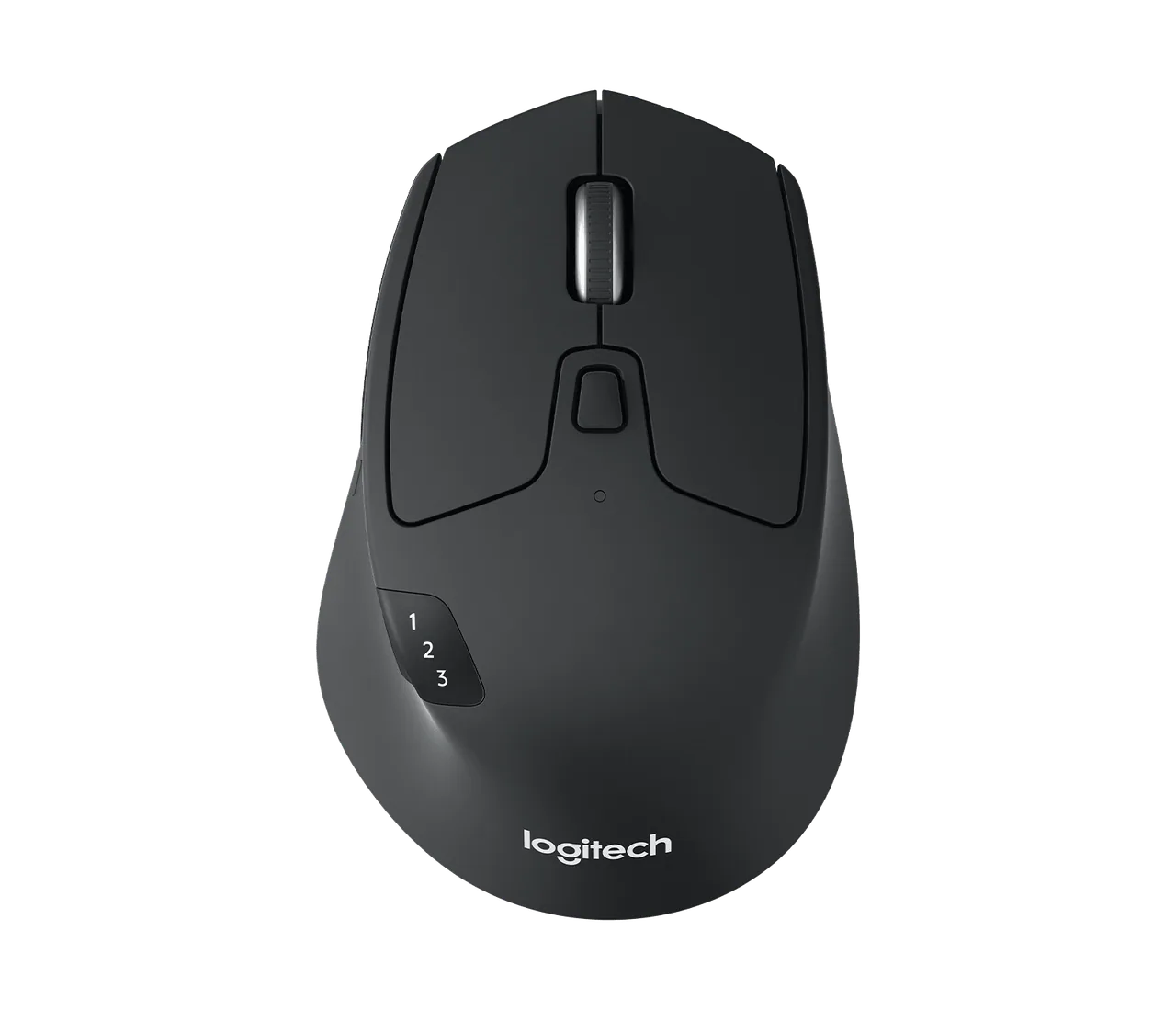
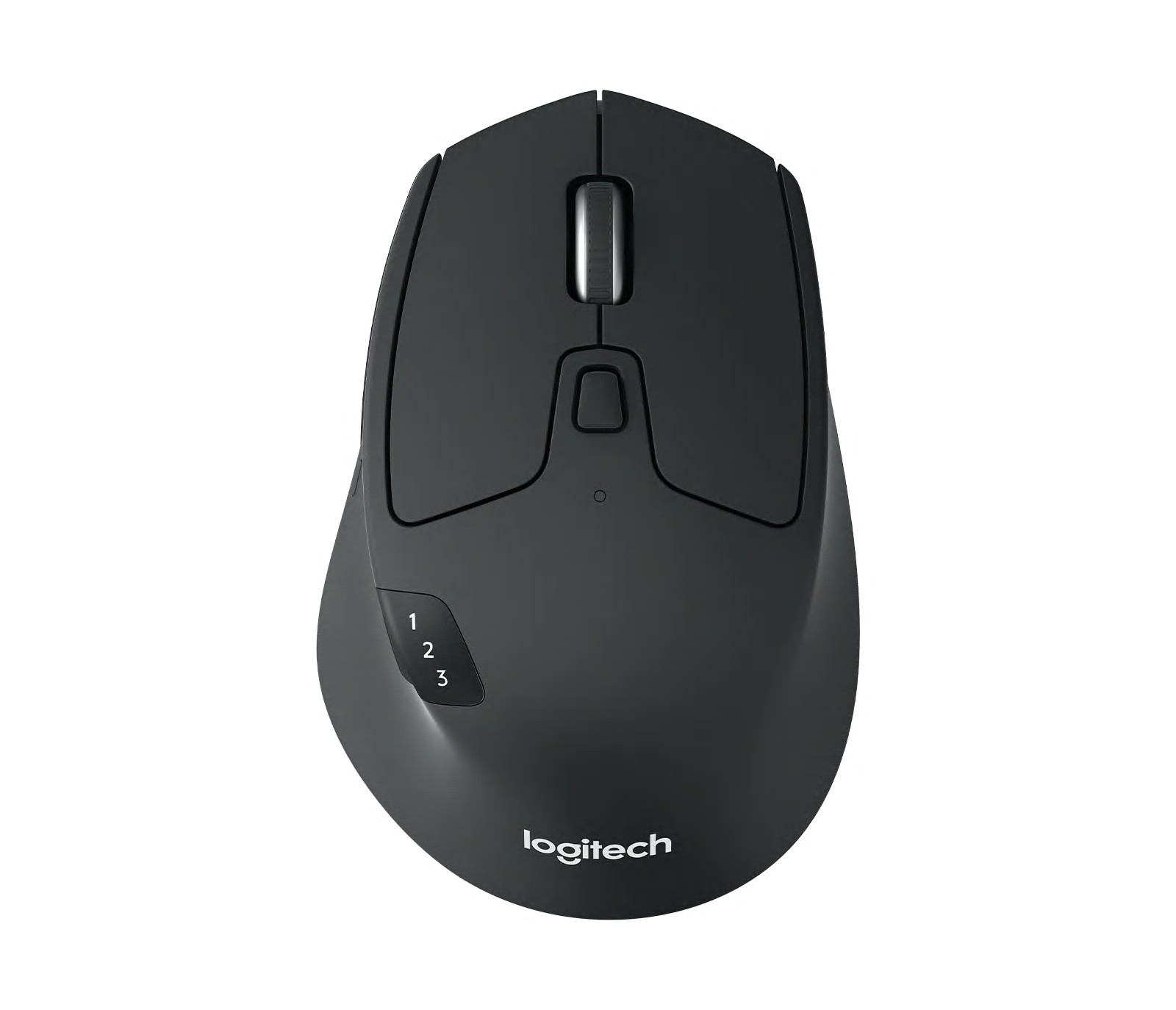
Top view shows the M720 device-switch indicator.
Logitech manufacturer product image

Some links are paid links: we may earn a commission from qualifying purchases. As an Amazon Associate I earn from qualifying purchases. How we earn money.

THE SHORT VERSION

Before you browse

  1. Dedicated device-switch button can reduce desk clutter when two computers share one setup.
  2. The shape is not neutral for left-handed use.
  3. Check the exact variant, current price and delivery at the retailer.

The two-computer desk

If a personal computer and work laptop live on the same desk, separate mice turn every switch into a small interruption. The M720 pairs with up to three devices, using Bluetooth or its receiver. That is the reason to buy it; the device-switch control visible in the photos is more important than the word “Triathlon” on a box. Check workplace Bluetooth rules before relying on that connection.
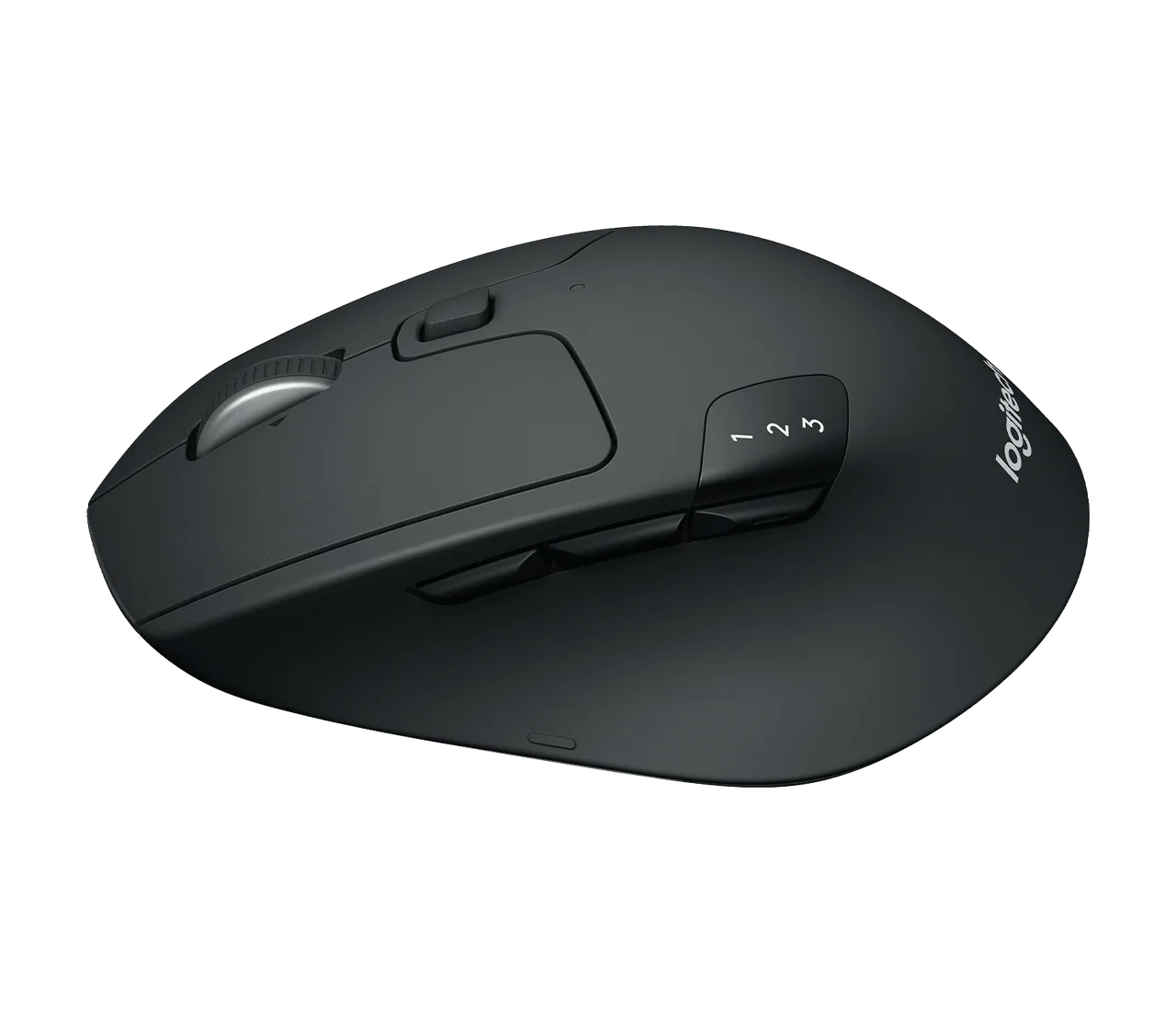
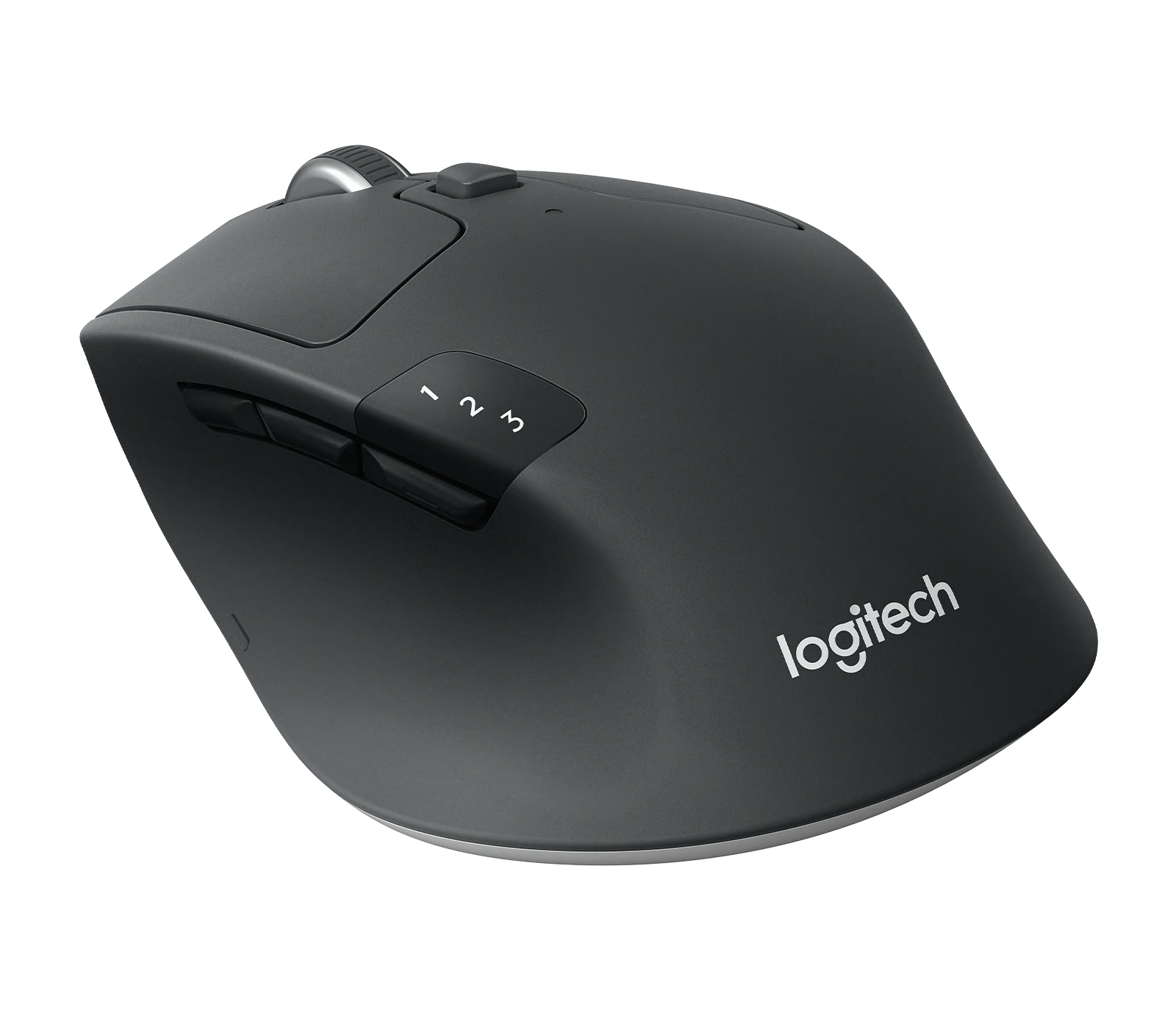
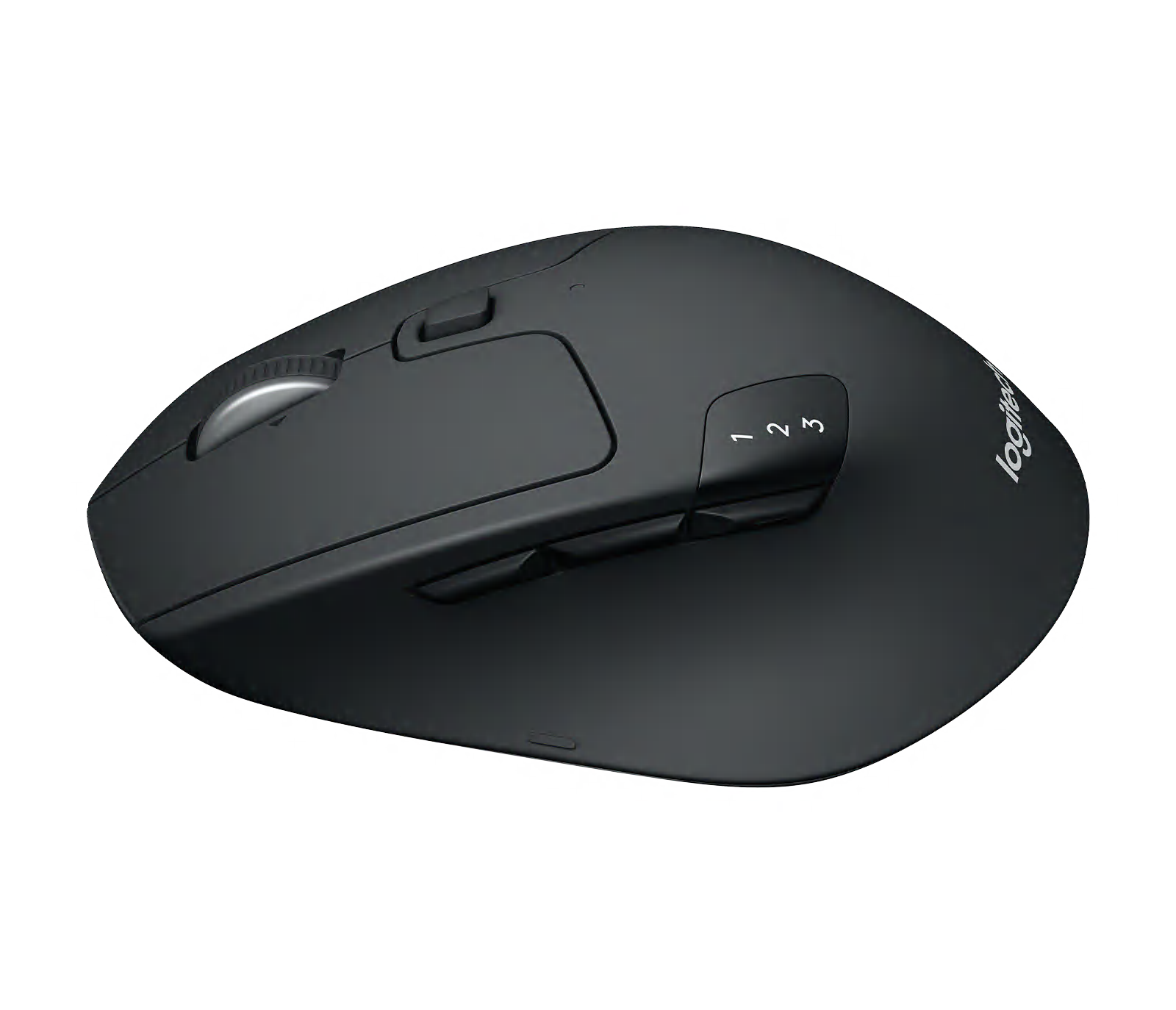
Angled view shows side buttons and sculpted body.
Angled view shows side buttons and sculpted body. · Manufacturer reference image.

Choose the shape on purpose

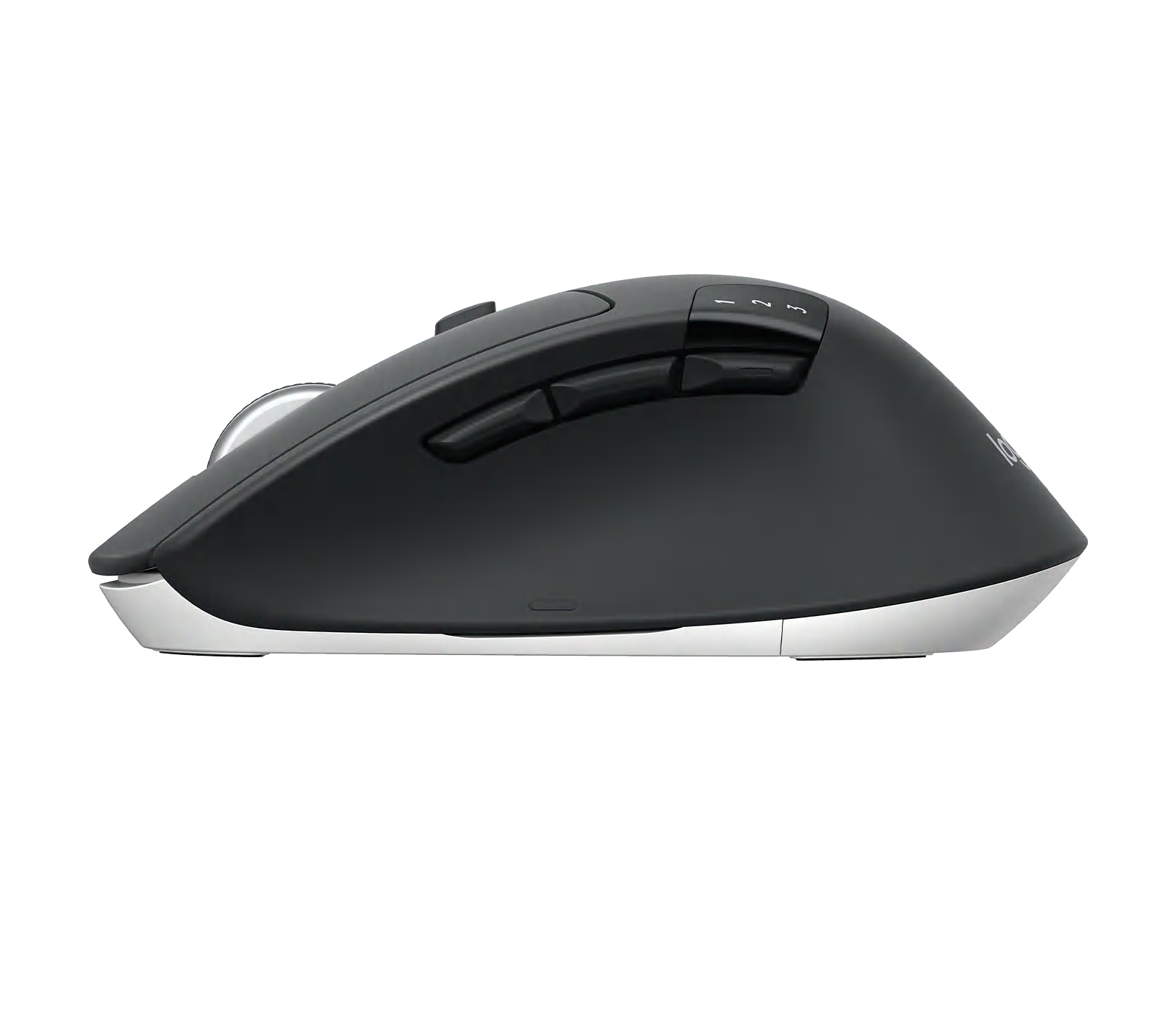
This is a full-sized, right-handed mouse, not a tiny travel shape. The curve and side contour may support your palm through long sessions, but a smaller hand or left-handed user should not assume a fit. Logitech also provides a dual-mode scroll wheel; a long document can benefit from faster scrolling, while precise line-by-line work benefits from control.
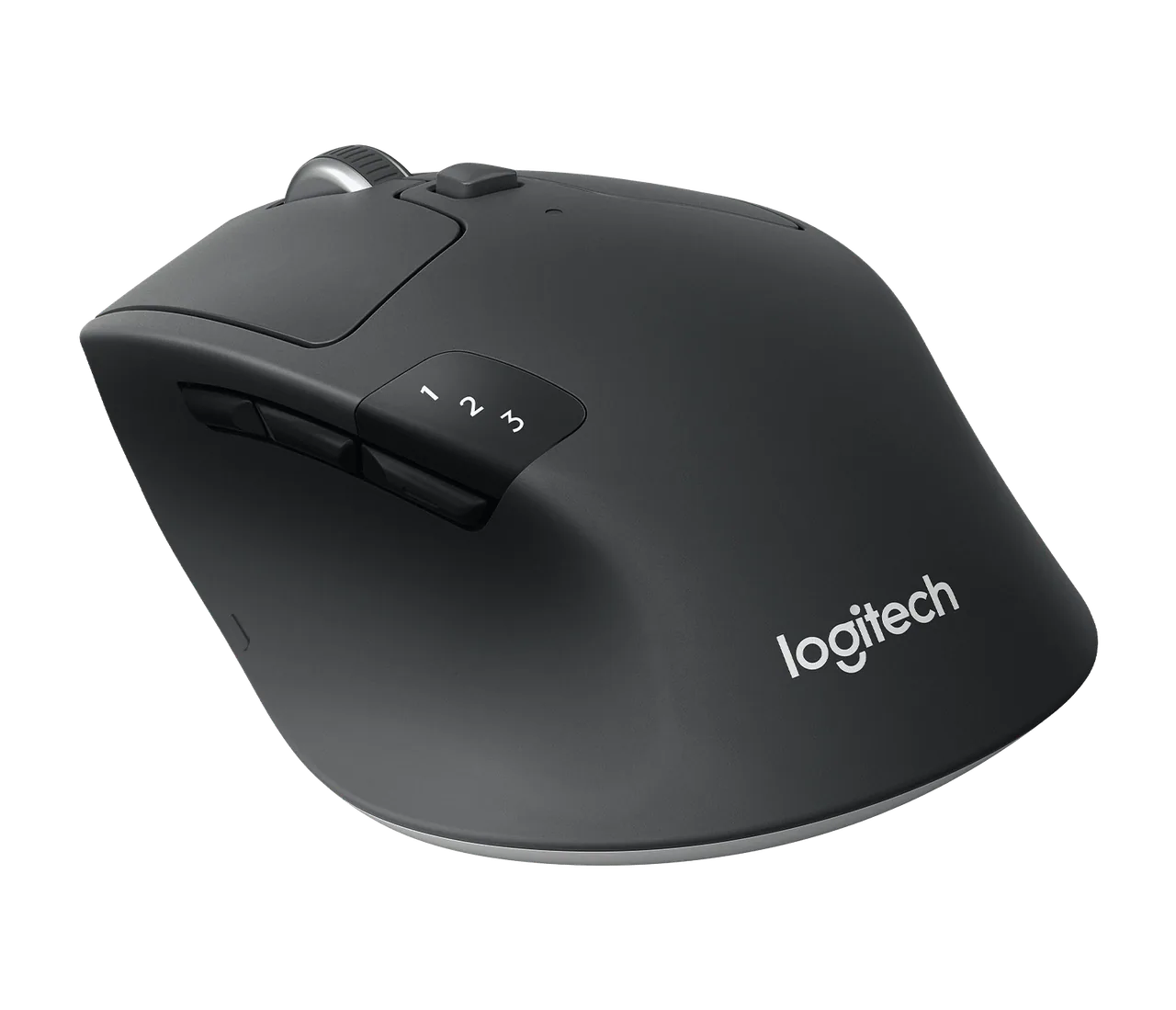
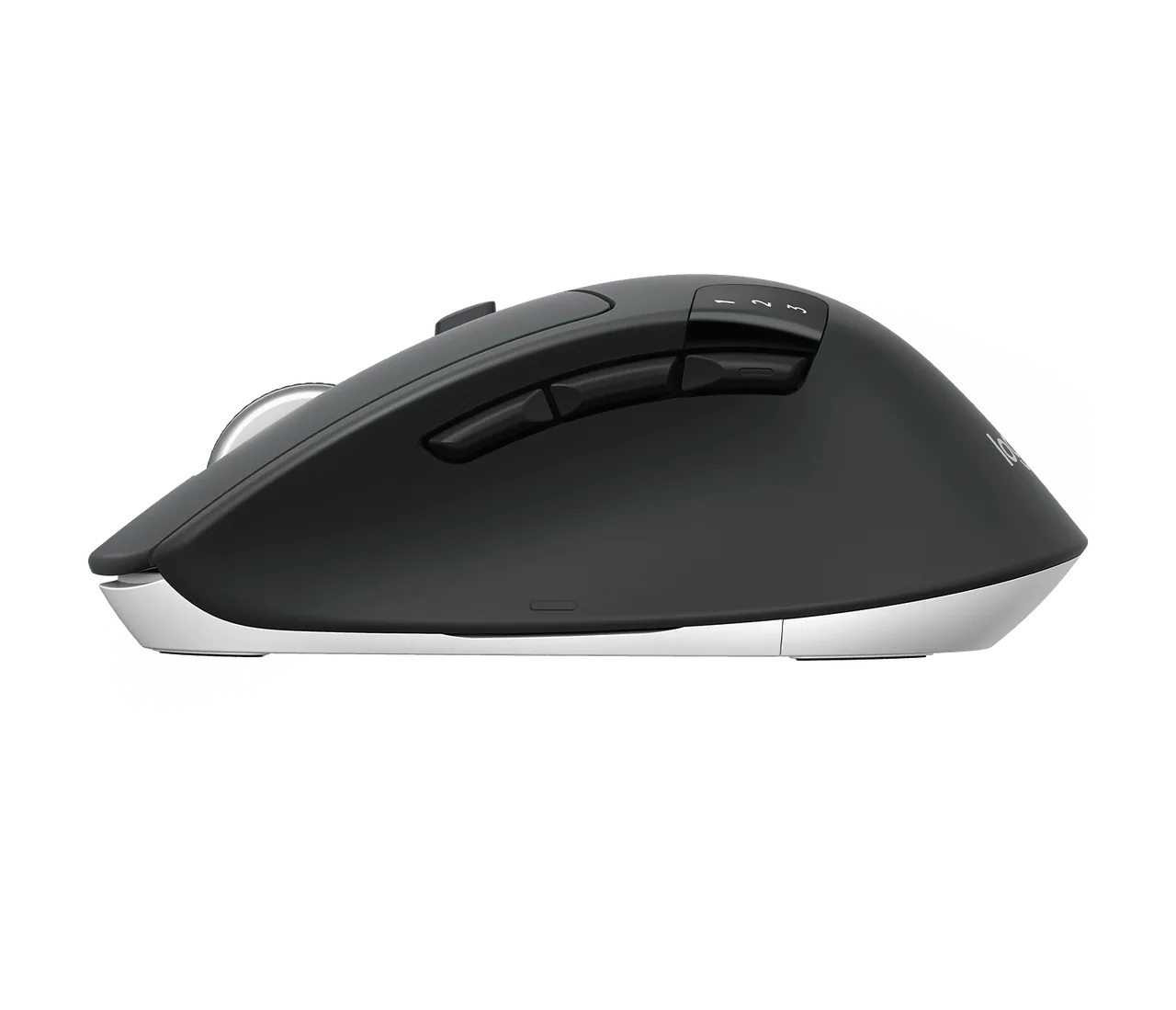
Three-quarter view shows its palm-supporting curve.
Three-quarter view shows its palm-supporting curve. · Manufacturer reference image.
Side profile shows the wheel and thumb contour.
Side profile shows the wheel and thumb contour. · Manufacturer reference image.

The simpler alternatives

If you use exactly one machine, a basic mouse avoids extra buttons and setup. If your bag space is scarce, a flatter compact mouse may be easier to carry. The M720 earns its place when switching among devices and maintaining a comfortable desktop grip are everyday needs. We have not performed hands-on latency or durability testing, so do not read this as a gaming-performance verdict.
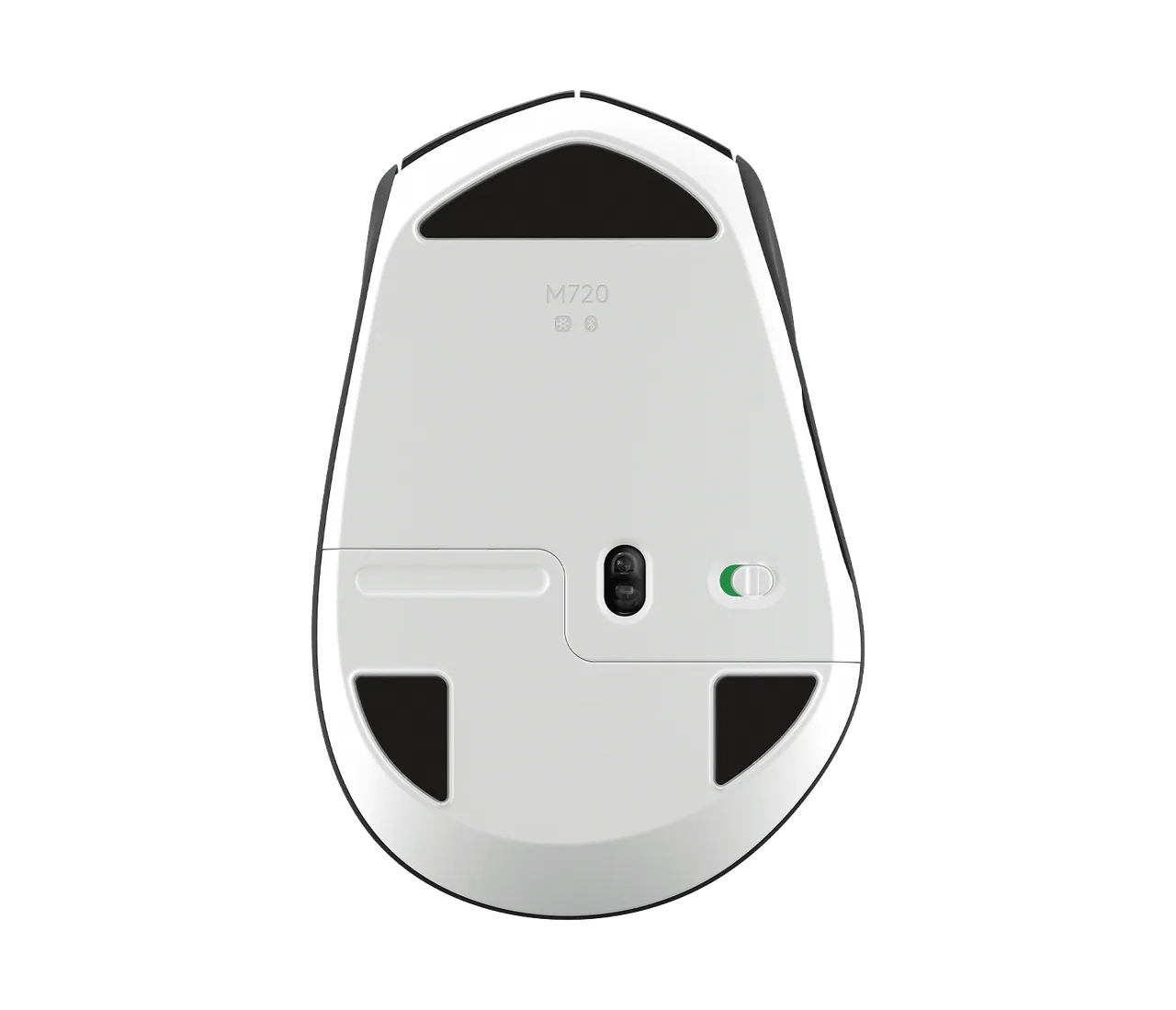
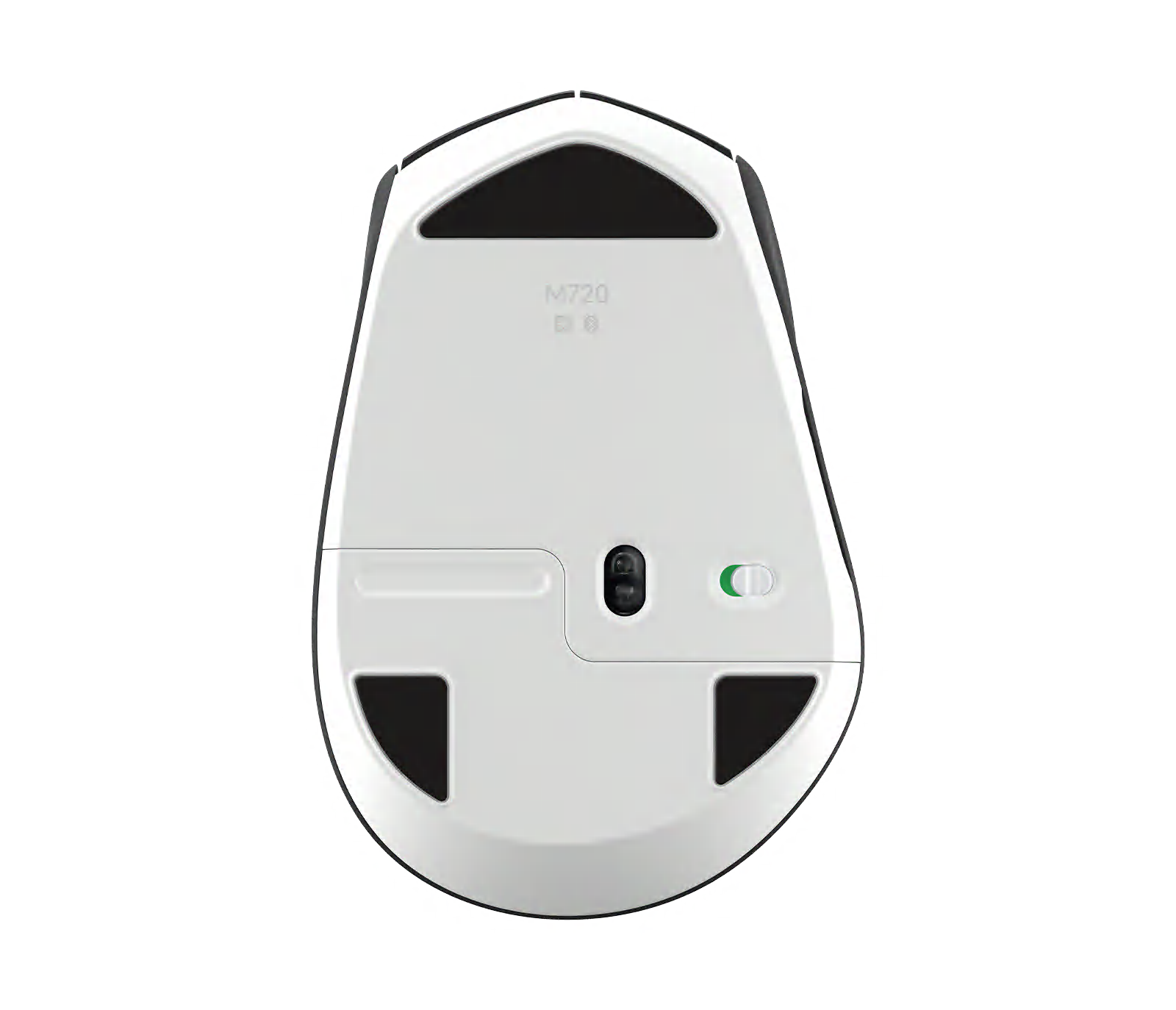
Underside shows sensor and connection details.
Underside shows sensor and connection details. · Manufacturer reference image.

Our bottom line

Dedicated device-switch button can reduce desk clutter when two computers share one setup. But the shape is not neutral for left-handed use. Check the exact variant and current terms at the retailer. This is desk research, not a hands-on test.
Ready to check availability?

Shop at Amazon

Paid link — we may earn a commission. Amazon may show a local match, an alternative or search results. Check the exact product, delivery and current price.

Product details & buying options

Evidence and sources

Evidence-based buying guide from Logitech specifications and exact Amazon.com ASIN B087Z6LSHW, checked 2026-09-30; no firsthand test or invented search-volume figures.