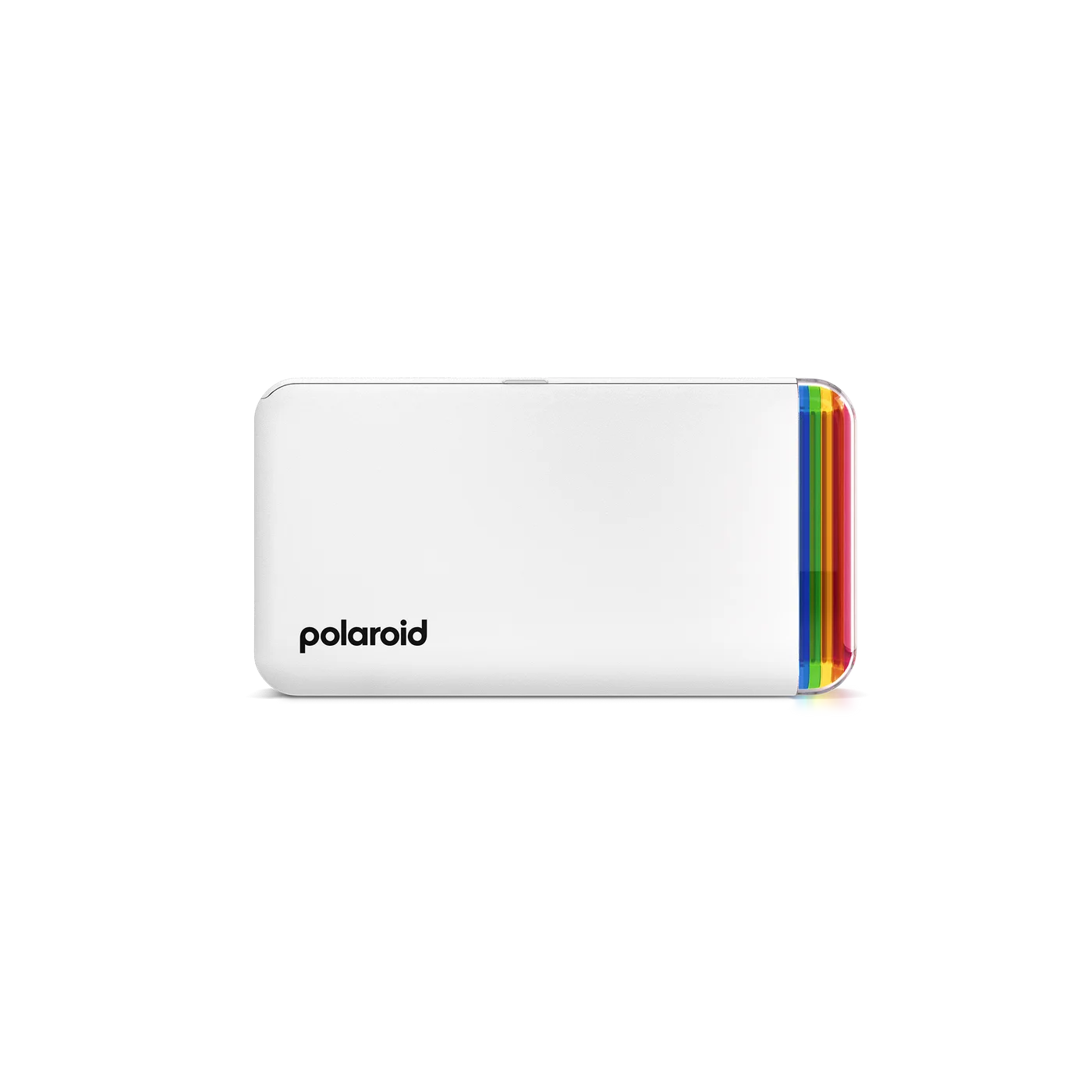
There is a different feeling to handing someone a little photograph instead of saying you will send it later. The Polaroid Hi-Print Generation 2 turns selected phone pictures into small sticky-backed keepsakes. Its appeal is a birthday note, a journal page or a shared memory made physical—not printing every image you own.
Start with one place the photo will live
Before buying, imagine a print stuck inside a notebook, tucked into a card or arranged with a few others on a memory page. Small prints work best when the subject reads clearly at that scale. A face, a close detail or a simple composition makes more sense than an entire crowded landscape reduced to business-card size.
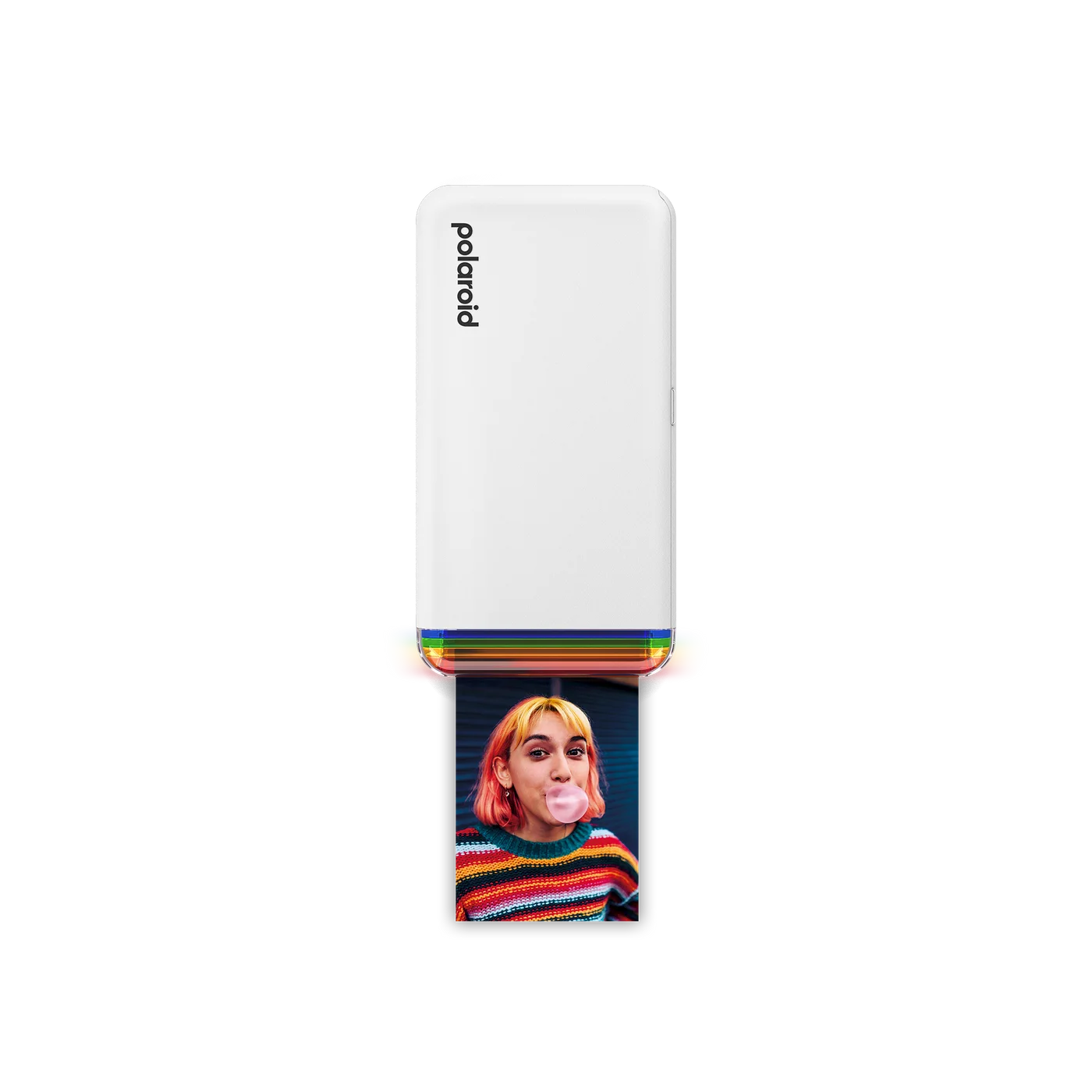
Choosing the photograph first is also a useful spending check. If the idea of making three or four small keepsakes already appeals, the printer has a purpose. If the attraction is only owning another compact gadget, a phone album or occasional larger print may serve you better.
This is a phone printer, not an instant camera
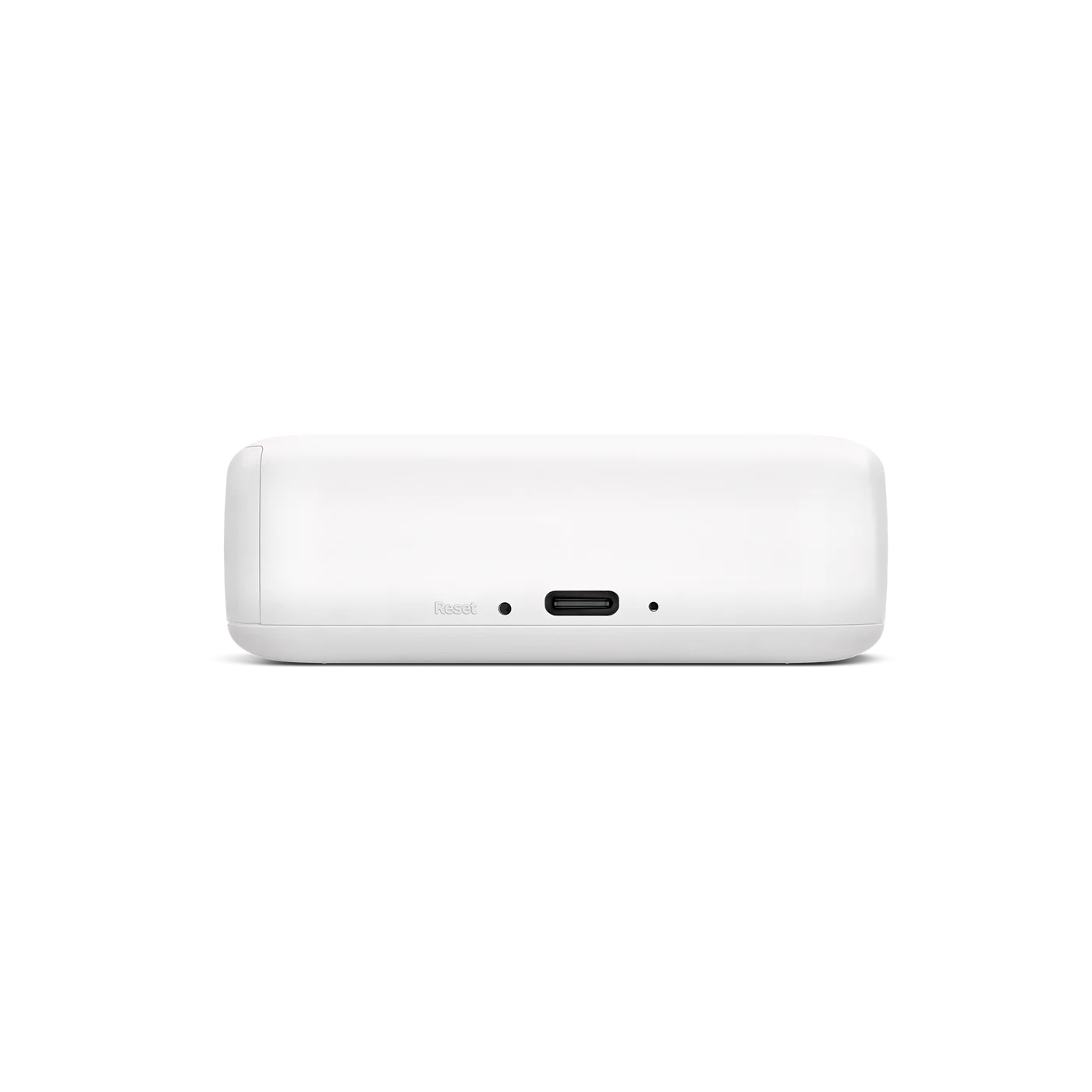
You select a picture in the Hi-Print app and connect over Bluetooth. The app offers editing and personalization, while the printer uses dye-sublimation rather than Polaroid instant-camera film. Check your phone against the current app requirements before ordering, especially if you use an older device.
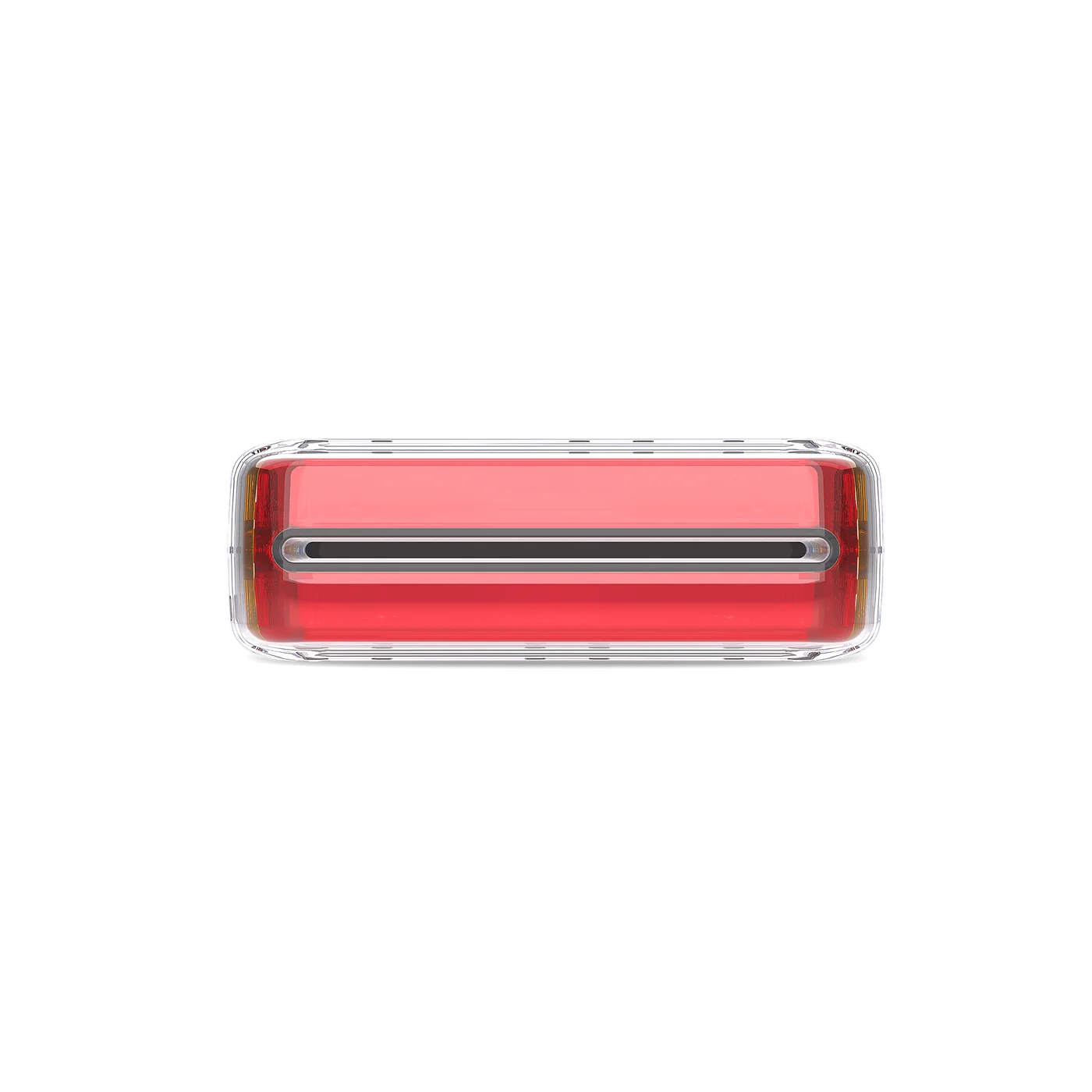
Because the photograph is chosen before printing, there is less pressure to get one unrepeatable shot right. That does not make a tiny print a substitute for a large framed photograph or prove that every dark phone image will look good on paper.
The first print needs more than this box
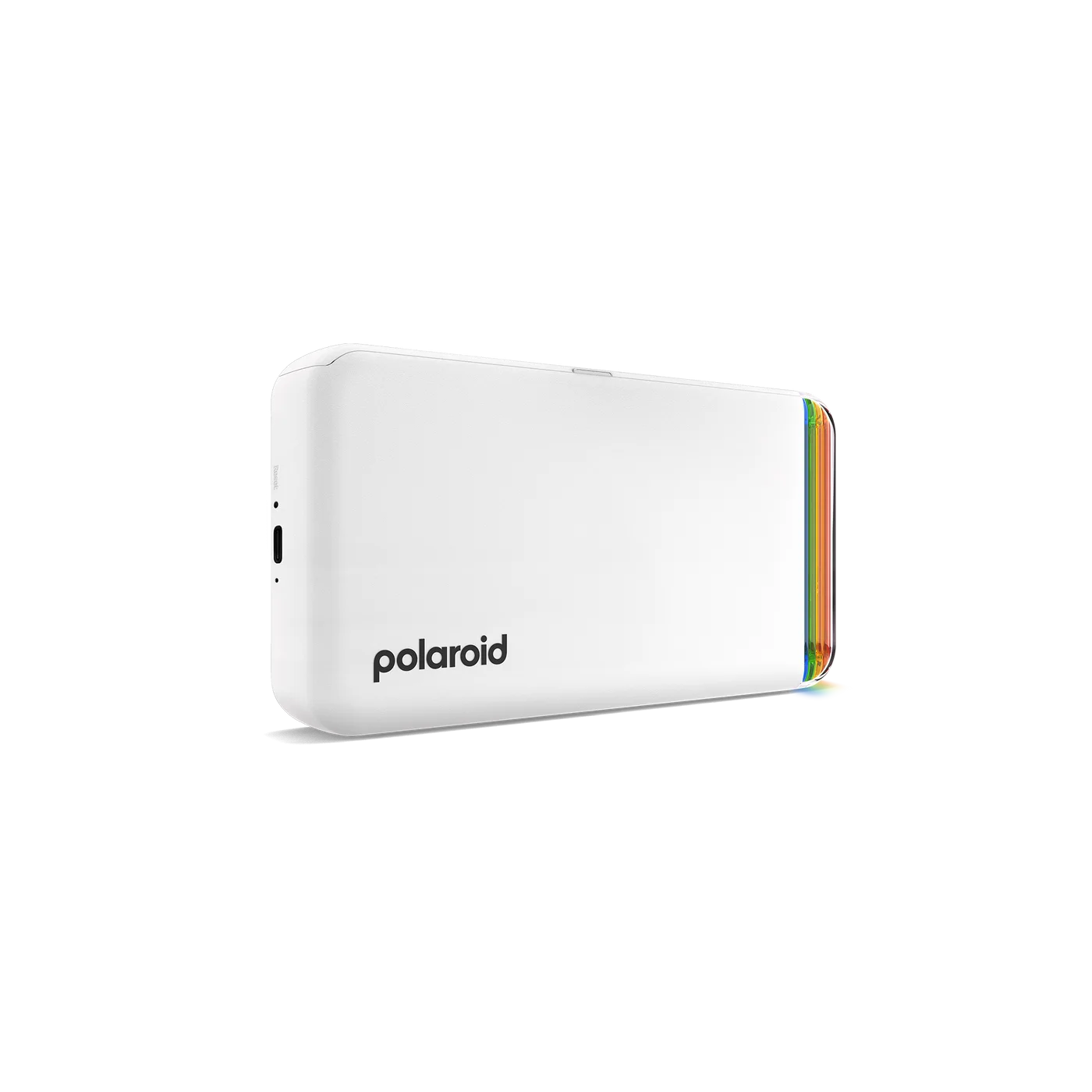
The linked white model is the Generation 2 printer-only version, 9128. It does not include a paper cartridge or USB-C cable. Buy the compatible Polaroid Hi-Print 2x3 cartridge; similarly named instant film and other brands’ photo paper are not the specified refill.
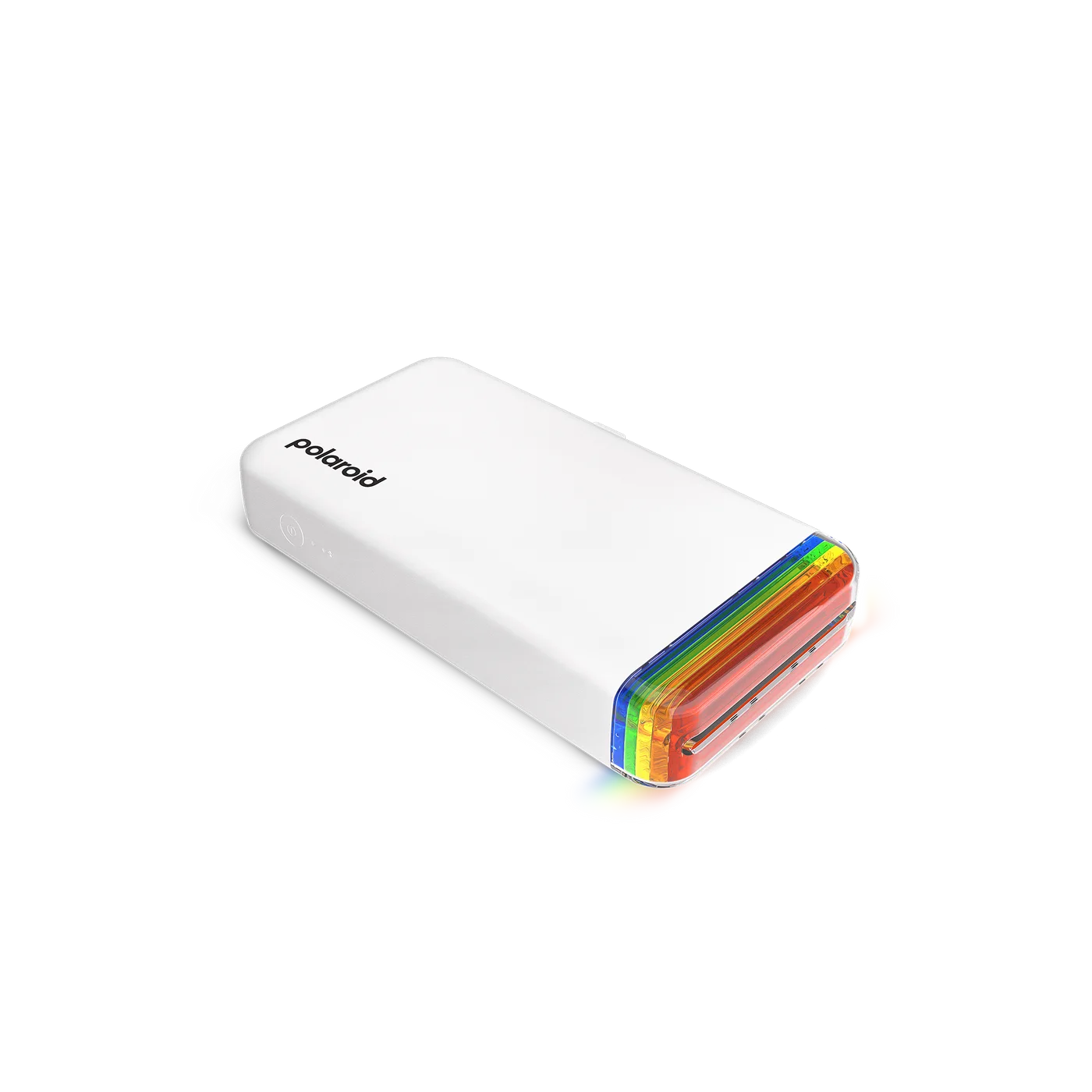
Work out the refill cost per print before deciding how often you want to use it. Leave clear space around the output while printing and keep your first project small. A ten-photo journal idea is more realistic than buying the printer and promising to document a whole year immediately.
A thoughtful gift, with supplies
It suits people who enjoy journals, personal cards and choosing meaningful details. If gifting it, include the correct paper and check that the recipient can use the app. Skip it for documents, large prints or anyone who does not want phone-connected equipment and ongoing consumables.