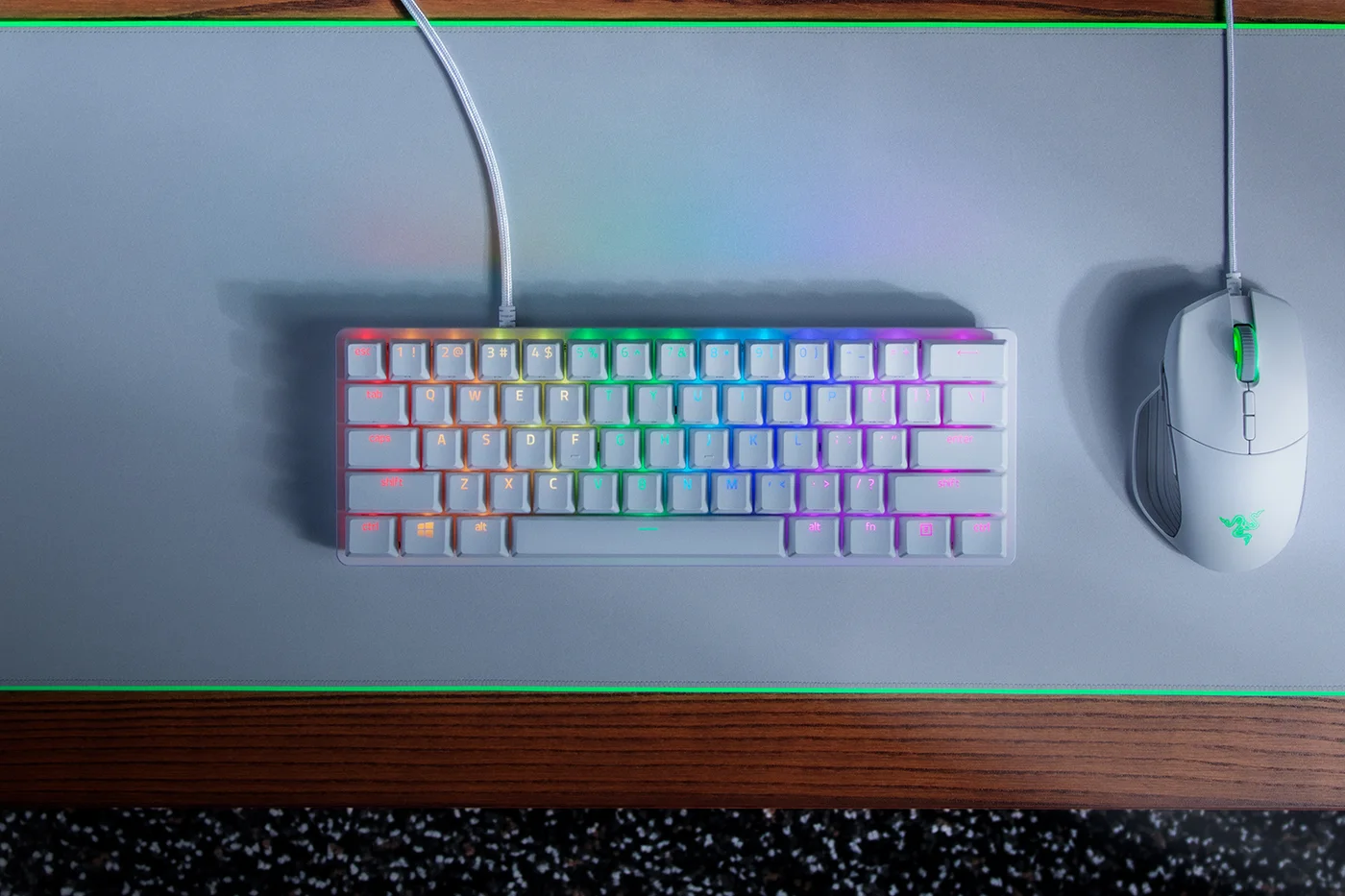
A little white keyboard leaves room for the rest of a desk to breathe. The Huntsman Mini in Mercury makes that change with a compact footprint, textured keycaps and coloured lighting. For a small gaming setup, the visual appeal is easy to understand. Living with a 60% layout is the part worth considering before ordering.
Notice what your fingers reach for
The Mini removes the dedicated function row, navigation cluster and number pad. Those functions are still reachable through secondary shortcuts, but a shortcut is not the same physical experience as pressing one familiar key. Side-printed legends help you find the combinations while you learn.
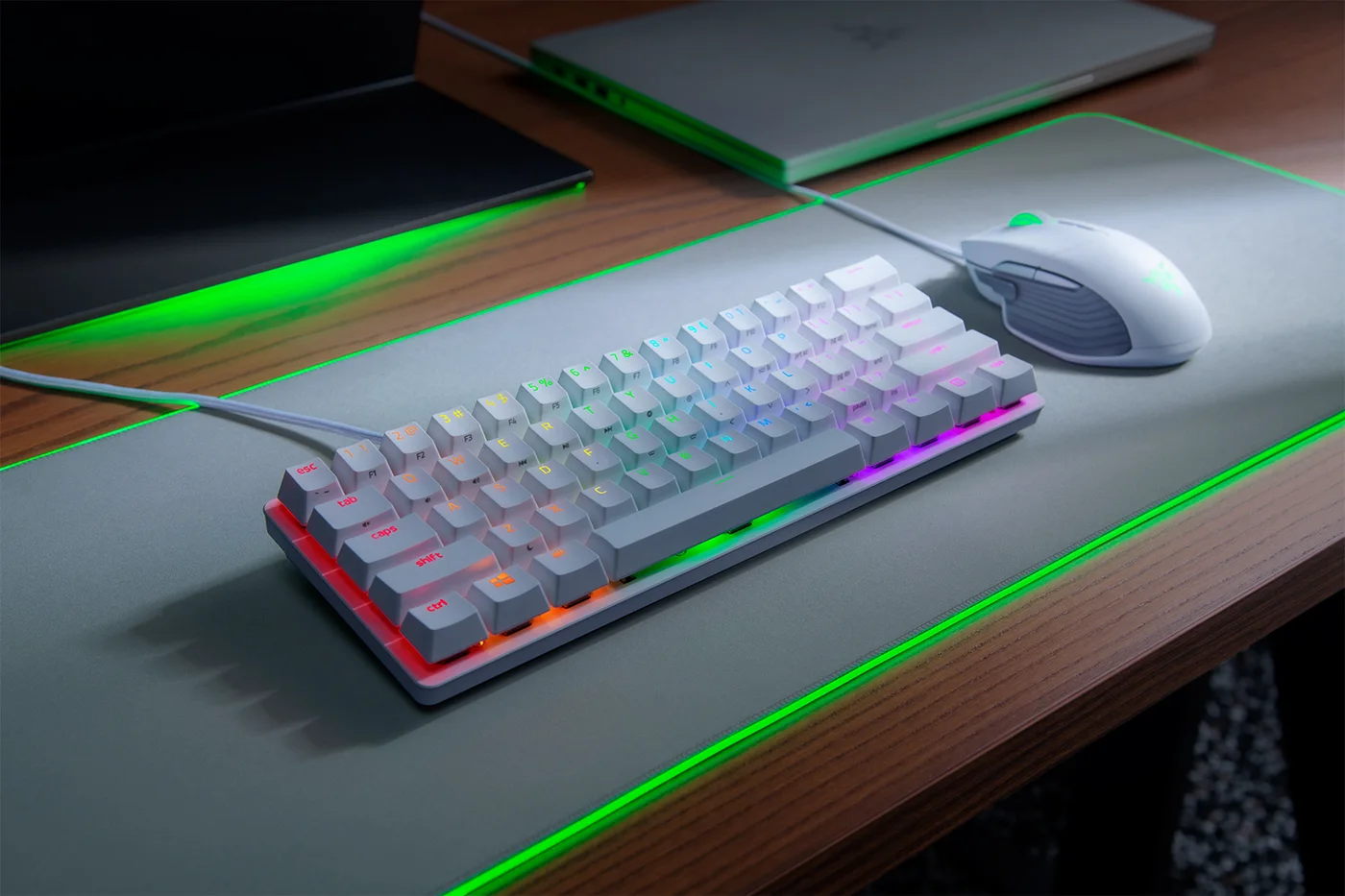
Try a simple audit of one working day: count how often you use arrows, Delete, function keys or number-pad entry. If they are central to your work, a slightly larger compact keyboard may be a more comfortable compromise. If your priority is more mouse room and a streamlined gaming area, the missing keys may feel like a reasonable exchange.
White does not mean quiet
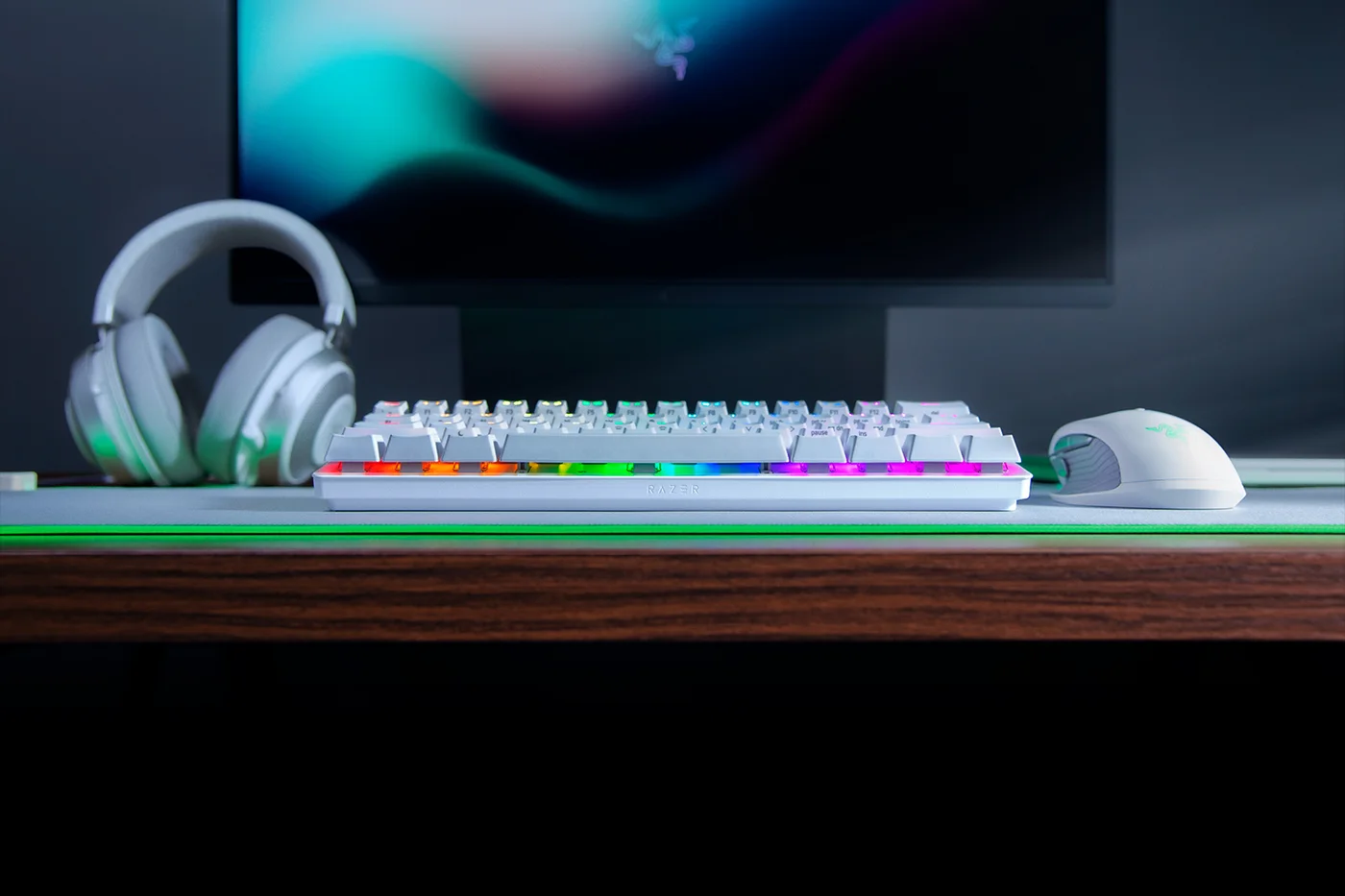
This linked variant uses clicky optical switches. The deliberate click is part of the feedback, not an accidental noise you should expect software to remove. Someone who enjoys an audible response may find the idea appealing; someone sharing a quiet room should look at a different switch type. We have not measured its sound or compared switch feel in person.
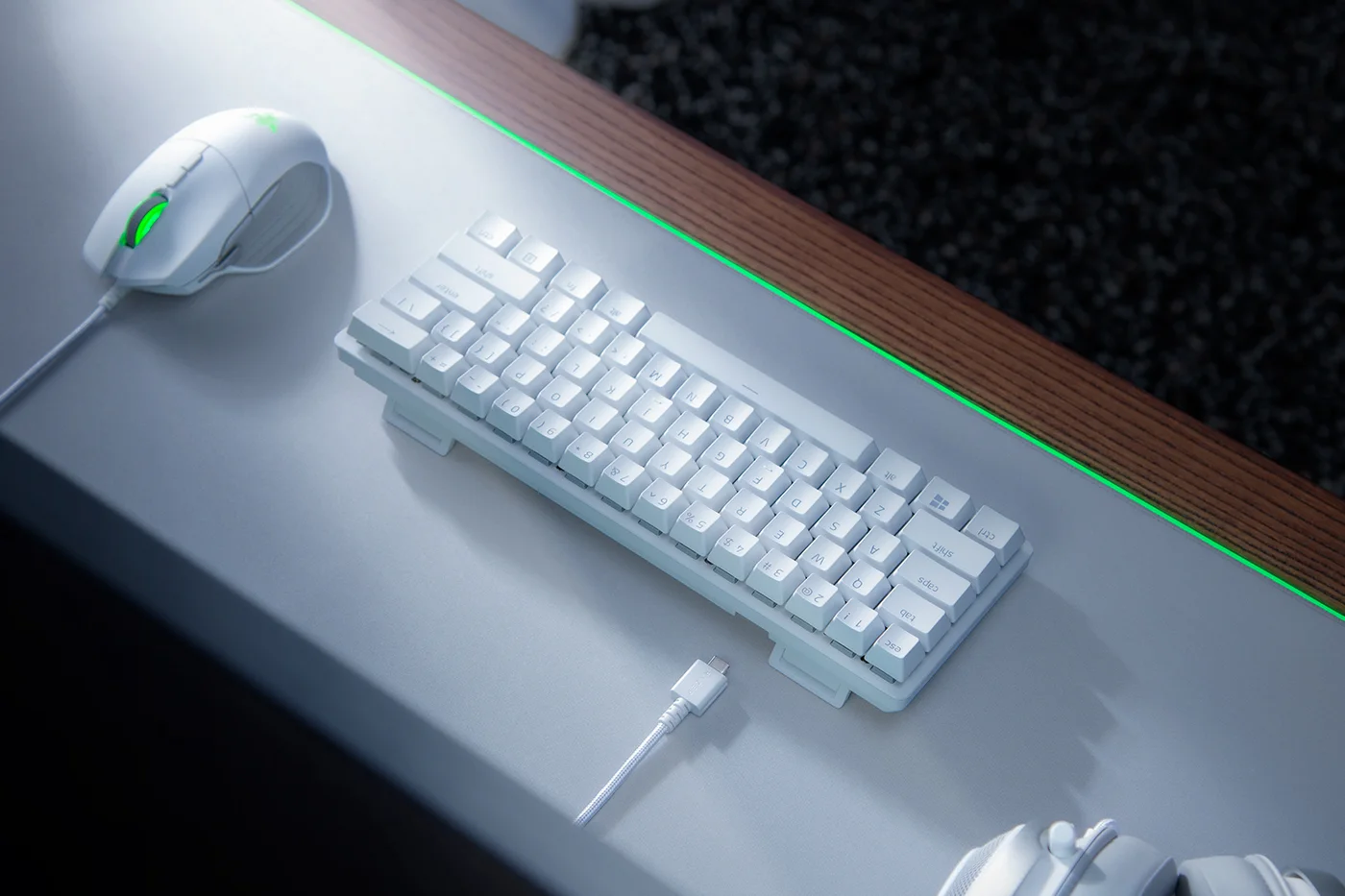
The Mercury colour looks light and uncluttered in the manufacturer’s photographs. Think about your actual surroundings: cables, the mouse and the surface underneath will still shape the finished setup. Accessories photographed beside the keyboard are not included just because they match the colour scheme.
Compact enough to move, still wired
A detachable USB-C connection is useful when arranging a desk or packing the keyboard, but this is not a Bluetooth model. Check that your computer has a suitable connection and that a replacement cable physically fits if you intend to use one. Onboard profiles and lighting presets offer some portability; confirm the current software requirements for the particular custom features you want.
Doubleshot PBT keycaps and an aluminium construction are appealing material choices, but they do not eliminate the adjustment to a small layout. No wrist rest is included. Buy the Mini when the extra mouse space and white appearance are worth learning a new set of shortcuts. If you want a familiar layout immediately, keep the extra keys. This is research-based guidance for the original white Clicky Huntsman Mini, not the Linear, Analog or Huntsman V3 versions.