travel-accessories

Twelve South AirFly Pro: Keep Your Headphones When the Screen Still Has a Jack

You settle into an aircraft seat with your favorite wireless headphones, then find a screen with an old-fashioned audio socket. The original Twelve South AirFly Pro bridges that gap: its small 3.5mm plug connects a compatible analog source to Bluetooth headphones. It solves a connection problem, not the quality of the airline's entertainment system.

Findweave Editorial2 min read

Published

Shop at Amazon

Paid link — we may earn a commission. Amazon may show a local match, an alternative or search results. Check the exact product, delivery and current price.

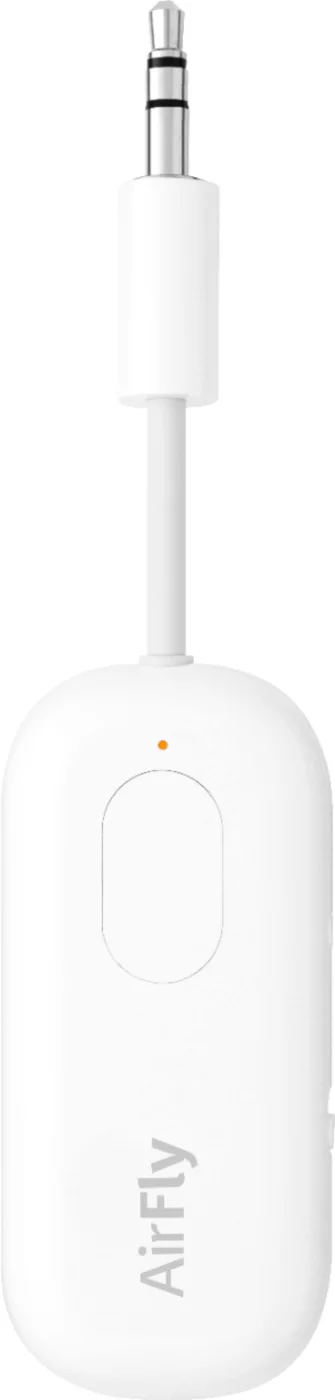
Original White AirFly Pro 12-1911, with its short 3.5mm audio plug.
Photo: Twelve South · Retailer reference gallery at Best Buy

Some links are paid links: we may earn a commission from qualifying purchases. As an Amazon Associate I earn from qualifying purchases. How we earn money.

THE SHORT VERSION

Before you browse

  1. 3.5mm audio adapter can transmit to Bluetooth headphones or receive audio in its switched mode
  2. Pairs two headphone sets for sharing a compatible audio source
  3. Requires battery charging and compatible analog source; latency and aircraft socket layouts vary

You settle into an aircraft seat with your favorite wireless headphones, then find a screen with an old-fashioned audio socket. The original Twelve South AirFly Pro bridges that gap: its small 3.5mm plug connects a compatible analog source to Bluetooth headphones. It solves a connection problem, not the quality of the airline’s entertainment system.

Check the socket before packing the solution

Look for a usable 3.5mm headphone output. Some aircraft use two-prong sockets, unusual layouts or awkward recesses; an additional adapter may be needed. AirFly does not create an audio output where none exists. The same check applies to a gym screen, older player or game device. A photograph of a use case does not guarantee every model supports it.
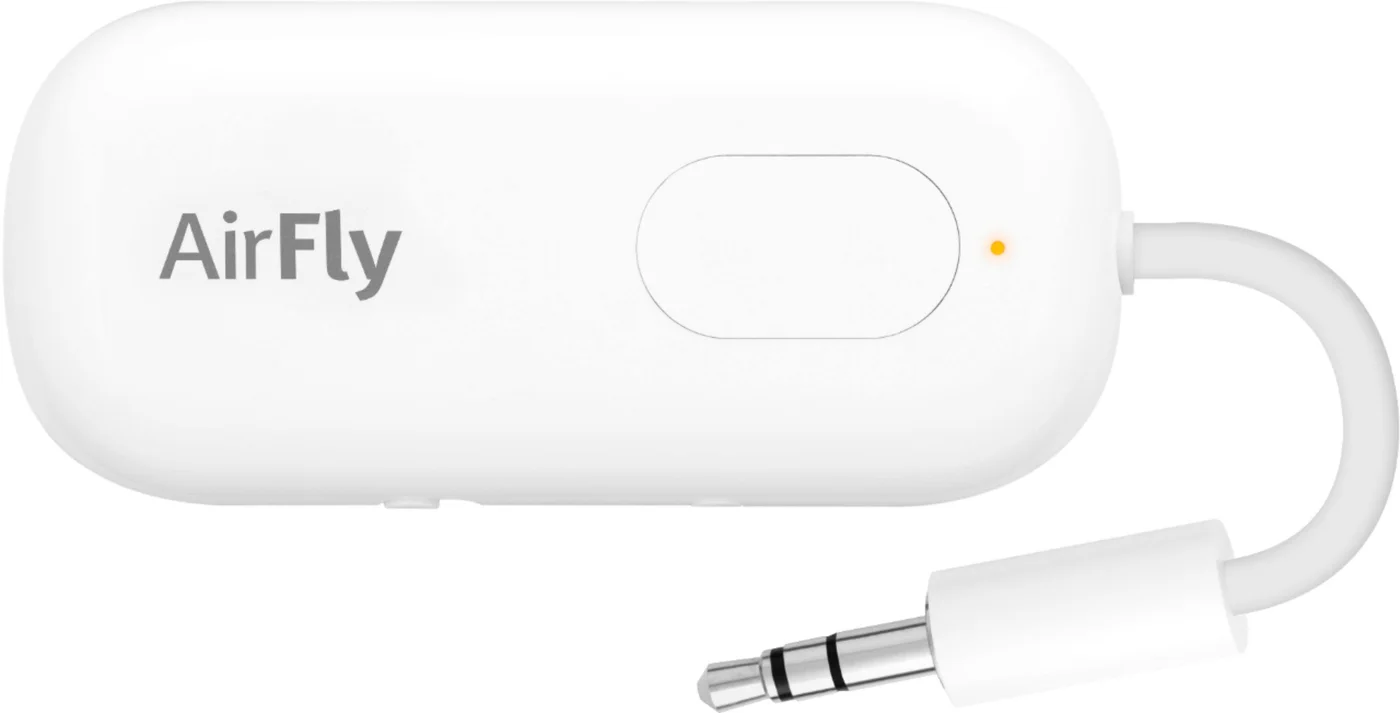
Button and indicator placement; follow the supplied pairing instructions.
Photo: Twelve South · Retailer reference gallery at Best Buy. Button and indicator placement; follow the supplied pairing instructions.

The White 12-1911 selected here is the original AirFly Pro, not Pro 2. The transmit/receive switch is an important distinction: transmitting sends a connected source to headphones, while receiving serves a different audio-input setup. Choose the correct mode rather than assuming pairing trouble means the device is broken.
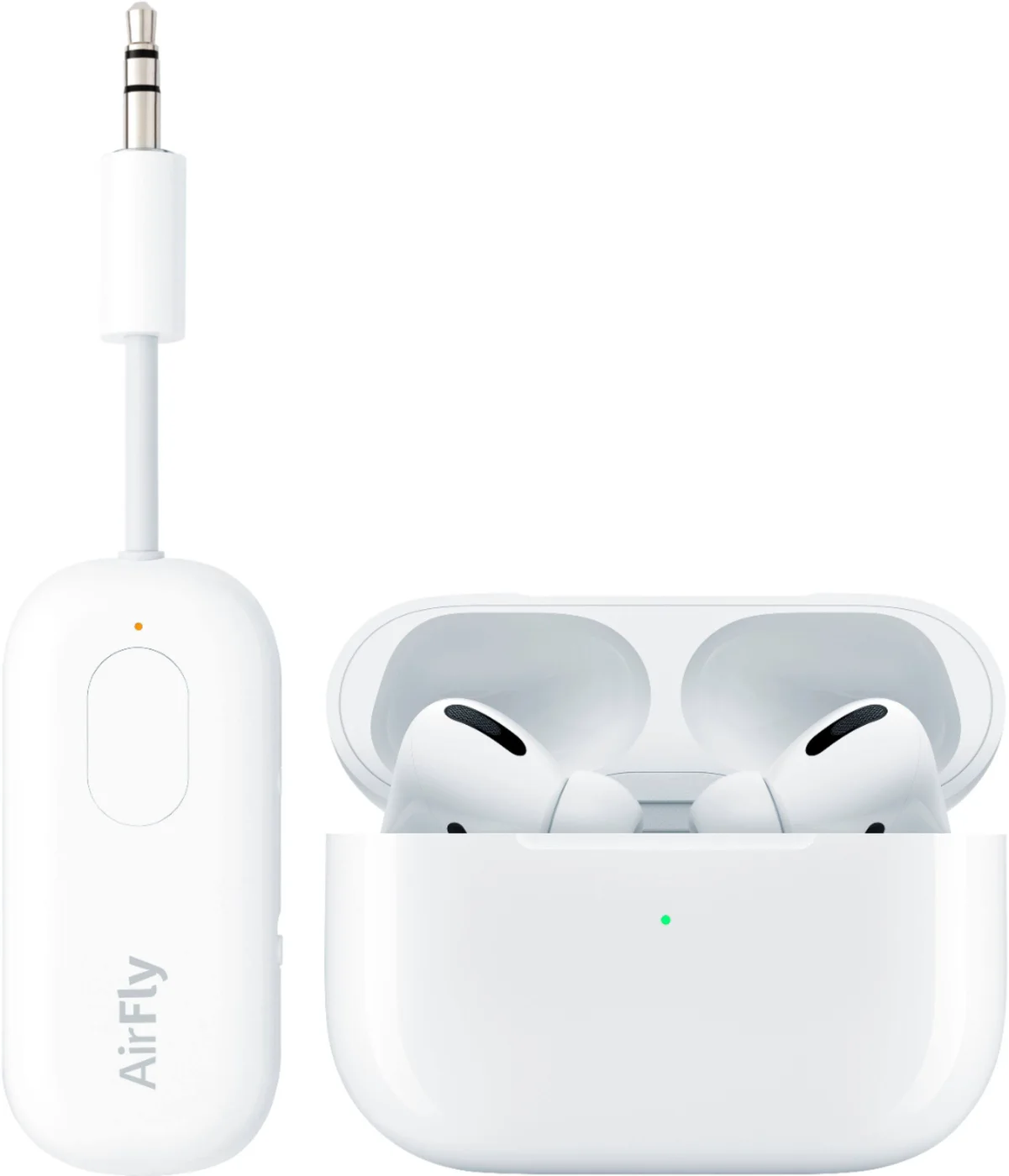
AirFly Pro shown alongside wireless earbuds as a compatibility example; earbuds are not included.
Photo: Twelve South · Retailer reference gallery at Best Buy. AirFly Pro shown alongside wireless earbuds as a compatibility example; earbuds are not included.

Pair at home, not during boarding

Charge the adapter, put the headphones into pairing mode and test with a known working source. Pairing two headphone sets can make a shared screen more pleasant, but both people should hear the test before the journey. Bluetooth delay and compatibility vary; lip sync is worth checking with video rather than only music.
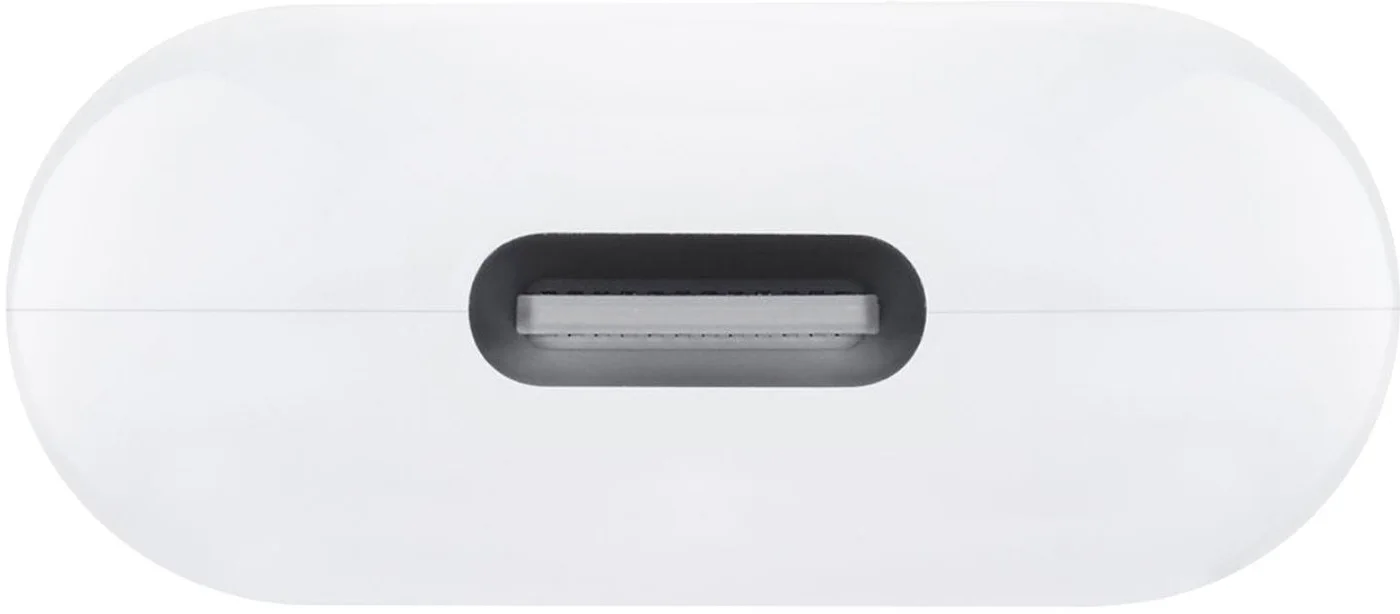
The charging port on the original adapter.
Photo: Twelve South · Retailer reference gallery at Best Buy. The charging port on the original adapter.

The photos show the switch, charging port, controls and cable arrangement. Keep the little adapter where you can reach it without straining the socket, and pack it with the charge cable required by your specific unit. Do not assume headphones or other pictured props are supplied.
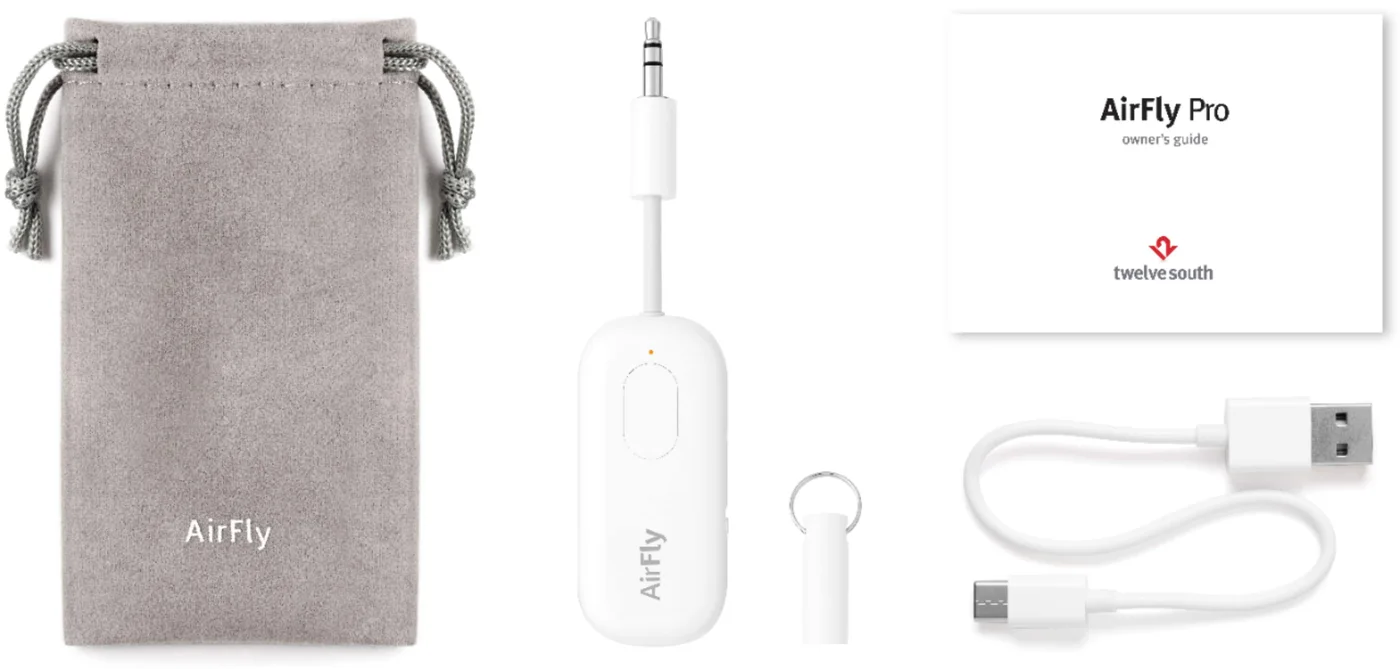
Retailer reference photograph of the original AirFly Pro package and accessories; verify seller contents.
Photo: Twelve South · Retailer reference gallery at Best Buy. Retailer reference photograph of the original AirFly Pro package and accessories; verify seller contents.

AirFly Pro earns its place when you regularly encounter analog audio sources but prefer your existing Bluetooth headphones. Skip it if your devices already connect directly, if your headphones have a simple usable wired input, or if delay-free monitoring is essential. A spare wired headset remains a useful travel fallback. This guide uses product documentation and reference photos, not personal flight tests or a promised battery runtime.
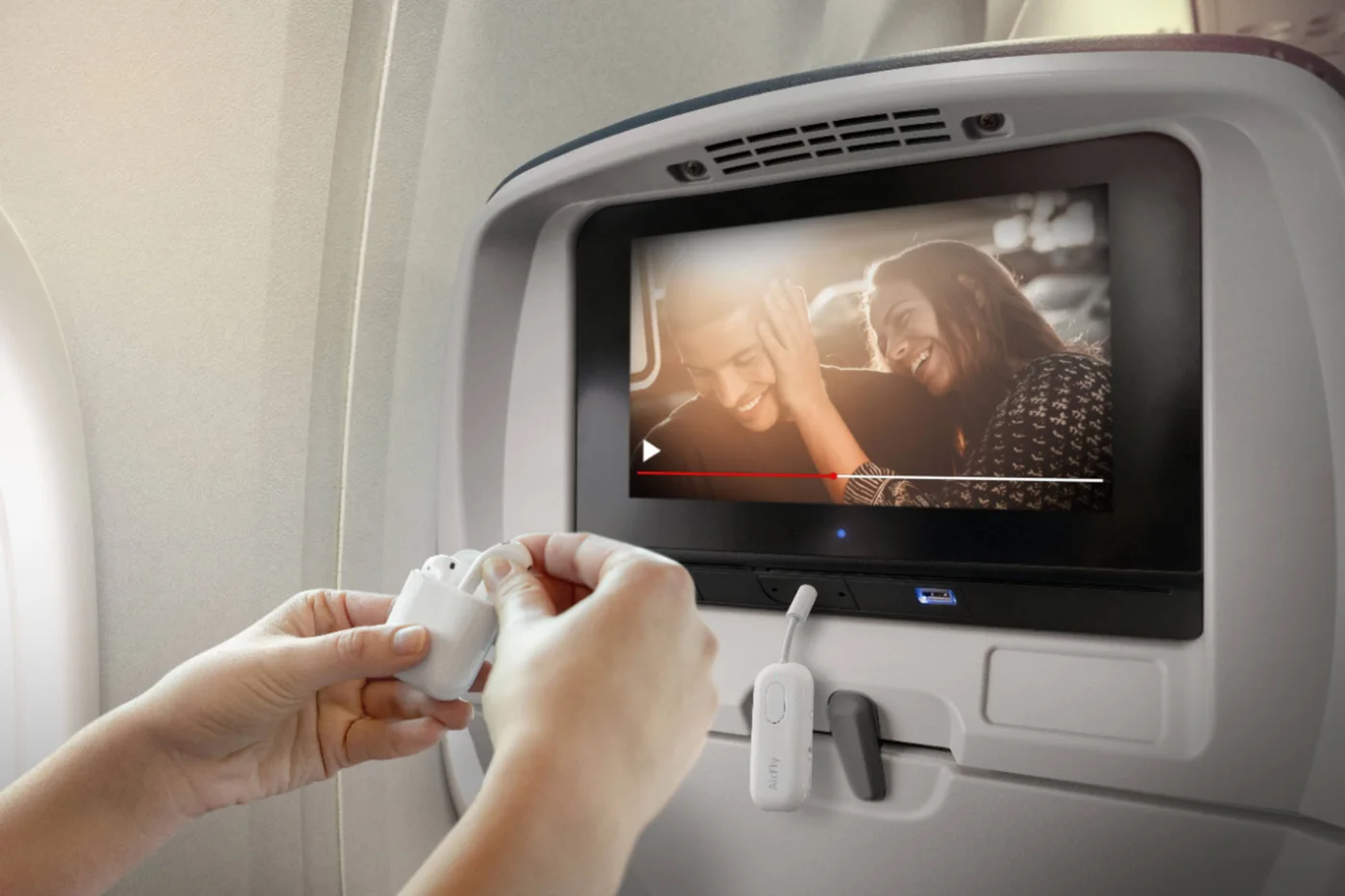
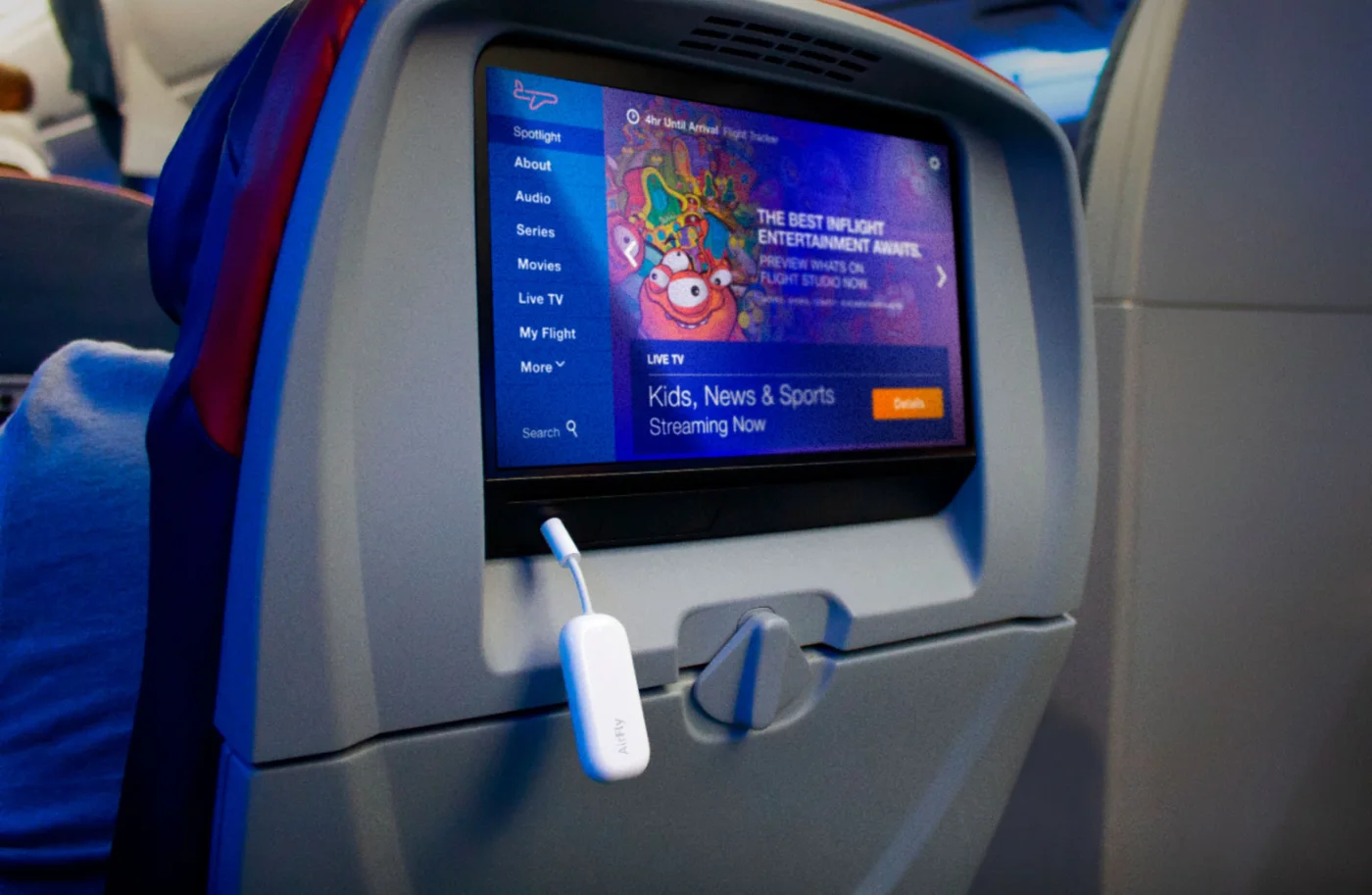
Adapter plugged into an aircraft entertainment audio output; aircraft sockets differ.
Photo: Twelve South · Retailer reference gallery at Best Buy. Adapter plugged into an aircraft entertainment audio output; aircraft sockets differ.
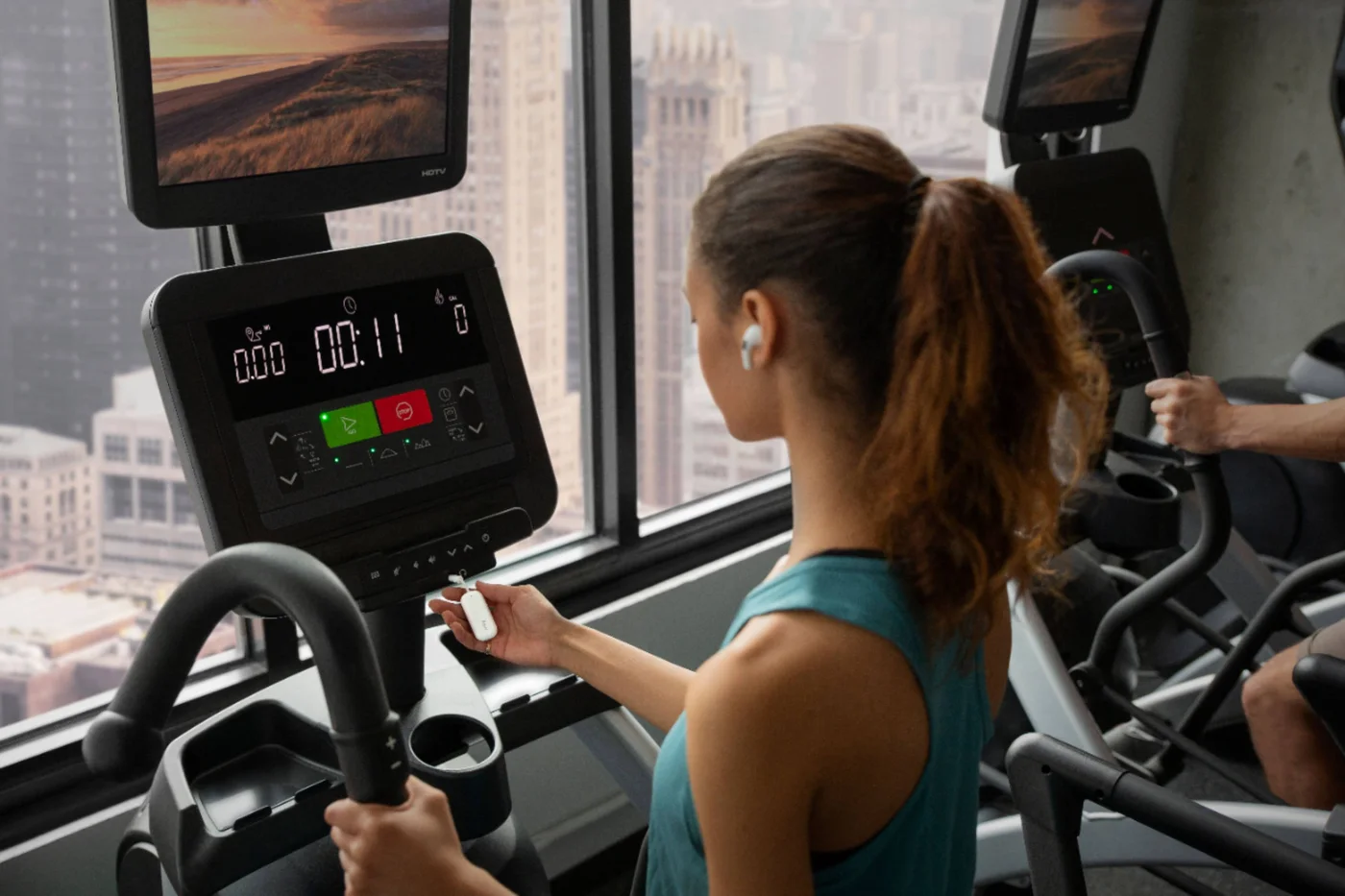
Gym-screen listening illustration, dependent on a compatible audio socket.
Photo: Twelve South · Retailer reference gallery at Best Buy. Gym-screen listening illustration, dependent on a compatible audio socket.
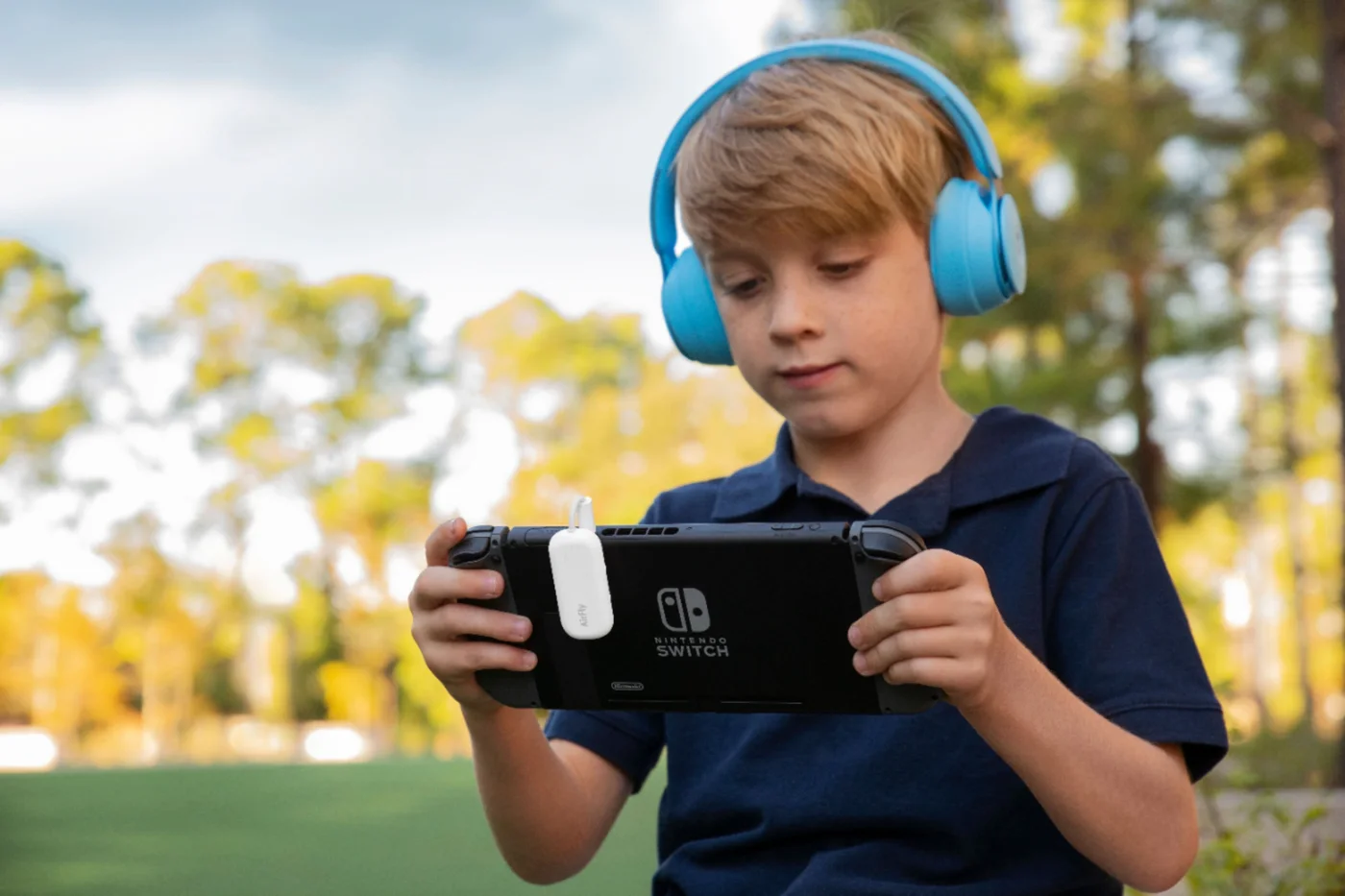
Game-device listening example; connection and audio delay should be checked.
Photo: Twelve South · Retailer reference gallery at Best Buy. Game-device listening example; connection and audio delay should be checked.
Aircraft-seat listening example using personal wireless headphones.
Photo: Twelve South · Retailer reference gallery at Best Buy. Aircraft-seat listening example using personal wireless headphones.
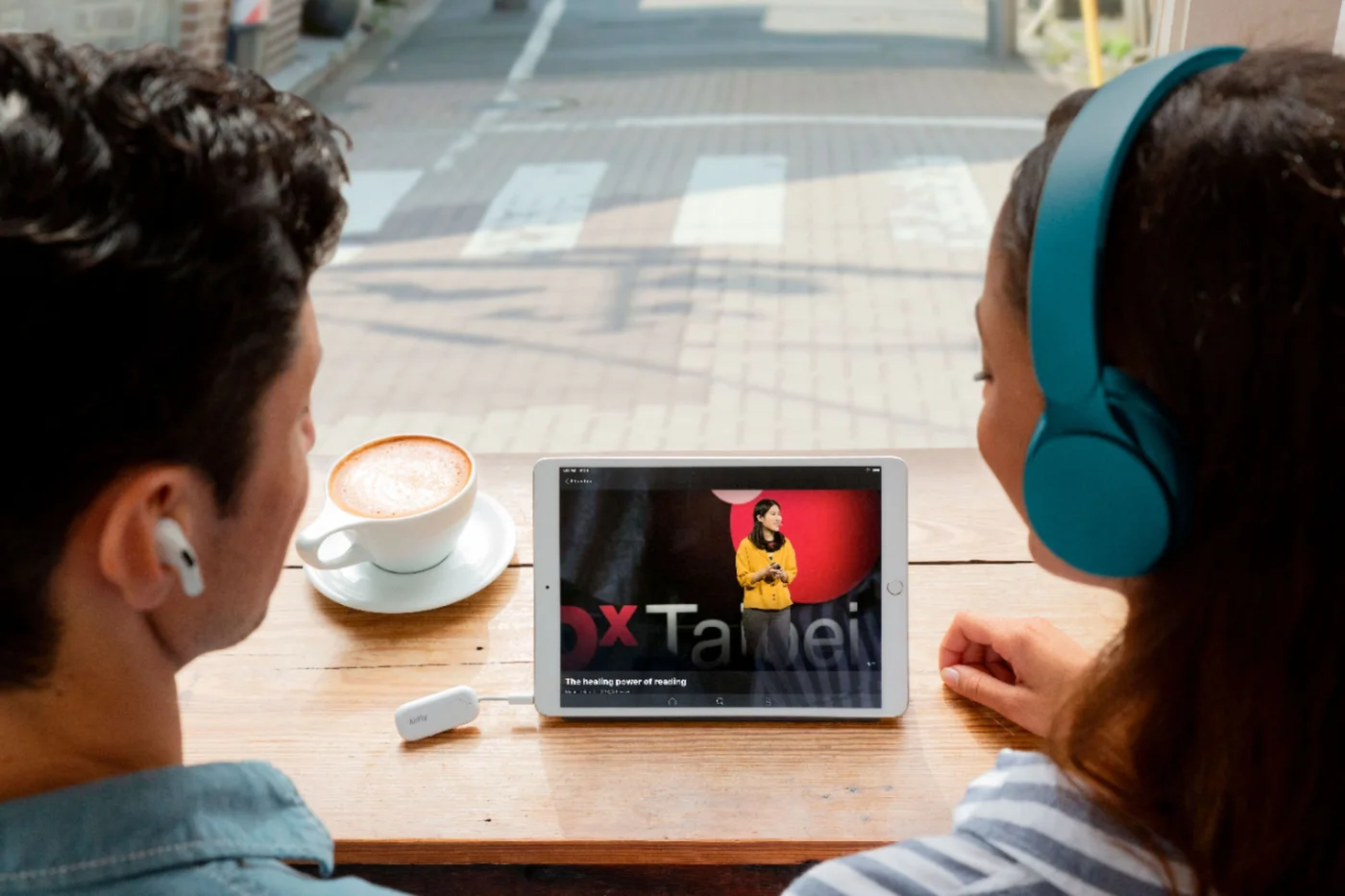
Two listeners sharing one compatible source; both headphone sets require pairing.
Photo: Twelve South · Retailer reference gallery at Best Buy. Two listeners sharing one compatible source; both headphone sets require pairing.

Ready to check availability?

Shop at Amazon

Paid link — we may earn a commission. Amazon may show a local match, an alternative or search results. Check the exact product, delivery and current price.

Evidence and sources

Research-based product guidance, not hands-on testing. Exact variant reviewed; price, stock, medical effects and international equivalence are not promised.