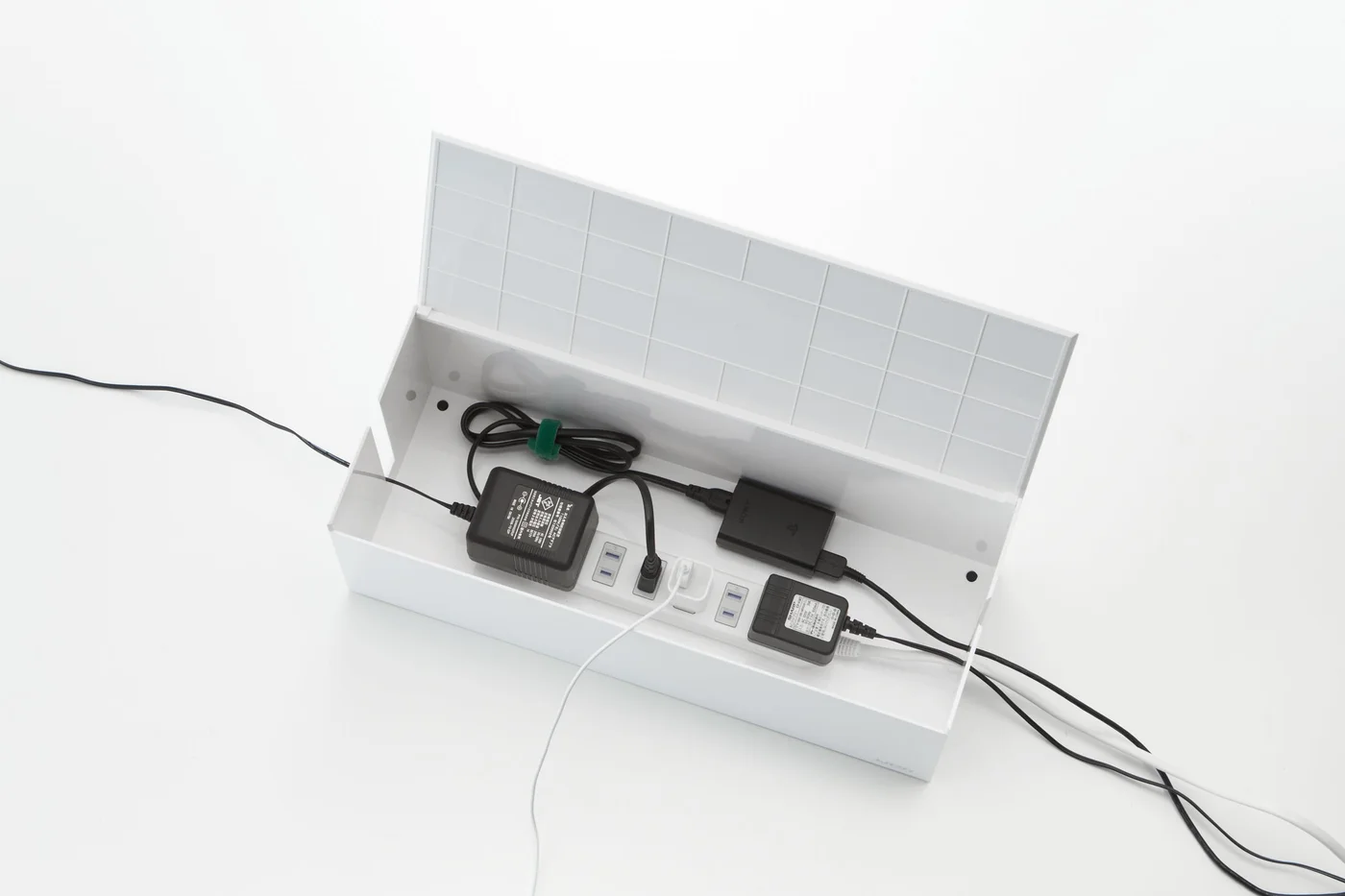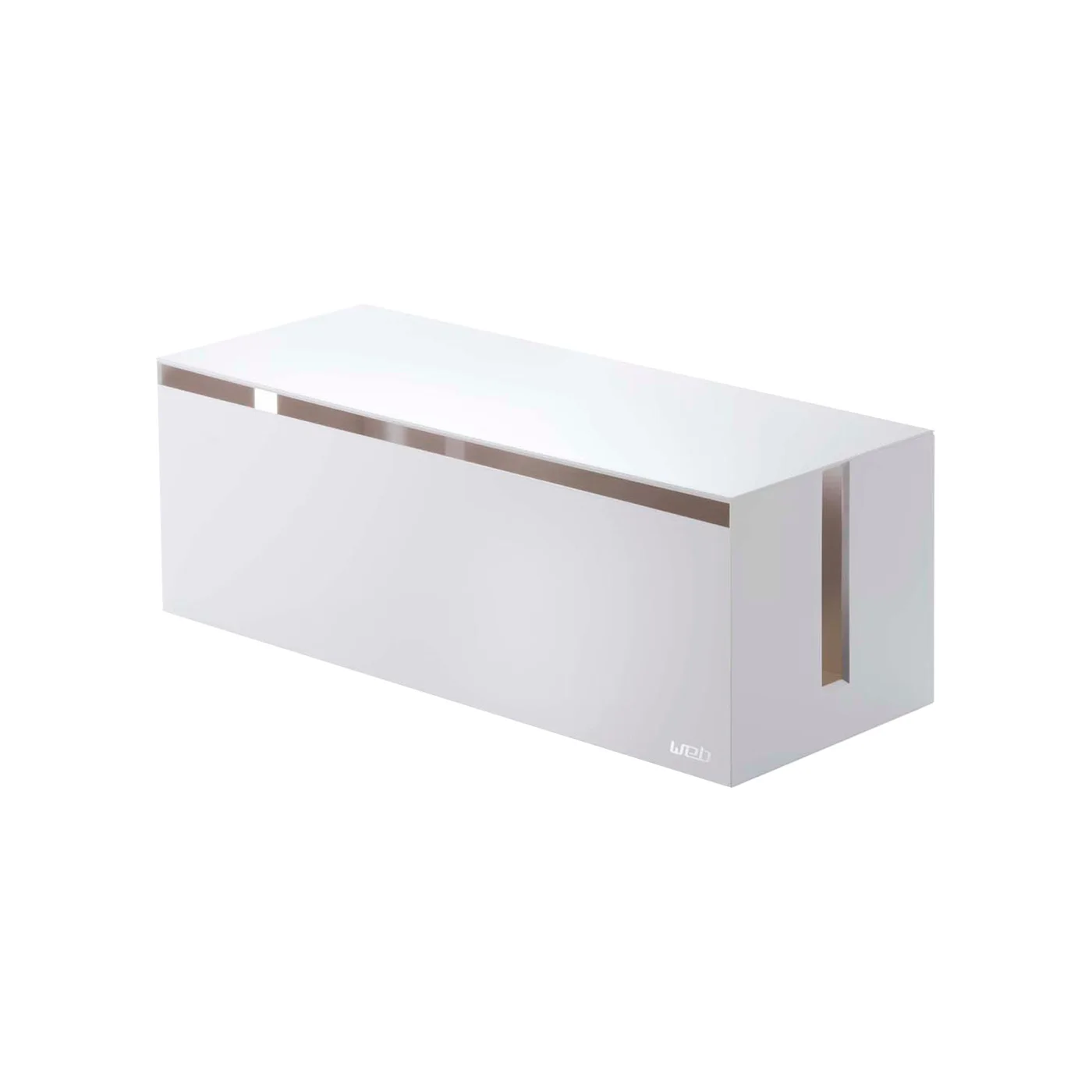
A tidy desk can still have a messy underside: one power strip, several adapters and cables that seem to multiply whenever you add a device. The white Yamazaki Web cable management box gives that cluster a defined home without asking you to rebuild the whole desk.
Lay out the plugs first
The maker describes room for a strip with up to seven outlets. That is not the same as fitting every seven-outlet strip with seven bulky adapters attached. Measure the complete arrangement, including plugs, cable bends and access to the switch. A useful box should close without pinching cords or forcing an adapter sideways.
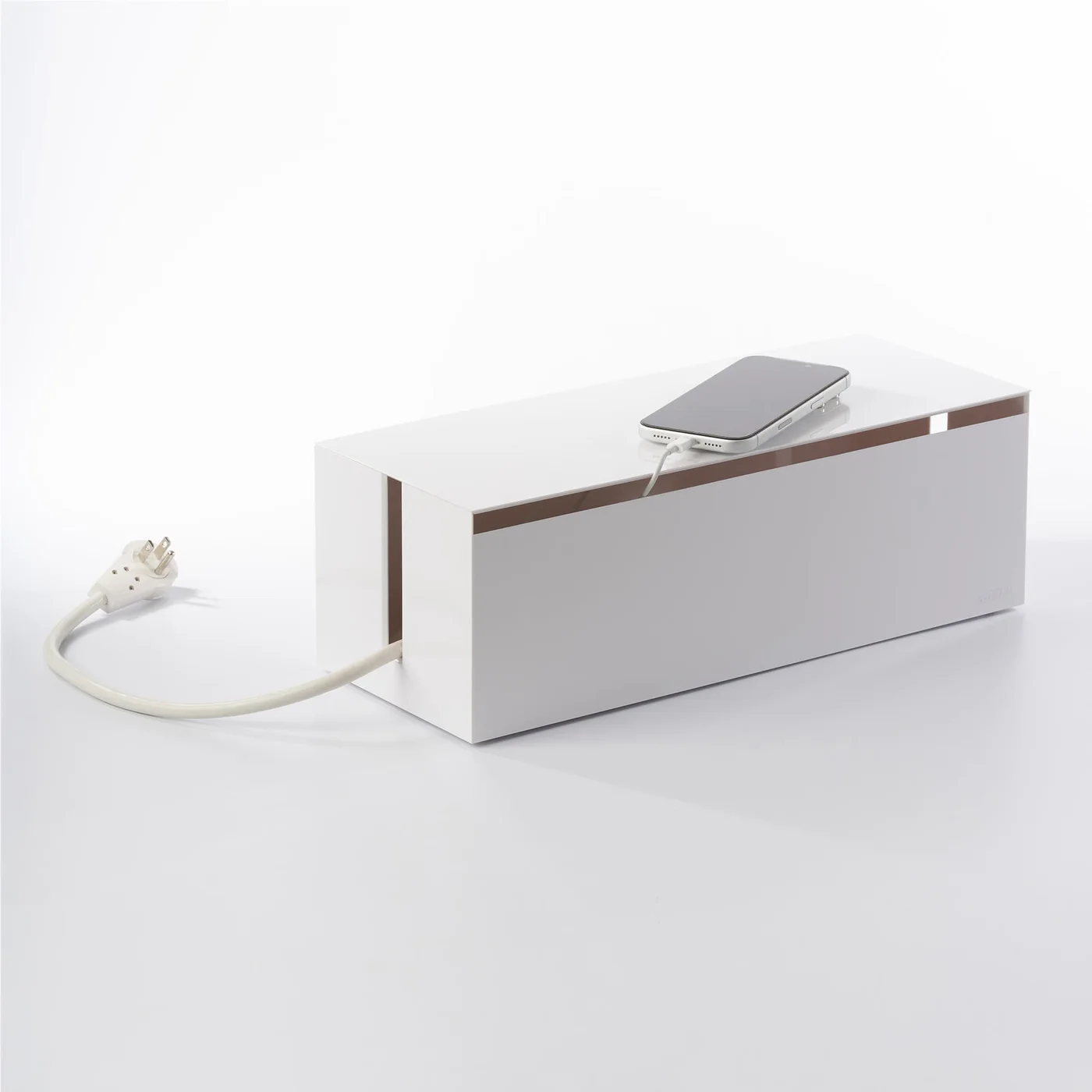
The selected ABS model is white 2707. Check that the retailer is offering that version rather than a smaller box or a wooden organiser with a similar name.
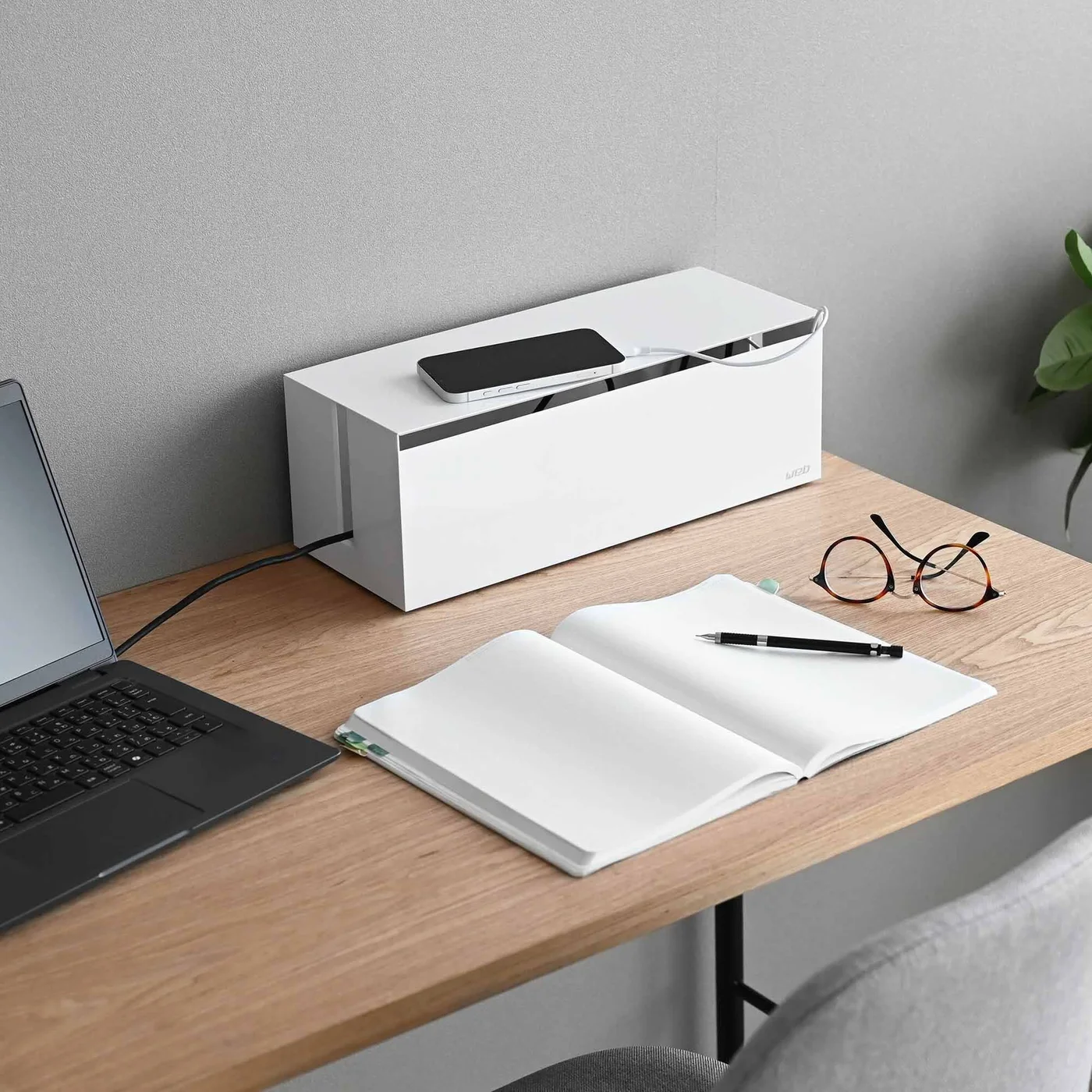
Hide clutter, not safety checks
The removable lid makes a visual difference, but concealment is not fire protection. Follow the power strip and adapter manufacturers’ ventilation and placement instructions. Do not overload the strip, cover heat-producing equipment or assume the box makes damaged cables safe. Arrange cords so the lid can be lifted easily when something needs disconnecting.
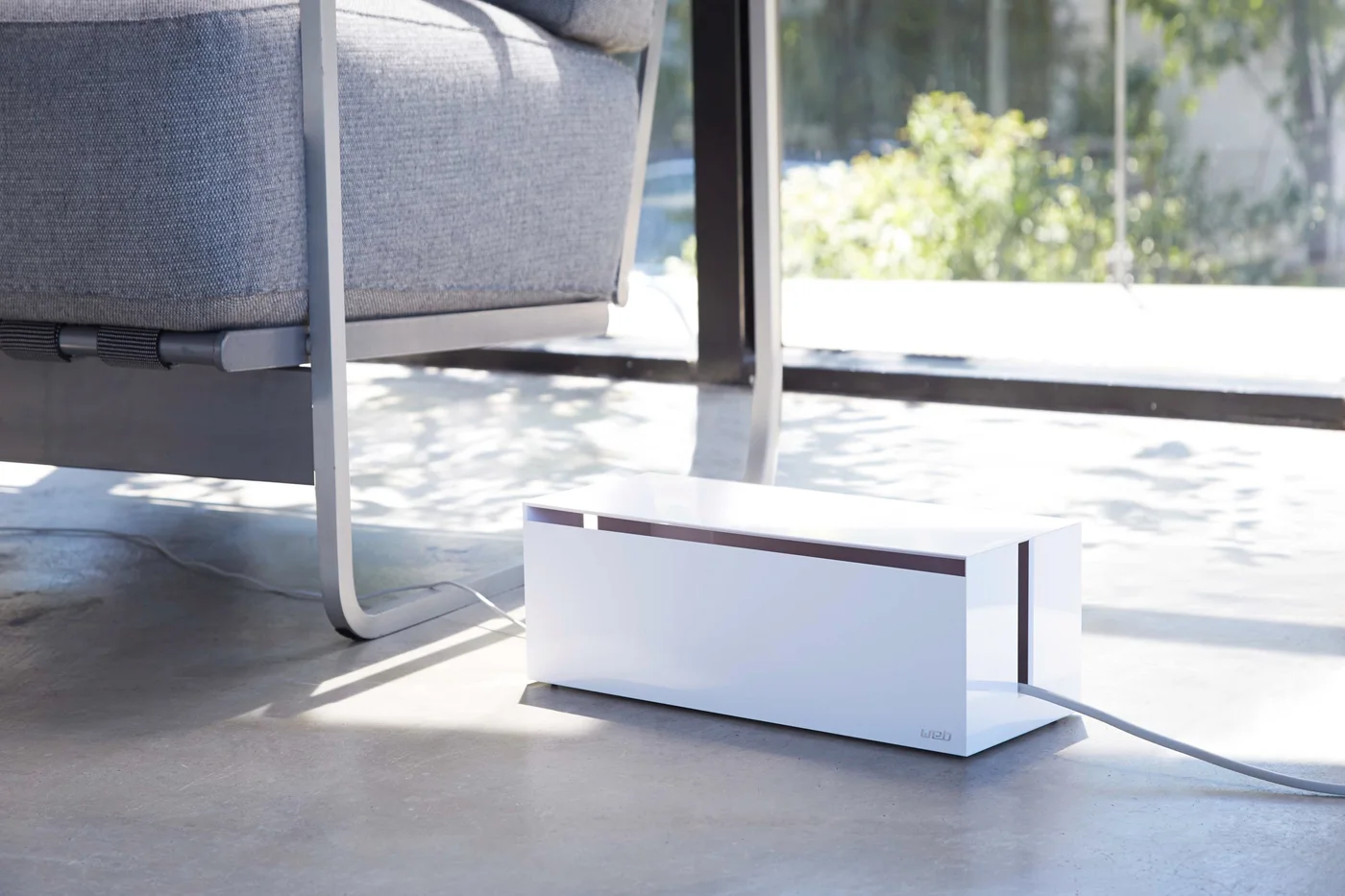
The desk where it makes a difference
Choose it for a visible cable cluster under an open desk or beside a media cabinet, especially when you want a cleaner-looking floor without permanent mounting. If the strip already sits safely out of sight, cable ties and a few adhesive clips may do more for less.
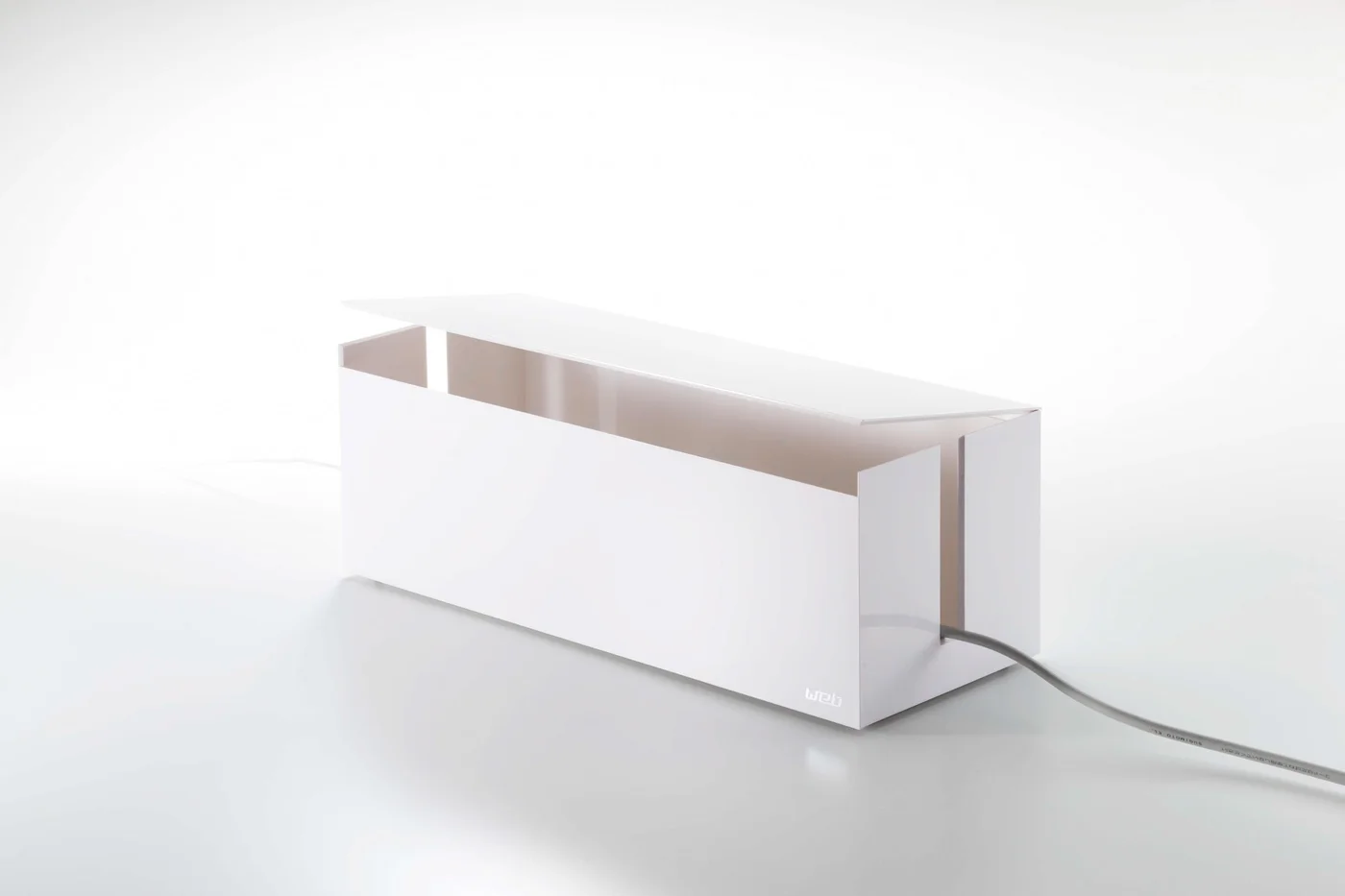
Think of this as the last layer of a sensible cable arrangement: first reduce unnecessary cords, then position the strip properly, then cover the visual mess. The purchase should make routine access simpler, not make the electrical setup something you stop inspecting.