wall-chargers

Anker 735 Nano II 65W: Fewer Plugs in the Bag, with One Important Port Choice

A laptop, a phone and a small pair of earbuds can turn one overnight bag into a collection of charging bricks. The Anker 735 Nano II 65W offers a more compact arrangement: two USB-C sockets and a USB-A socket in one black folding-plug charger. The useful question is not how many sockets it has, but what happens when you use them together.

Findweave Editorial2 min read

Published

Shop at Amazon

Paid link — we may earn a commission. Amazon may show a local match, an alternative or search results. Check the exact product, delivery and current price.

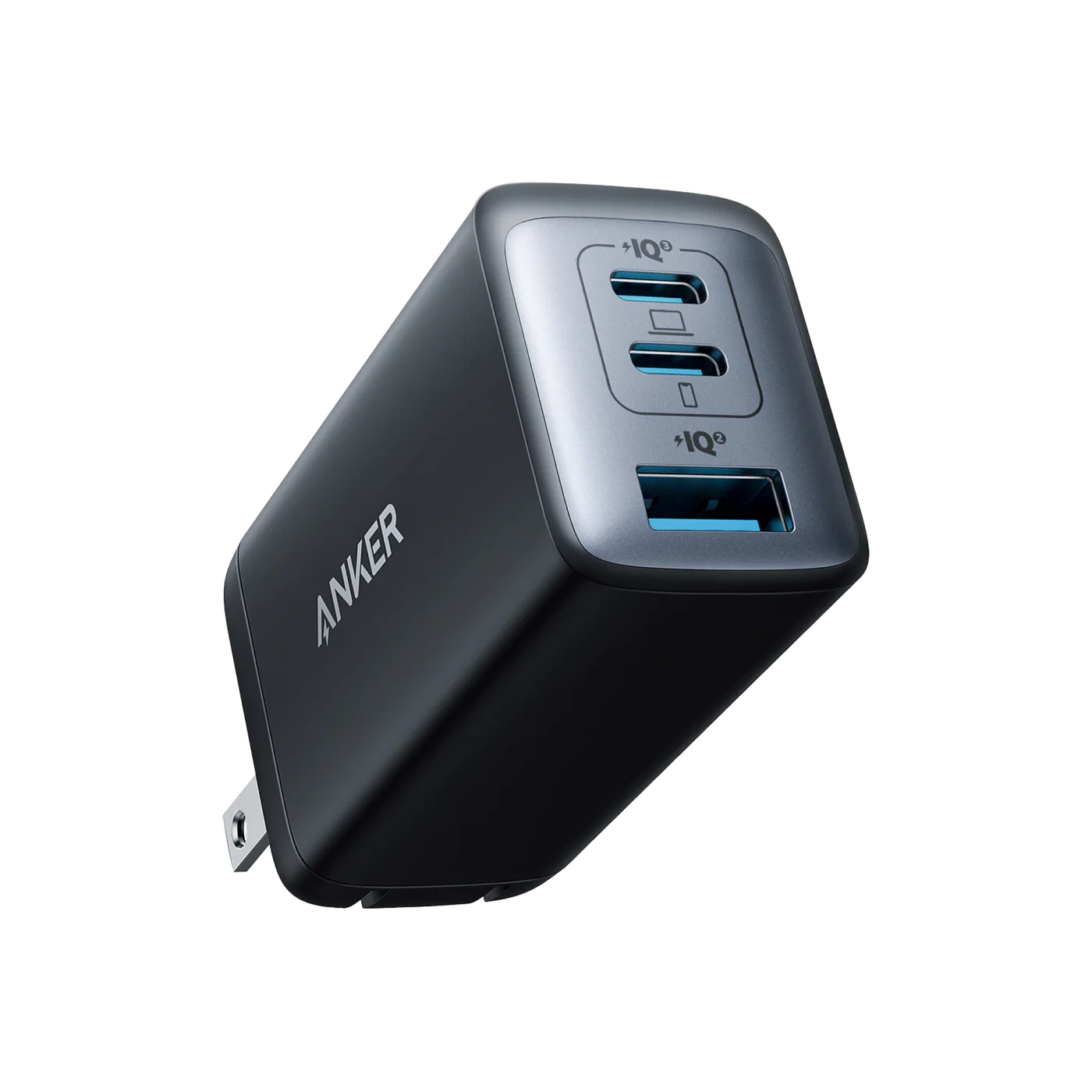
The selected black Nano II 735 shows two USB-C ports and one USB-A port.
Photo: Anker · Manufacturer reference image

Some links are paid links: we may earn a commission from qualifying purchases. As an Amazon Associate I earn from qualifying purchases. How we earn money.

THE SHORT VERSION

Before you browse

  1. TwoUSB-C ports andoneUSB-A;65WmaximumonsingleUSB-C
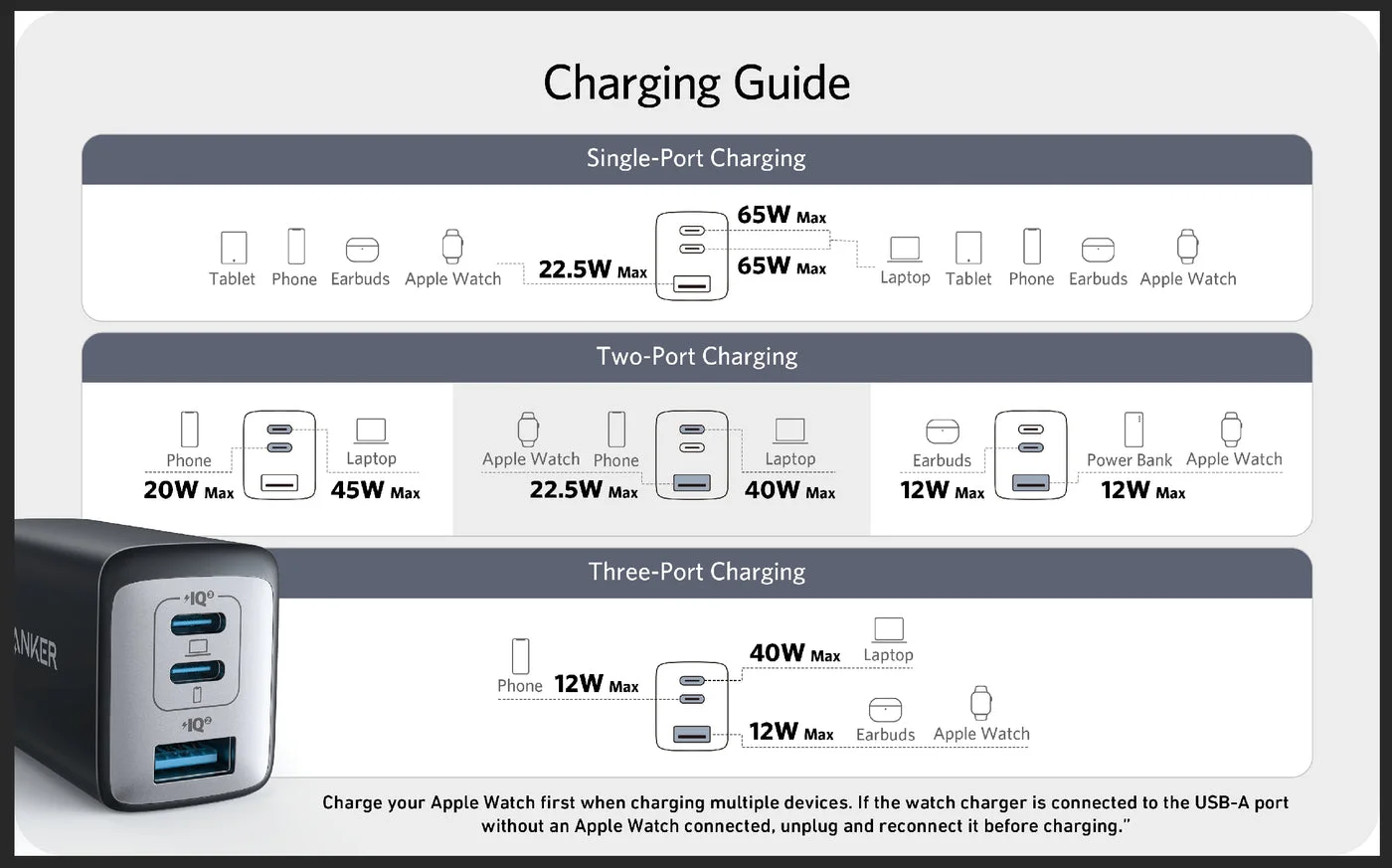
  2. Threeportsinuse:40WtopUSB-C plus12WUSB-Cplus12WUSB-A
  3. 100–240Vinputdoesnotchangephysicalplug;no65Wdeliverytoeachdevice

A laptop, a phone and a small pair of earbuds can turn one overnight bag into a collection of charging bricks. The Anker 735 Nano II 65W offers a more compact arrangement: two USB-C sockets and a USB-A socket in one black folding-plug charger. The useful question is not how many sockets it has, but what happens when you use them together.

Plan the laptop’s port first

Either USB-C port can deliver up to 65W when used alone. With all three ports occupied, Anker lists 40W for the upper USB-C socket, 12W for the other USB-C socket and 12W for USB-A. That may work nicely for overnight charging; it is a different proposition from running a demanding laptop at its usual full charging speed while everything else is connected.
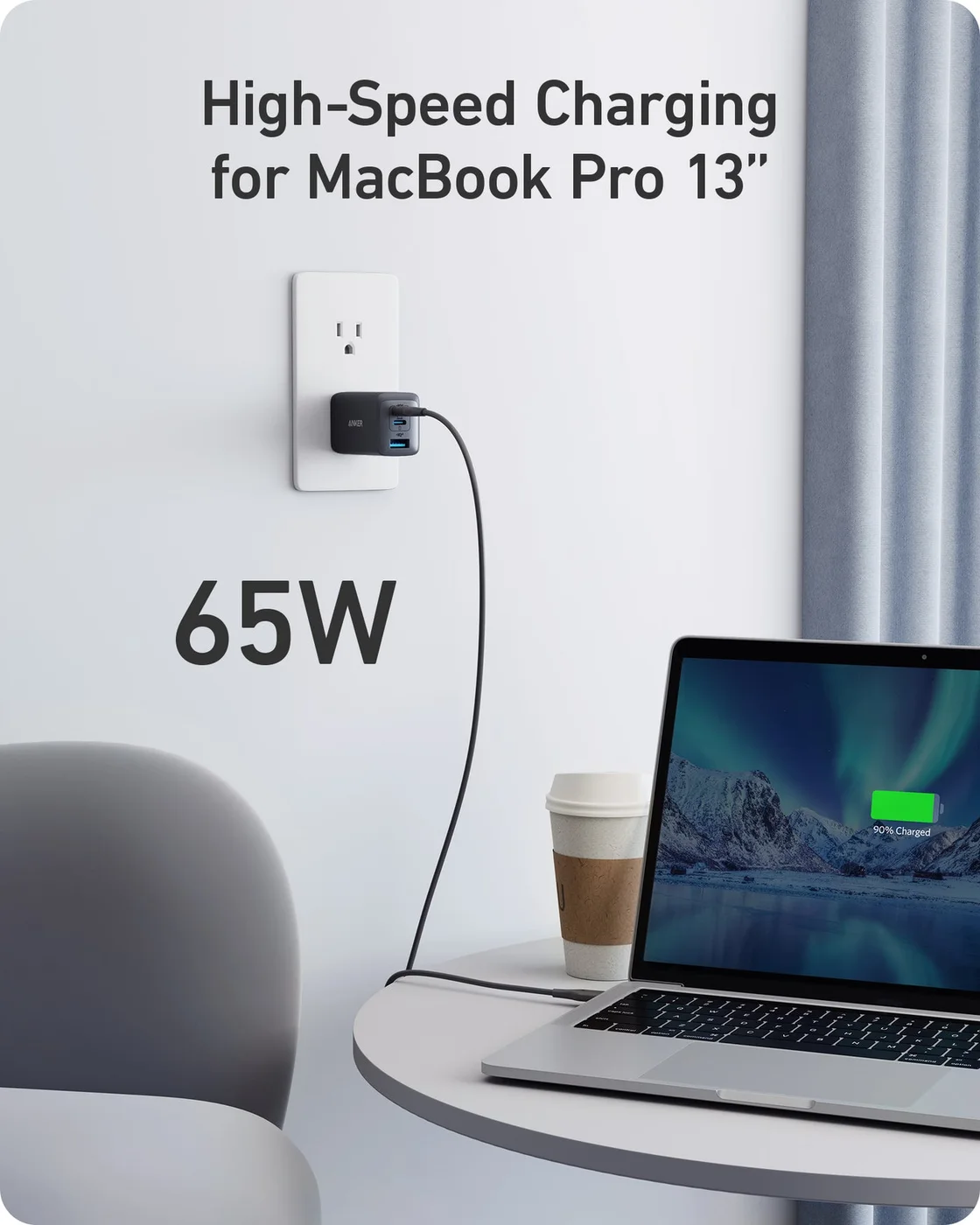
The manufacturer's single-device laptop scene illustrates the up-to-65W configuration, not an independently measured result.
Photo: Anker · Manufacturer reference image. The manufacturer's single-device laptop scene illustrates the up-to-65W configuration, not an independently measured result.

Using the two USB-C sockets gives a listed 45W and 20W split. This is the practical detail to compare with your laptop’s normal adapter and your phone’s charging needs before buying. The allocation diagram is more useful than the big 65W label on its own.
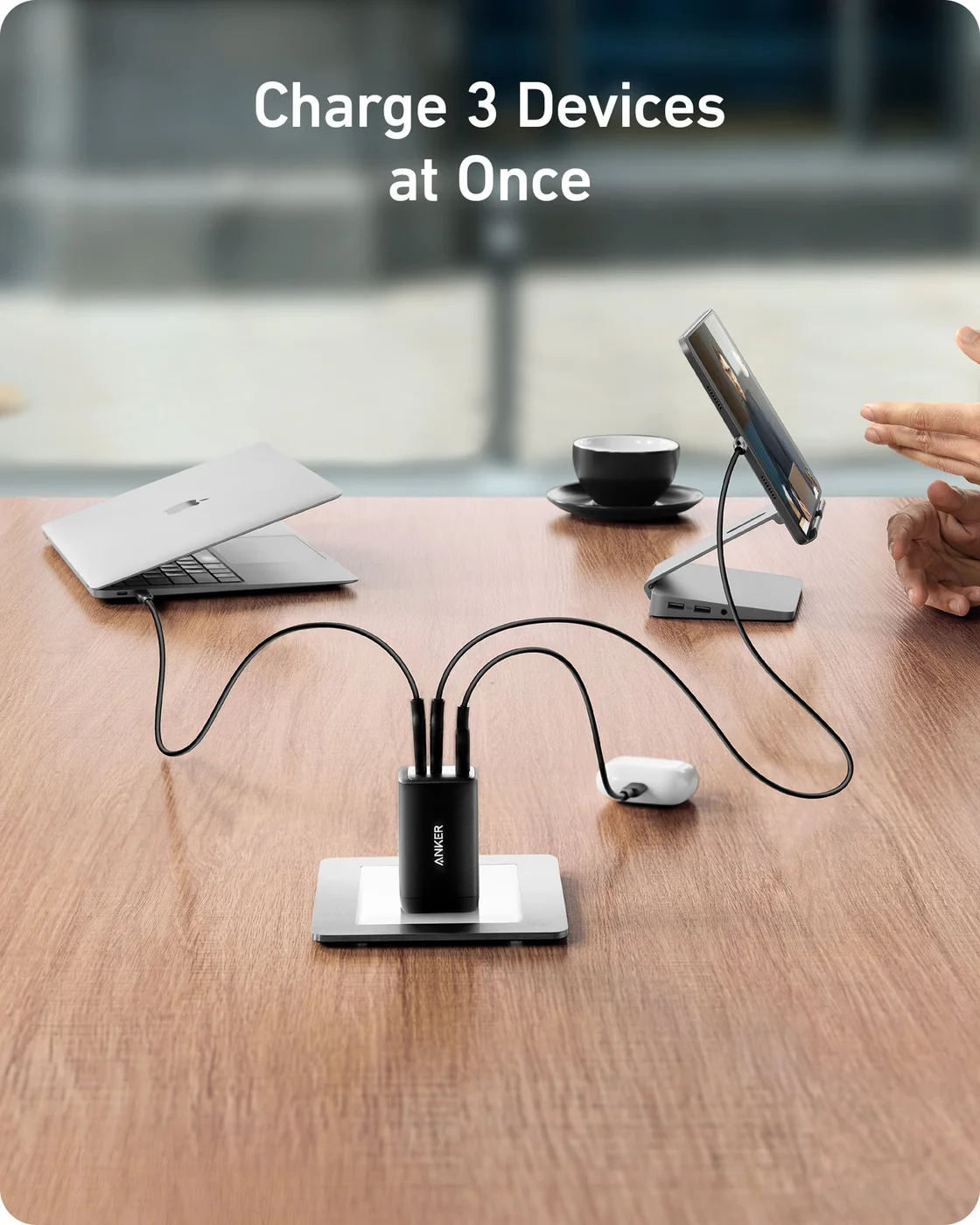
Three connected devices demonstrate the shared-port arrangement; cables and devices are not included.
Photo: Anker · Manufacturer reference image. Three connected devices demonstrate the shared-port arrangement; cables and devices are not included.

Compact does not mean every connection is covered

The selected model is A2667, the Nano II version of the 735, not another 735-family charger with different power management. It has a North American plug. The 100–240V input range does not make those pins fit a British socket; choose the local plug version or an appropriate travel adapter.
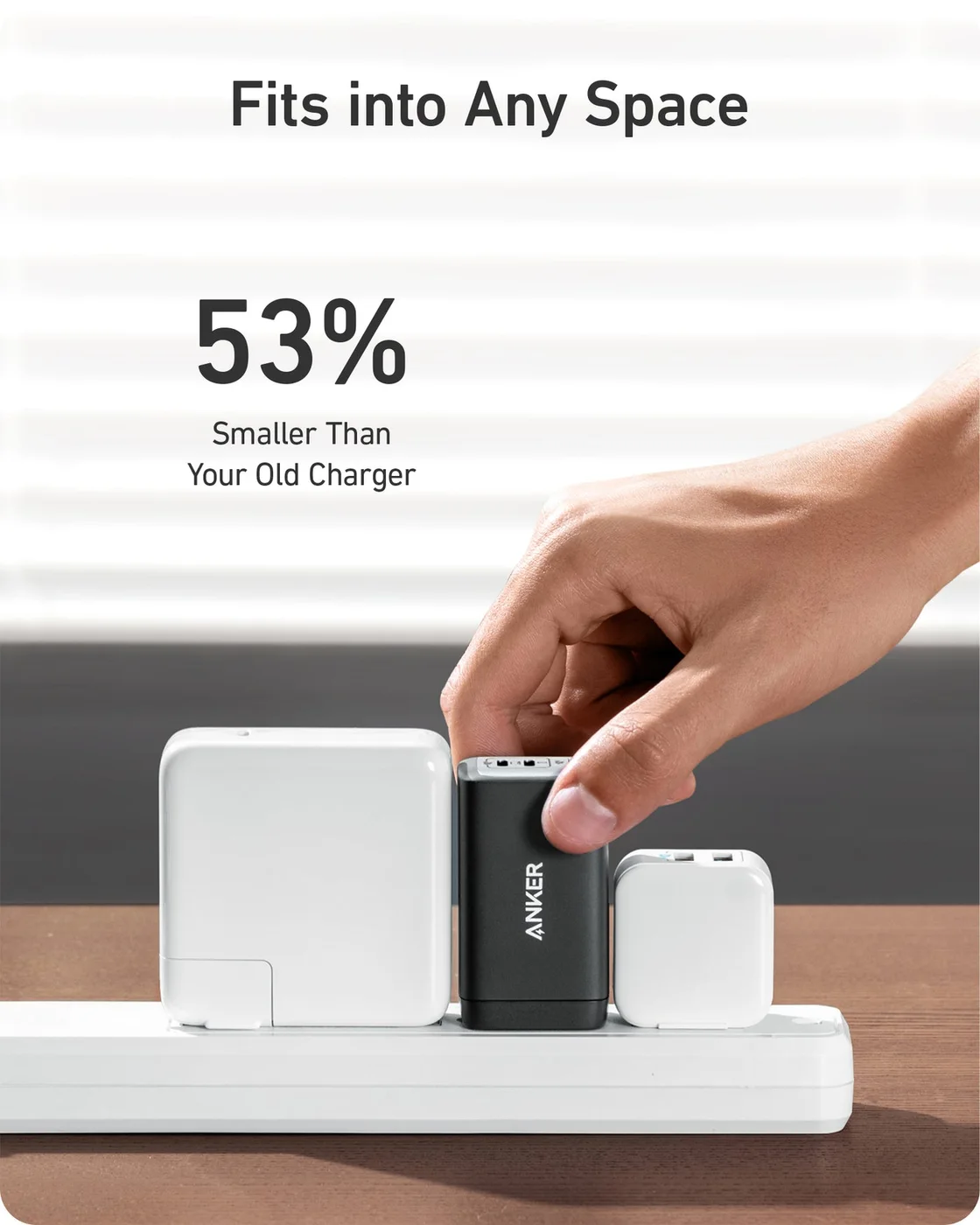
A plug-strip scene illustrates the charger's footprint; neighbouring outlets and adapters may differ.
Photo: Anker · Manufacturer reference image. A plug-strip scene illustrates the charger's footprint; neighbouring outlets and adapters may differ.

You will still need suitable cables. A USB-C connector alone does not establish that a device supports USB Power Delivery or that its cable is rated for the desired power. Check the actual device and cable rather than assuming every laptop in the manufacturer’s illustration is a promise about yours.
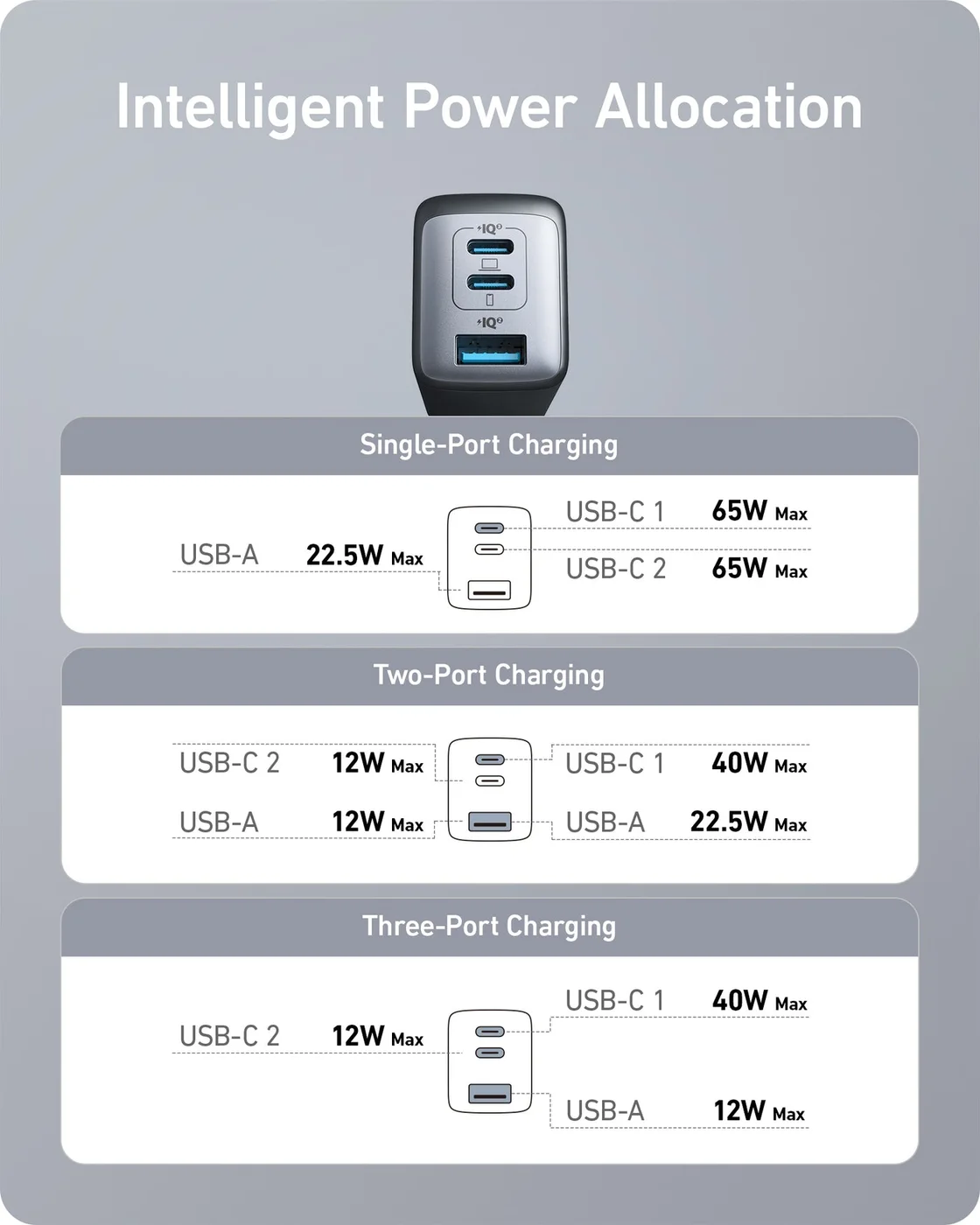
Read the maker's allocation diagram: three occupied ports are not three 65W supplies.
Photo: Anker · Manufacturer reference image. Read the maker's allocation diagram: three occupied ports are not three 65W supplies.

Who should pack it?

Choose this charger when three modest charging jobs share one outlet and a lighter bag matters. Skip it if you need sustained high-power laptop charging while using every port, or already have a compact adapter that meets your routine. The photographs illustrate the manufacturer’s design and power allocation; we have not measured its charging speed or heat ourselves.
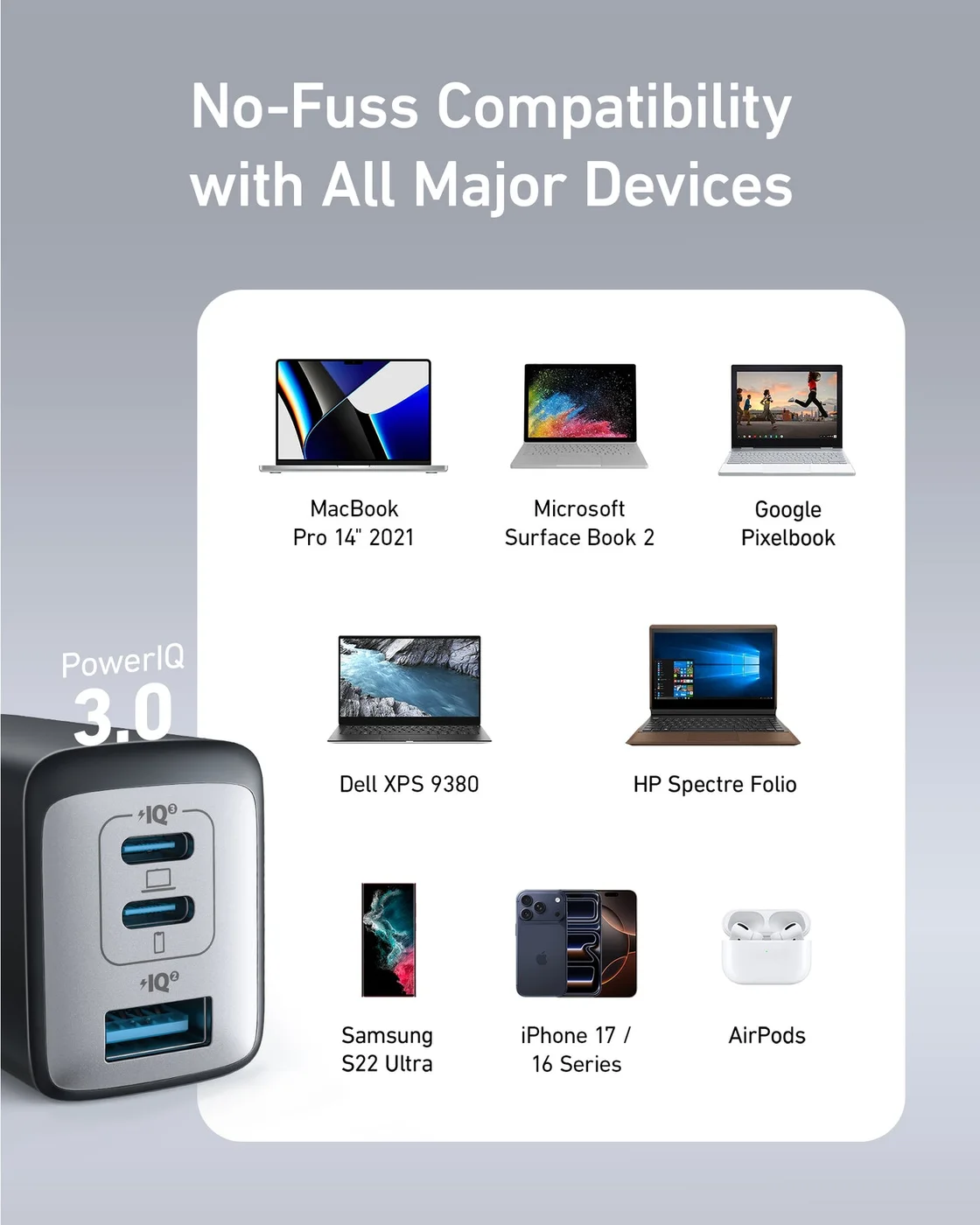
The maker's compatibility illustration is a starting point; verify your exact device and cable.
Photo: Anker · Manufacturer reference image. The maker's compatibility illustration is a starting point; verify your exact device and cable.
A detailed charging guide shows why the selected combination of ports matters.
Photo: Anker · Manufacturer reference image. A detailed charging guide shows why the selected combination of ports matters.

Ready to check availability?

Shop at Amazon

Paid link — we may earn a commission. Amazon may show a local match, an alternative or search results. Check the exact product, delivery and current price.

Evidence and sources

Research-based product guidance, not hands-on testing. Exact variant reviewed; price, stock, medical effects and international equivalence are not promised.