computer-mice

Logitech ERGO M575S Gives a Crowded Desk a Different Kind of Mouse

When your mouse keeps running into the keyboard, another mat may not solve the problem. The black, silver-ball Logitech ERGO M575S stays in place while your right thumb moves the cursor. That makes it a genuinely different option for a narrow workstation, rather than just another mouse with a softer grip.

Findweave Editorial2 min read

Published

Shop at Amazon

Paid link — we may earn a commission. Amazon may show a local match, an alternative or search results. Check the exact product, delivery and current price.

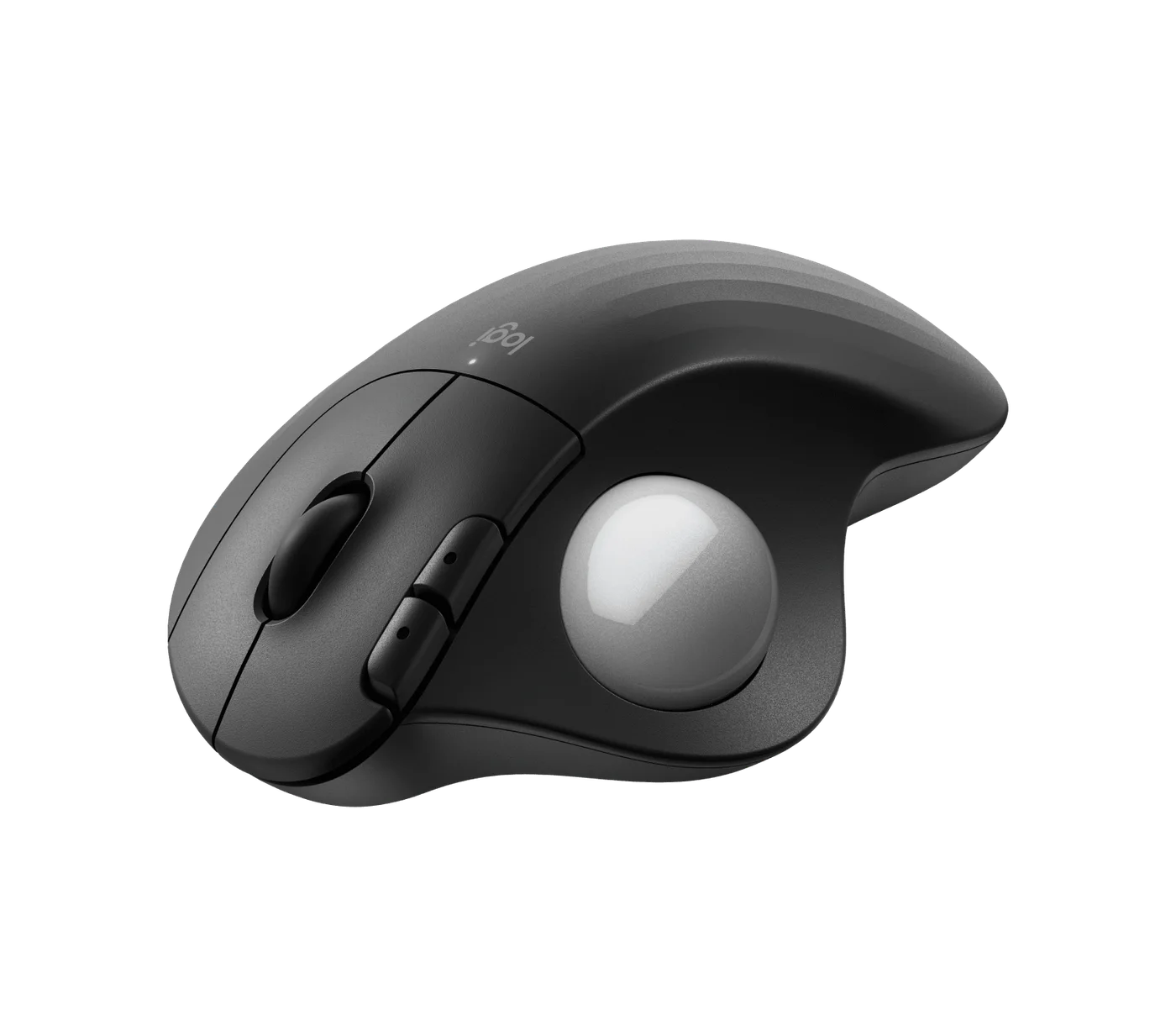
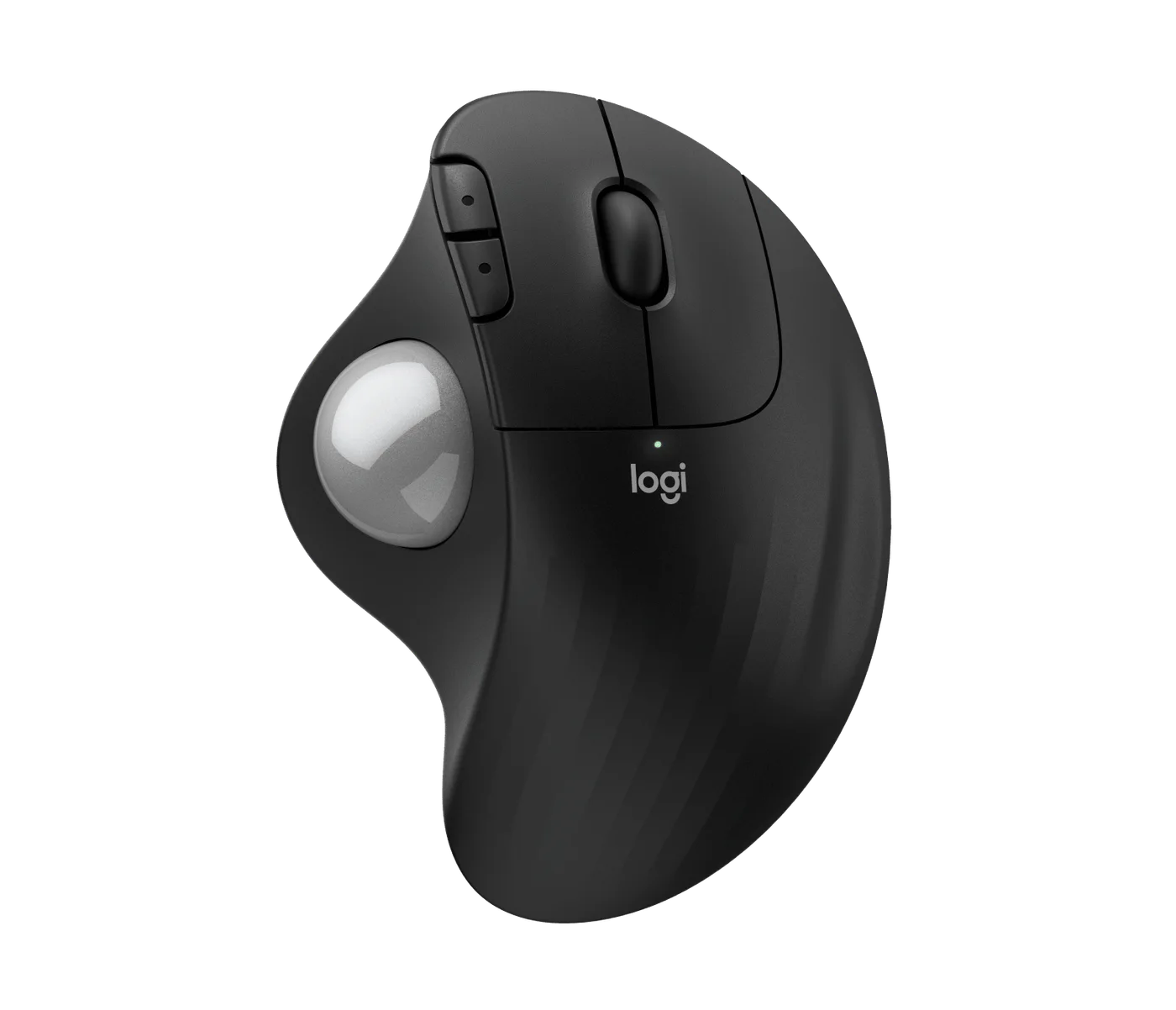
Black ERGO M575S with the selected silver ball, not the blue-ball variant.
Photo: Logitech · Manufacturer reference image

Some links are paid links: we may earn a commission from qualifying purchases. As an Amazon Associate I earn from qualifying purchases. How we earn money.

THE SHORT VERSION

Before you browse

  1. Thumb-operated trackball keeps the body stationary
  2. Bluetooth or included Logi Bolt receiver; AA-powered
  3. Right-handed design and a thumb-control learning curve

When your mouse keeps running into the keyboard, another mat may not solve the problem. The black, silver-ball Logitech ERGO M575S stays in place while your right thumb moves the cursor. That makes it a genuinely different option for a narrow workstation, rather than just another mouse with a softer grip.

Trade sweeping movements for thumb control

The stationary body needs a place to sit, but no lane for repeated mouse strokes. The photographs show the ball beside the main buttons: your thumb steers while your fingers click and scroll. That separation can suit a tight setup, although it takes practice if you have always moved the whole mouse.
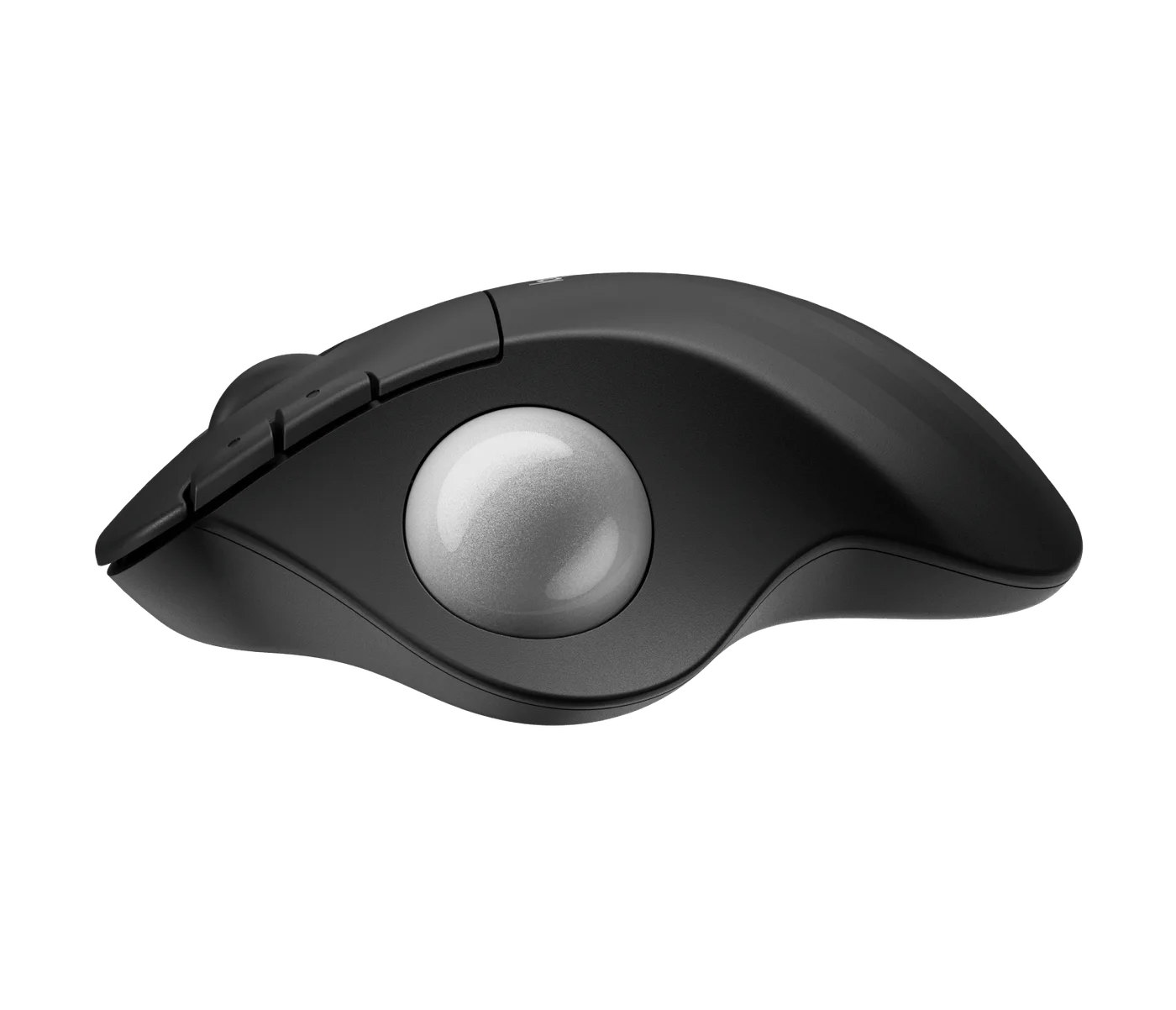
Thumb-ball position and the stationary right-hand body.
Photo: Logitech · Manufacturer reference image. Thumb-ball position and the stationary right-hand body.

Do not buy it expecting automatic precision or a cure for discomfort. Thumb control must feel acceptable to you, and this is a right-handed design. If your thumb is already uncomfortable, a finger-operated trackball or a different workstation arrangement may be a better question to explore.
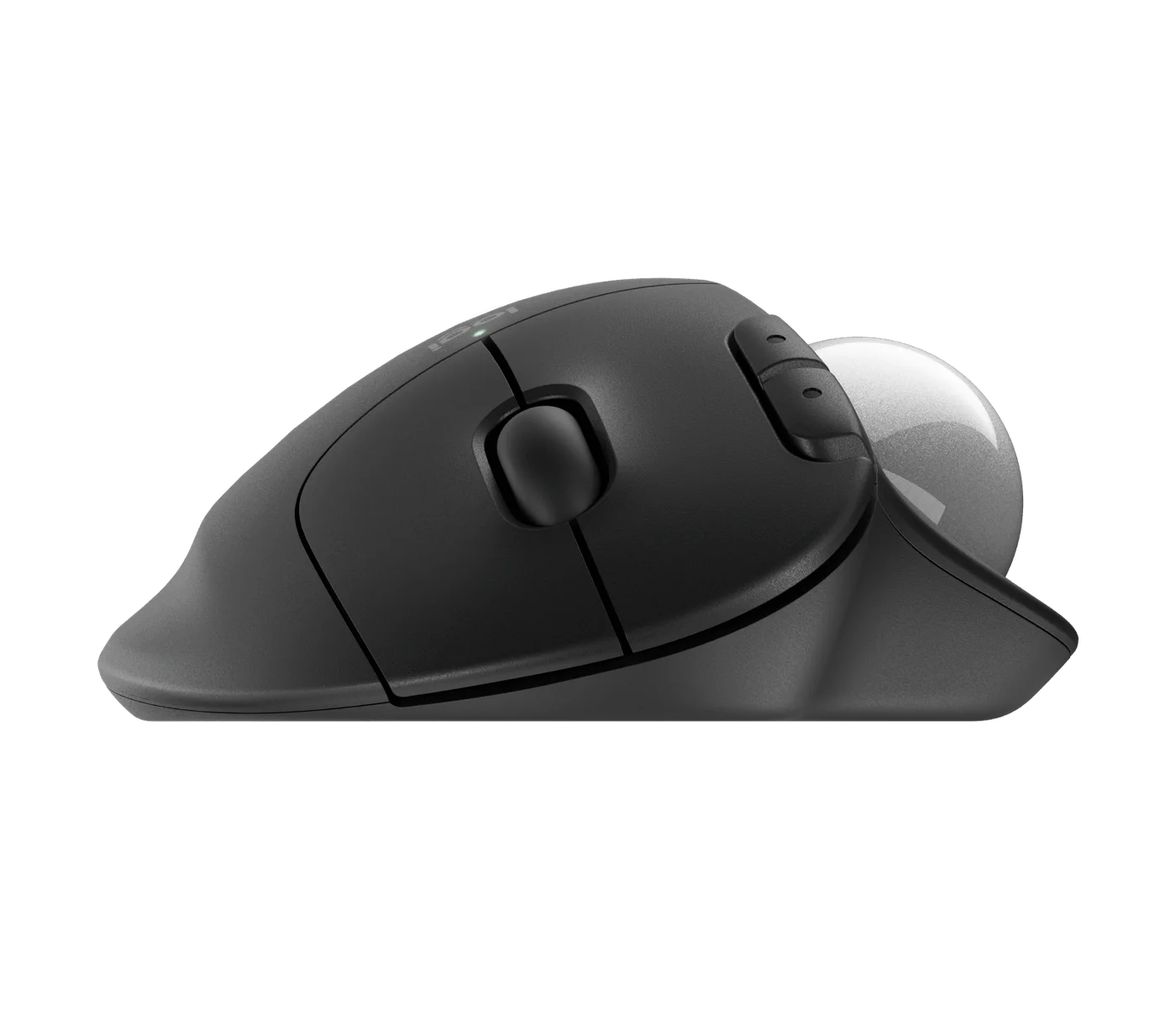
Opposite-side profile of the M575S.
Photo: Logitech · Manufacturer reference image. Opposite-side profile of the M575S.

Remember the small maintenance jobs

The removable-ball photograph is useful because dust can affect tracking. Follow Logitech’s cleaning instructions for the ball and supporting surfaces rather than spraying liquid into the socket. This version uses an AA battery and offers Bluetooth or the included Logi Bolt receiver; confirm your chosen connection and computer compatibility.
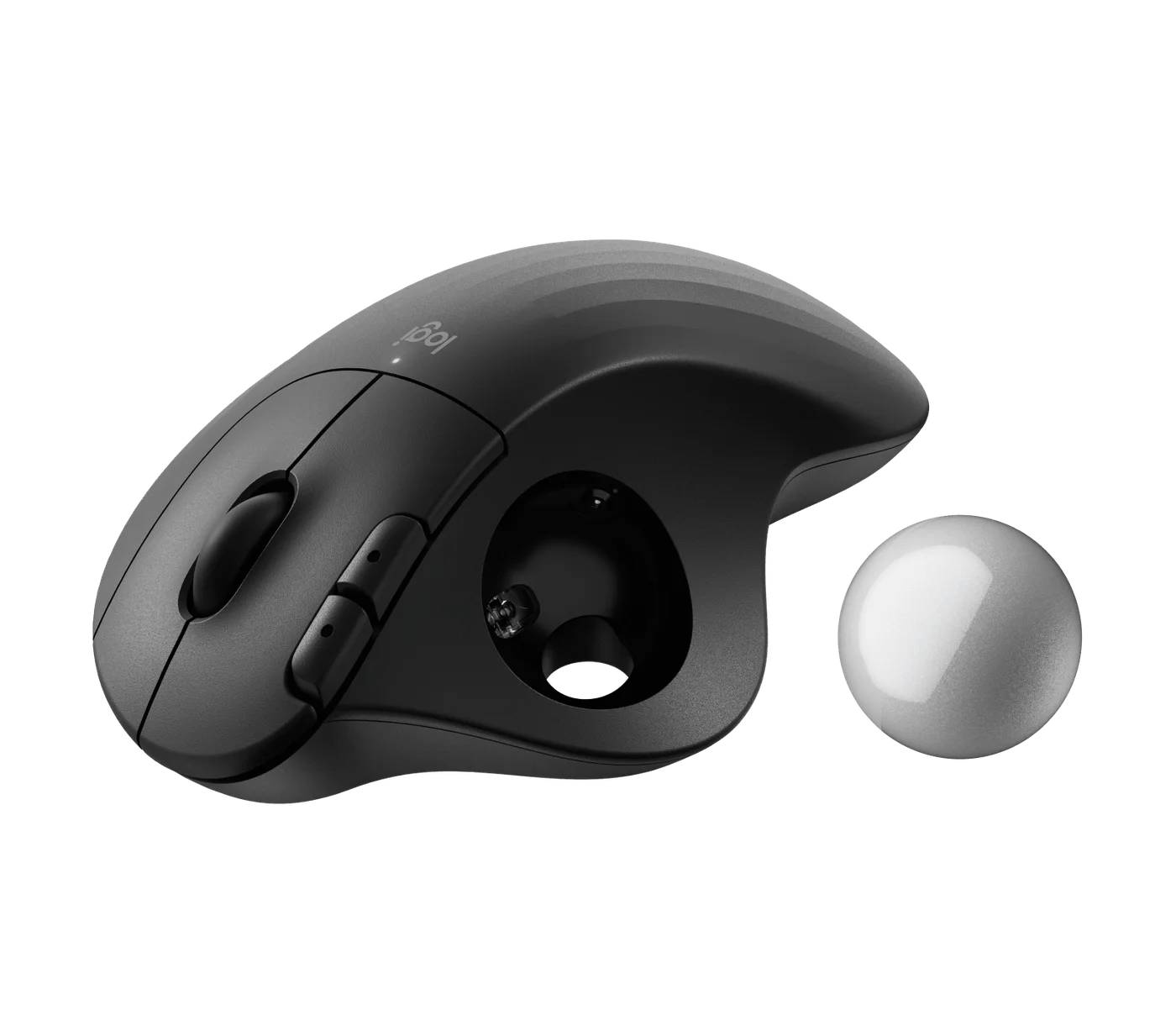
Manufacturer photograph showing the removable ball and its socket.
Photo: Logitech · Manufacturer reference image. Manufacturer photograph showing the removable ball and its socket.

Choose M575S for a stationary pointer and a less crowded working surface. Skip it if you dislike relearning control or need left-handed operation. Match the listing carefully: this guide concerns the M575S with a black body and silver ball, not the original M575 or a blue-ball colourway.
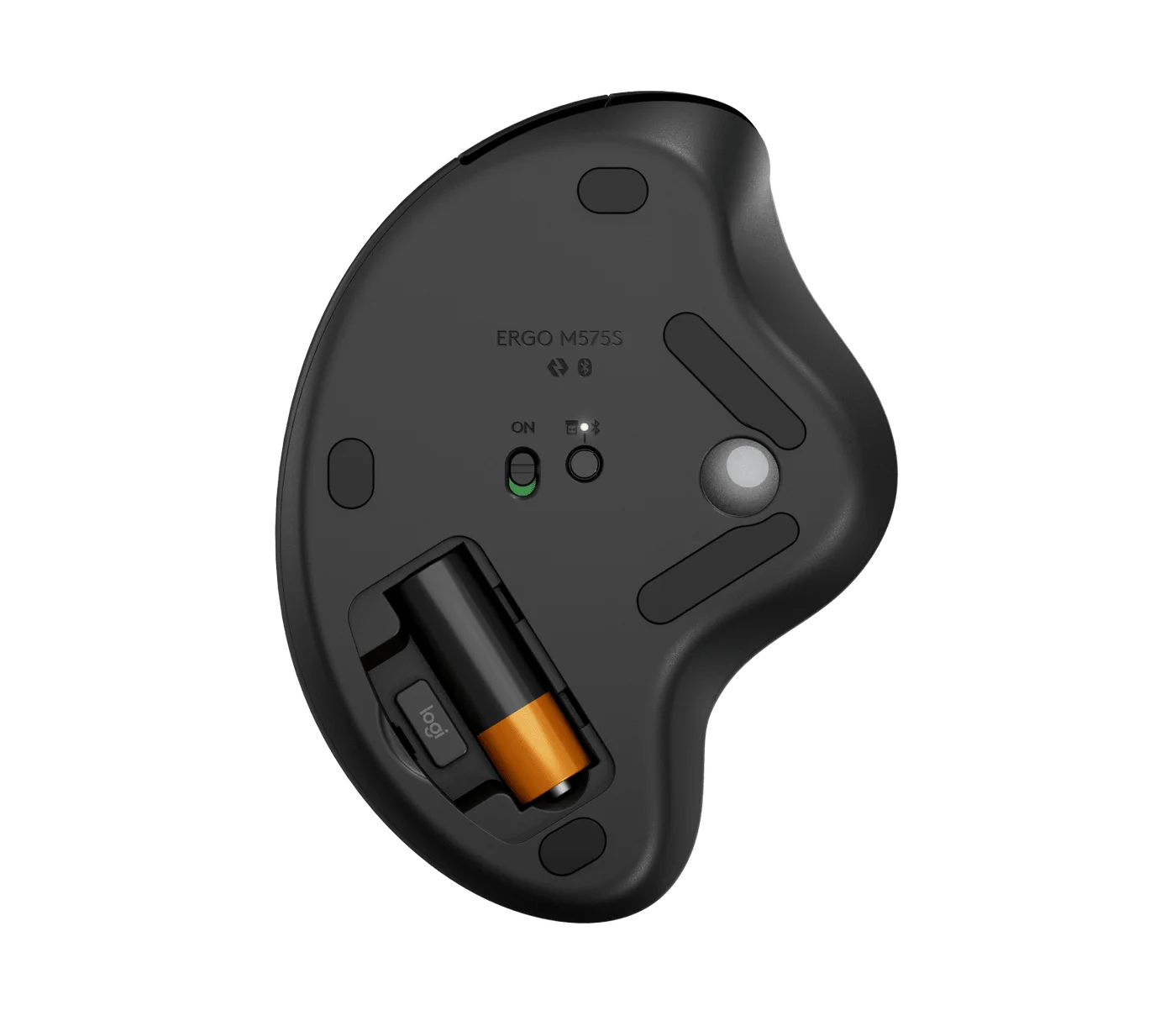
Battery compartment and receiver storage on the underside.
Photo: Logitech · Manufacturer reference image. Battery compartment and receiver storage on the underside.
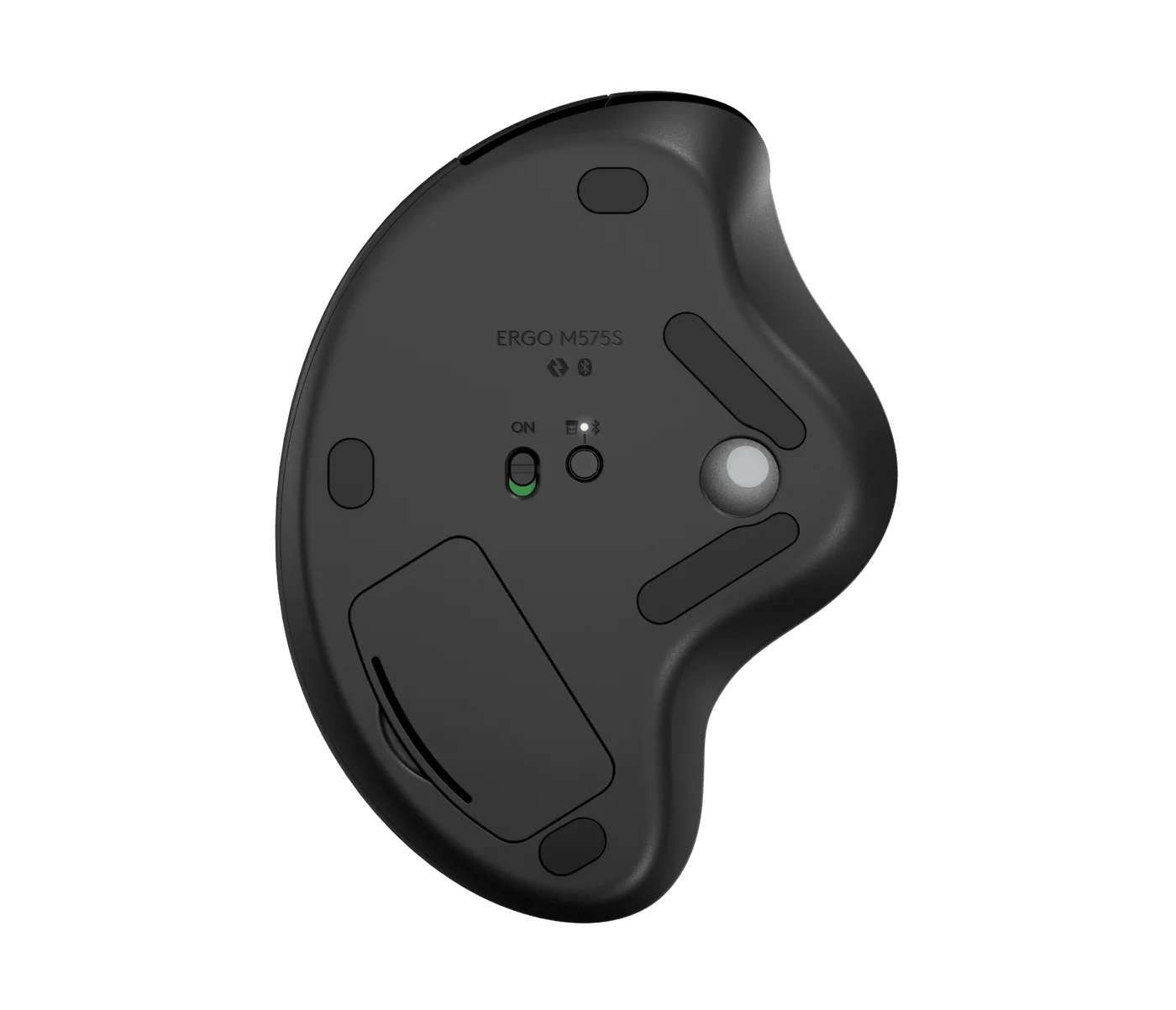
Underside showing the connection selector and battery cover.
Photo: Logitech · Manufacturer reference image. Underside showing the connection selector and battery cover.
Another angle of the selected silver-ball model.
Photo: Logitech · Manufacturer reference image. Another angle of the selected silver-ball model.

Ready to check availability?

Shop at Amazon

Paid link — we may earn a commission. Amazon may show a local match, an alternative or search results. Check the exact product, delivery and current price.

Evidence and sources

Research-based product guidance, not hands-on testing. Exact variant reviewed; price, stock, medical effects and international equivalence are not promised.