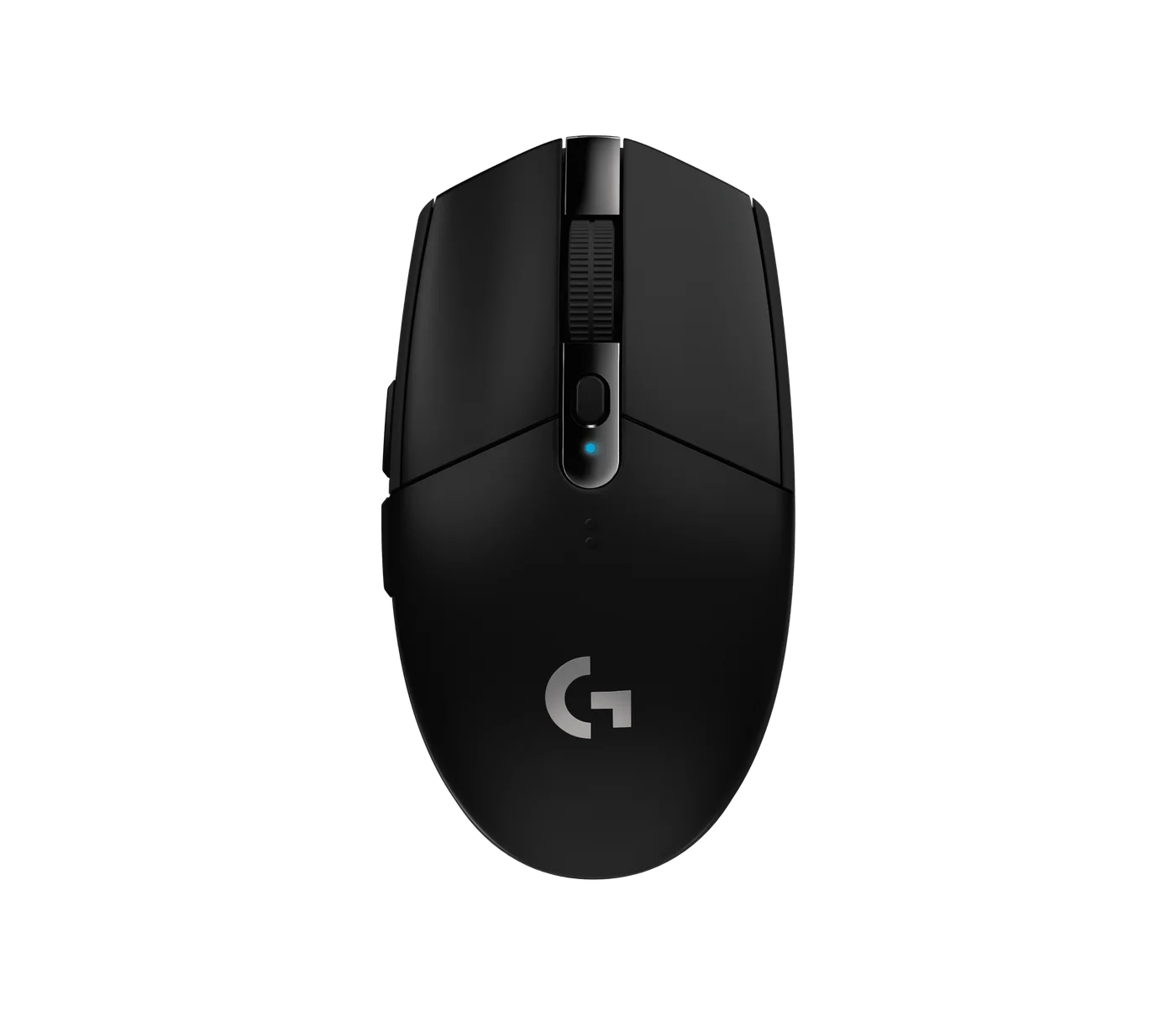
A wireless mouse does not have to mean remembering one more charging cable. The original black Logitech G305 runs on an AA battery and uses its LIGHTSPEED USB receiver. That combination is the attraction—and the first compatibility check.
Buy it for the receiver, not for Bluetooth
The G305 is not a Bluetooth travel mouse. Its receiver needs a suitable USB port, or an adapter if your computer only has USB-C. For a desk setup that can stay connected, that is straightforward. For a tablet or a laptop whose ports are constantly rearranged, it may be the wrong sort of convenience.
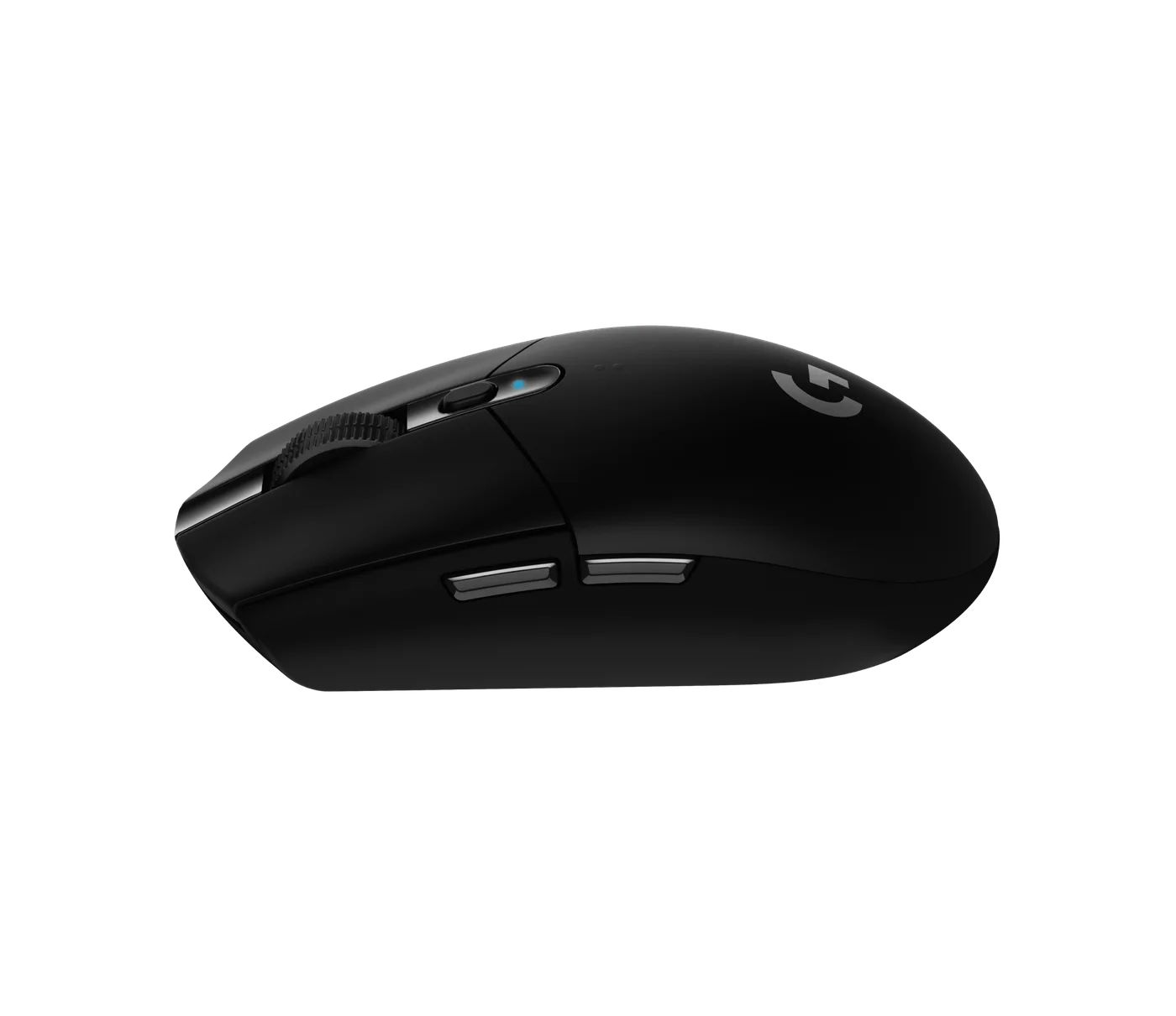
The original HERO sensor offers a 200–12,000 DPI range. A big number is not a reason to buy: the useful question is whether your current mouse tracks consistently at the sensitivity you actually use. Six controls offer more scope than a basic office mouse, but software and operating-system support should be checked before planning elaborate shortcuts.
The battery trade-off
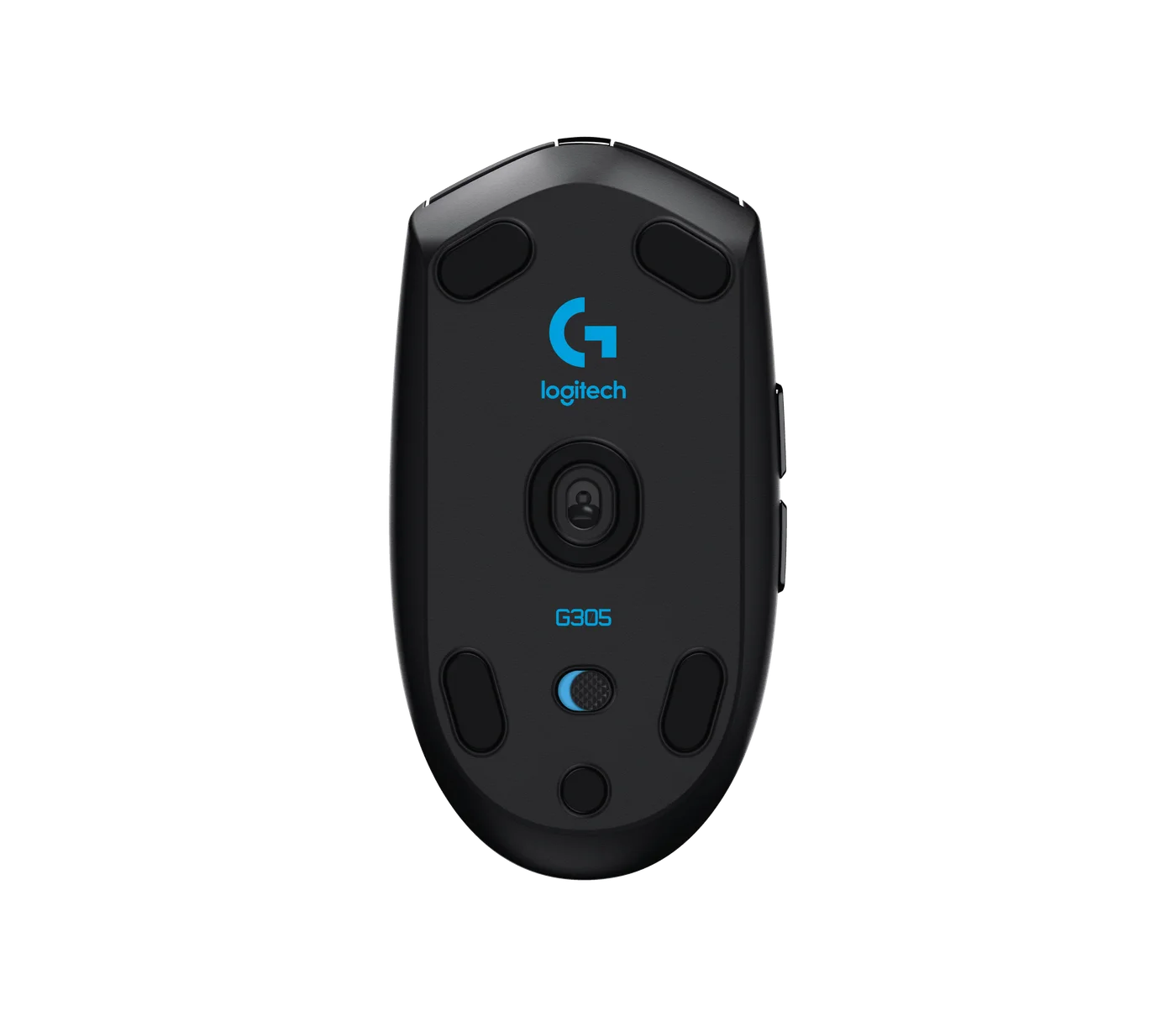
Logitech quotes up to 250 hours under its test conditions. Actual use and settings change the result. The benefit is replacing an AA instead of stopping to charge; the cost is keeping a spare and accepting a battery-powered design rather than expecting an ultra-light rechargeable flagship.
Check the name carefully
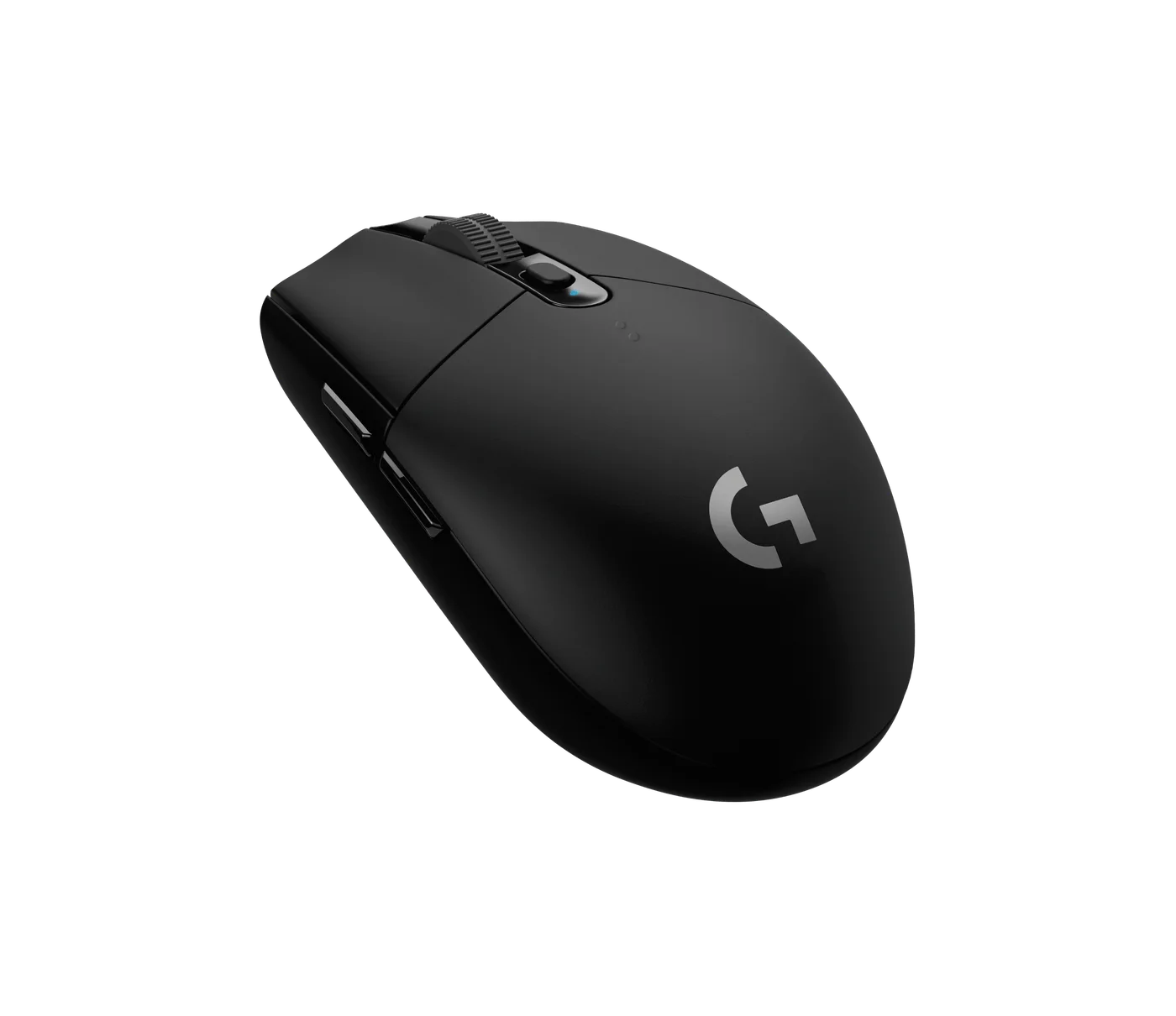
The linked item is the original black G305, not the newer G305 X SUPERLIGHT or a character edition. Those names should not be treated as interchangeable. Compare the body shape, receiver and colour in the listing, then buy if you want a familiar compact gaming mouse without charging chores. Skip it if Bluetooth, a larger palm-rest shape or the lightest possible weight is your priority. No FINDWEAVE latency or battery test is claimed.