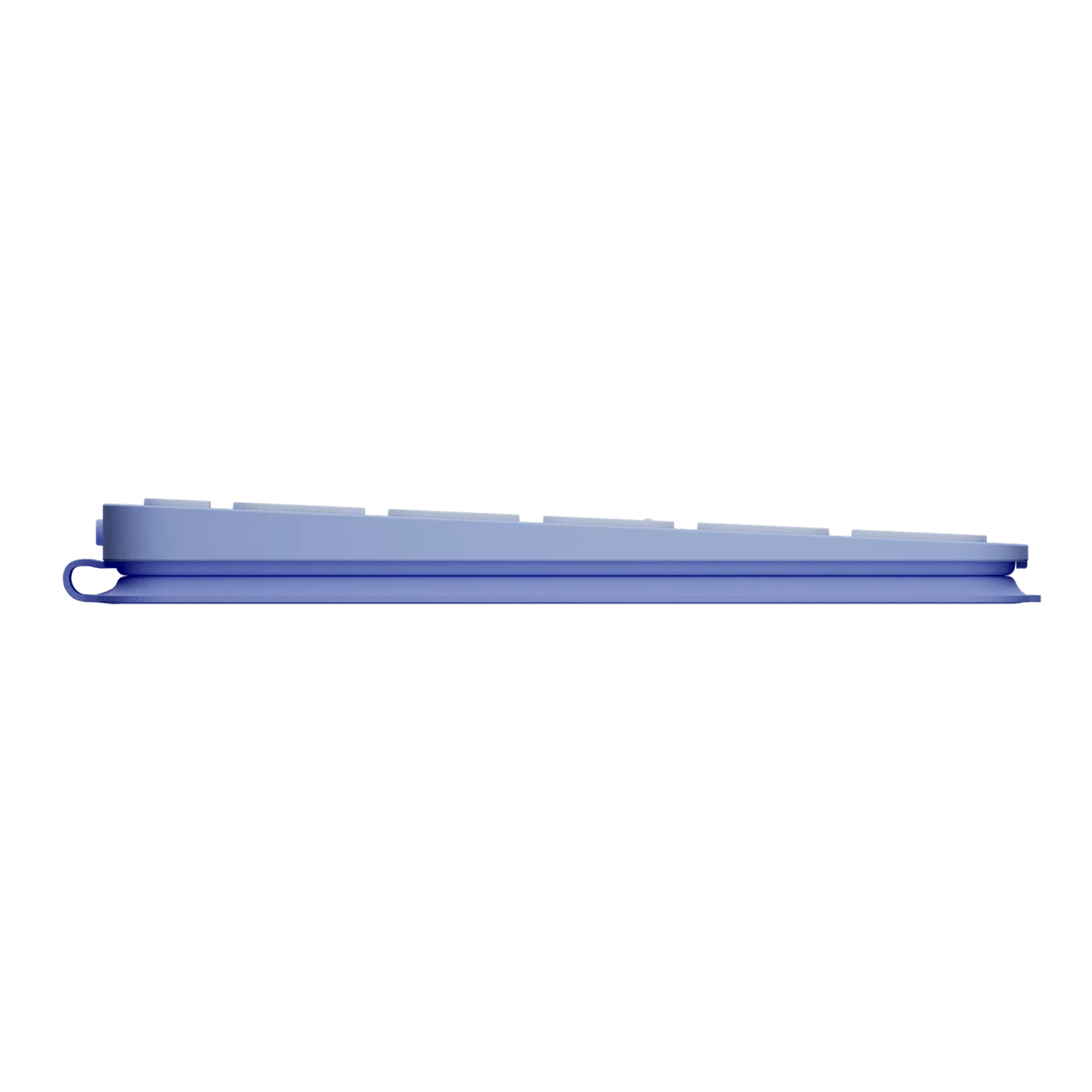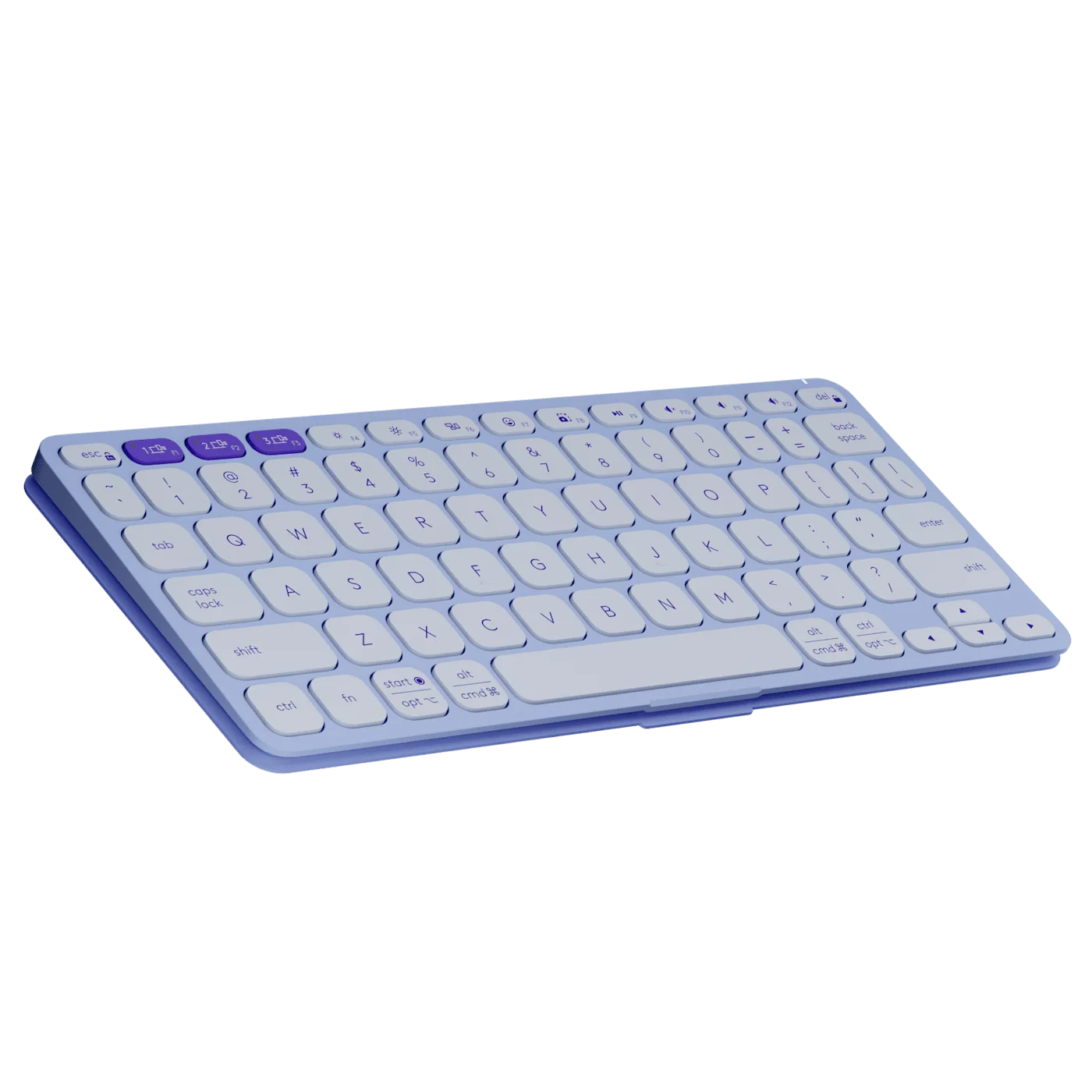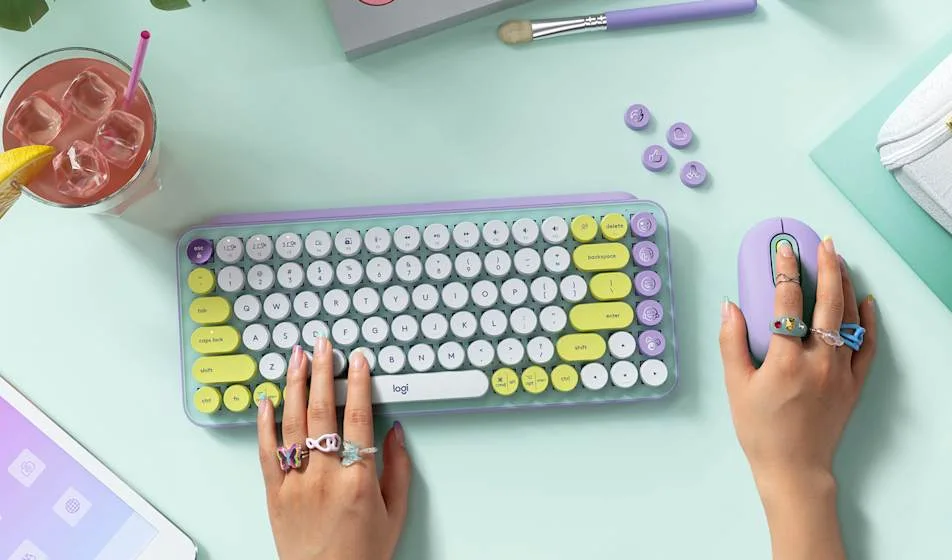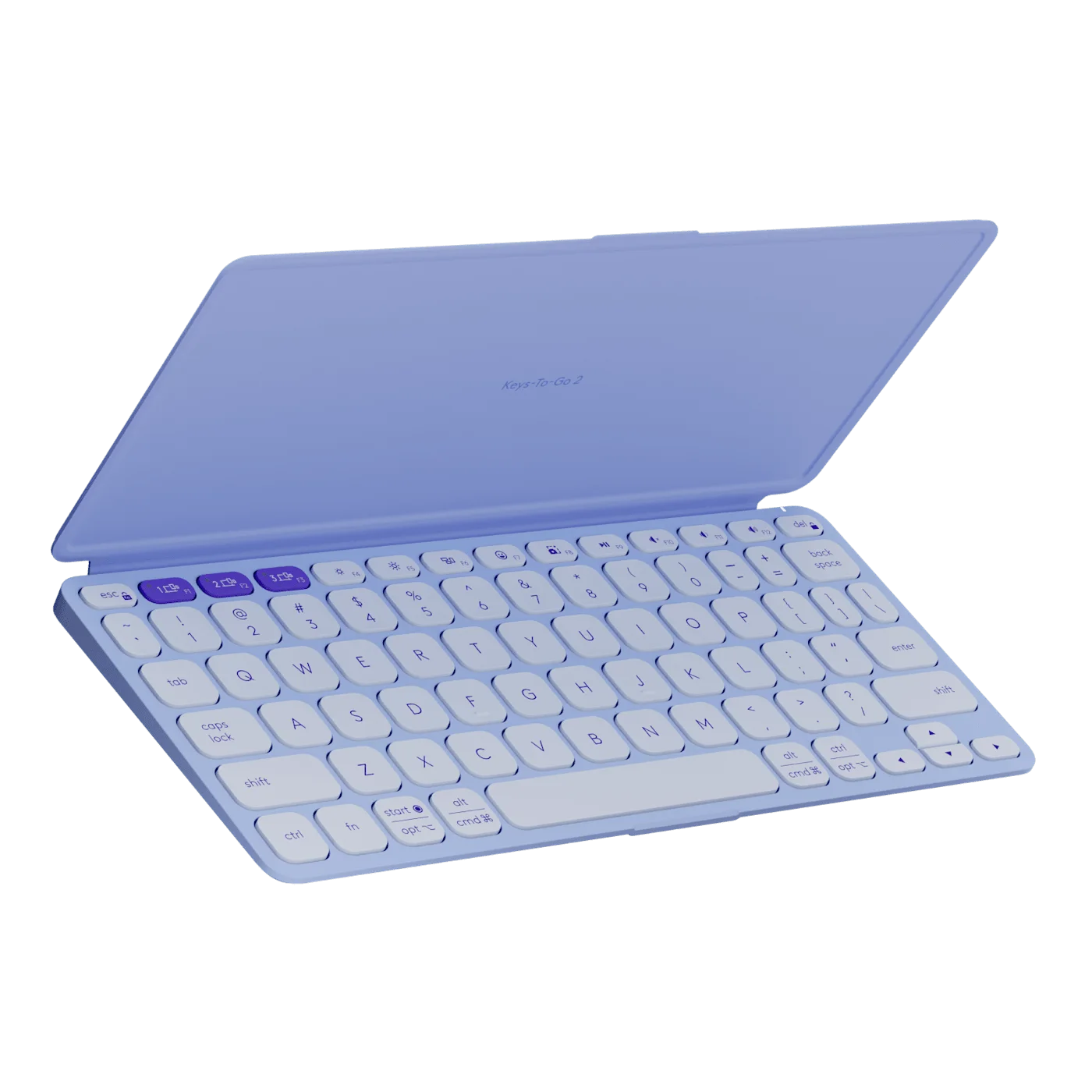
A tablet feels wonderfully light until a quick reply becomes three paragraphs. Logitech Keys-To-Go 2 Universal offers a different kind of portability: a real compact keyboard with a cover attached, so adding a typing surface does not mean packing a full desktop setup. The Lilac finish makes it feel like a considered accessory rather than emergency office equipment.
Picture one useful moment, not an imaginary mobile office
The strongest reason to carry this keyboard is specific: finishing a message, writing a short note or making edits while away from your desk. Its thin body and flip cover suit that brief. Buying it because you might someday work everywhere is a weaker reason, especially if your laptop already travels with you.

The cover protects the keys when closed. It does not hold your tablet upright. In the styled tabletop photo, the tablet support and other objects are separate accessories. Plan where your screen will sit before adding the keyboard to a bag; a comfortable view matters as much as having physical keys.

Universal is a layout choice, not an unlimited compatibility promise
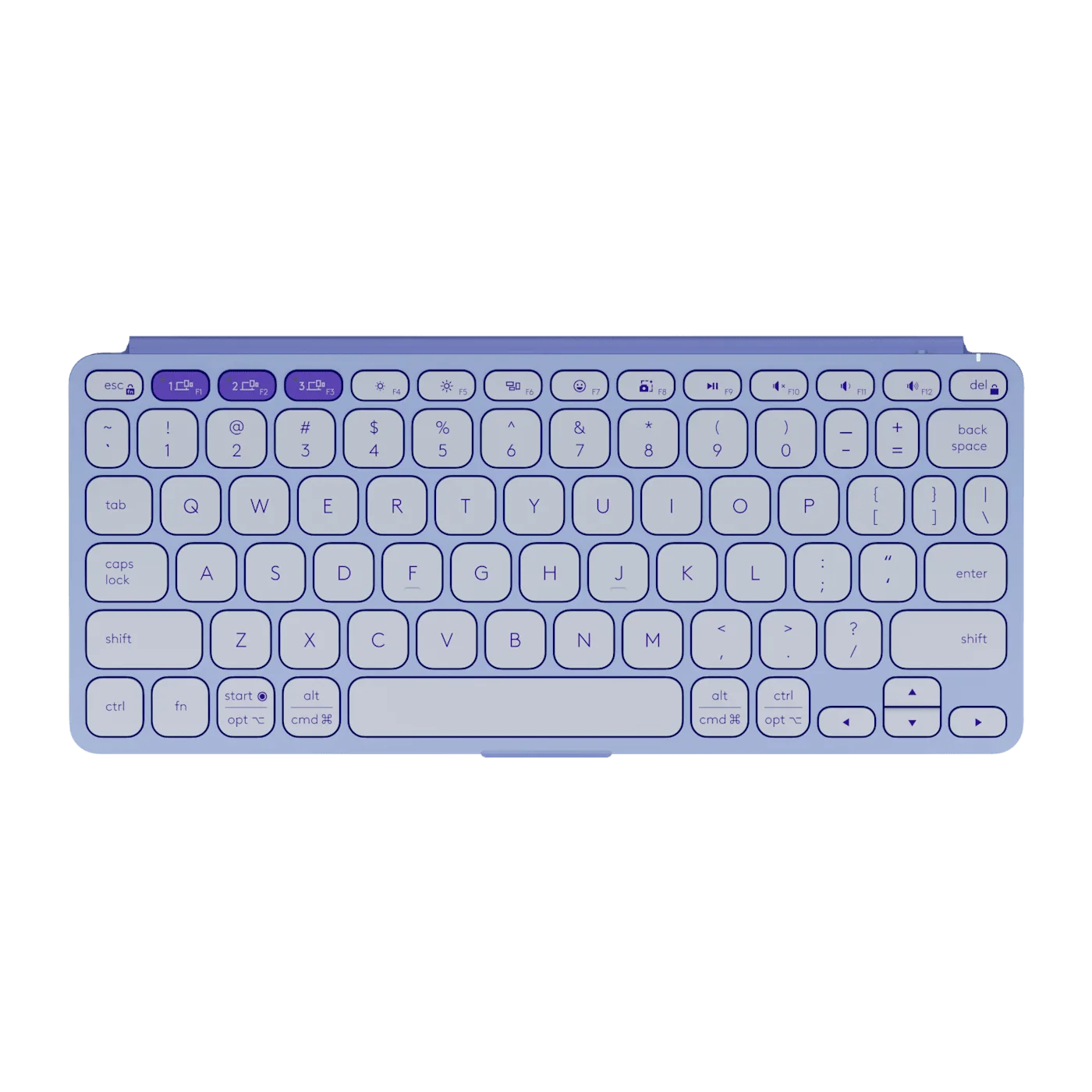
Keys-To-Go 2 comes in Universal and Apple-oriented layouts. This guide concerns the Lilac Universal version. Compare the actual modifier keys with the devices you use, rather than choosing from the colour alone. Three Bluetooth pairings can reduce reconnecting when you move between compatible devices, but shortcut behavior still depends on the operating system.
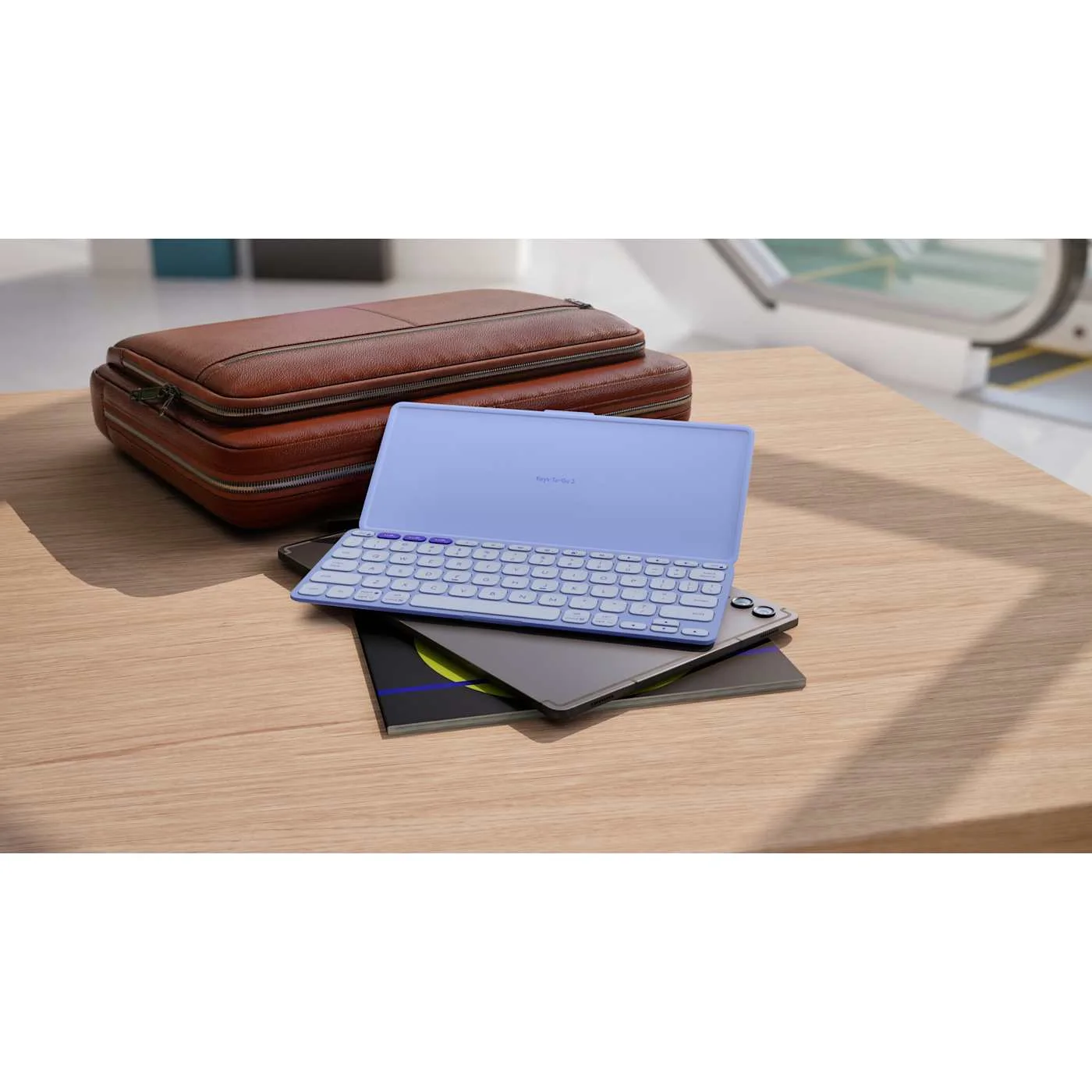
Its compact scissor keys are intended for portable typing. They are not a numeric keypad, and a compact layout is not automatically the right tool for hours of spreadsheet work. The top-down photograph is particularly useful here: look for the keys you repeatedly reach for before deciding.
The battery detail worth noticing
This keyboard uses preinstalled replaceable coin batteries, not USB charging. Logitech’s long battery-life estimate depends on actual use; it is not a reason to ignore eventual replacement. The benefit is fewer charging chores during occasional trips.
Choose it when touchscreen typing regularly interrupts tasks you want to finish, and you can arrange a separate screen support. Skip it if it would mostly duplicate the laptop in the same bag. The appeal is a smaller typing ritual, not a guarantee that every location becomes a productive workstation.