keyboards

Logitech Wave Keys Offers a Gentler Change Than a Split Keyboard

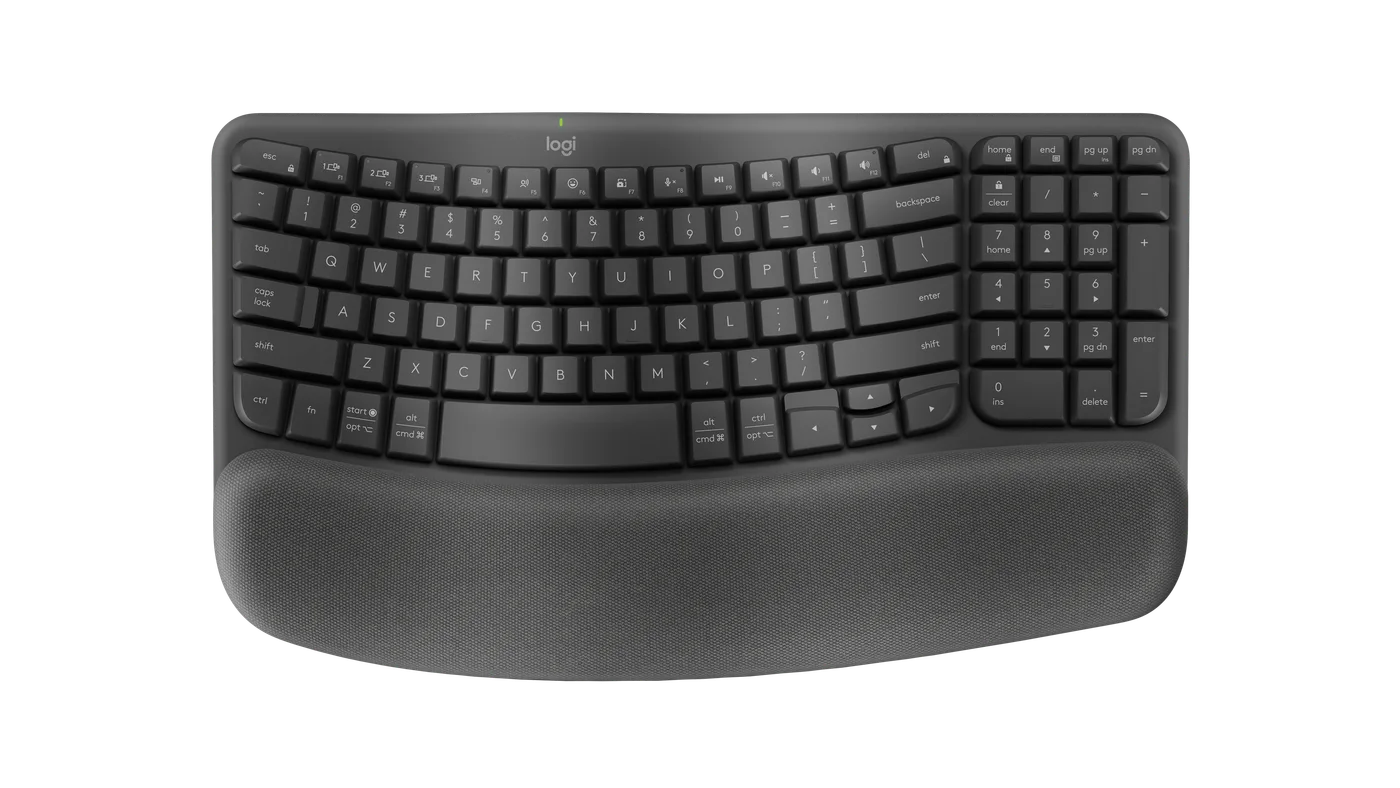
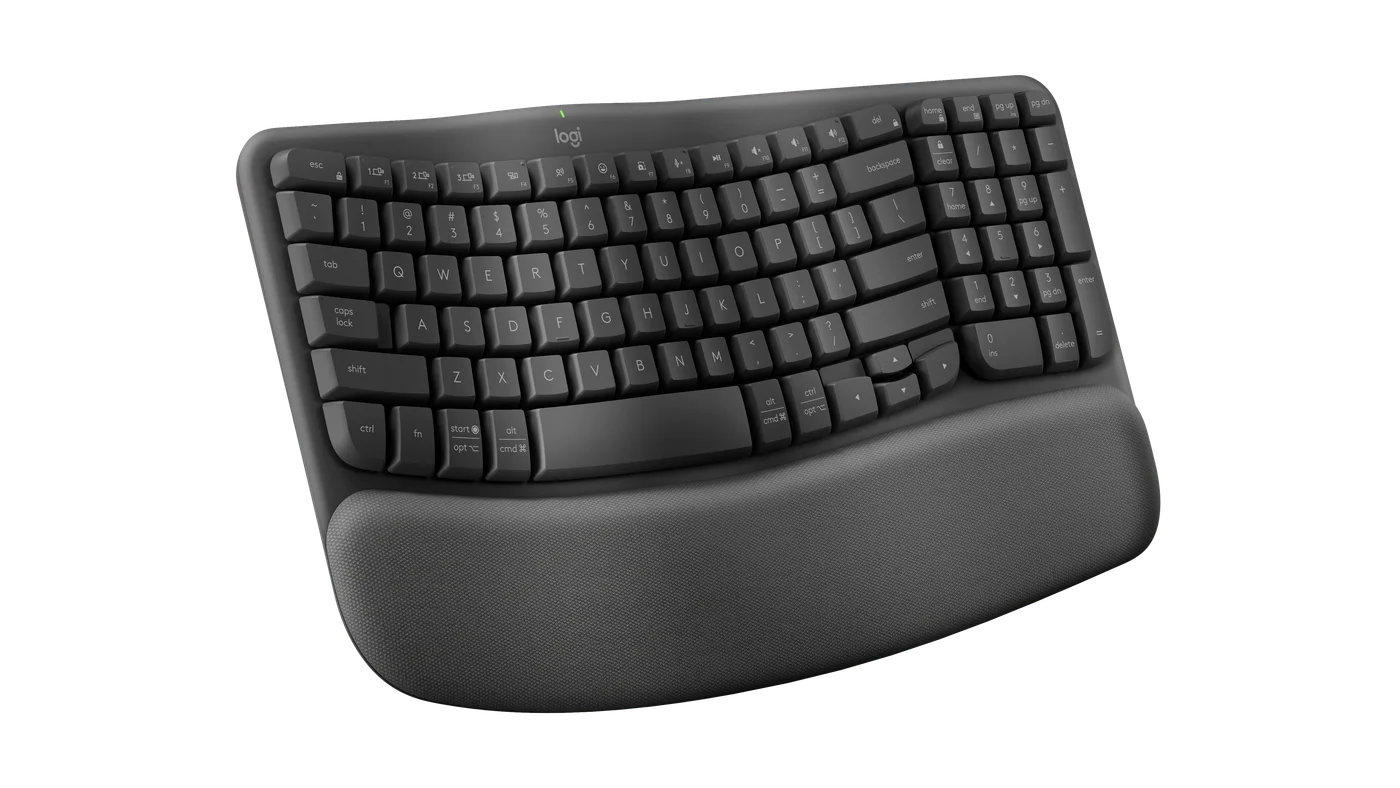
A familiar keyboard can feel less friendly when your day turns into hours of typing. Graphite Logitech Wave Keys keeps the keys together, but bends the keyframe and adds a cushioned palm rest. It is worth considering if you want to change the feel of a desk without jumping straight to two visibly separated halves.

Findweave Editorial2 min read

Published

Shop at Amazon

Paid link — we may earn a commission. Amazon may show a local match, an alternative or search results. Check the exact product, delivery and current price.

Graphite Wave Keys with its continuous curved keyframe and integrated palm rest.
Photo: Logitech · Manufacturer reference image

Some links are paid links: we may earn a commission from qualifying purchases. As an Amazon Associate I earn from qualifying purchases. How we earn money.

THE SHORT VERSION

Before you browse

  1. Wave-shaped keyframe with cushioned palm rest
  2. Number pad and three-device switching
  3. Not a split keyboard; check the US layout and desk depth

A familiar keyboard can feel less friendly when your day turns into hours of typing. Graphite Logitech Wave Keys keeps the keys together, but bends the keyframe and adds a cushioned palm rest. It is worth considering if you want to change the feel of a desk without jumping straight to two visibly separated halves.

Keep the familiar parts that matter

The number pad remains useful for bills, budgets and repeated numeric entry. The photographs also show what you give up: the palm rest adds depth, and the key arrangement is more compact than a traditional full-size board. Check the navigation keys you use daily rather than assuming every key sits in its usual place.
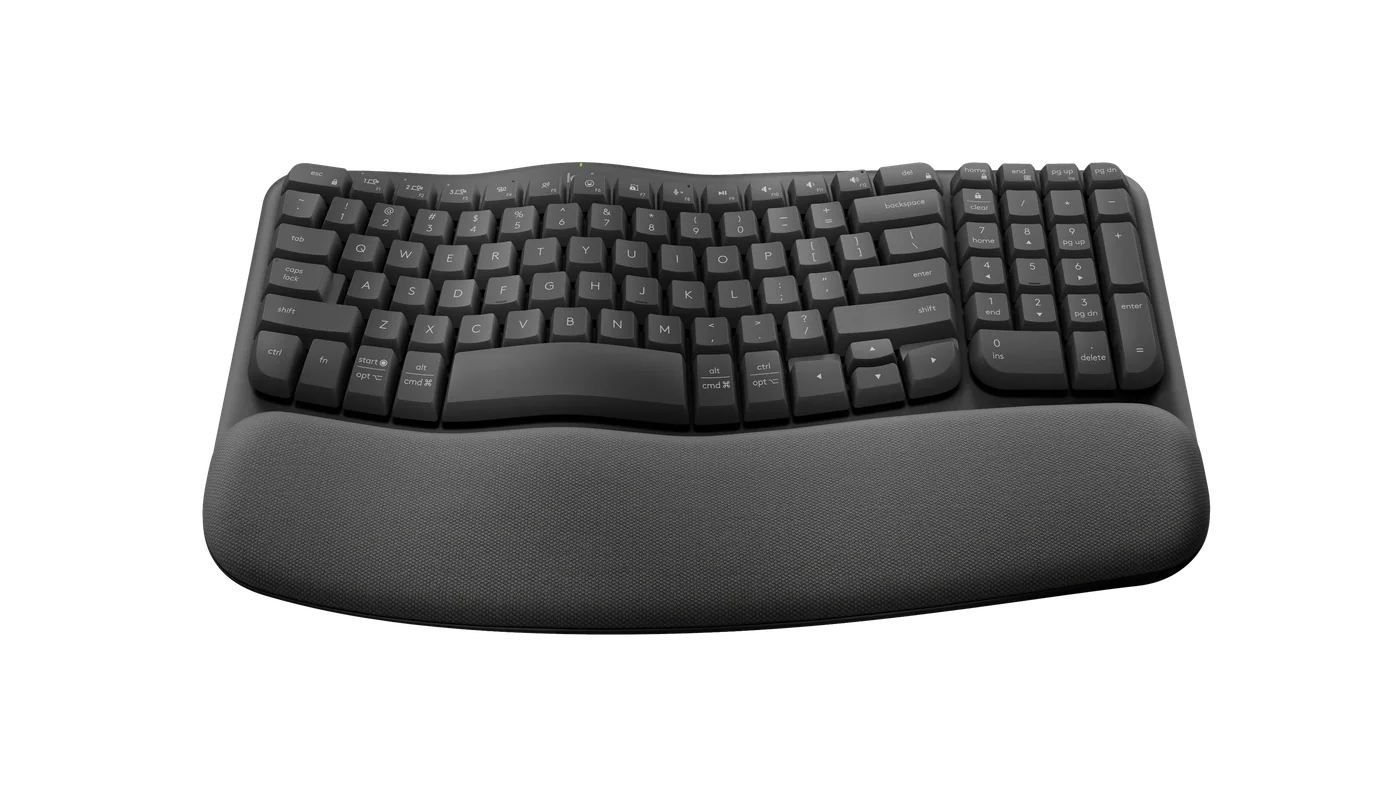
Angled view of the number pad and cushioned front edge.
Photo: Logitech · Manufacturer reference image. Angled view of the number pad and cushioned front edge.

This is a shaped membrane-style office keyboard, not a mechanical gaming board. A curved frame can feel different without guaranteeing comfort for everyone. Try a similar shape if possible, and keep your desk and chair adjustment part of the decision.
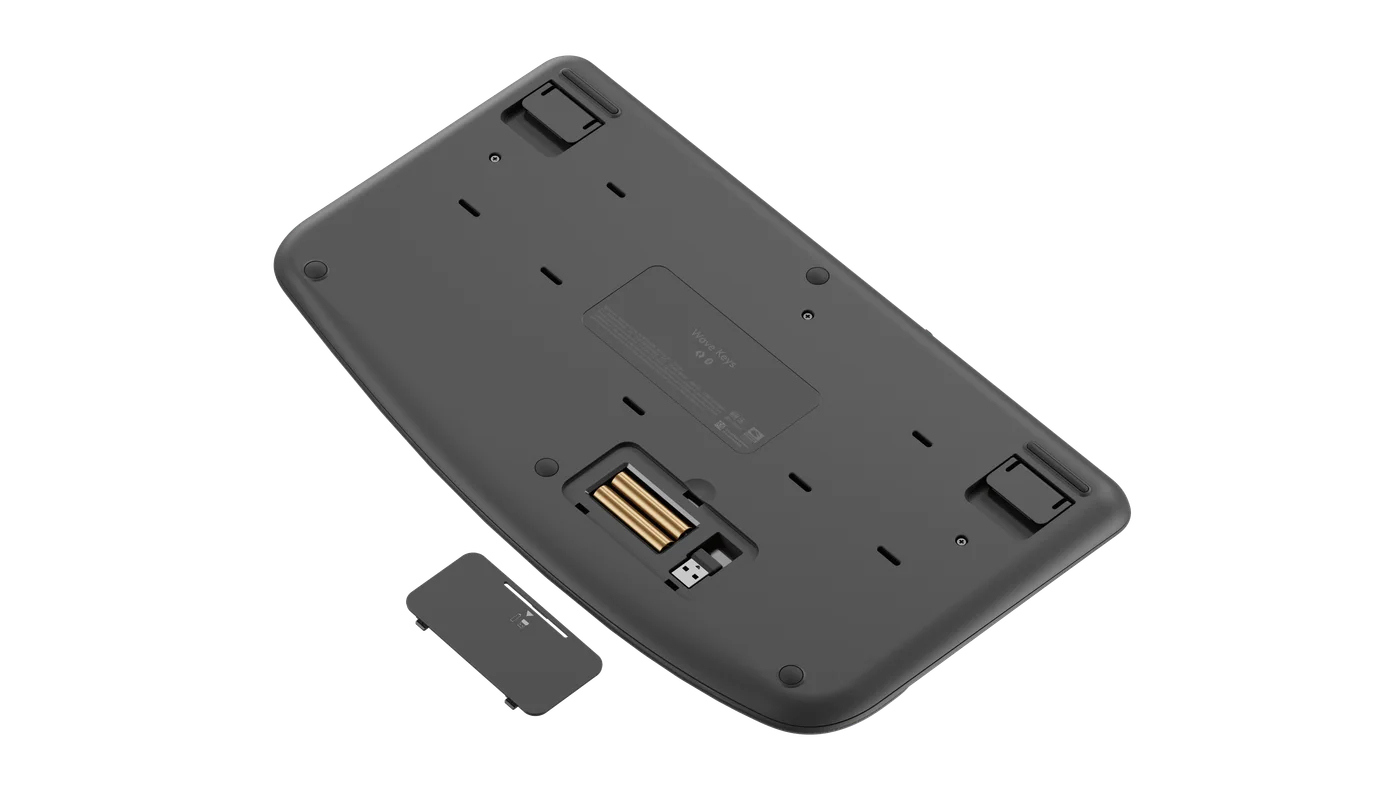
Underside showing battery compartment and included receiver.
Photo: Logitech · Manufacturer reference image. Underside showing battery compartment and included receiver.

Make switching useful rather than decorative

Bluetooth and the included Logi Bolt receiver provide connection options, while Easy-Switch lets you move typing between paired devices. That is helpful only if you genuinely use more than one: a work laptop, personal computer or tablet, for example. Check software and operating-system requirements before planning custom shortcuts.
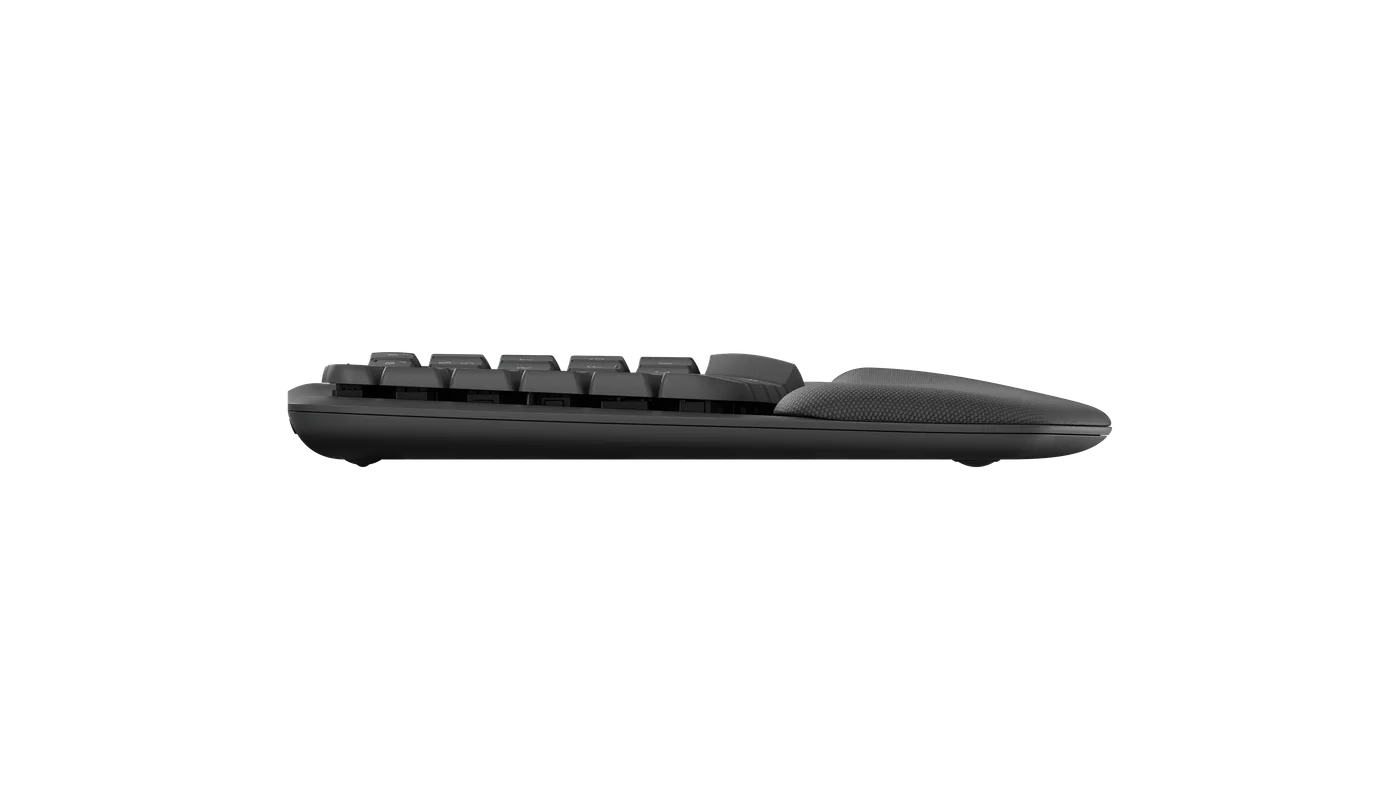
Side profile with the tilt feet folded.
Photo: Logitech · Manufacturer reference image. Side profile with the tilt feet folded.

Buy the keyboard-only graphite listing intentionally; a combo photograph does not mean a mouse is included. Choose Wave Keys for a cushioned, gently curved typing setup that retains a number pad. Choose a flatter compact board if you regularly pack your keyboard away, or a split design if separated hand positions are the feature you actually want.
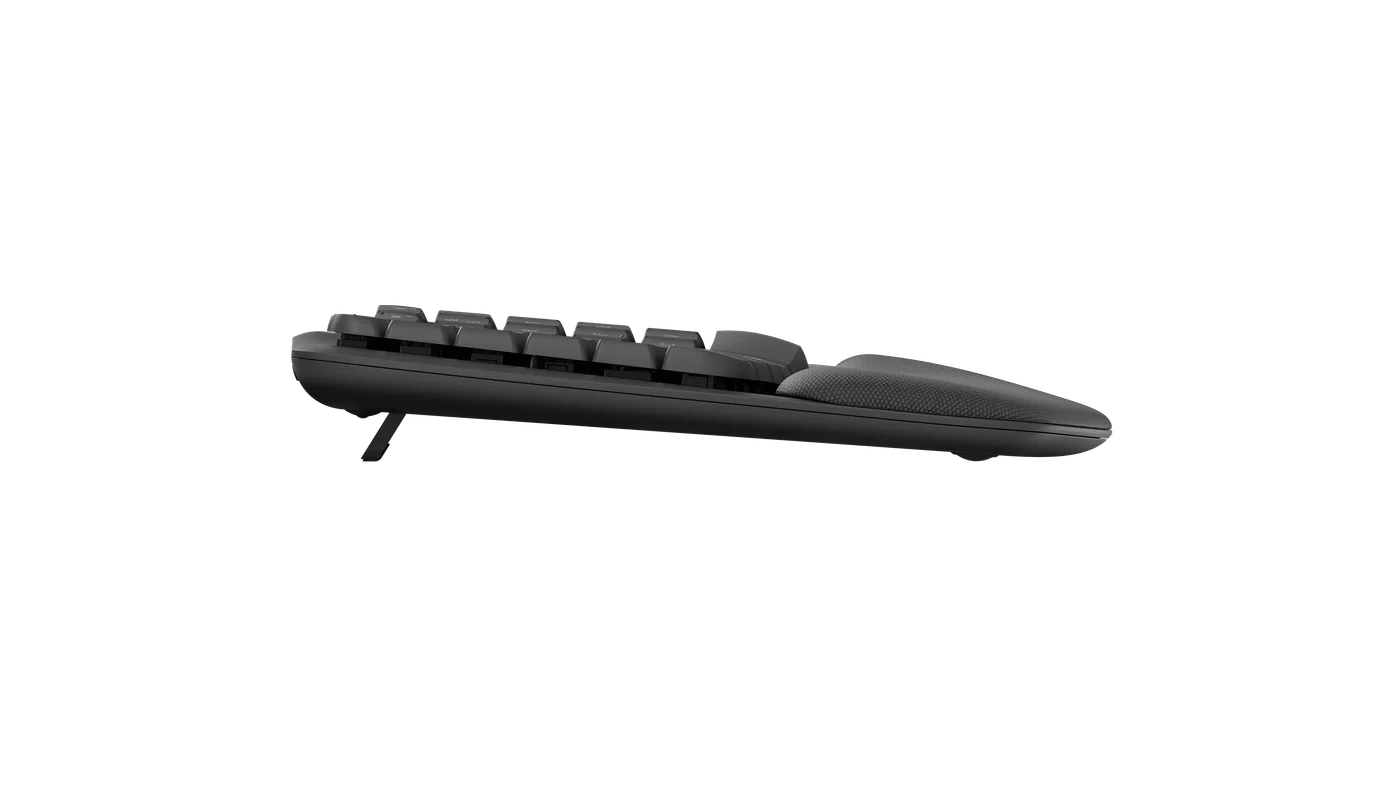
Side profile with the tilt feet extended.
Photo: Logitech · Manufacturer reference image. Side profile with the tilt feet extended.
Opposite angle of the graphite keyboard; this is not the split K860.
Photo: Logitech · Manufacturer reference image. Opposite angle of the graphite keyboard; this is not the split K860.

Ready to check availability?

Shop at Amazon

Paid link — we may earn a commission. Amazon may show a local match, an alternative or search results. Check the exact product, delivery and current price.

Evidence and sources

Research-based product guidance, not hands-on testing. Exact variant reviewed; price, stock, medical effects and international equivalence are not promised.