The attractive promise of a compact keyboard is a calmer desk: your mouse can sit closer, a notebook has room, and the surface feels less crowded. That promise fails quickly if you enter numbers for hours or discover that the keys are arranged differently from the layout your hands expect. The MX Keys Mini is best evaluated as a space-and-layout decision, not a generic productivity upgrade.
Measure the space you actually want back
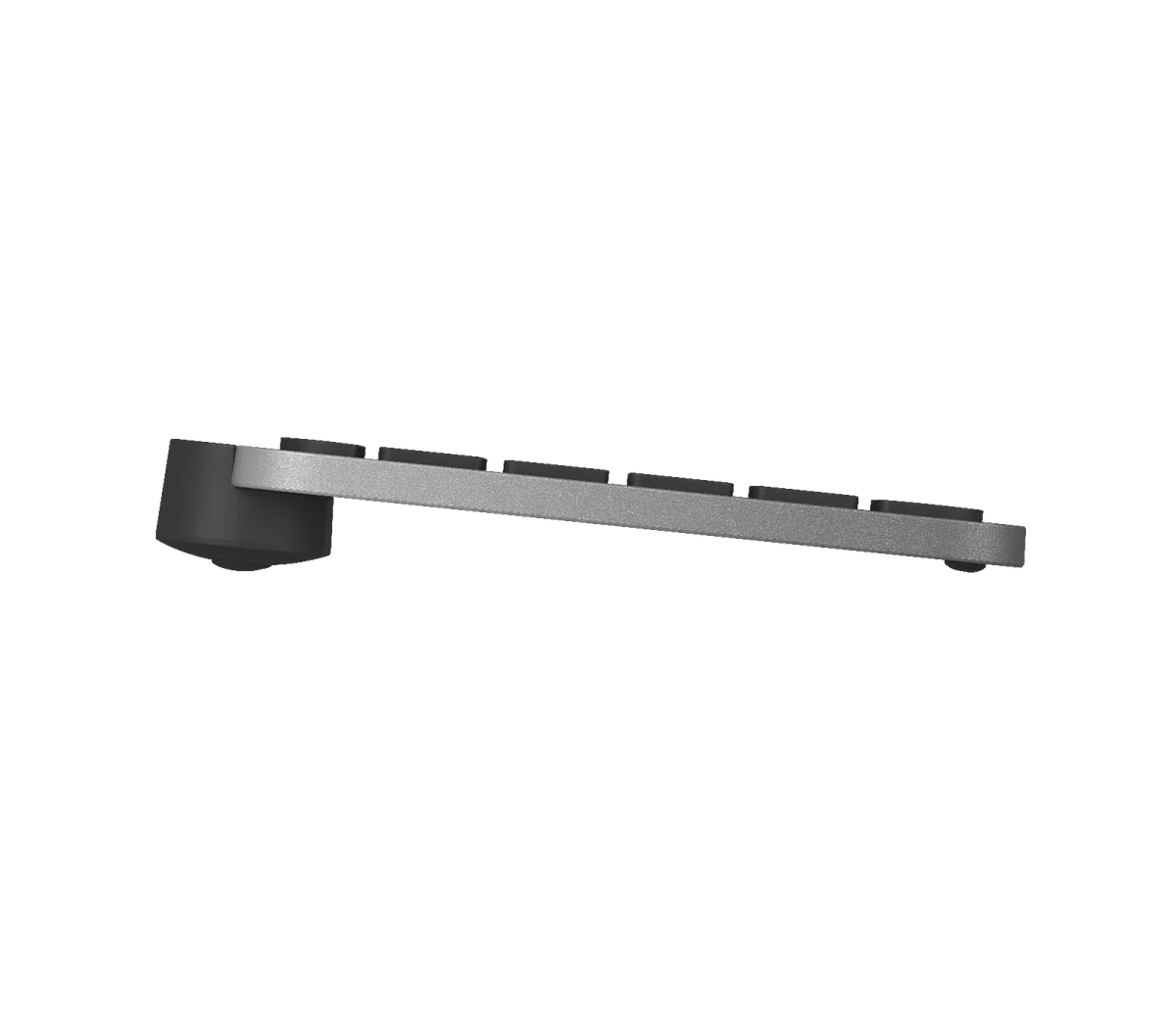
Logitech lists the MX Keys Mini at roughly 296 mm wide, 132 mm front-to-back and 21 mm high. Lay out that rectangle on your desk with paper. Then place your mouse where you would normally use it. A missing numpad can bring the mouse closer to your body, but only if the rest of your workflow fits the smaller board. Do not let a polished desk photo answer a question that a ruler can settle in a minute.
The biggest compatibility issue is your muscle memory
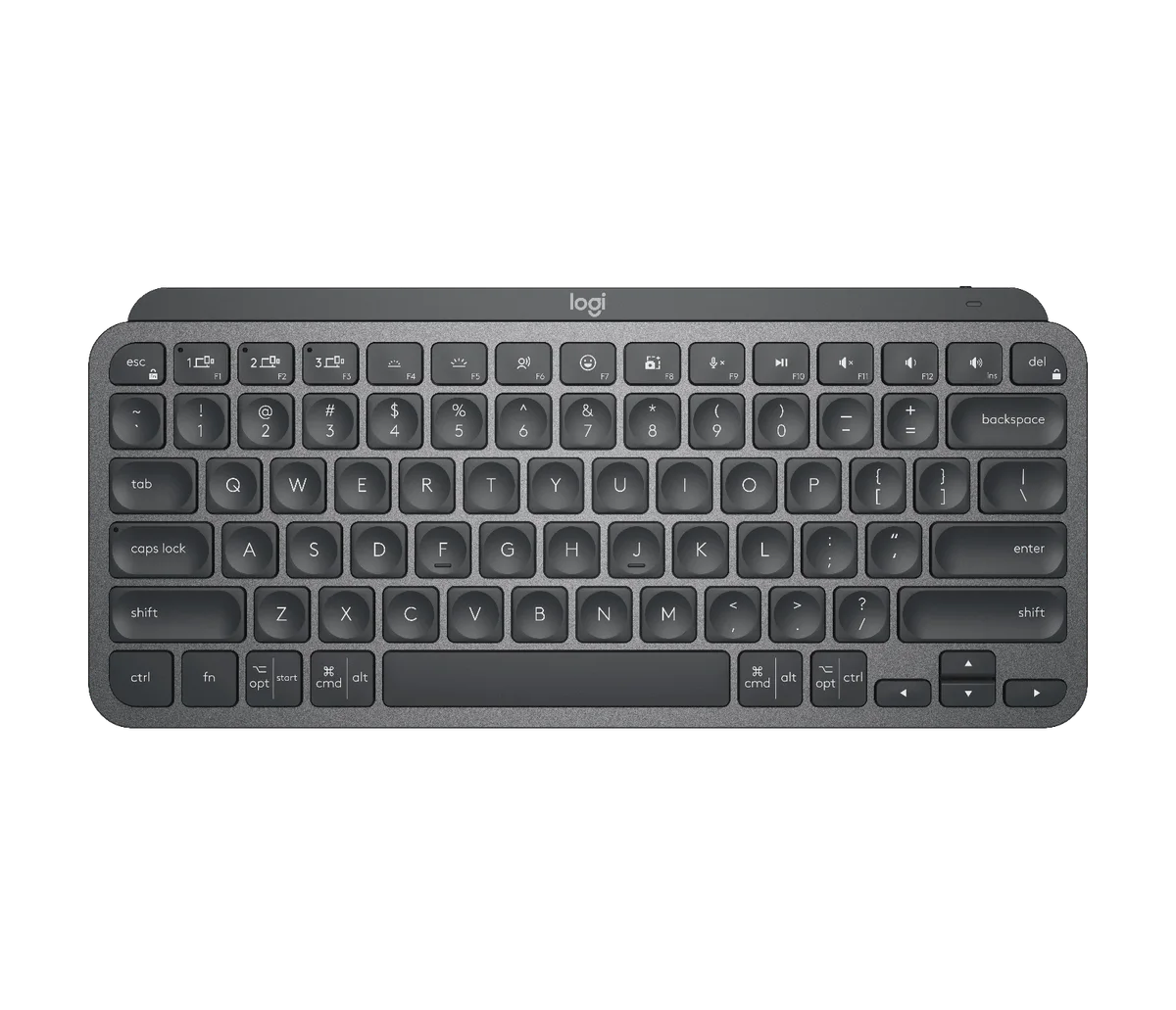
The selected Amazon item is Graphite MX Keys Mini, ASIN B098JPSVKY, with a US key layout. An English-language website has readers in the UK, Canada, Australia and beyond, but English does not mean everyone uses the same physical keyboard layout. Look at the shape of Enter and Shift, the placement of punctuation, and the legends you depend on. Software language settings cannot move the printed legends or change the physical key shapes. If you need a UK-specific or another local layout, find that exact regional edition rather than assuming Amazon’s automatic country routing will preserve your preferred layout.
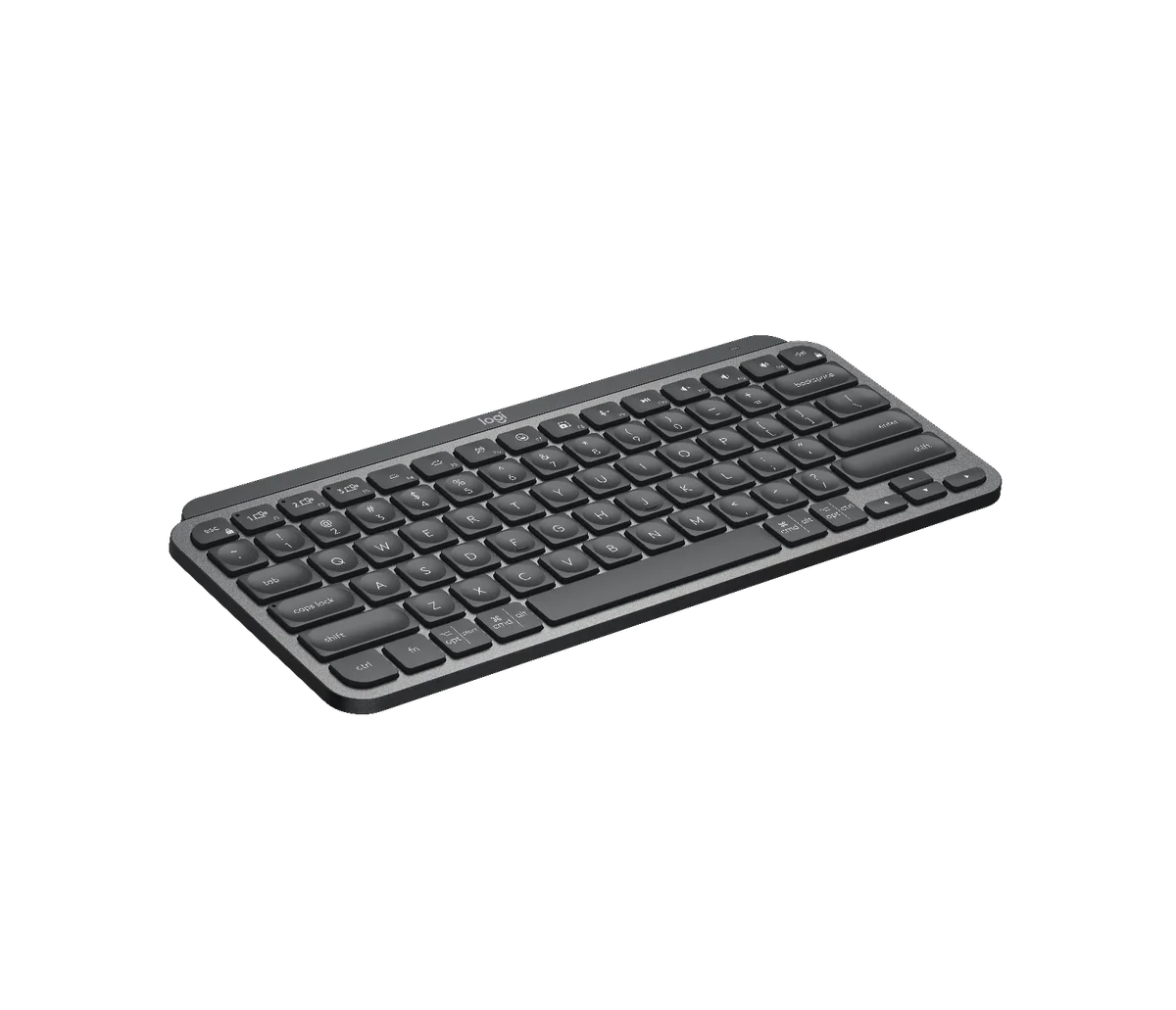
What disappears with the numpad?
If you enter a few totals a week, the top number row may be fine. If your job involves invoices, bookkeeping, data entry or keyboard shortcuts built around a numeric pad, a compact board can trade visual neatness for repeated friction. The MX Keys Mini retains a navigation and arrow cluster in a smaller arrangement, but the physical layout is not the same as a full-width office keyboard. Check the functions you use daily, not the ones a product photo suggests you ought to use.
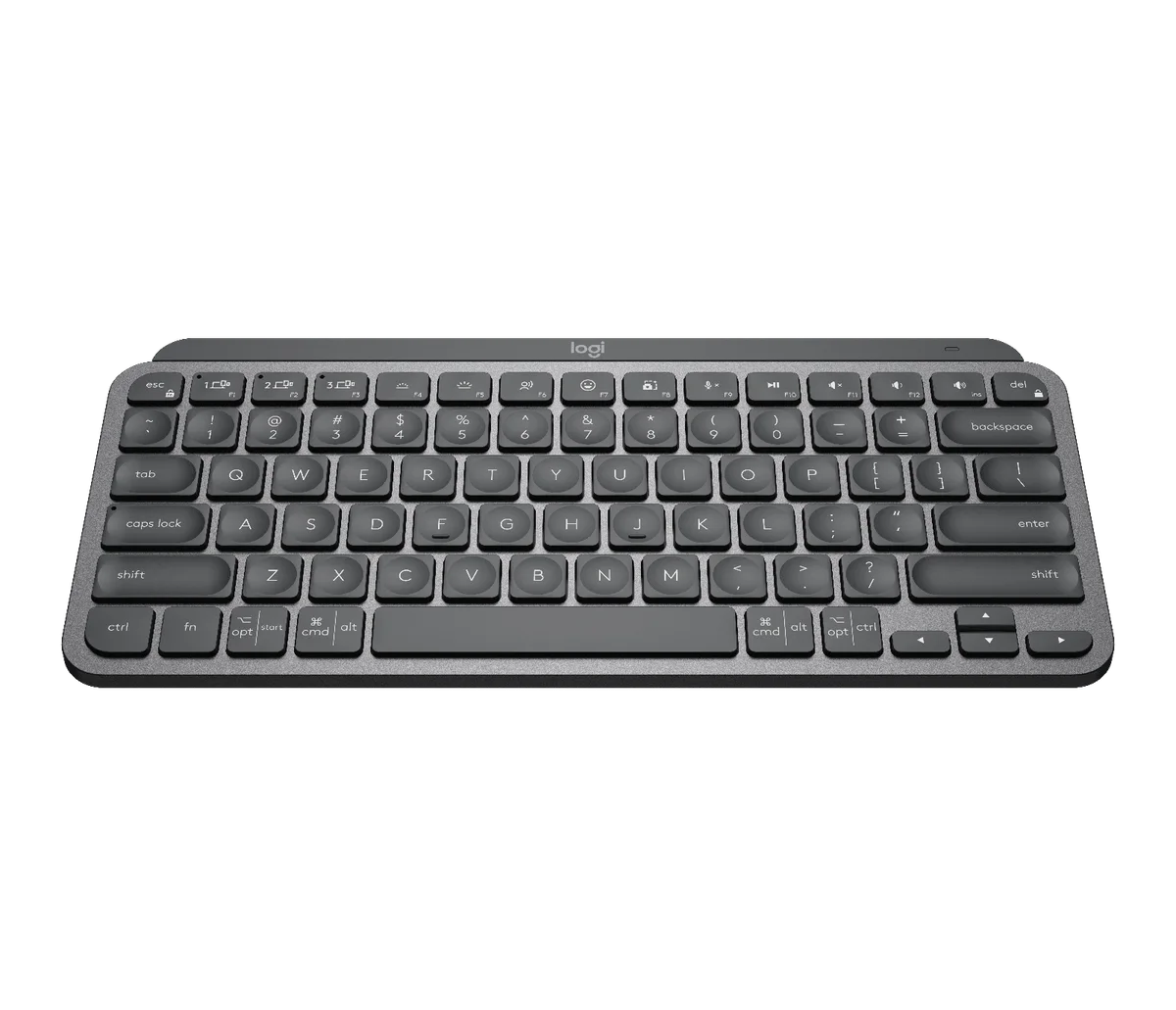
Backlighting, battery and three devices
Logitech says the keyboard’s backlighting adapts to conditions and lists up to 10 days of battery life on a full charge with lighting, or up to five months with backlighting off. Those are manufacturer estimates, not our endurance measurements. If you work in a dim room and depend on lit keys, plan around the shorter figure. The keyboard can switch among up to three paired devices, which is useful if you really alternate laptop, tablet and desktop; it is not worth paying for if you never change computers.
Pair it with the work you do, not the accessory photo
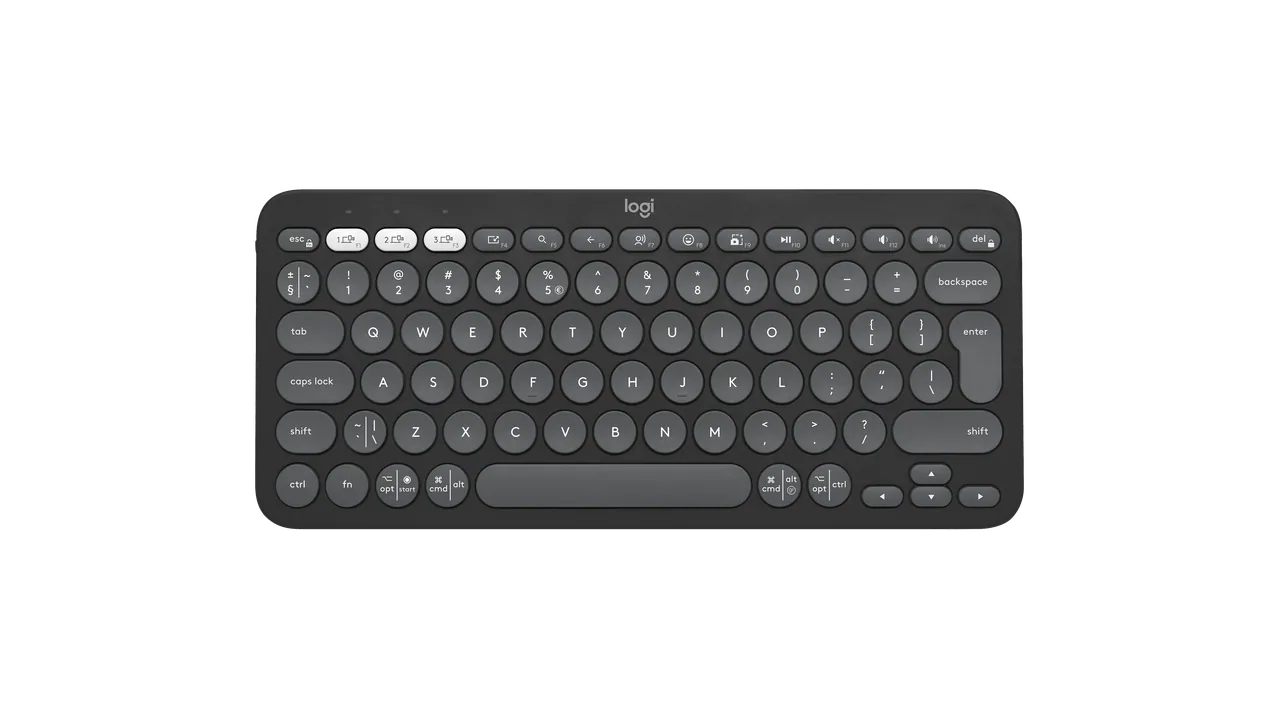
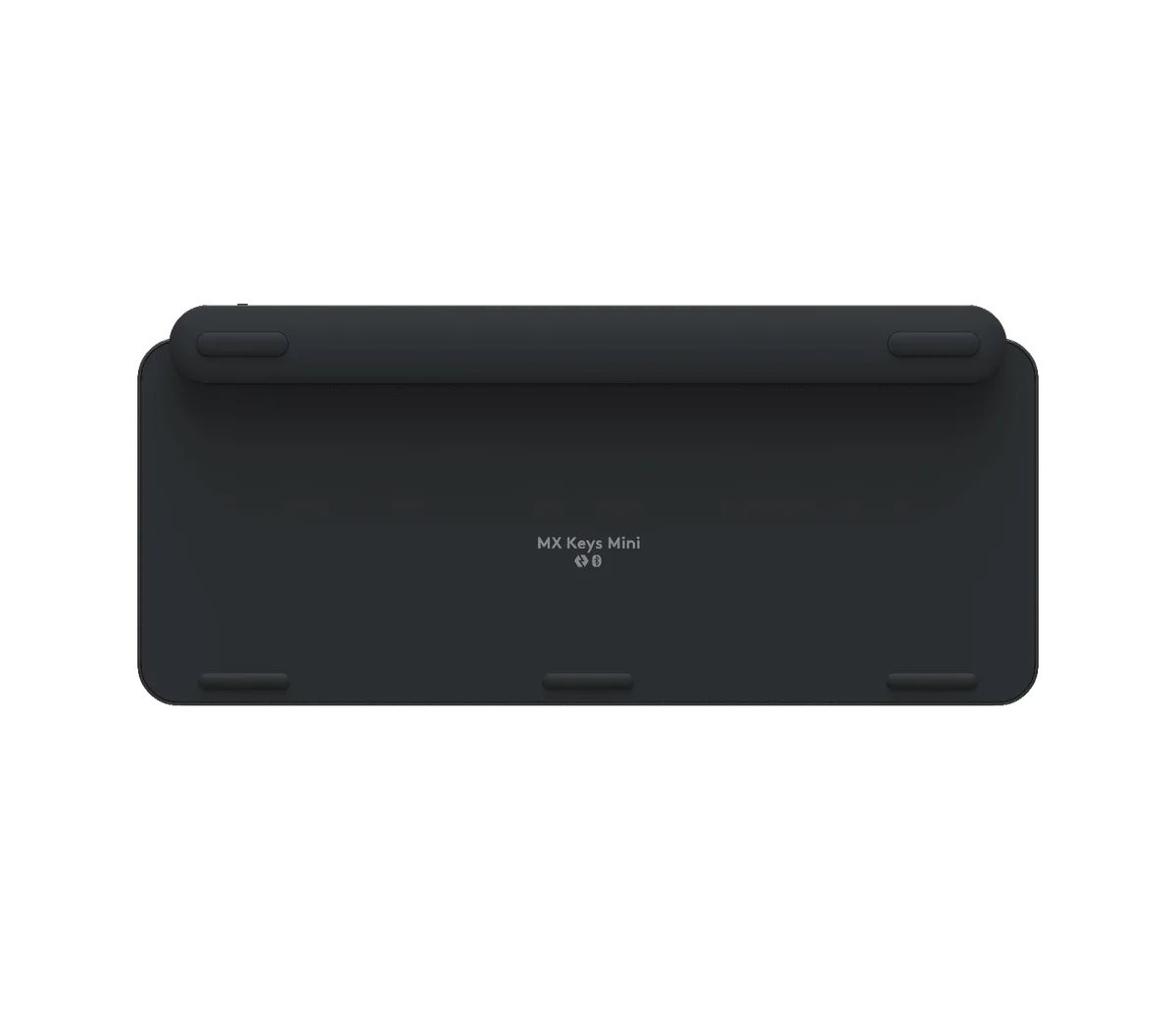
The MX Master 3S brings a very different set of desk controls; the Pebble Mouse 2 favors a shallow travel shape. A compact keyboard does not require either mouse. If the aim is a small desk, choose a mouse by grip and task after measuring how much width the Mini actually frees. If you travel with the keyboard, remember its roughly 506 g mass: compact is not weightless.
Our buying rule
Choose this US-layout MX Keys Mini if the measured width helps your desk, you rarely rely on a numpad, and three-device switching or backlighting matters. Pass if number entry or a different national key layout is central to your day. Check the retailer’s selected condition, layout, color, seller and country before paying. We have not tested the keys or claimed an ergonomic benefit; this is a research-led decision guide built around avoidable buying mistakes.