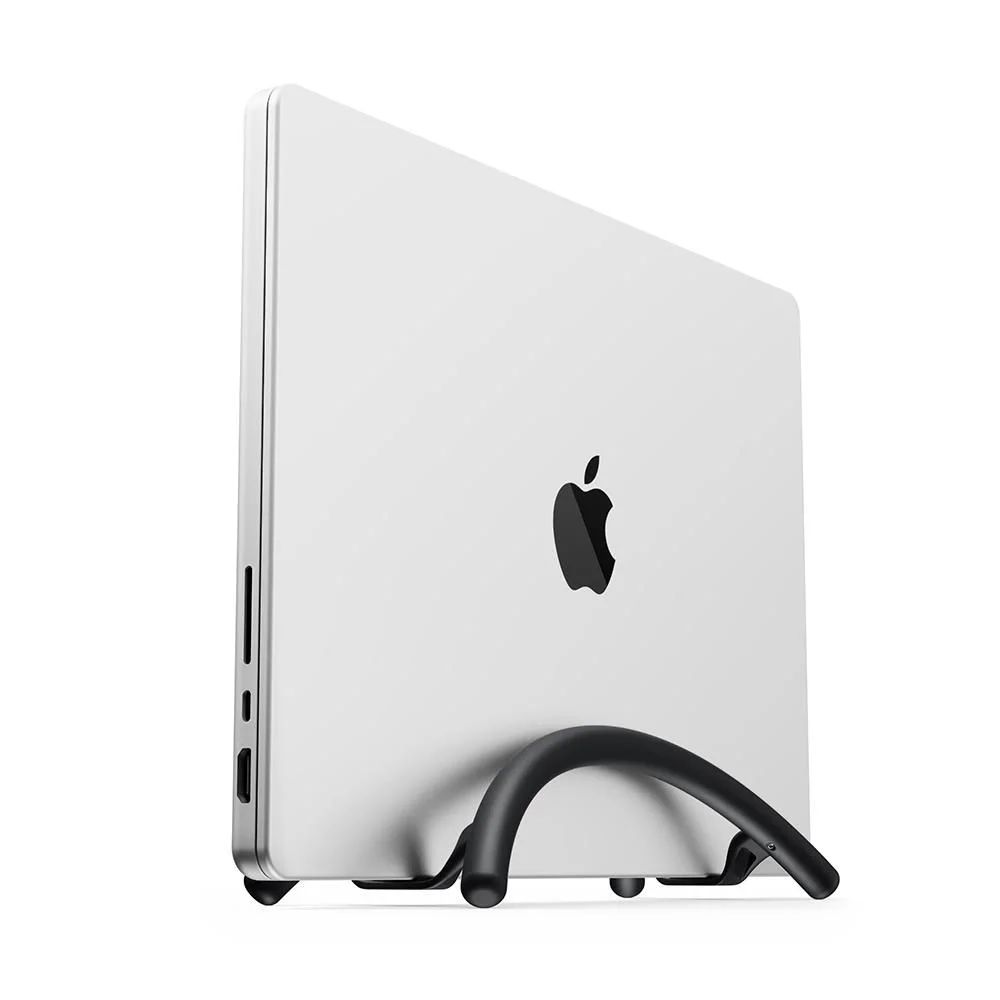
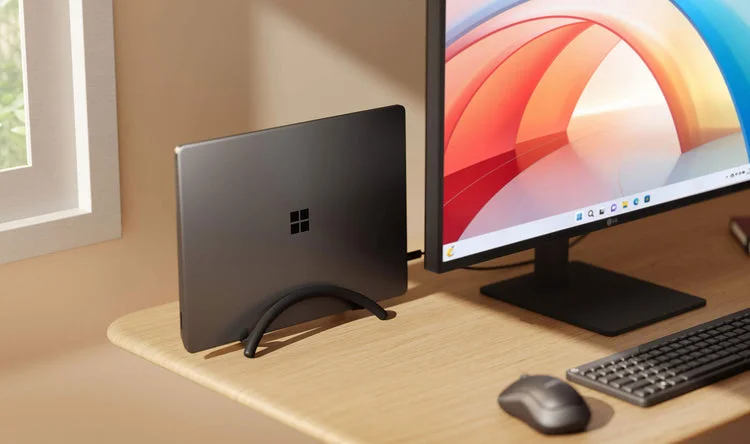
An open laptop can take up the space your keyboard, notebook or coffee needs. BookArc Flex gives a closed laptop a narrow vertical parking place beside an external display. The Black holder is appealing for a deliberately arranged desk, but fit and stability come before its clean silhouette.
This is a closed-lid setup decision
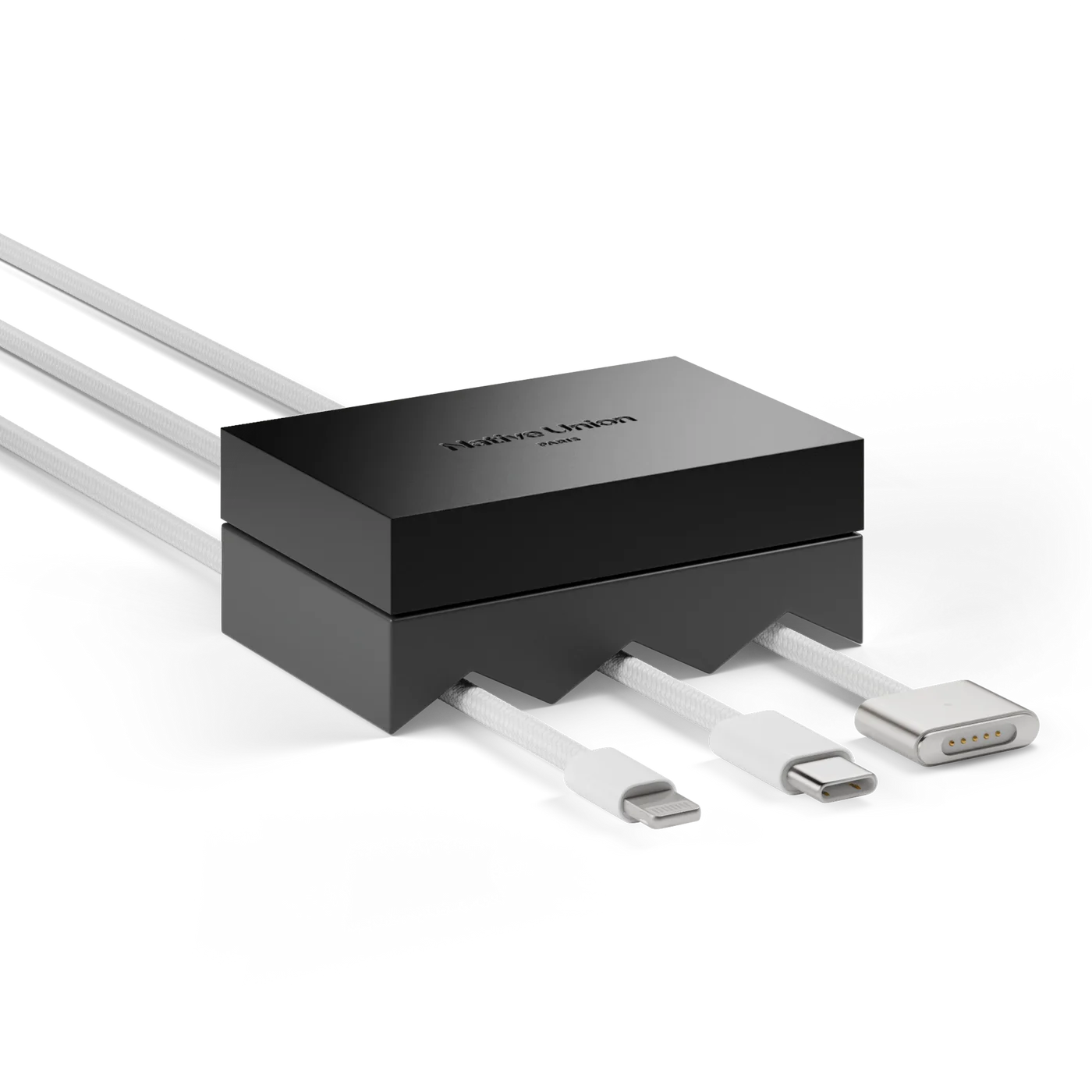
You need an external screen, input devices and a laptop that supports the intended closed-display arrangement. Check the computer maker’s requirements, power connection and ventilation guidance first. A stand cannot add closed-lid support or turn a laptop into a dock with extra ports. Cables and a separate hub may still be necessary.
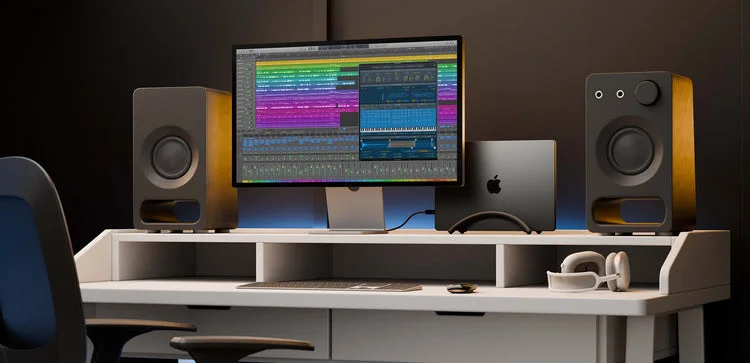
The photographs show example laptop arrangements rather than included computers or a universal compatibility guarantee. BookArc Flex uses a flexible cradle instead of the interchangeable insert system of the classic BookArc. Check your device’s dimensions and the current compatibility guidance; a name shared with another stand is not evidence of identical support.
Fit needs a physical check
Set it on a level, stable surface. Seat the closed laptop carefully and confirm that it rests securely without rocking or relying on cable tension. Check again with the actual cables connected, leaving slack so a plug does not tug the device sideways. Do not force a thick case into the cradle or put a valuable computer on the edge of a crowded desk.
Individual fit matters enough that a return option is valuable. This guide does not certify stability across every laptop; we have not performed a physical fit test. If the arrangement feels precarious, choose a holder designed and sized for your device rather than accepting it for appearance alone.
Worth choosing for a settled workstation
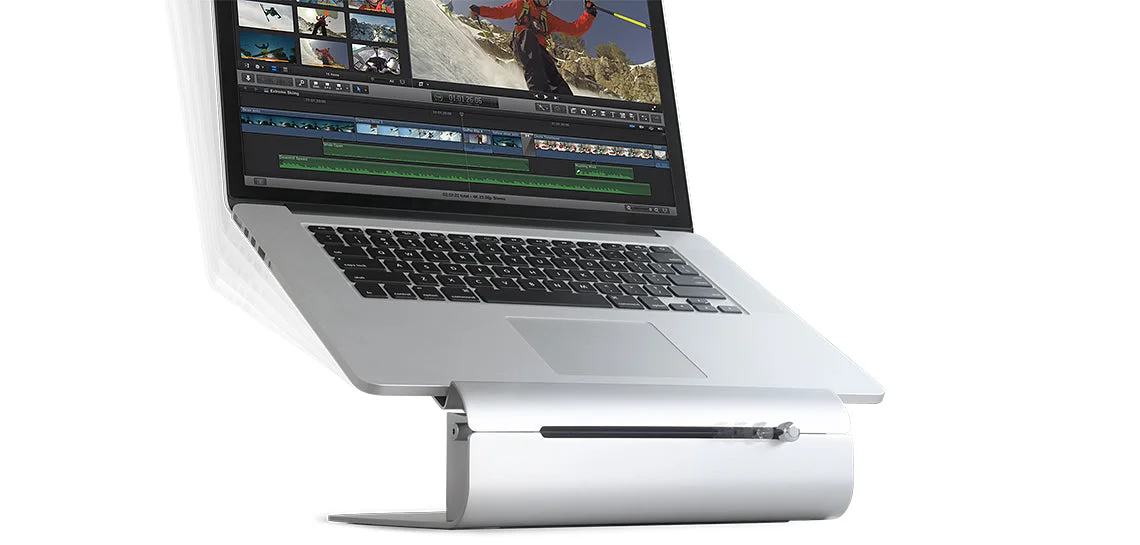
BookArc Flex makes sense when the external monitor is your regular working screen and freeing the laptop’s footprint improves the desk. Skip it if you frequently need the laptop screen open, move the computer around all day or cannot obtain a secure fit. A horizontal riser may serve that routine better. The benefit is an orderly workstation, not a promise of better cooling, faster performance or automatic compatibility. This is documentation-based guidance using manufacturer reference images.