portable-audio

HyperX Cloud III Wired: One Headset for a Mixed-Device Desk—Check the Connections First

Some desks have a gaming computer, a console controller and a work laptop within arm's reach. The all-black wired Cloud III is interesting because it starts with a practical problem: how to keep listening and talking without buying a different headset for each socket. Its collection of connectors matters more than a promise that every game will suddenly sound better.

Findweave Editorial3 min read

Published

Shop at Amazon

Paid link — we may earn a commission. Amazon may show a local match, an alternative or search results. Check the exact product, delivery and current price.

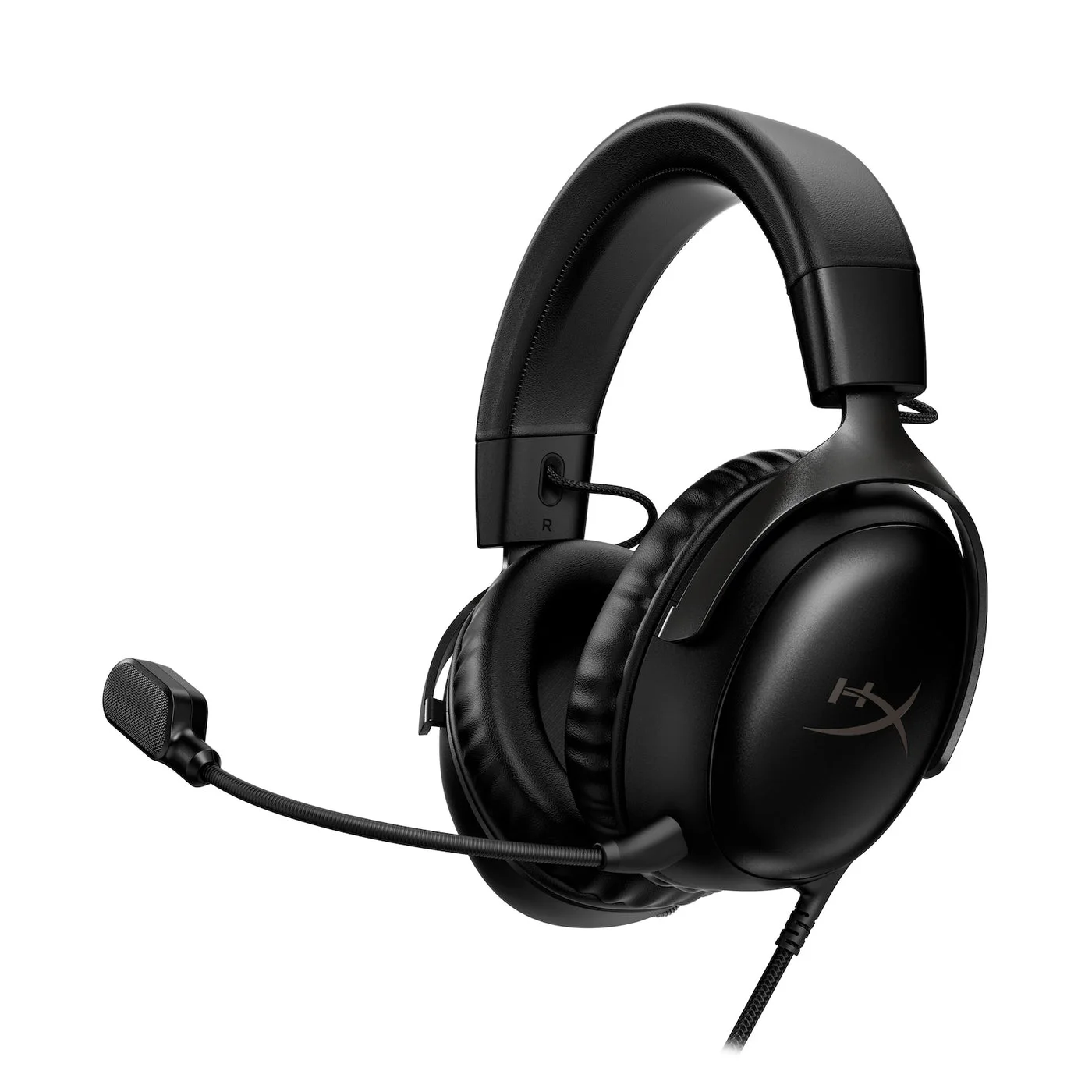
All-black wired HyperX Cloud III with its detachable boom microphone attached.
Photo: HyperX · Manufacturer reference image

Some links are paid links: we may earn a commission from qualifying purchases. As an Amazon Associate I earn from qualifying purchases. How we earn money.

THE SHORT VERSION

Before you browse

  1. Wired over-ear headset with angled 53 mm drivers, memory-foam leatherette cushions and detachable 10 mm microphone
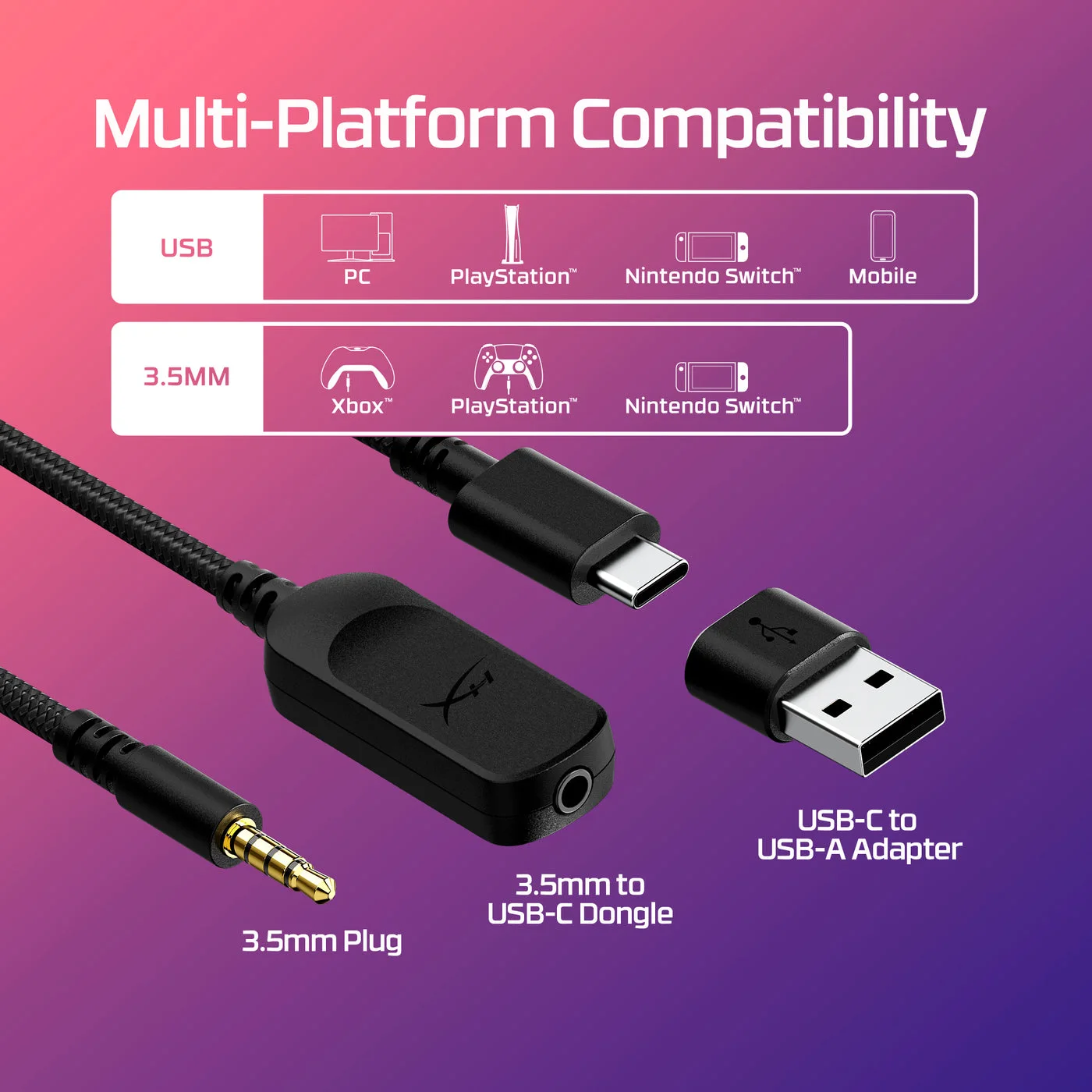
  2. 3.5 mm headset connection plus included USB dongle and USB-C to USB-A adapter; onboard volume and microphone mute
  3. USB/software features and device compatibility are not identical to analog compatibility; comfort and microphone quality are not independently tested

Some desks have a gaming computer, a console controller and a work laptop within arm’s reach. The all-black wired Cloud III is interesting because it starts with a practical problem: how to keep listening and talking without buying a different headset for each socket. Its collection of connectors matters more than a promise that every game will suddenly sound better.

Map your devices before choosing the headset

The selected wired model uses a 3.5 mm connection, with a USB dongle and USB-C to USB-A adapter included. Check which connection your devices support for both headphone audio and microphone input. A socket that accepts headphones is not automatically a combined headset input.
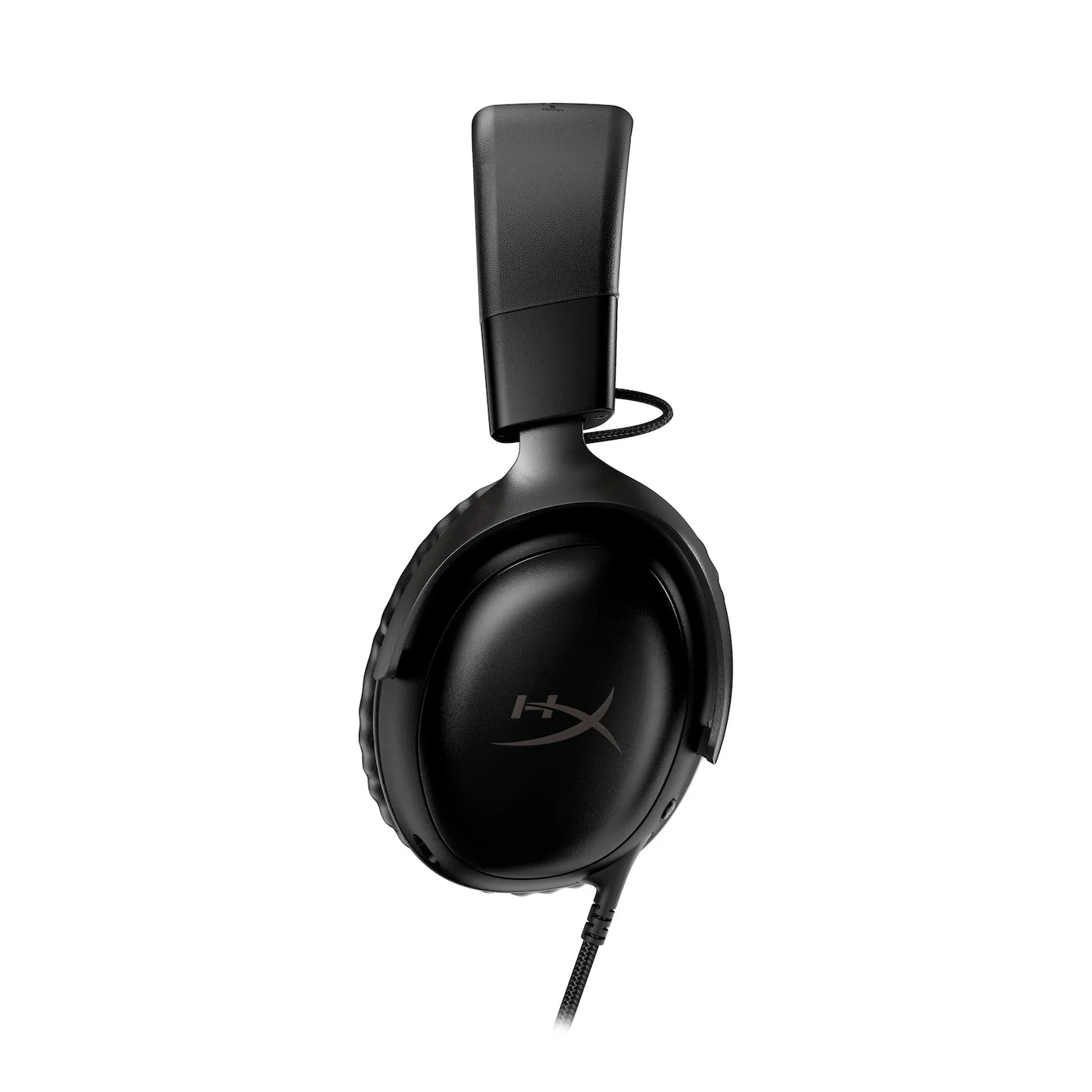
Side profile of the black earcup, headband and microphone connection.
Photo: HyperX · Manufacturer reference image. Side profile of the black earcup, headband and microphone connection.

HyperX lists several computers and consoles as compatible. That does not make all audio processing, microphone indicators or software features identical over analog and USB. If you rely on a particular console or work application, check the supported connection for that use. This is the wired Cloud III, not the Wireless or S Wireless edition.
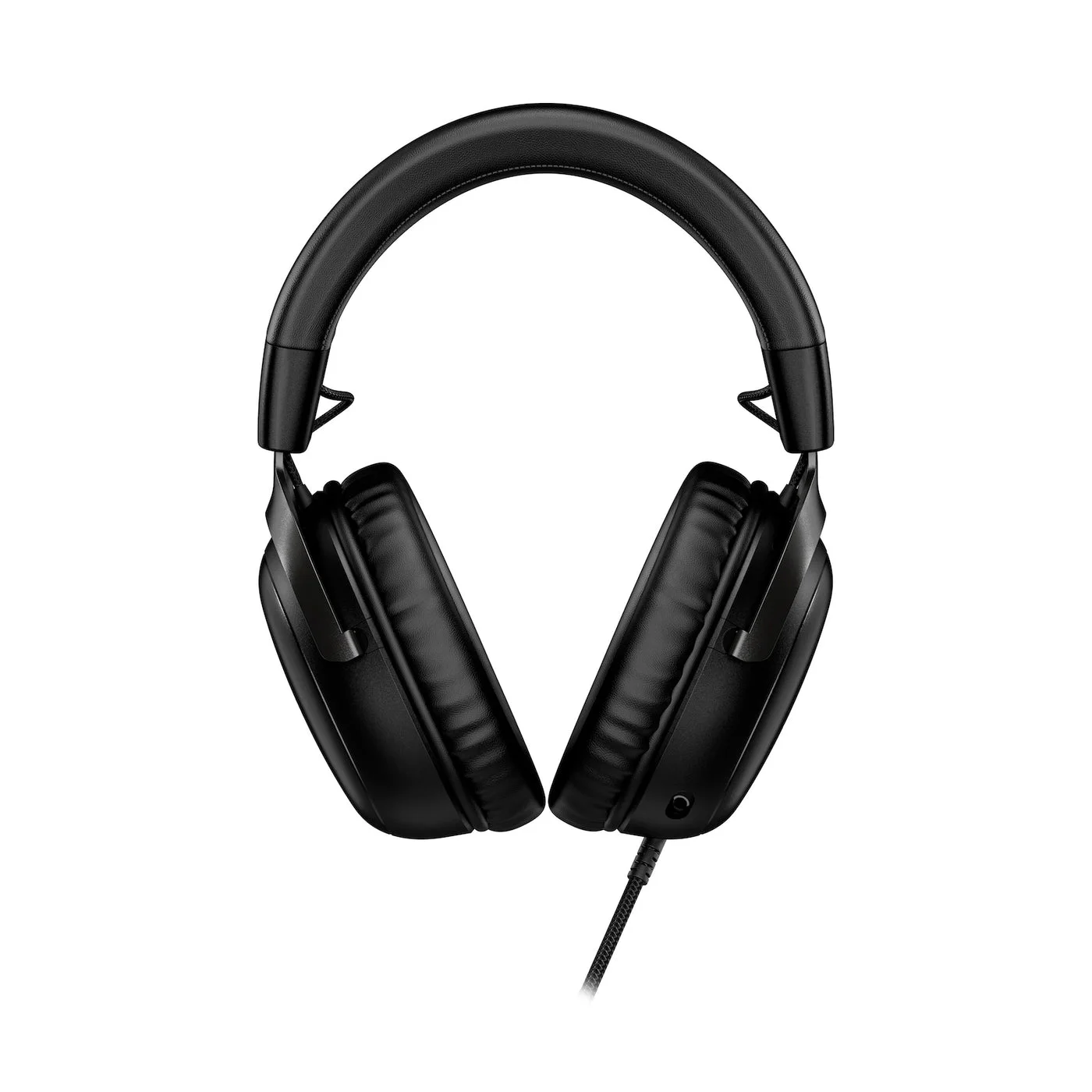
Front view of the black headband and ear cushions; fit remains individual.
Photo: HyperX · Manufacturer reference image. Front view of the black headband and ear cushions; fit remains individual.

A microphone you can take off

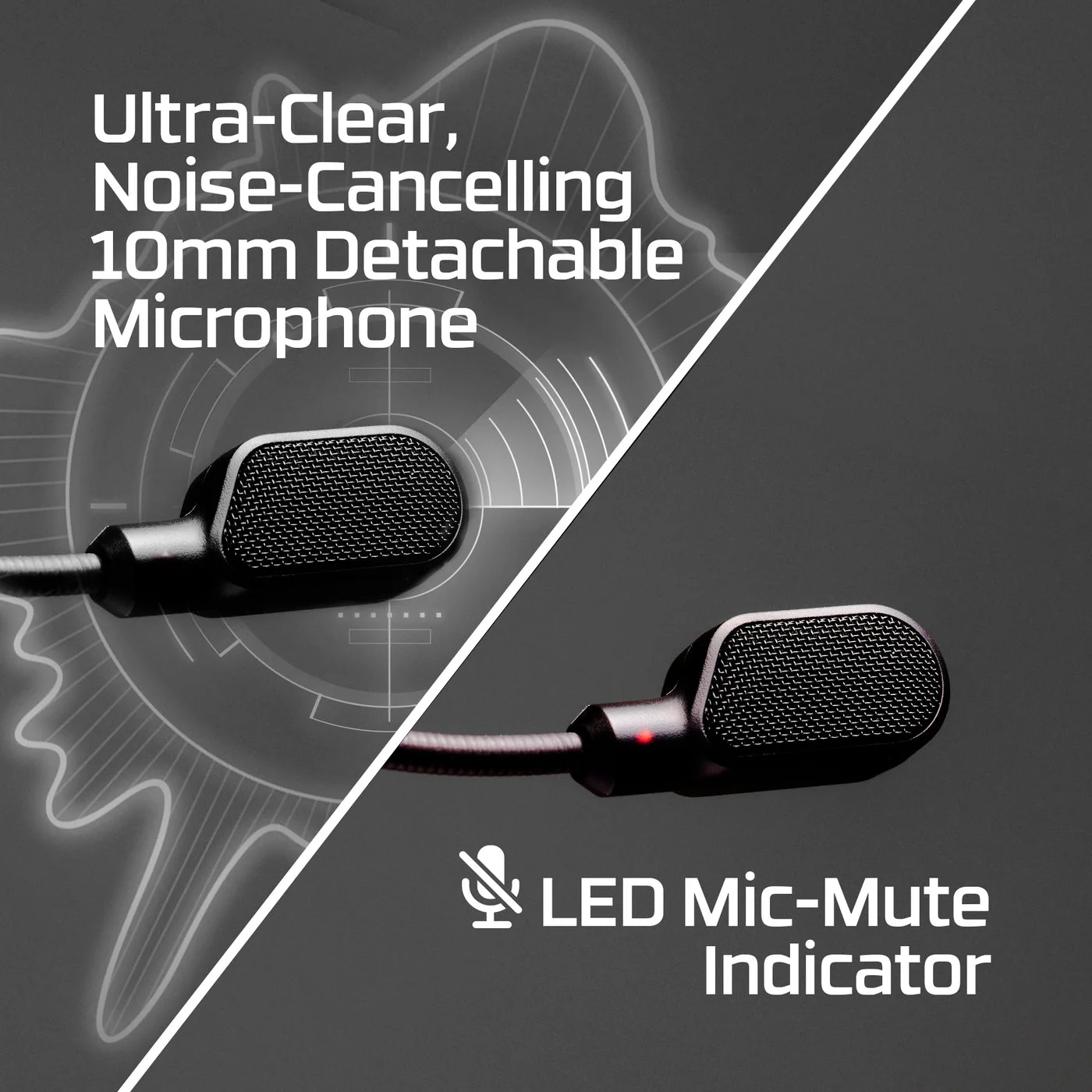
The detachable boom is useful when the same headset moves between team chat and listening. Store it somewhere predictable rather than letting it disappear into a drawer. Headset volume and mute controls keep common adjustments close; the microphone’s LED mute indicator is a feature to check in your chosen USB setup, not a substitute for checking the application’s mute status.
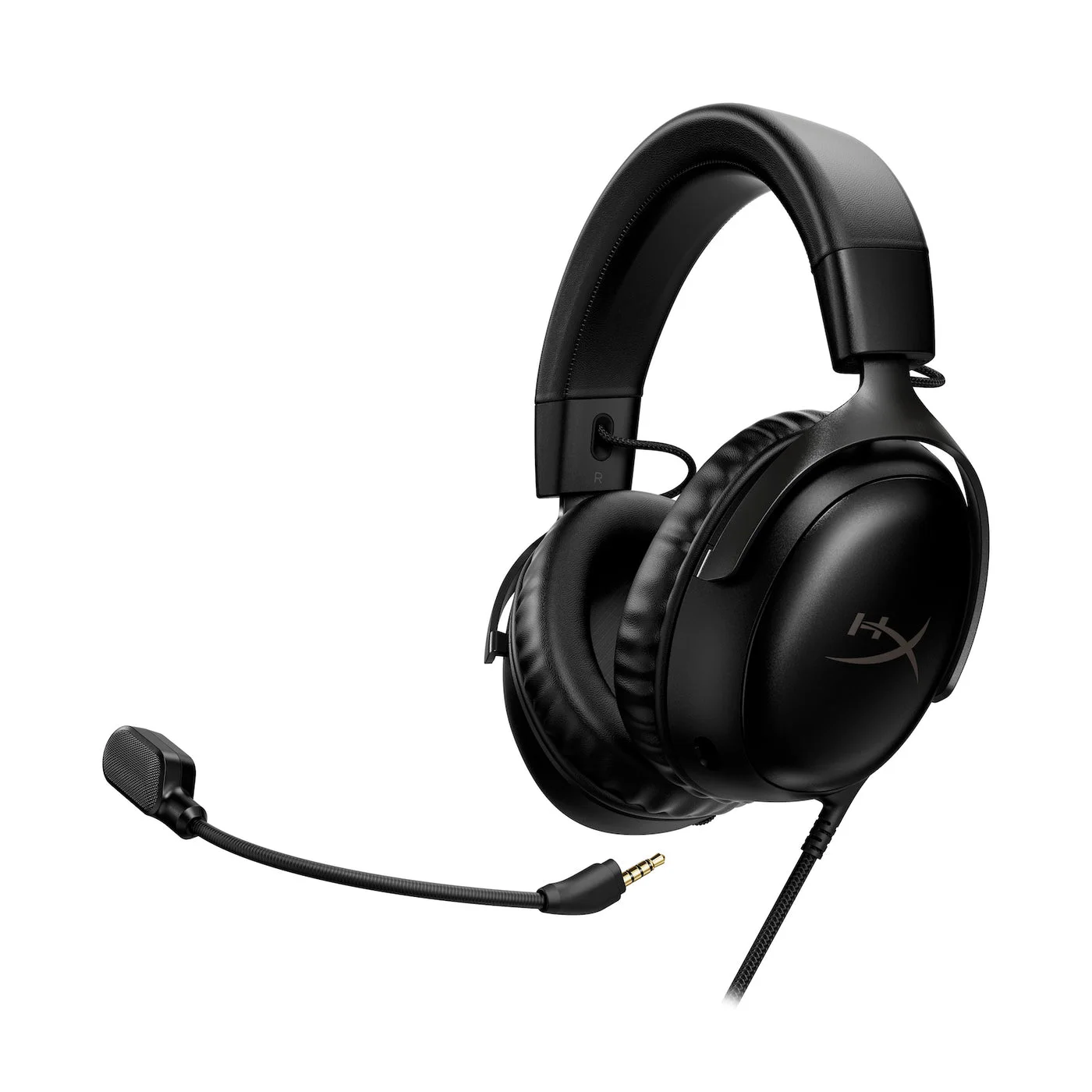
Alternate angle of the wired black headset and microphone position.
Photo: HyperX · Manufacturer reference image. Alternate angle of the wired black headset and microphone position.

Its 53 mm drivers, memory-foam cushions and leatherette covering describe the design. They cannot predict your head shape, pressure with glasses or how warm a long session feels. A return option is more useful than buying purely from the adjective ‘comfortable’. We have not performed a listening or microphone comparison.
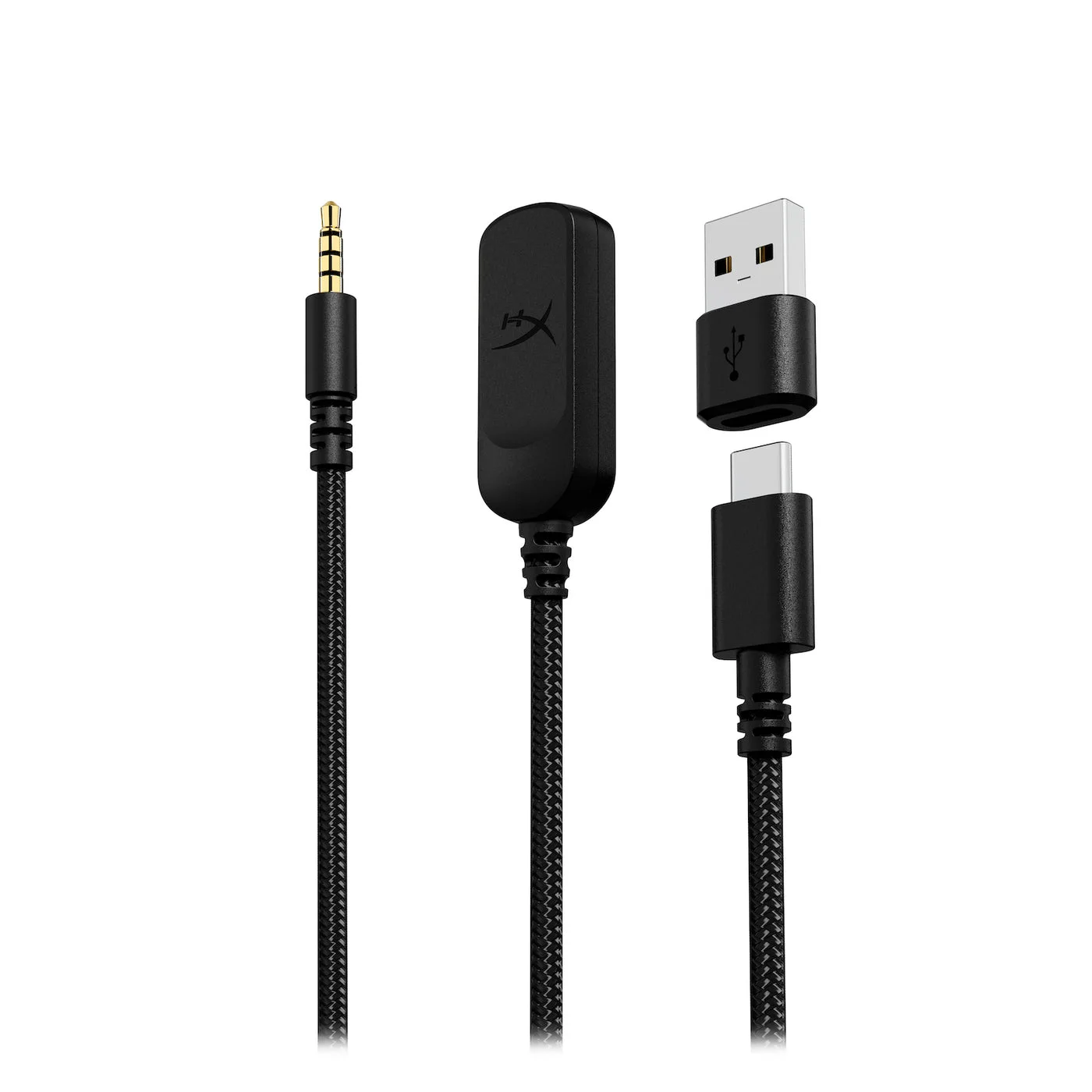
3.5 mm plug, USB dongle and USB-A adapter; choose the connection your device supports.
Photo: HyperX · Manufacturer reference image. 3.5 mm plug, USB dongle and USB-A adapter; choose the connection your device supports.

When keeping a cable makes sense

There is no battery to charge, but you still have a cable to route. Give it a path that does not catch a moving chair or pull on a controller. If freedom to move around the room is your real requirement, adding adapters will not make this a wireless headset.
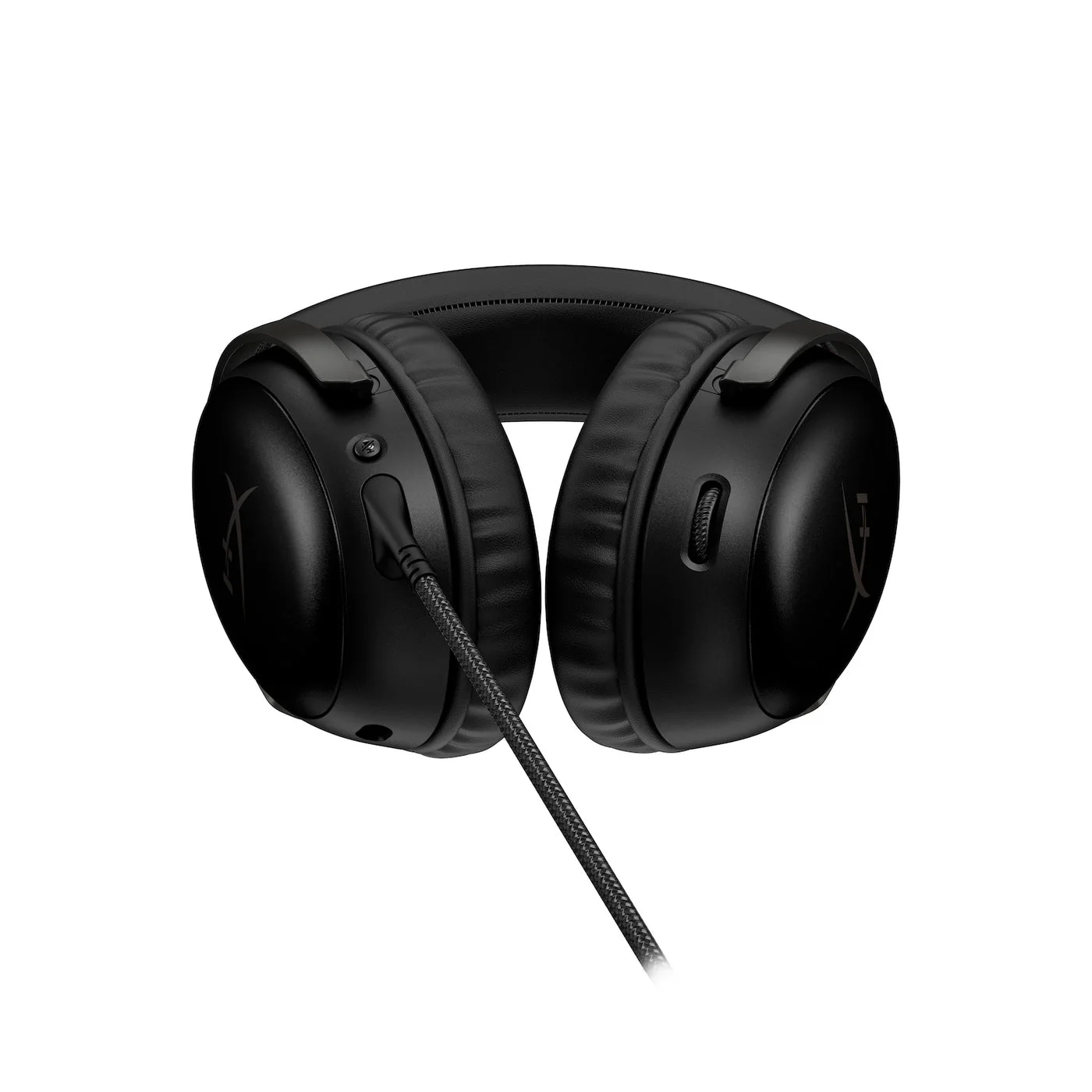
Cushion and underside details of the selected black wired model.
Photo: HyperX · Manufacturer reference image. Cushion and underside details of the selected black wired model.

Choose this all-black model when the supplied connection options, removable microphone and a single listening setup match your routine. Keep an existing headset if it already does those jobs well. The photographs here use the black wired version; red-trimmed and wireless models are not interchangeable buying instructions.
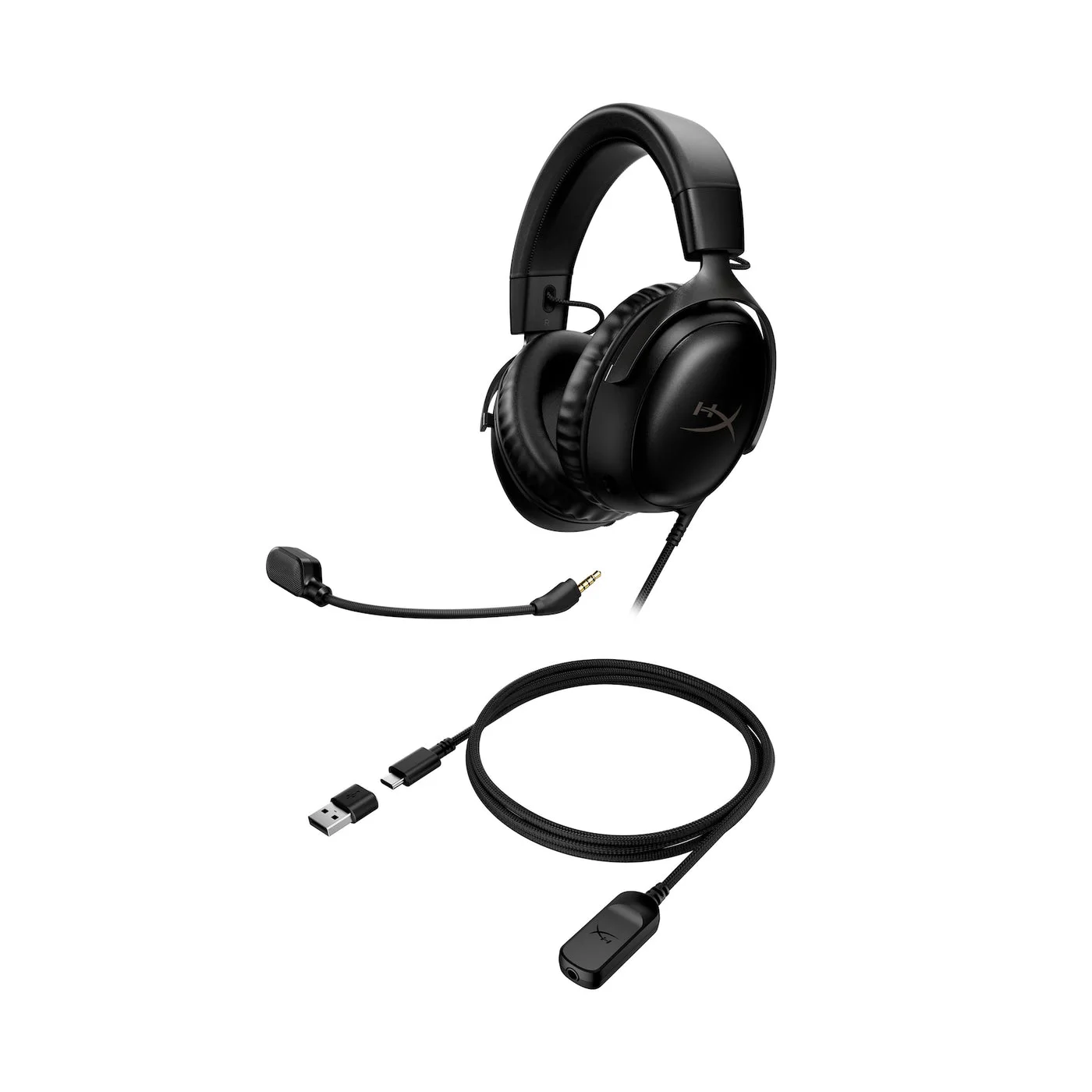
Headset and connection hardware shown together; this is not the wireless edition.
Photo: HyperX · Manufacturer reference image. Headset and connection hardware shown together; this is not the wireless edition.
Maker's microphone illustration with its LED mute feature; check operation with your chosen connection.
Photo: HyperX · Manufacturer reference image. Maker's microphone illustration with its LED mute feature; check operation with your chosen connection.
Manufacturer connection diagram; supported processing features can differ between USB and analog.
Photo: HyperX · Manufacturer reference image. Manufacturer connection diagram; supported processing features can differ between USB and analog.

Ready to check availability?

Shop at Amazon

Paid link — we may earn a commission. Amazon may show a local match, an alternative or search results. Check the exact product, delivery and current price.

Evidence and sources

Research-based product guidance, not hands-on testing. Exact variant reviewed; price, stock, medical effects and international equivalence are not promised.