webcams

Insta360 Link 2: A Moving Webcam for More Than a Seated Talking Head

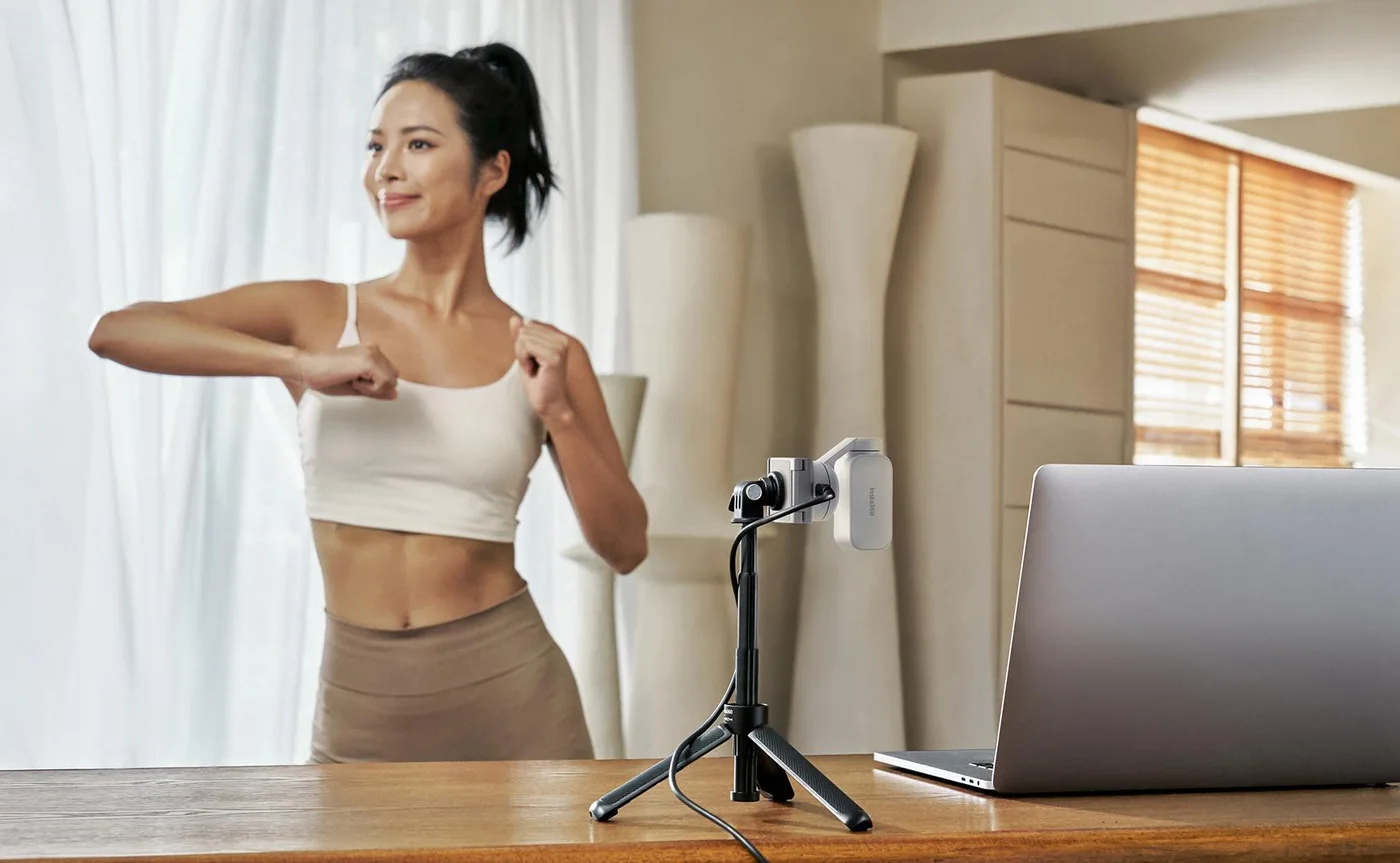
## Give the camera a reason to move Standing lessons, demonstrations and small-room presentations ask more of a webcam than a face in a chair. The Insta360 Link 2 uses a two-axis motorised gimbal to follow a subject. Its attraction is the freedom to explain something without repeatedly repositioning the laptop—not the idea that every call needs a robotic camera.

Findweave Editorial2 min read

Published

Shop at Amazon

Paid link — we may earn a commission. Amazon may show a local match, an alternative or search results. Check the exact product, delivery and current price.

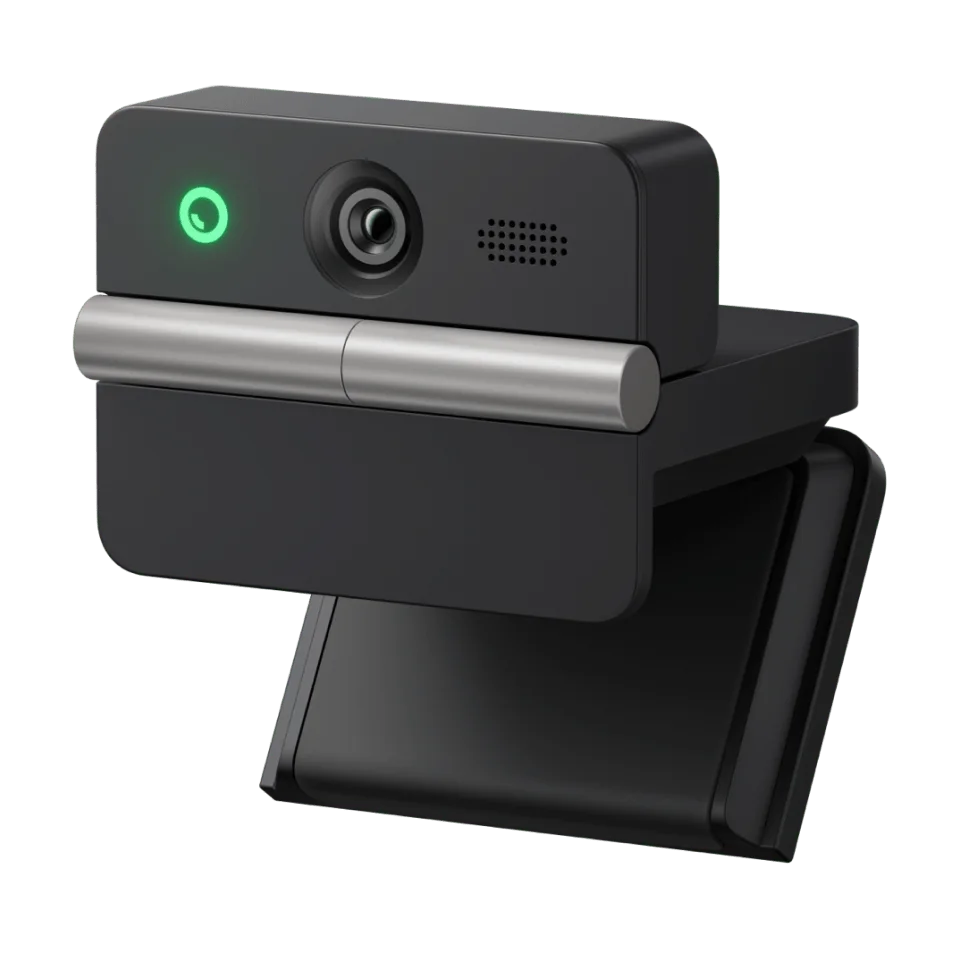
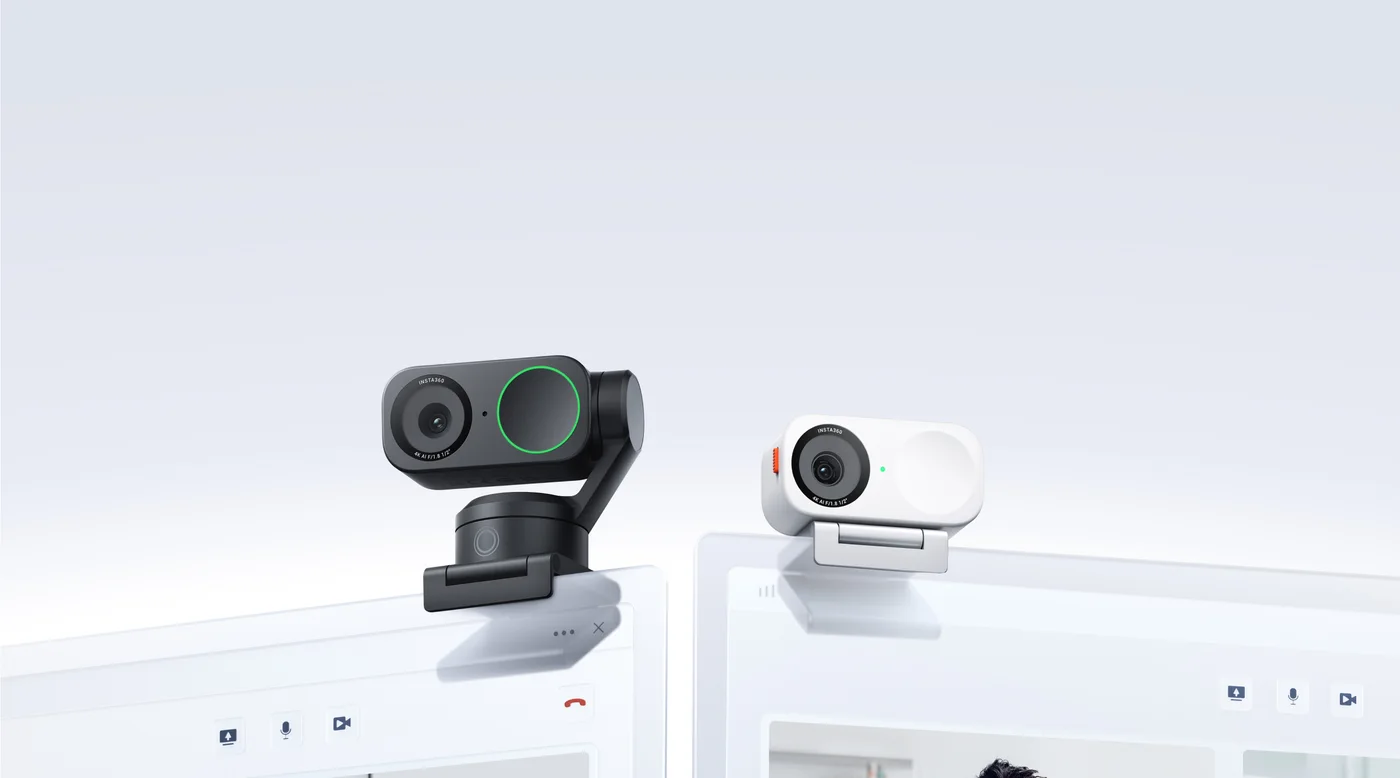
Manufacturer paired lineup: motorised Link 2 on the left and fixed Link 2C on the right; this offer selects Graphite Black Link 2.
Photo: Insta360 · Manufacturer reference image

Some links are paid links: we may earn a commission from qualifying purchases. As an Amazon Associate I earn from qualifying purchases. How we earn money.

THE SHORT VERSION

Before you browse

  1. Two-axis gimbal for AI tracking and 4K30 capture.
  2. DeskView and whiteboard workflows require appropriate setup and software.
  3. Check host computer, placement and software requirements before ordering.

Give the camera a reason to move

Standing lessons, demonstrations and small-room presentations ask more of a webcam than a face in a chair. The Insta360 Link 2 uses a two-axis motorised gimbal to follow a subject. Its attraction is the freedom to explain something without repeatedly repositioning the laptop—not the idea that every call needs a robotic camera.

Identify the moving model first

This offer selects the original Graphite Black Link 2 Standard Bundle. It is not Link 2C, and it is not Link 2 Pro. The manufacturer’s paired lineup makes the difference visible: Link 2 sits on a moving head, while Link 2C stays fixed. Other finishes and separately arranged microphones or supports in the pictures are not extra contents in this offer.

Walk through the room before buying

Imagine the route from your desk to a board or demonstration area. Choose a stable camera position with a usable view, leave room for the moving head and check cable reach. Tracking is not a substitute for a clear sightline. A cramped setup with an obstructed lens remains cramped even after adding a gimbal.

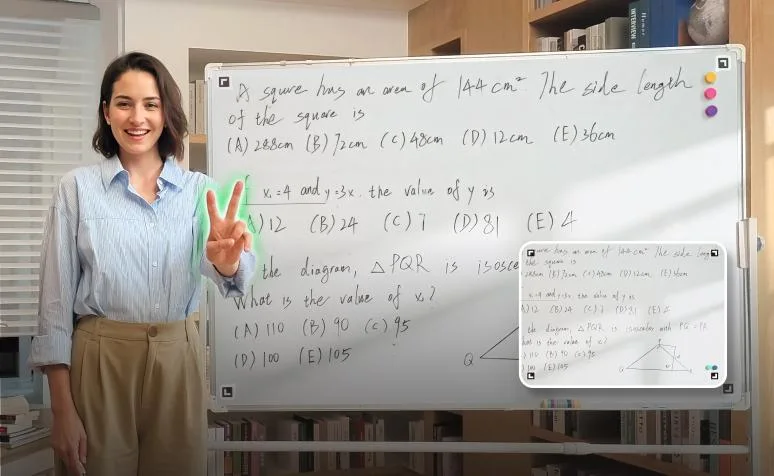
DeskView and whiteboard are workflows, not shortcuts

Those modes need appropriate camera angles, software and setup. Check Link Controller requirements for your computer and the features you intend to use, especially GPU-dependent effects and virtual-camera functions. The camera can capture 4K30, but that is not a guarantee of 4K output in your conferencing app.

Spend on movement only when it earns its place

Shortlist Link 2 for presentations where following a standing subject would remove a real inconvenience. A fixed camera may be the tidier choice for an ordinary seated workday. Budget separately for any tripod or microphone that your planned arrangement requires. Confirm the original model and bundle before buying. Findweave has not tested tracking reliability, microphone performance or image quality; the scenes here are manufacturer illustrations.
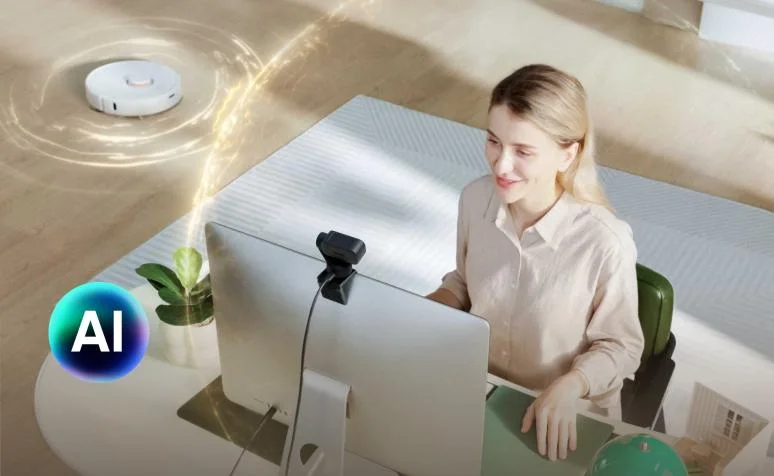
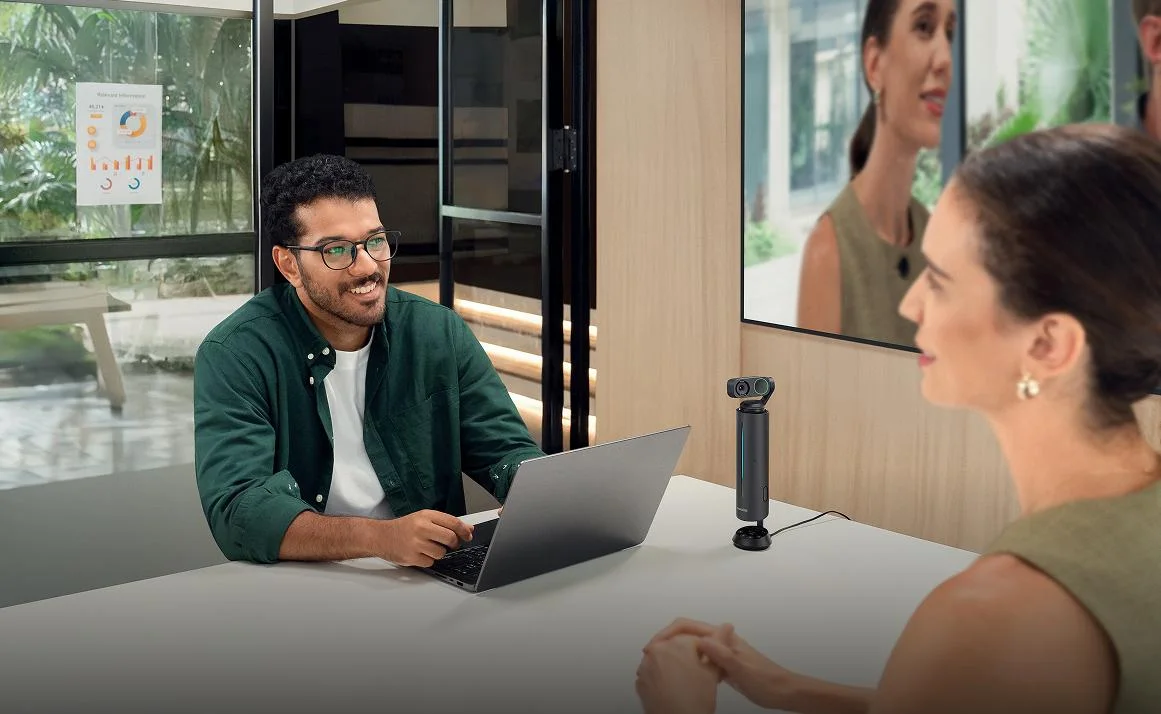
Manufacturer camera-and-laptop scene; software noise processing is not independently tested here.
Photo: Insta360 · Manufacturer reference image. Manufacturer camera-and-laptop scene; software noise processing is not independently tested here.
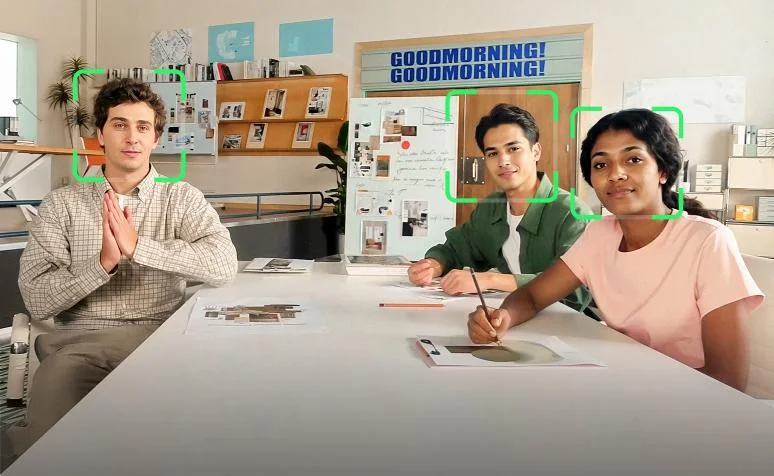
Manufacturer group-framing demonstration, not a promise that every participant remains visible.
Photo: Insta360 · Manufacturer reference image. Manufacturer group-framing demonstration, not a promise that every participant remains visible.
Whiteboard gesture demonstration requiring an appropriate camera position and mode.
Photo: Insta360 · Manufacturer reference image. Whiteboard gesture demonstration requiring an appropriate camera position and mode.
Meeting arrangement with a separately arranged support.
Photo: Insta360 · Manufacturer reference image. Meeting arrangement with a separately arranged support.
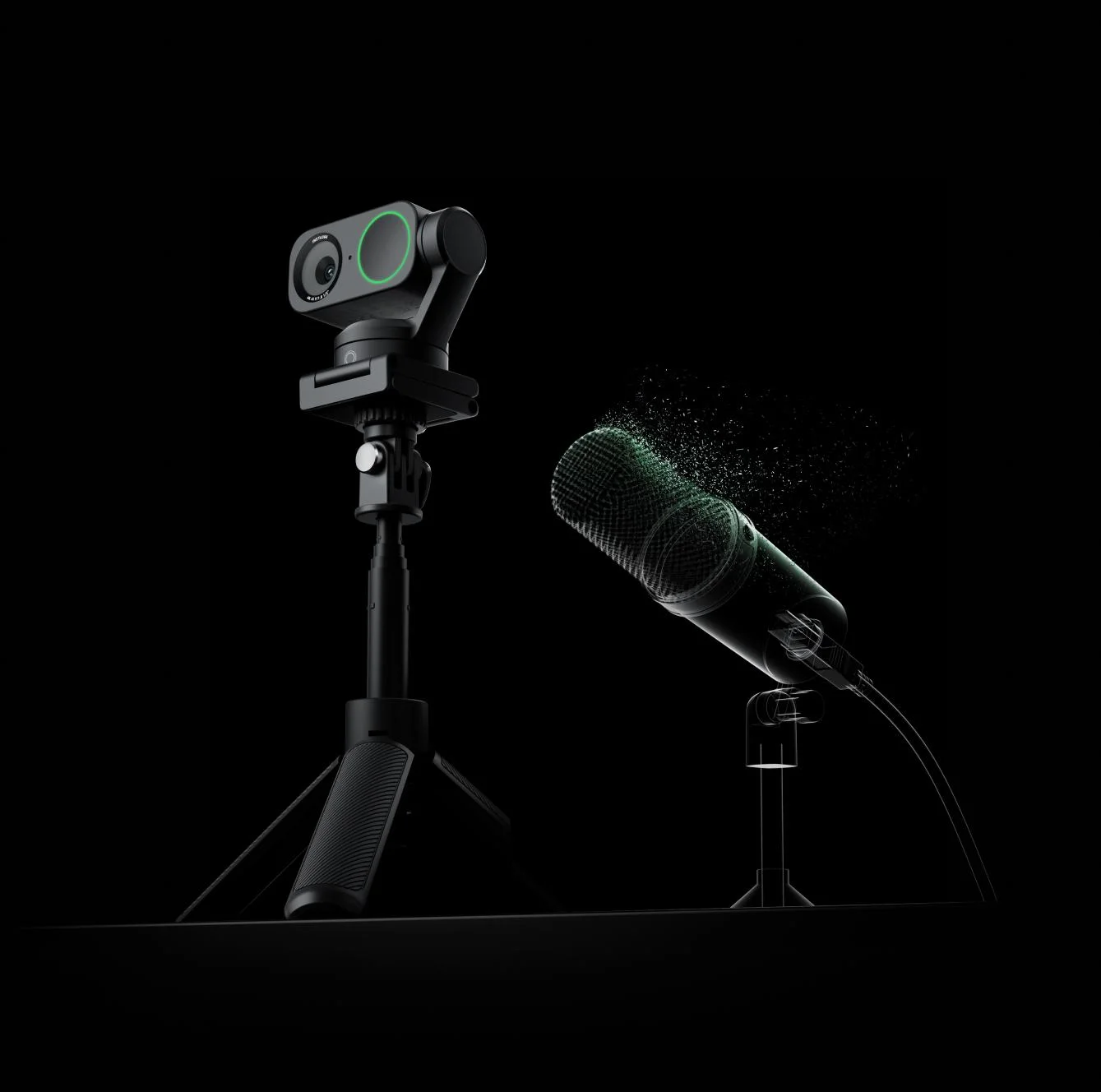
Link 2 shown beside a microphone and tripod; separate accessories are not included by implication.
Photo: Insta360 · Manufacturer reference image. Link 2 shown beside a microphone and tripod; separate accessories are not included by implication.
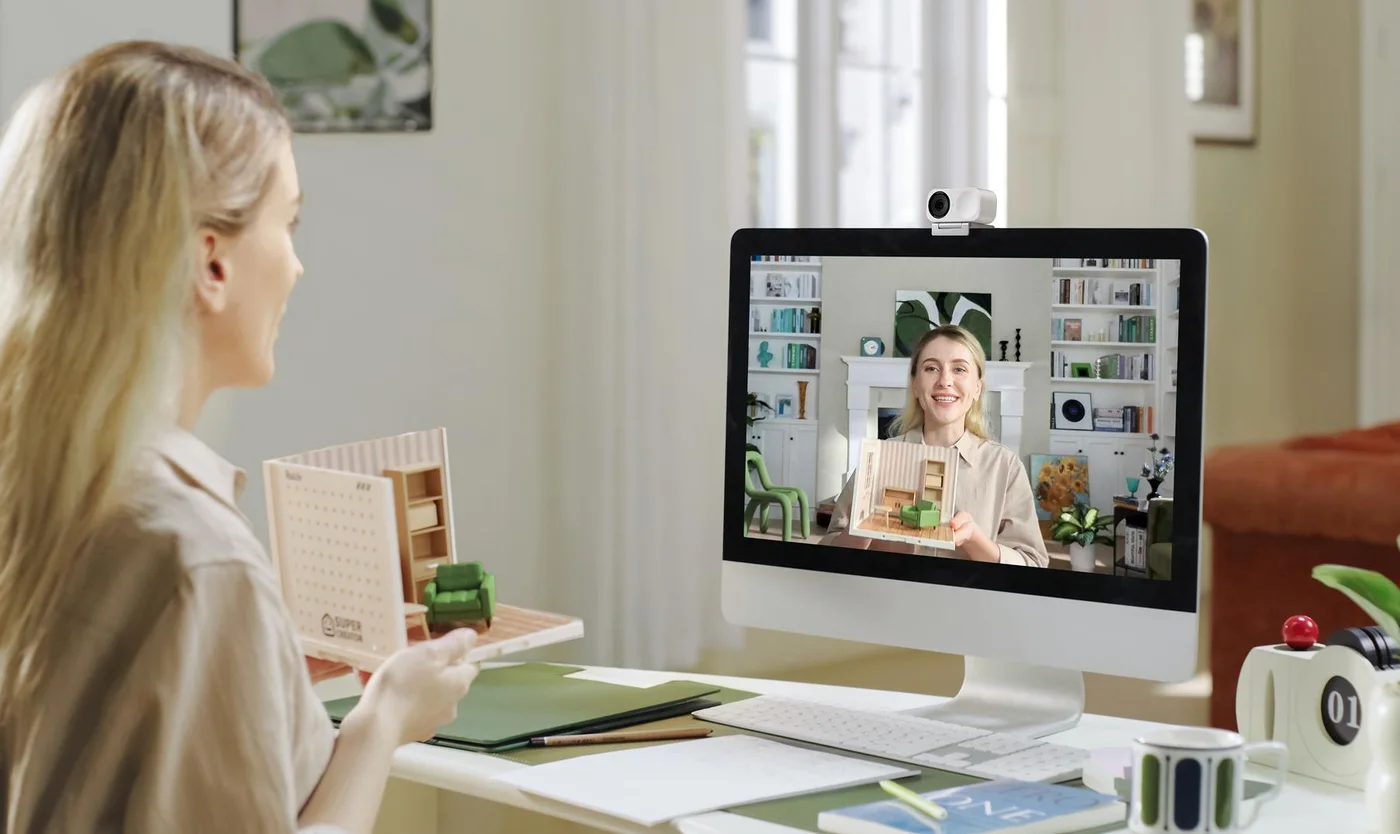
Manufacturer desktop call scene with Link 2 positioned above a monitor.
Photo: Insta360 · Manufacturer reference image. Manufacturer desktop call scene with Link 2 positioned above a monitor.
Standing exercise presentation illustrating the reason to consider a moving camera.
Photo: Insta360 · Manufacturer reference image. Standing exercise presentation illustrating the reason to consider a moving camera.
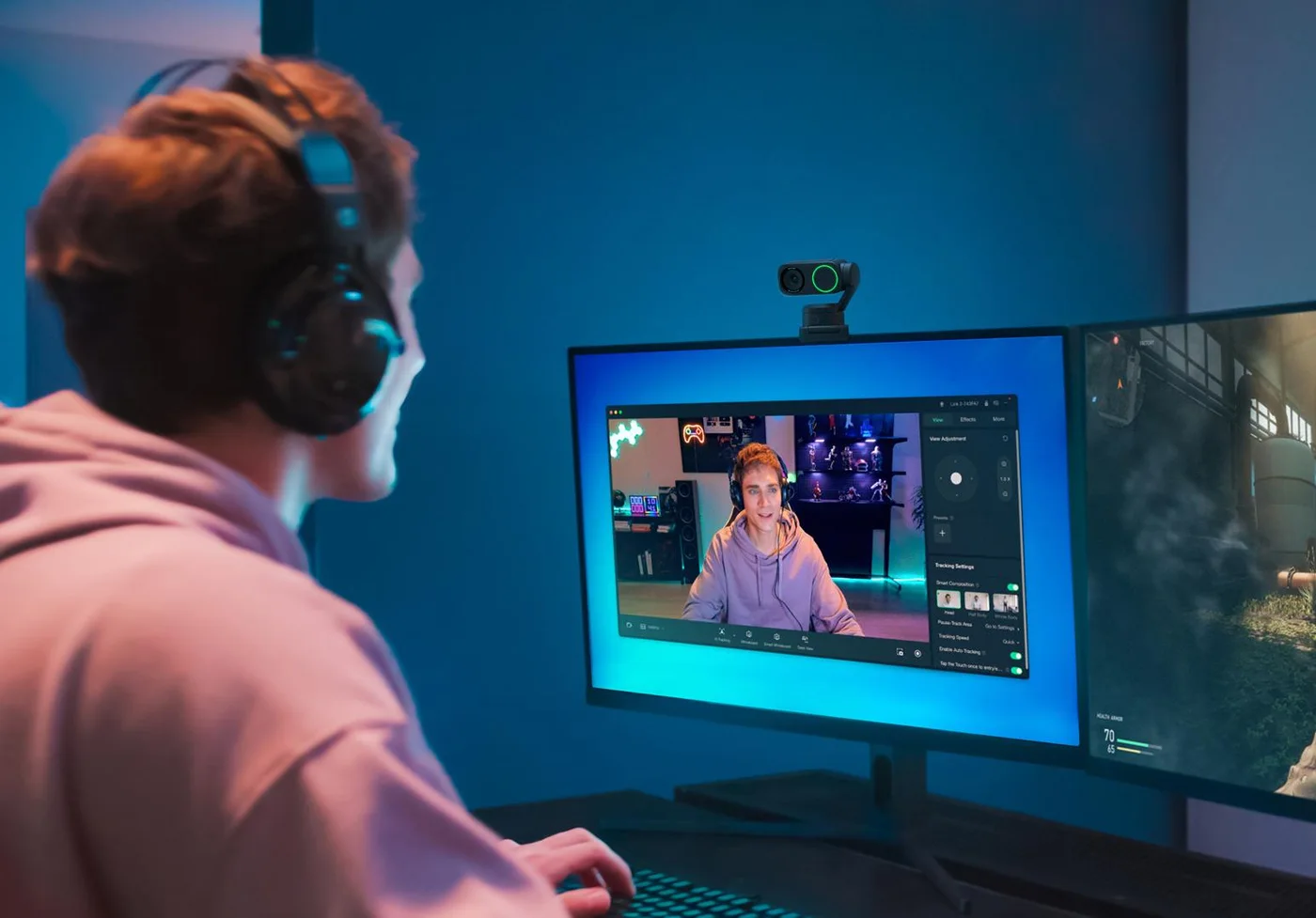
Manufacturer live-streaming setup; pictured computer and audio accessories are separate.
Photo: Insta360 · Manufacturer reference image. Manufacturer live-streaming setup; pictured computer and audio accessories are separate.

Ready to check availability?

Shop at Amazon

Paid link — we may earn a commission. Amazon may show a local match, an alternative or search results. Check the exact product, delivery and current price.

Evidence and sources

Research-based product guidance, not hands-on testing. Exact variant reviewed; price, stock, medical effects and international equivalence are not promised.