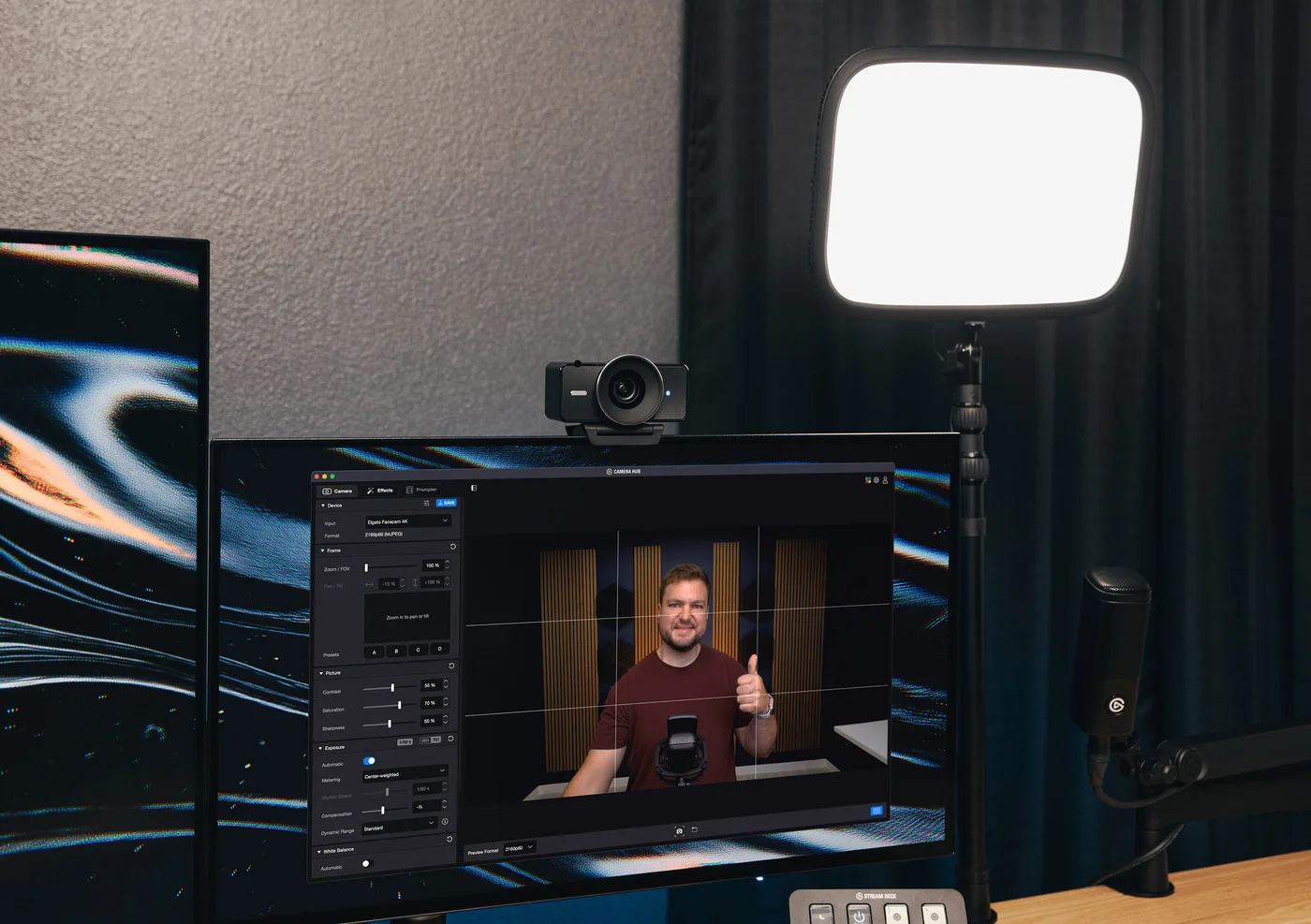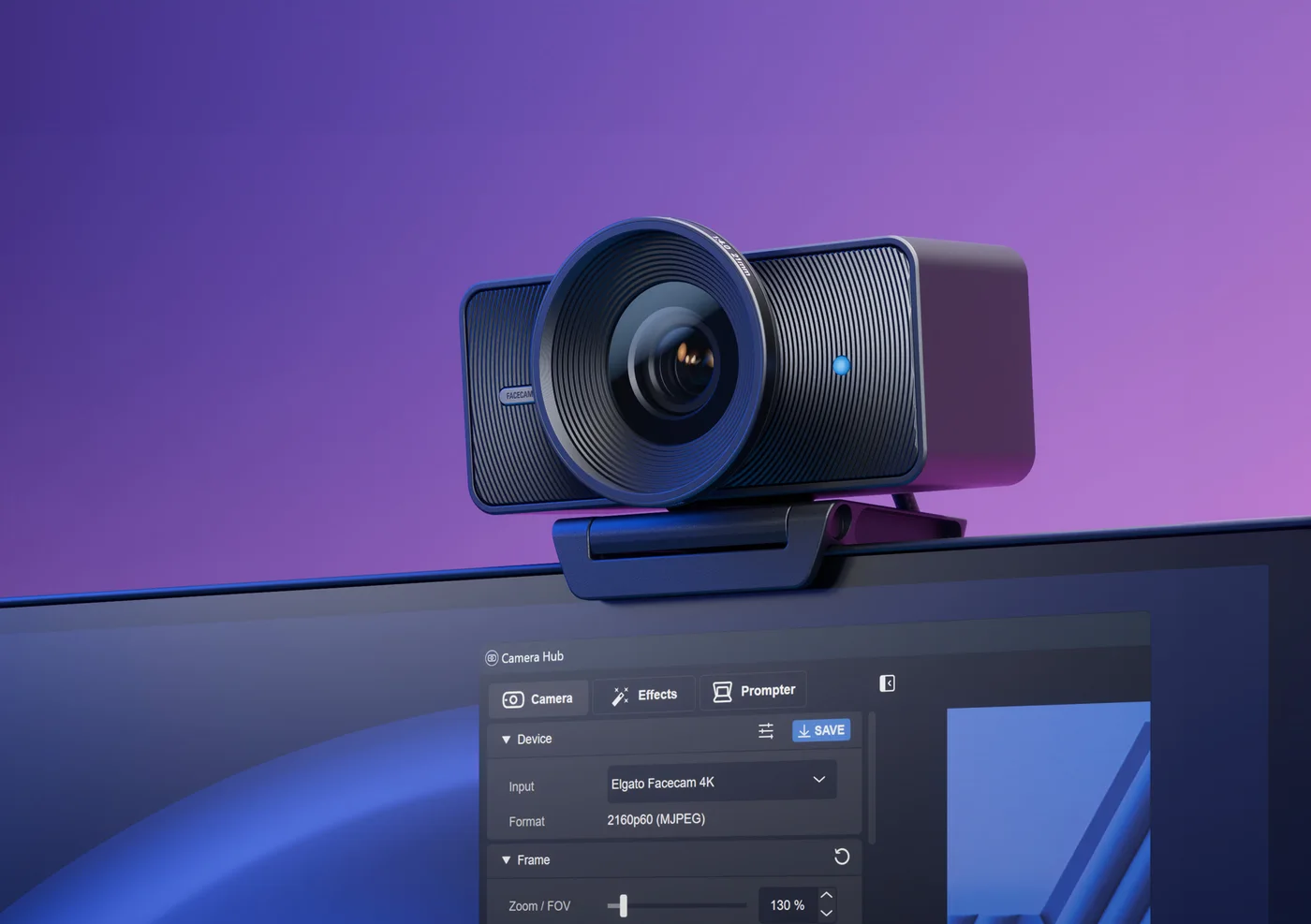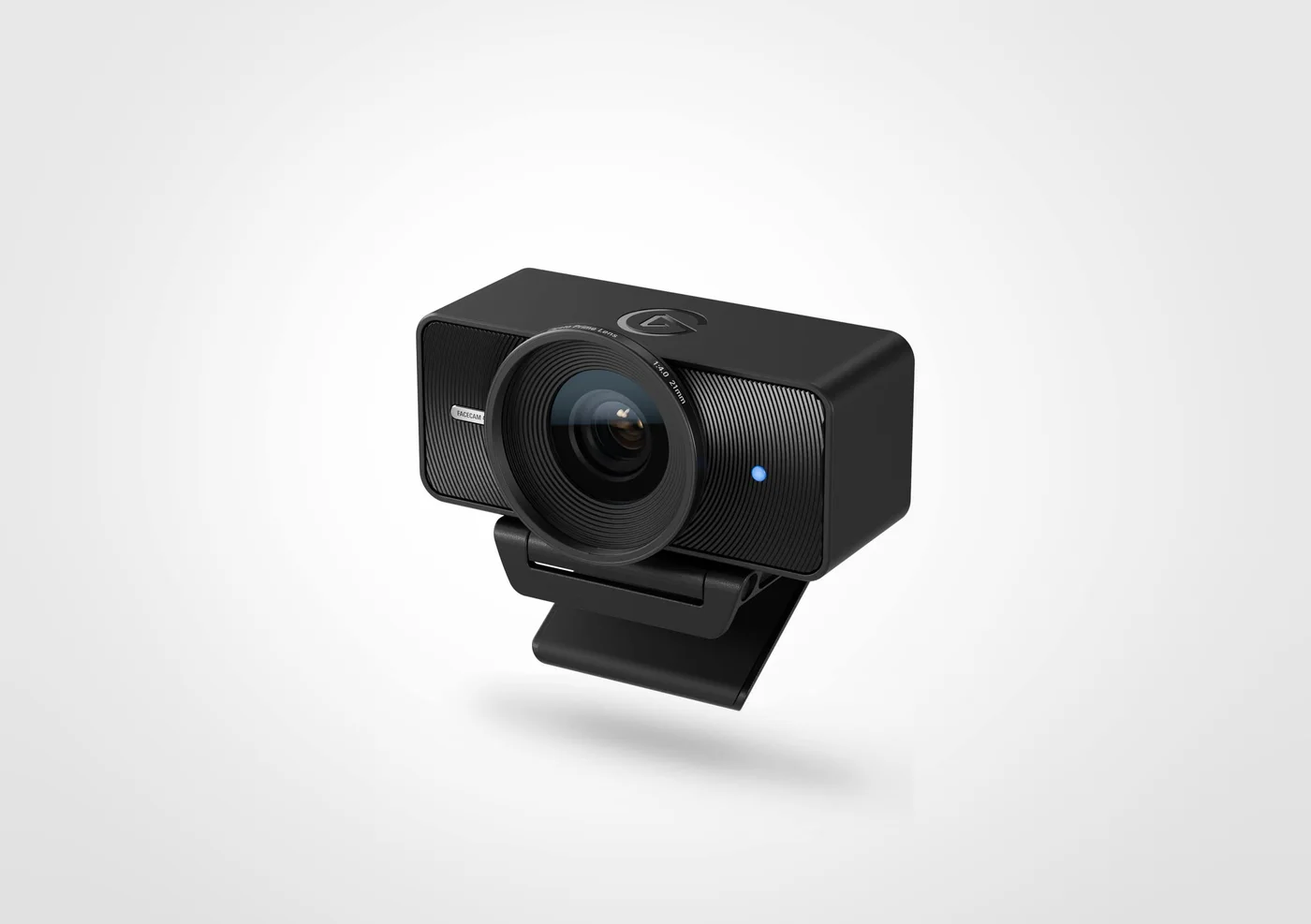
A little extra room around your face can be useful when the same desk becomes a meeting space, a recording corner and a place to show something to a viewer. The black Facecam 4K offers a wide frame and higher-resolution capture. Its appeal is flexibility in composing that frame, not a promise that every video call will reach the other person in 4K.
First decide what your audience will receive
A conferencing application, account tier or internet connection may limit the outgoing picture even when the camera can capture more. If your ordinary calls are already clear, move your lamp and improve the camera angle before assuming resolution is the missing ingredient. Higher-resolution source video can still be useful for recording and cropping, but that is a different benefit from better call delivery.
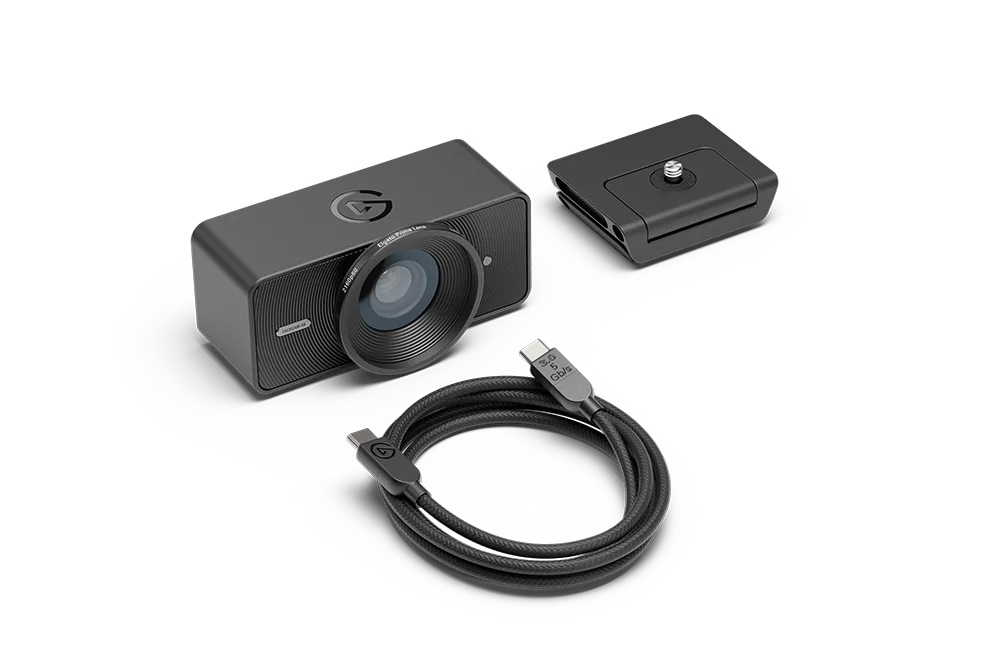
The mode table deserves a close look. Over USB 3.0, 4K at 60 frames per second uses MJPEG compression. HDR goes up to 4K at 30 frames per second. Do not buy expecting simultaneous uncompressed 4K60 and HDR. USB 2.0 offers lower-resolution modes rather than the full 4K selection. Use the included appropriate cable and a compatible port; a USB-C shape alone does not identify its data speed.
Keep your desk inside the focus zone
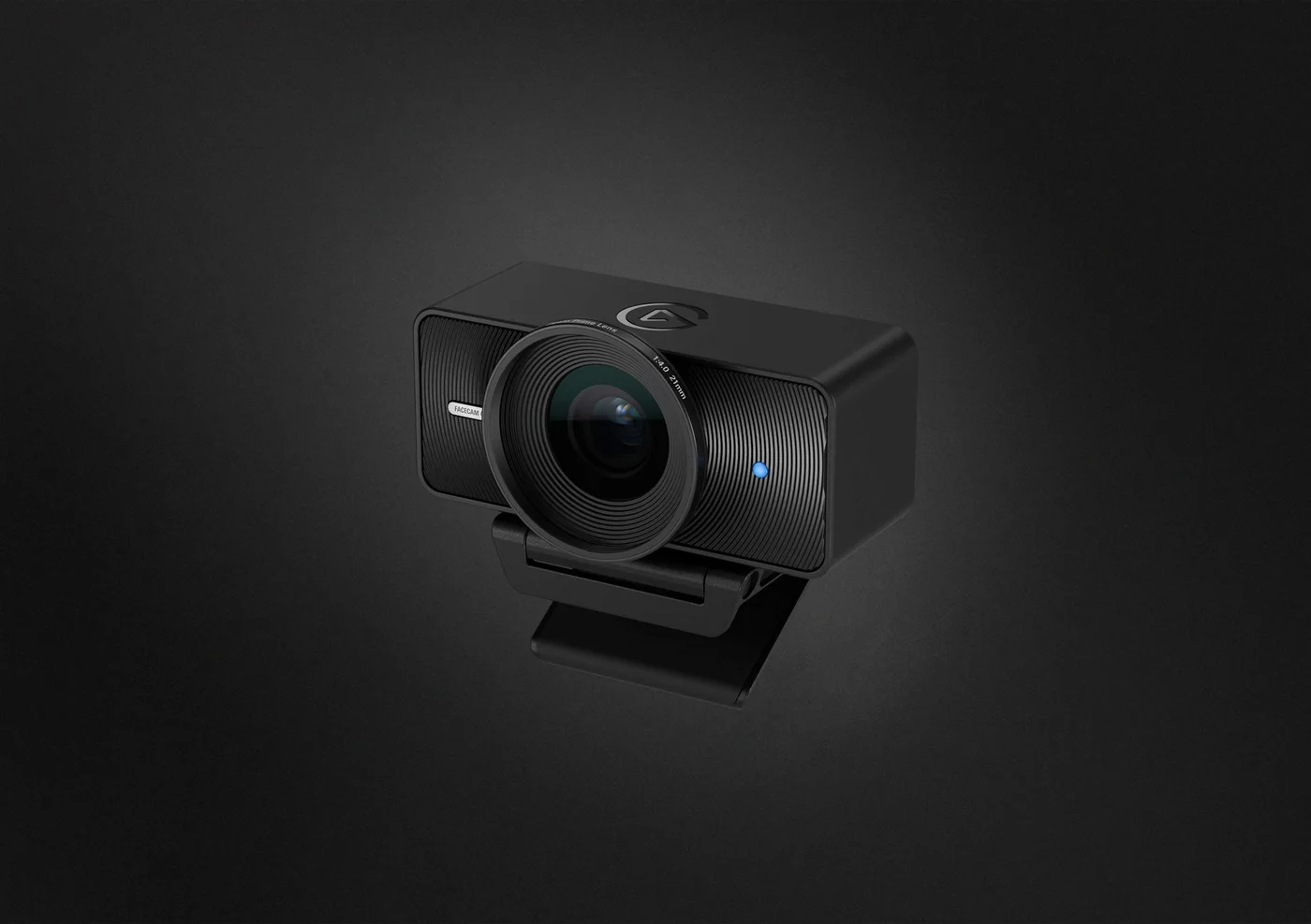
This Facecam 4K is fixed focus, not the autofocus Facecam Pro. The maker gives a 30–120 cm focus range at 4K and a 90-degree field of view. Measure from the camera to where you normally sit. Holding a tiny object right against the lens is a different job from framing a person at a desk.
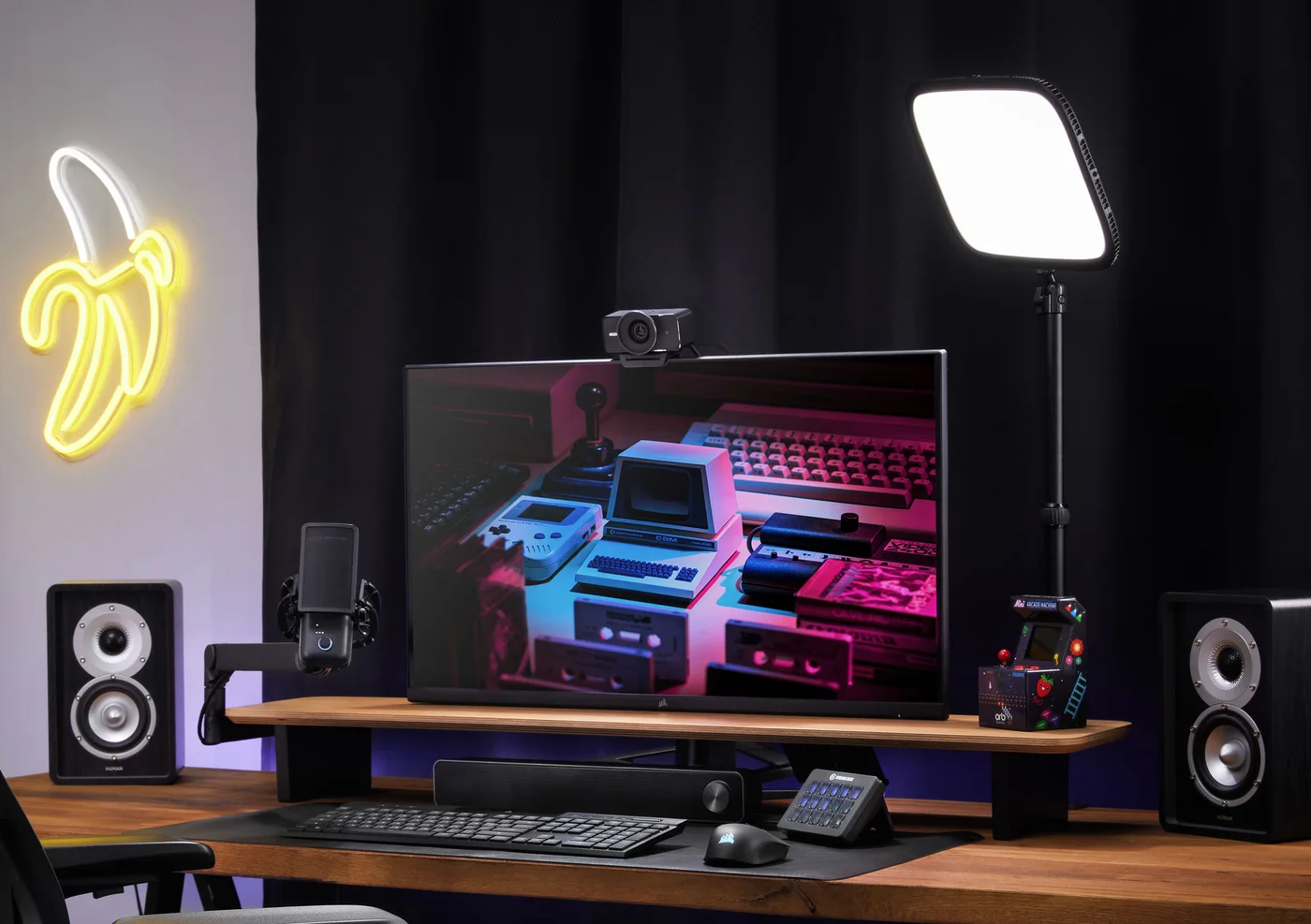
The monitor mount and quarter-inch mounting point provide placement options. Leave space around the camera and check the screen’s top edge. The desk scenes include lights, microphones and other separately sold equipment; they illustrate a setup rather than the contents of the camera box.
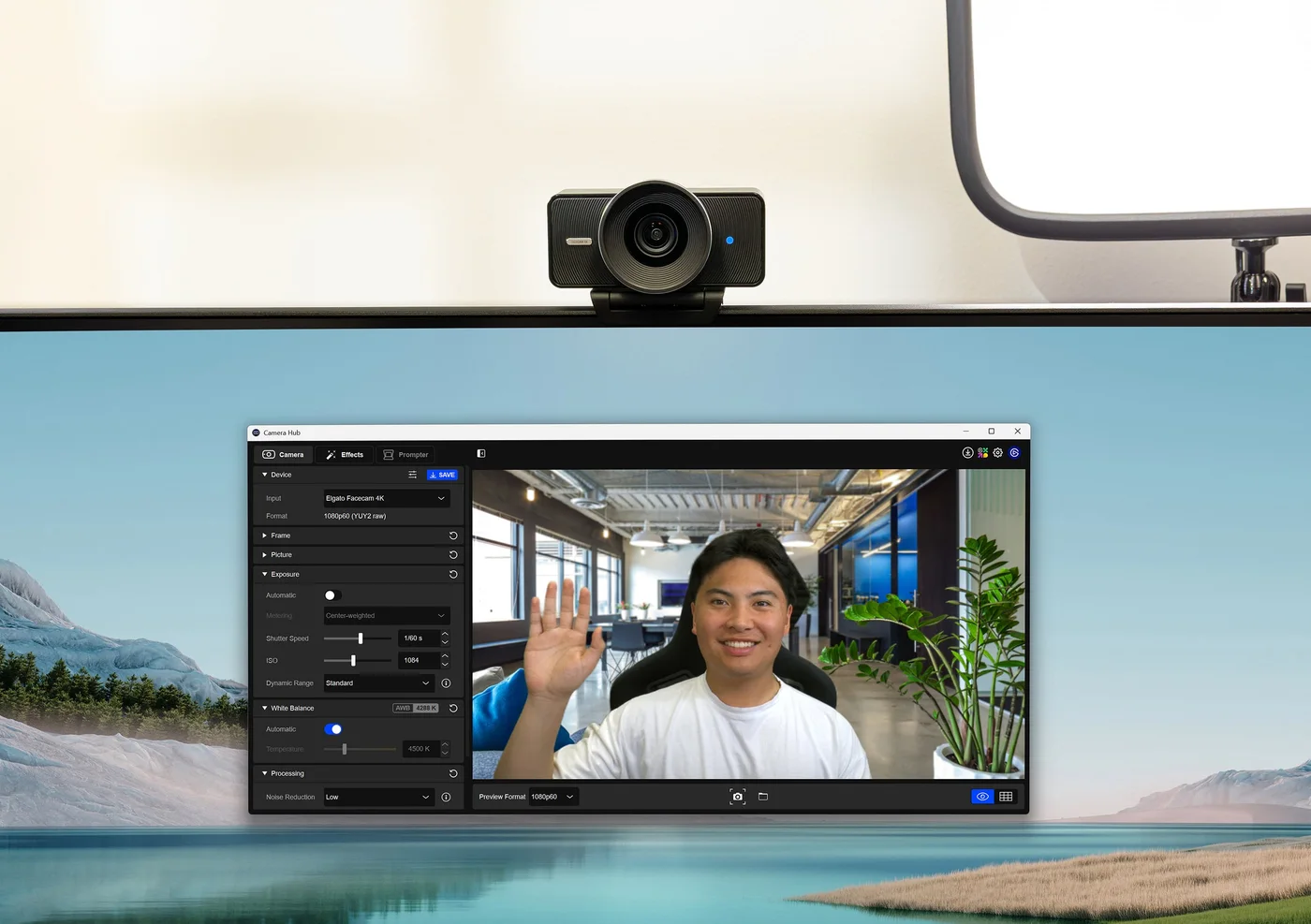
Filters are optional, not a shopping checklist
The lens supports 49 mm filters, sold separately. It is worth understanding the look you want before adding one. A filter cannot replace a sensible room arrangement or a supported capture mode. Choose Facecam 4K for planned recording, composition and manual image controls; choose a simpler camera if dependable ordinary calls are the entire requirement. We have not independently tested its footage or software.