webcams

Logitech Brio 100: Make the Everyday Video Call Less of a Setup

Not every home office needs a streaming camera. The off-white Logitech Brio 100 is for the more ordinary job: a separate webcam, a microphone and a physical shutter, without turning the start of a meeting into an equipment routine.

Findweave Editorial2 min read

Published

Shop at Amazon

Paid link — we may earn a commission. Amazon may show a local match, an alternative or search results. Check the exact product, delivery and current price.

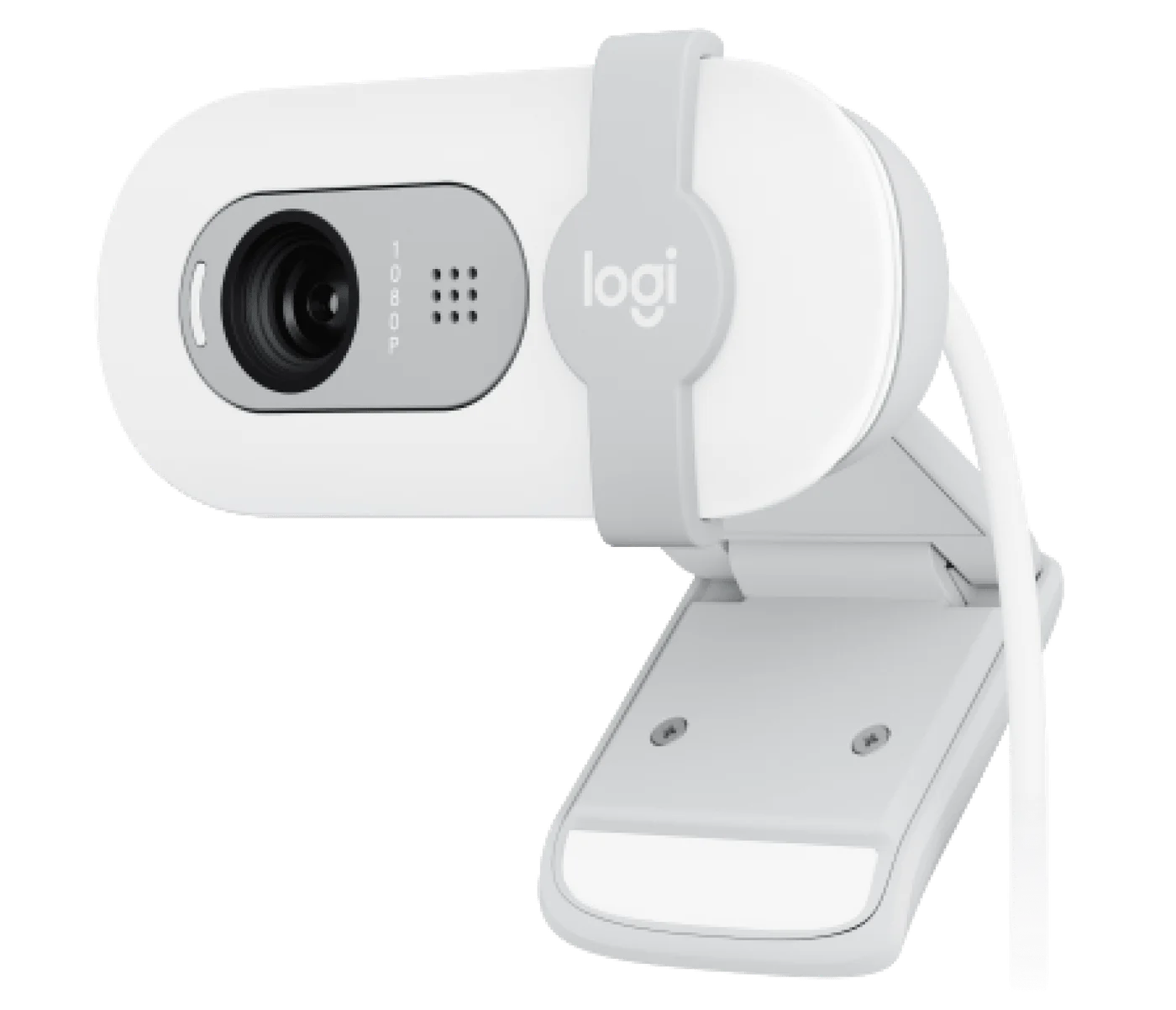
Off-white Brio 100, not Brio 300 or 4K Brio.
Photo: Logitech · Manufacturer reference image

Some links are paid links: we may earn a commission from qualifying purchases. As an Amazon Associate I earn from qualifying purchases. How we earn money.

THE SHORT VERSION

Before you browse

  1. Full HD 1080p video and automatic light balance.
  2. Built-in microphone and physical privacy shutter.
  3. USB-A connection.
  4. Room lighting, microphone distance and meeting app settings still affect results.

Not every home office needs a streaming camera. The off-white Logitech Brio 100 is for the more ordinary job: a separate webcam, a microphone and a physical shutter, without turning the start of a meeting into an equipment routine.

Fix the angle before chasing a sharper picture

Mounting a camera above a monitor can give you a more natural position than the low camera on a laptop. Test that location with your actual desk: a very tall monitor can create the opposite problem. Keep your face lit from the front rather than expecting automatic light balance to rescue a silhouette against a window.
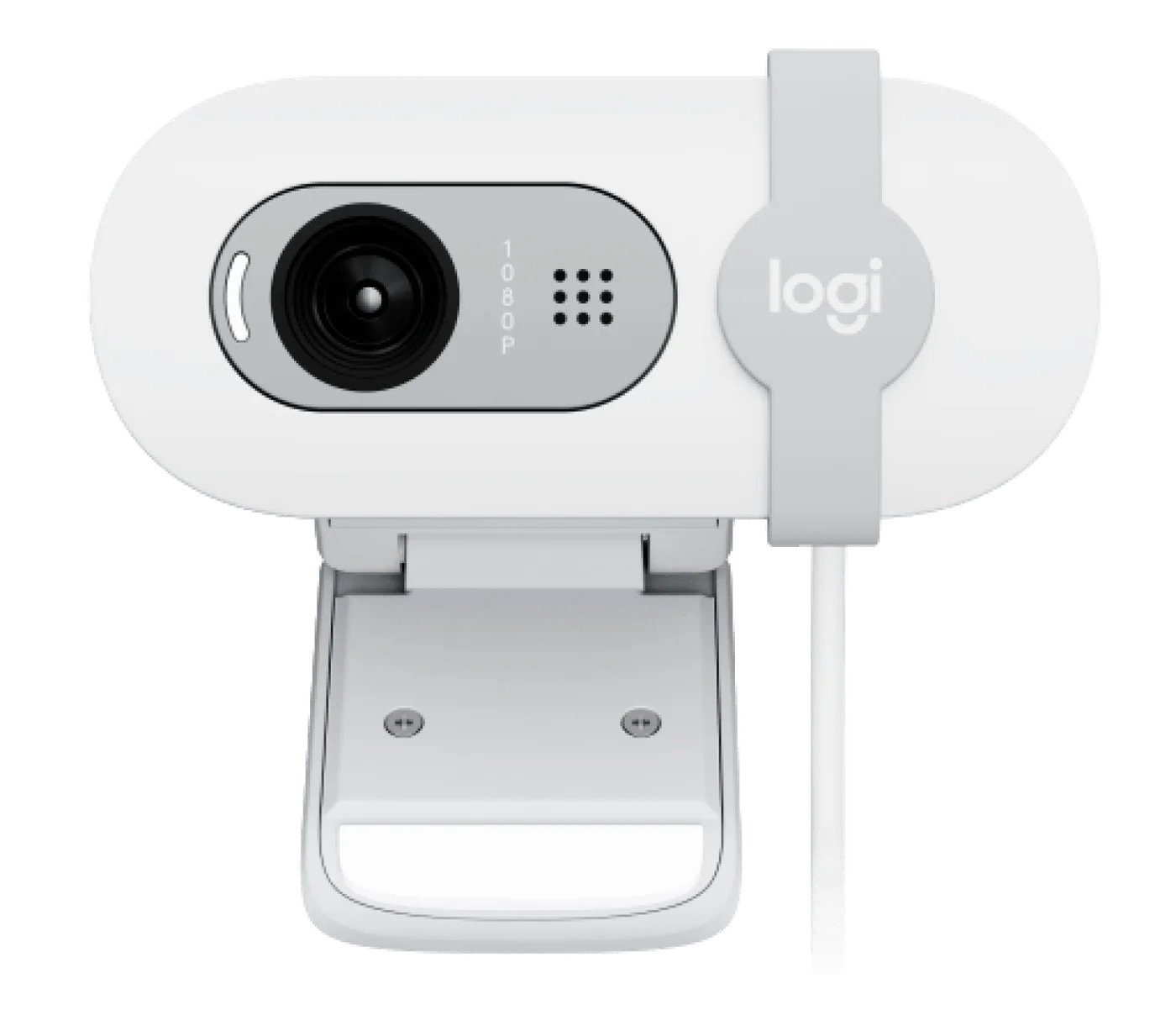
Front view of the off-white model.
Photo: Logitech · Manufacturer reference image. Front view of the off-white model.

The Brio 100 offers 1080p capture. That does not guarantee the other person receives 1080p: the call service, connection and selected settings have their own limits. The practical question is whether you need a reliably positioned everyday camera, not whether a resolution number wins a comparison chart.
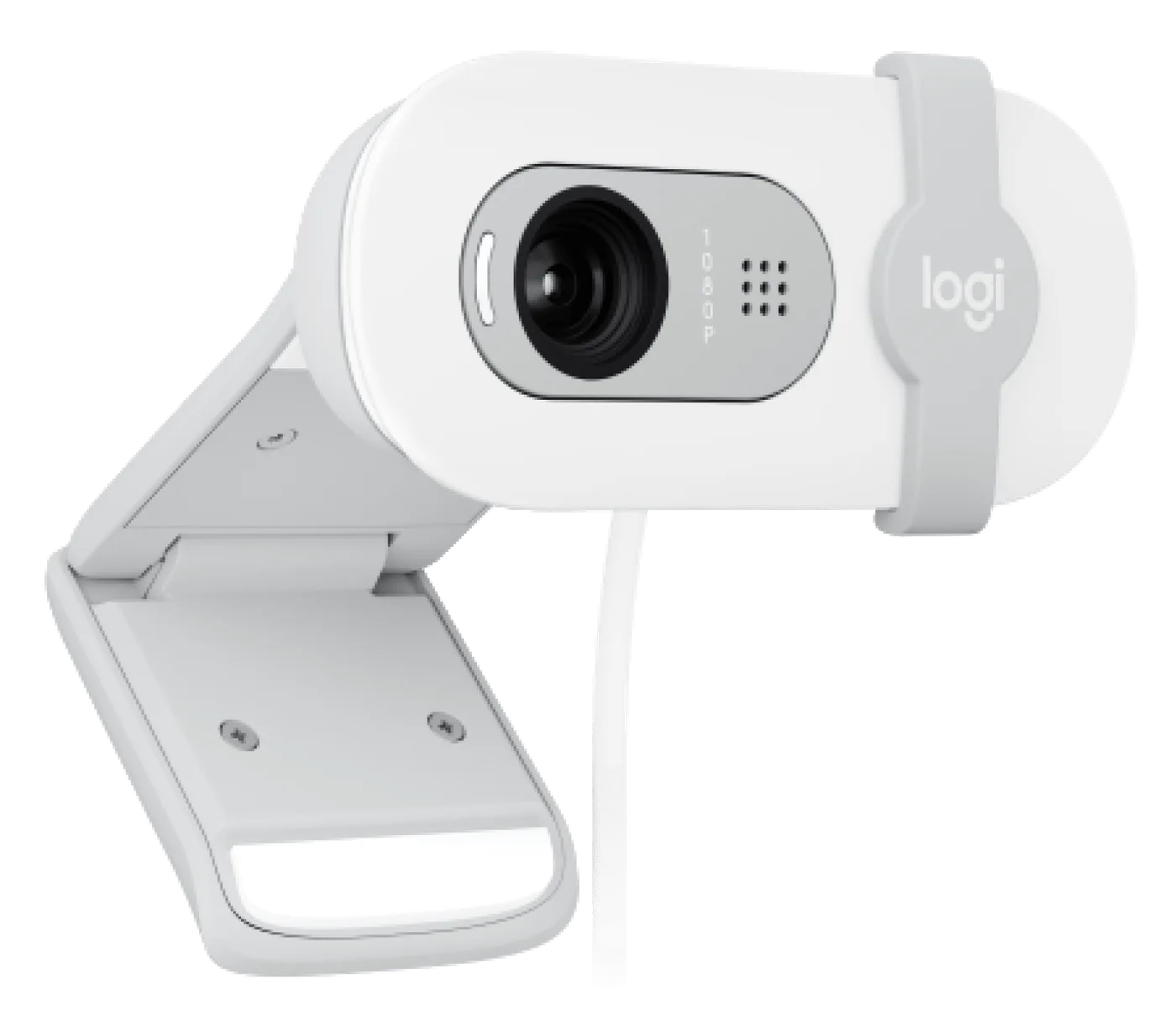
Camera and mounting clip viewed from the other side.
Photo: Logitech · Manufacturer reference image. Camera and mounting clip viewed from the other side.

One connection, with a small catch

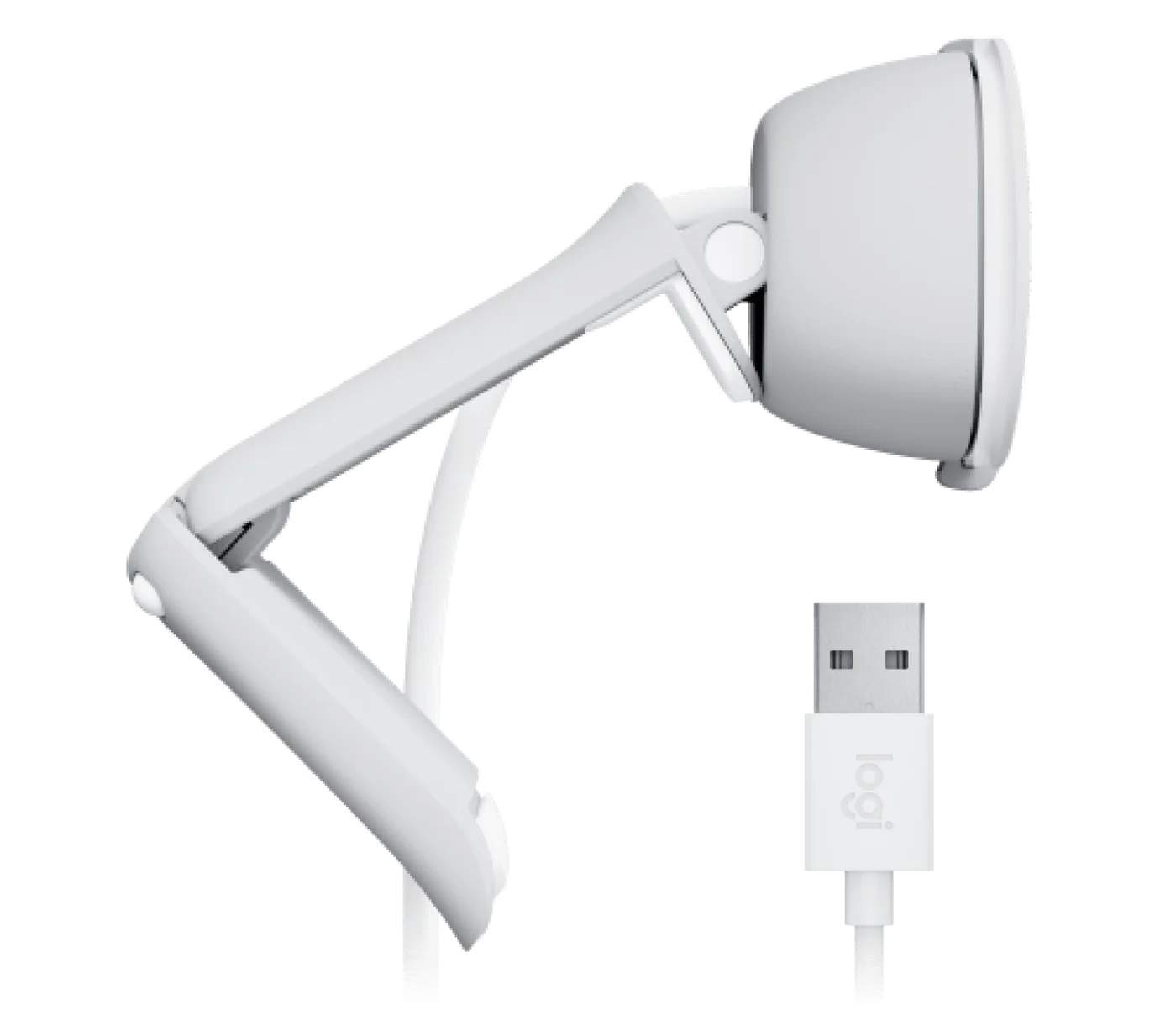
This model uses USB-A. A USB-C-only laptop therefore needs a suitable adapter or dock. The integrated microphone is convenient for a simple desk, but distance and room noise still matter; an existing headset may produce more intelligible speech. Confirm the selected audio device instead of assuming the camera microphone is always the best option.
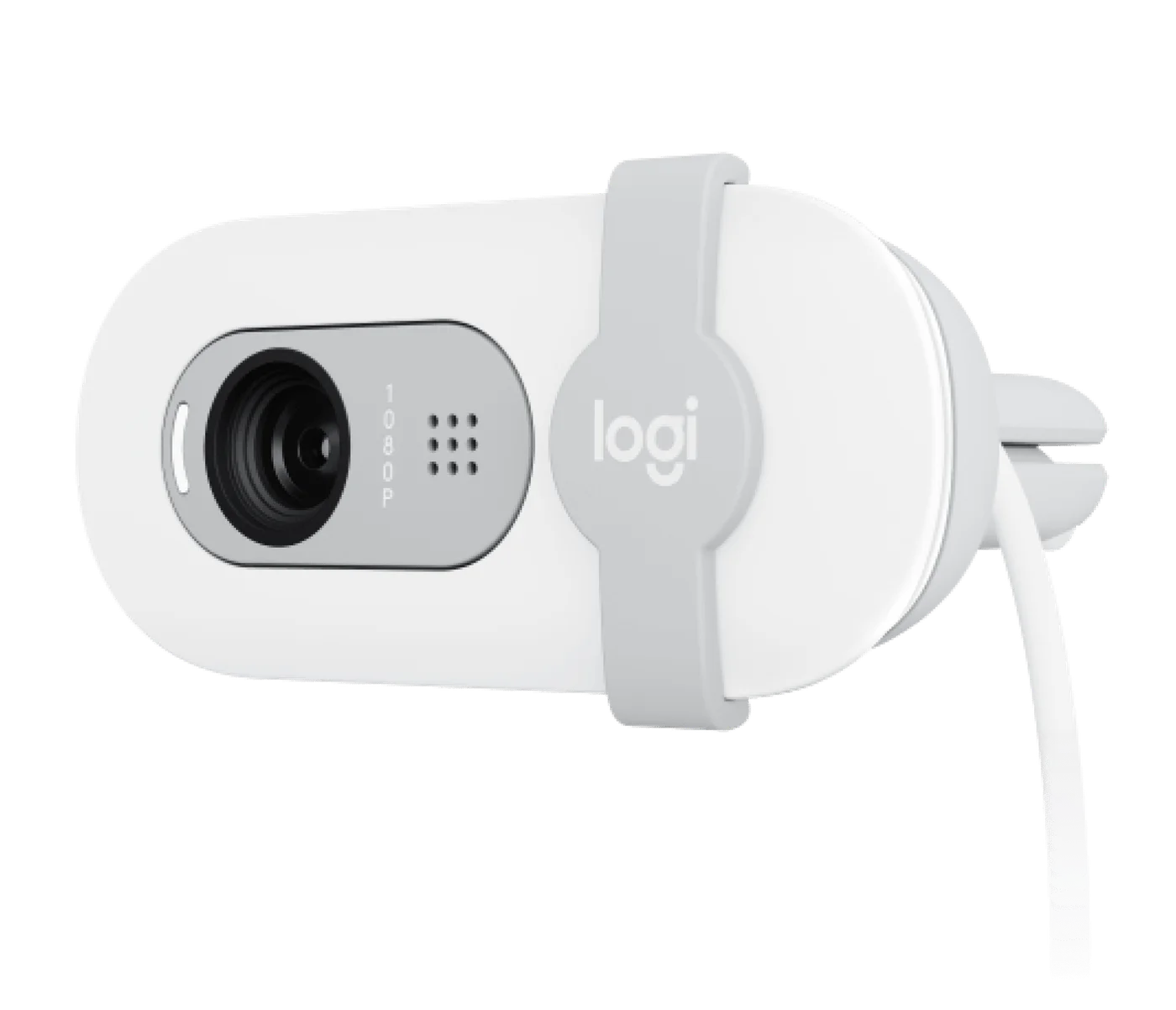
Lens visible with the cover moved aside.
Photo: Logitech · Manufacturer reference image. Lens visible with the cover moved aside.

The shutter is worth noticing

Closing the physical cover is an uncomplicated way to block the lens between calls. It is not a microphone mute switch. If the camera you already own produces a satisfactory picture, repositioning it is the sensible first move. Choose Brio 100 when you want a basic external-camera setup, and check that the cart contains the off-white 100—not Brio 300 or a higher-end 4K Brio.
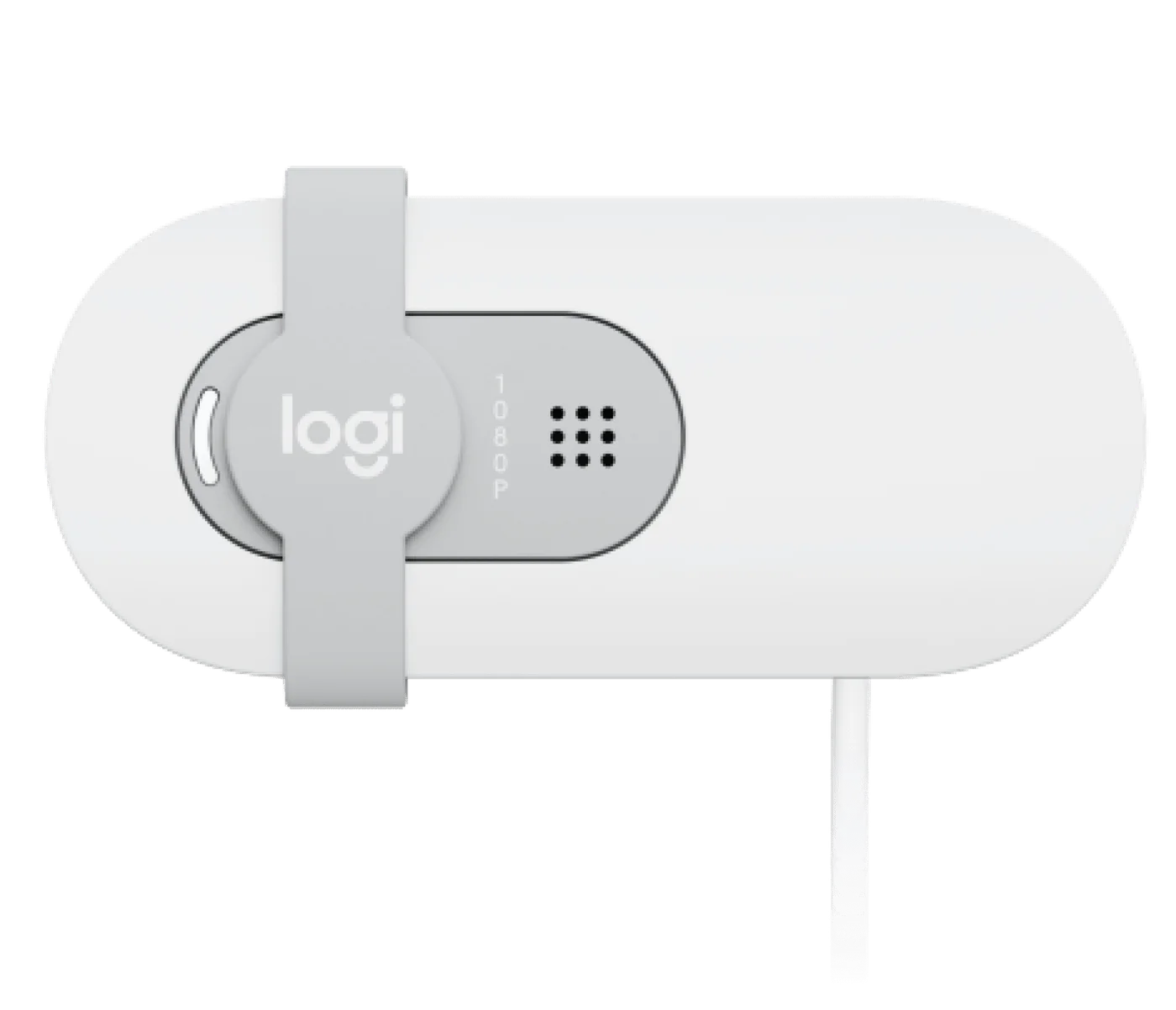
Physical shutter covering the lens; it does not mute the microphone.
Photo: Logitech · Manufacturer reference image. Physical shutter covering the lens; it does not mute the microphone.
Mounting clip and USB-A connection.
Photo: Logitech · Manufacturer reference image. Mounting clip and USB-A connection.

Ready to check availability?

Shop at Amazon

Paid link — we may earn a commission. Amazon may show a local match, an alternative or search results. Check the exact product, delivery and current price.

Evidence and sources

Research-based product guidance, not hands-on testing. Exact variant reviewed; price, stock, medical effects and international equivalence are not promised.