keyboards

Logitech K585 Makes a Phone and Laptop Share One Small Desk

If your phone keeps sliding under paperwork while you type on a laptop, Logitech K585 offers an unusually simple idea: give the phone a visible place in the keyboard. The graphite model combines a built-in cradle, low-profile keys and a number pad in a relatively compact arrangement.

Findweave Editorial2 min read

Published

Shop at Amazon

Paid link — we may earn a commission. Amazon may show a local match, an alternative or search results. Check the exact product, delivery and current price.

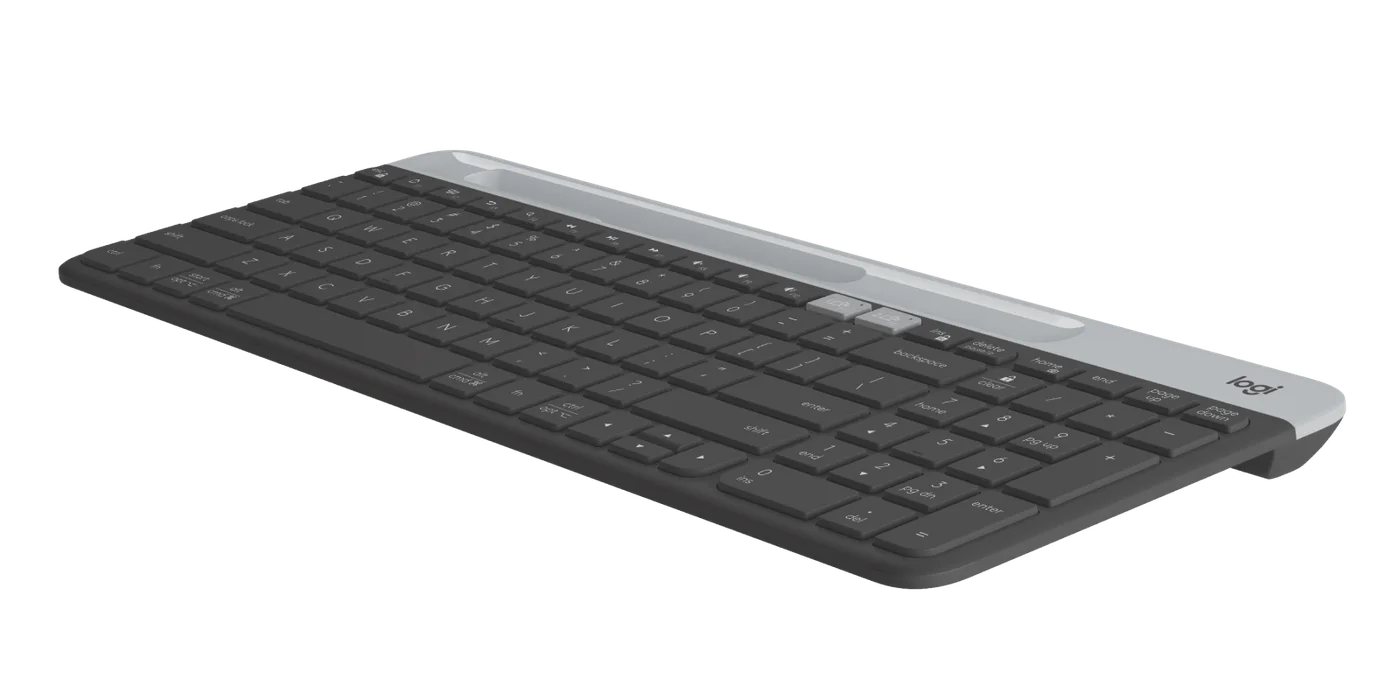
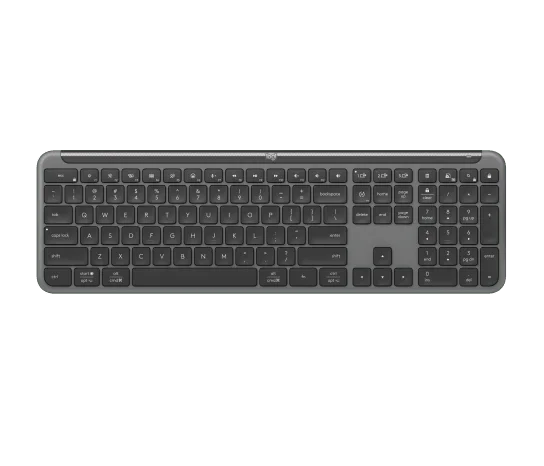
Graphite K585 with a compact number-pad layout and contrasting device cradle.
Photo: Logitech · Manufacturer reference image

Some links are paid links: we may earn a commission from qualifying purchases. As an Amazon Associate I earn from qualifying purchases. How we earn money.

THE SHORT VERSION

Before you browse

  1. Compact layout keeps a number pad and built-in device cradle
  2. Switch typing between two paired devices
  3. Cradle is not a charging dock; check fit with the device case

If your phone keeps sliding under paperwork while you type on a laptop, Logitech K585 offers an unusually simple idea: give the phone a visible place in the keyboard. The graphite model combines a built-in cradle, low-profile keys and a number pad in a relatively compact arrangement.

The cradle is useful when you really switch devices

Pair two compatible devices and use Easy-Switch to move typing between them. A longer phone message or tablet document becomes a more plausible task when a physical keyboard is already there. It does not merge the devices, transfer files or charge the phone; the slot is a holder, not a dock.
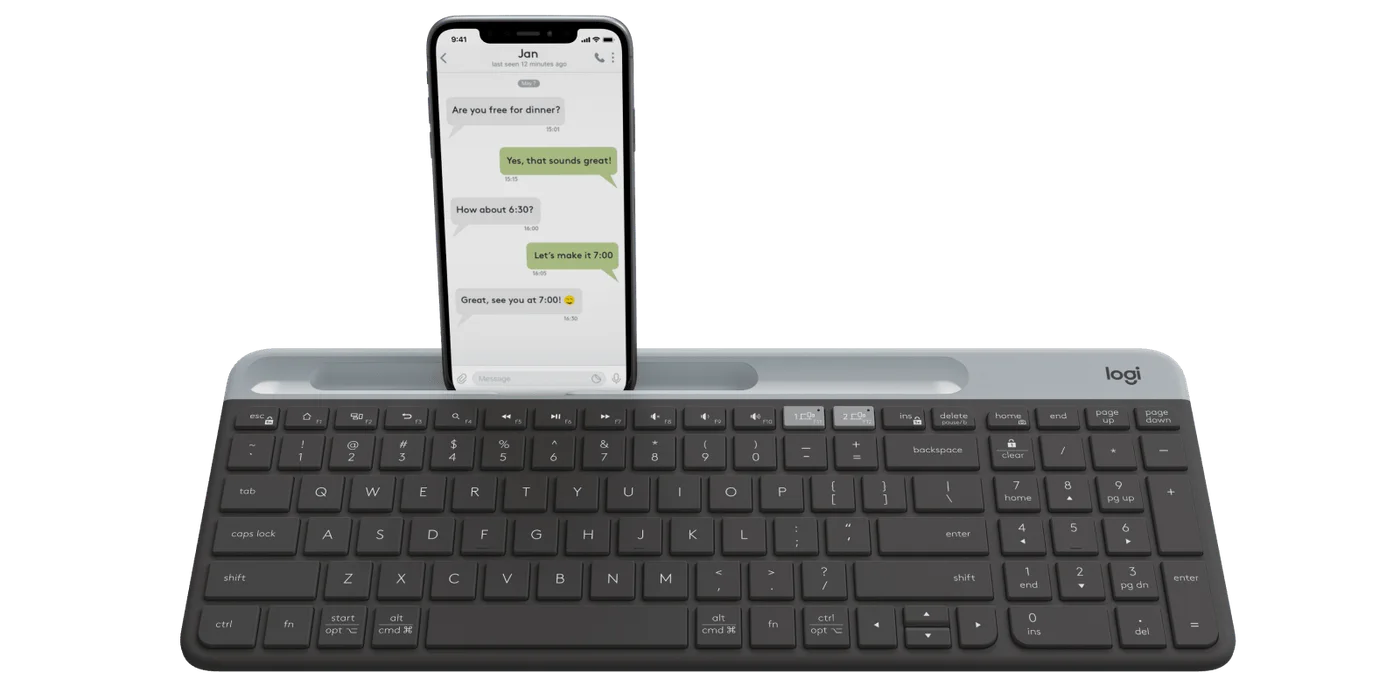
Manufacturer illustration with a phone in the cradle; the phone is not included.
Photo: Logitech · Manufacturer reference image. Manufacturer illustration with a phone in the cradle; the phone is not included.

Check the thickness of your phone with its case fitted. A device that barely fits or blocks the keys defeats the point. The manufacturer photographs include a phone for illustration, not as part of the keyboard package.
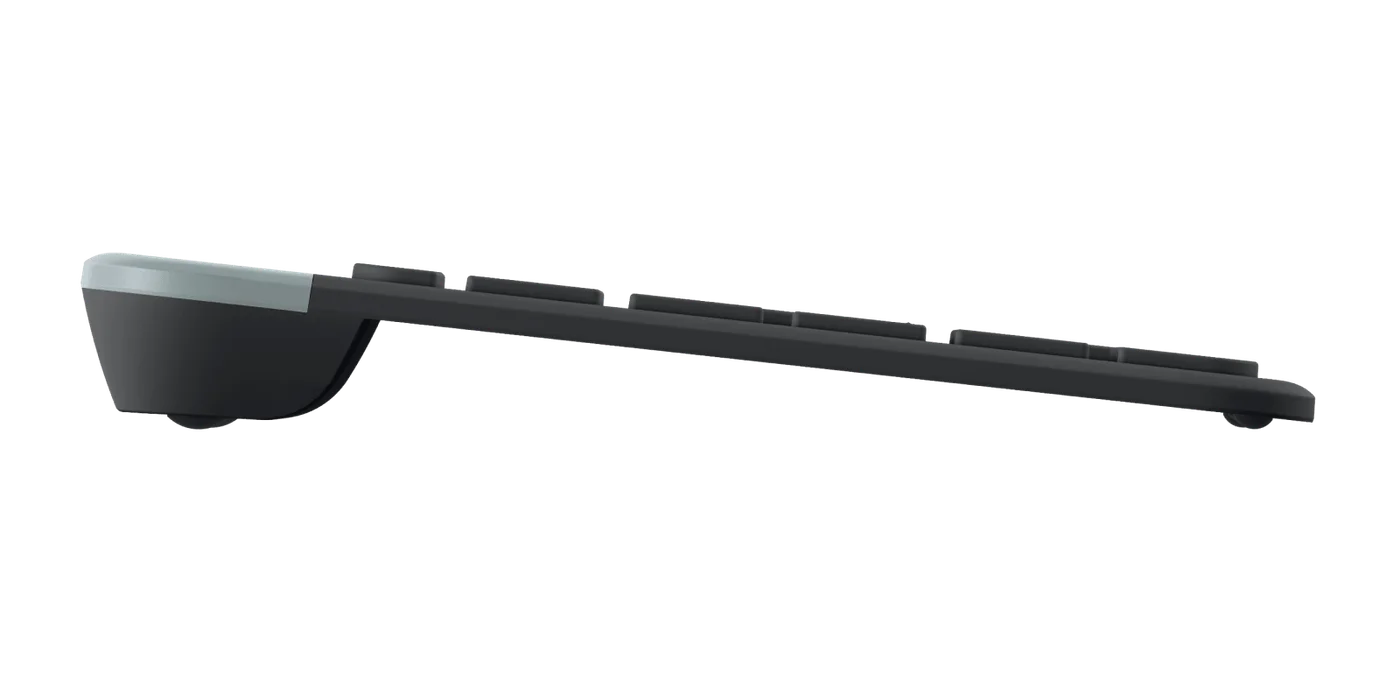
Low side profile of the keyboard.
Photo: Logitech · Manufacturer reference image. Low side profile of the keyboard.

A number pad without a sprawling layout

K585 keeps numeric entry handy while compressing the surrounding layout. Look closely at the navigation and function keys if you edit spreadsheets or use shortcuts by feel. Compact is only better when it does not make your frequent tasks awkward.
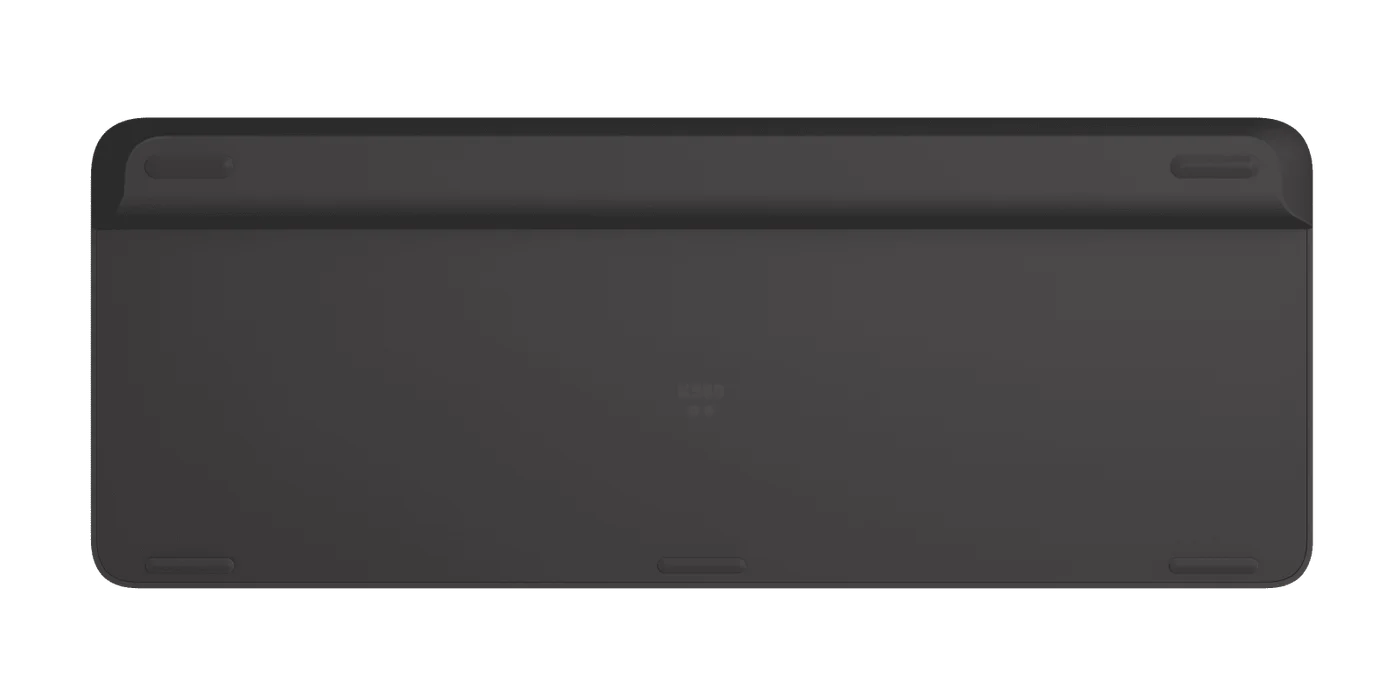
Underside of the K585.
Photo: Logitech · Manufacturer reference image. Underside of the K585.

Bluetooth and the supplied USB receiver offer different ways to connect; confirm which your computer and mobile device support. This selected listing is the graphite keyboard, not a keyboard-and-mouse bundle.
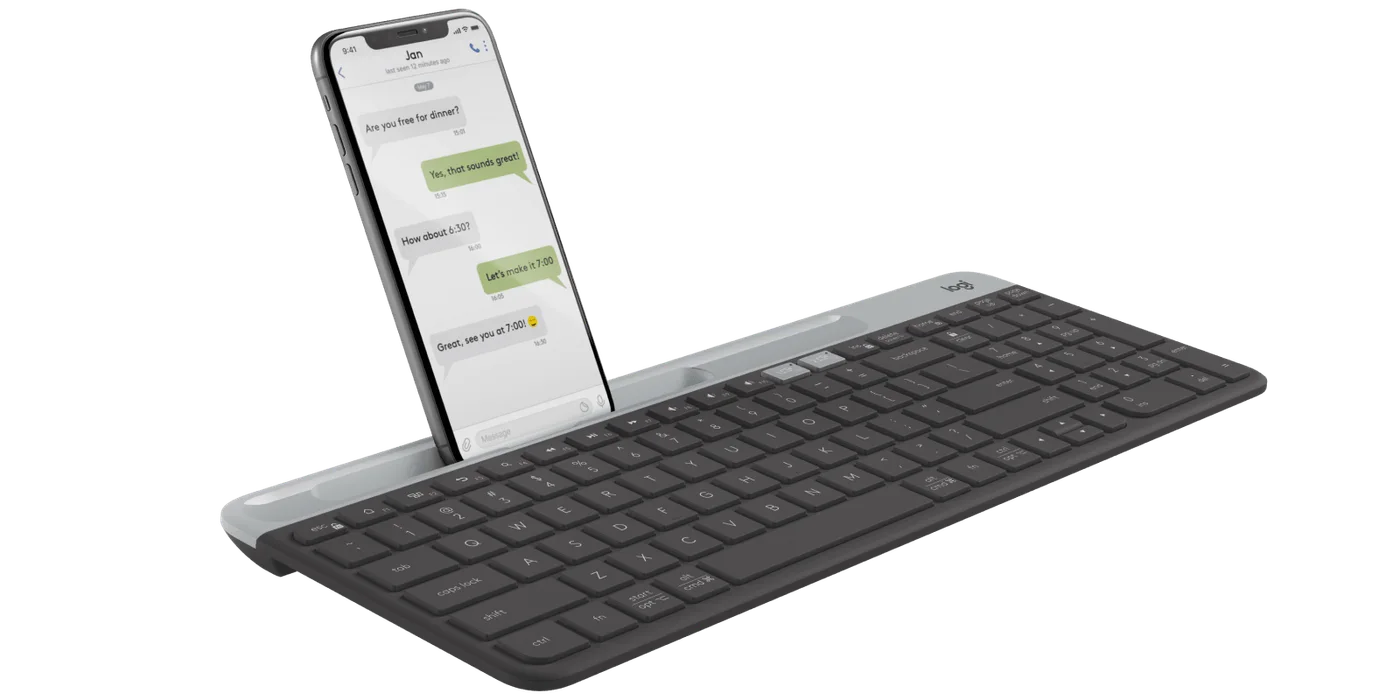
Angled view with a phone in the cradle; check the thickness of your own case.
Photo: Logitech · Manufacturer reference image. Angled view with a phone in the cradle; check the thickness of your own case.

Choose K585 if a two-device, small-desk routine describes how you work. Skip it if you need three-device switching, backlit keys or a conventional separated navigation cluster. Its clever feature is not more technology: it is making a second screen less inconvenient to use.
Ready to check availability?

Shop at Amazon

Paid link — we may earn a commission. Amazon may show a local match, an alternative or search results. Check the exact product, delivery and current price.

Evidence and sources

Research-based product guidance, not hands-on testing. Exact variant reviewed; price, stock, medical effects and international equivalence are not promised.