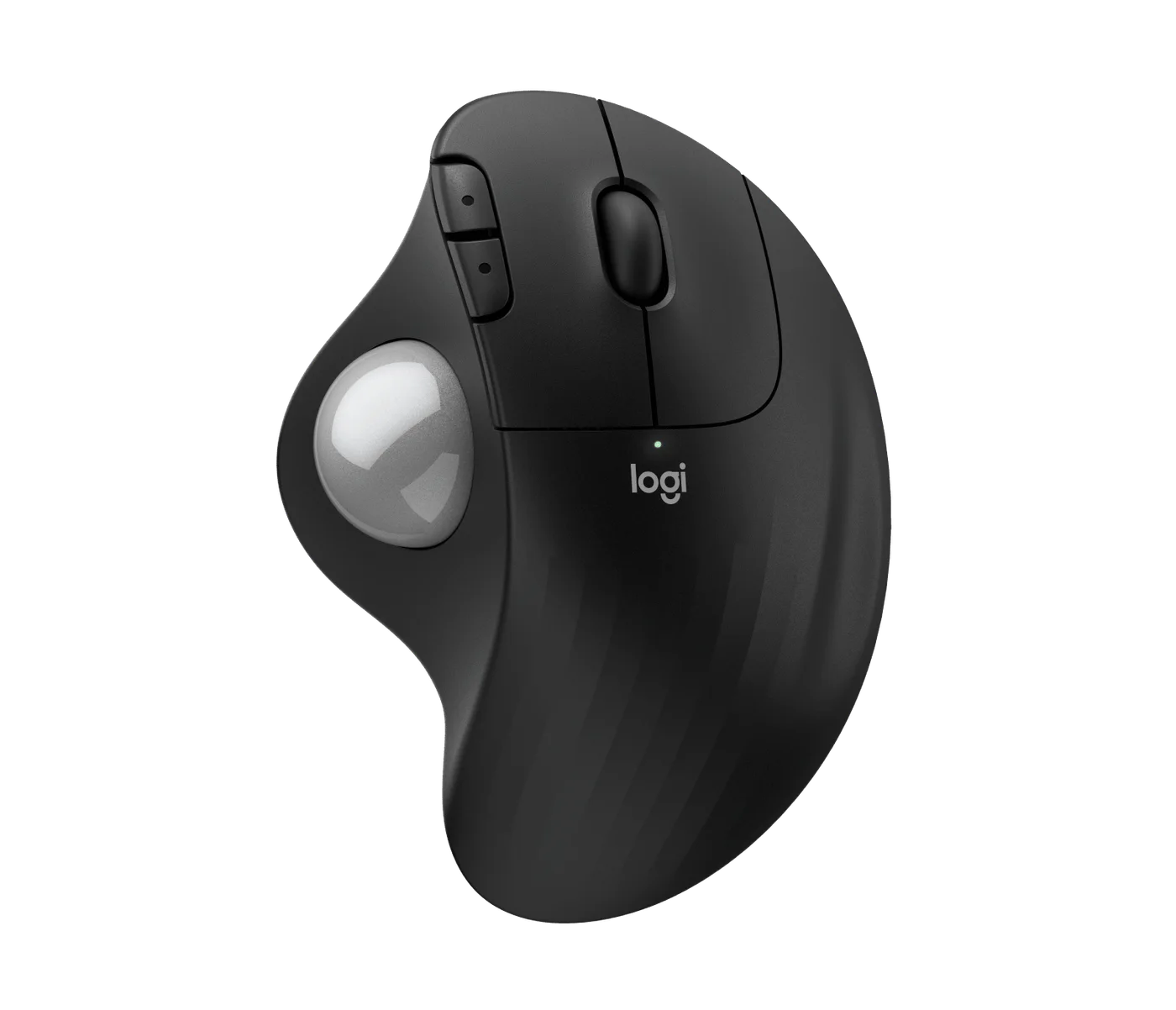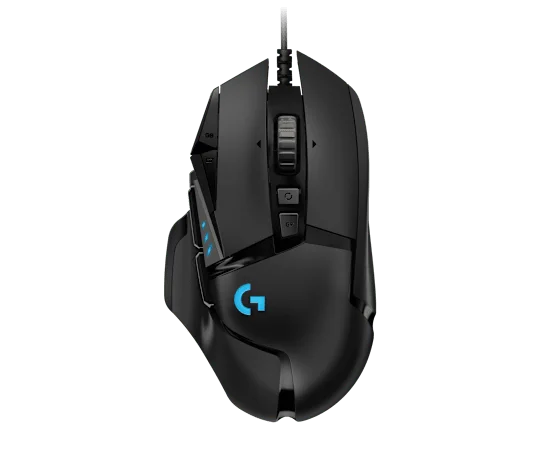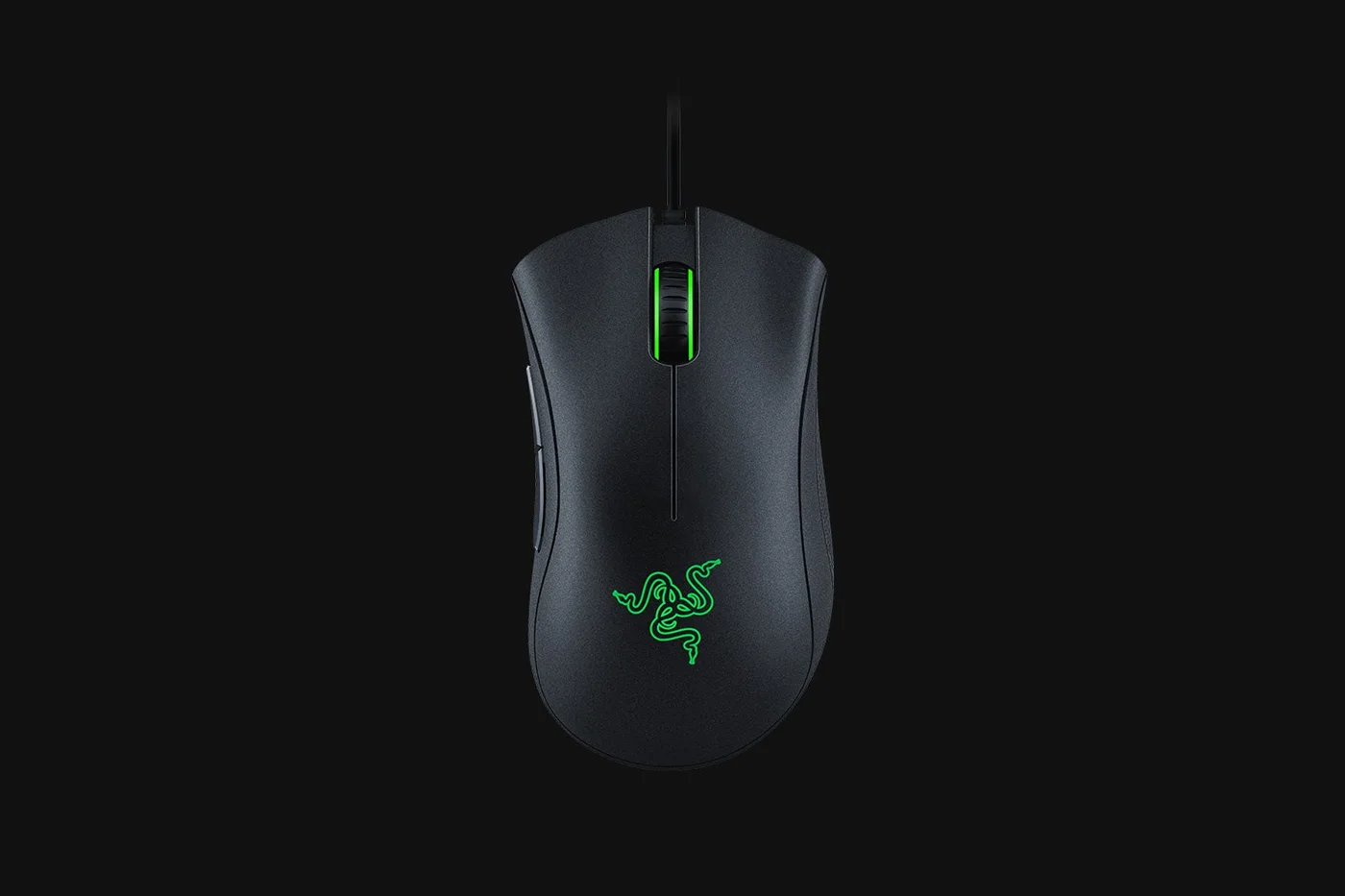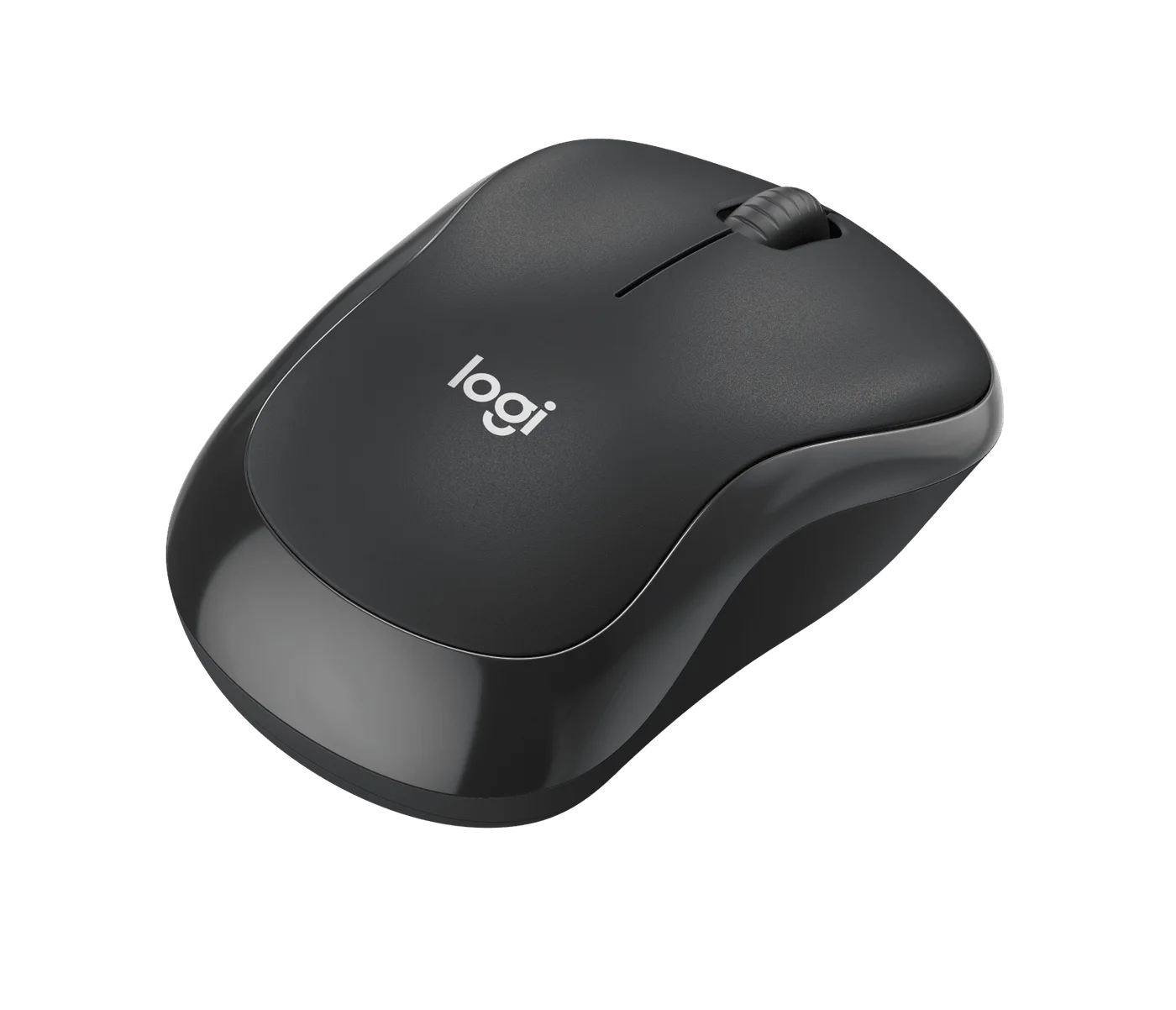
The small irritation is not always the trackpad. Sometimes it is the click-click-click you bring into a quiet room. The Logitech M240 Silent tackles that problem without taking a USB port, but it deliberately leaves advanced controls behind.
The useful upgrade is the connection
This graphite consumer M240 connects over Bluetooth. That matters on a laptop with two ports already occupied by charging and a display. It is not the M240 for Business package with a Bolt receiver, and buying an unrelated dongle does not turn this model into that version.
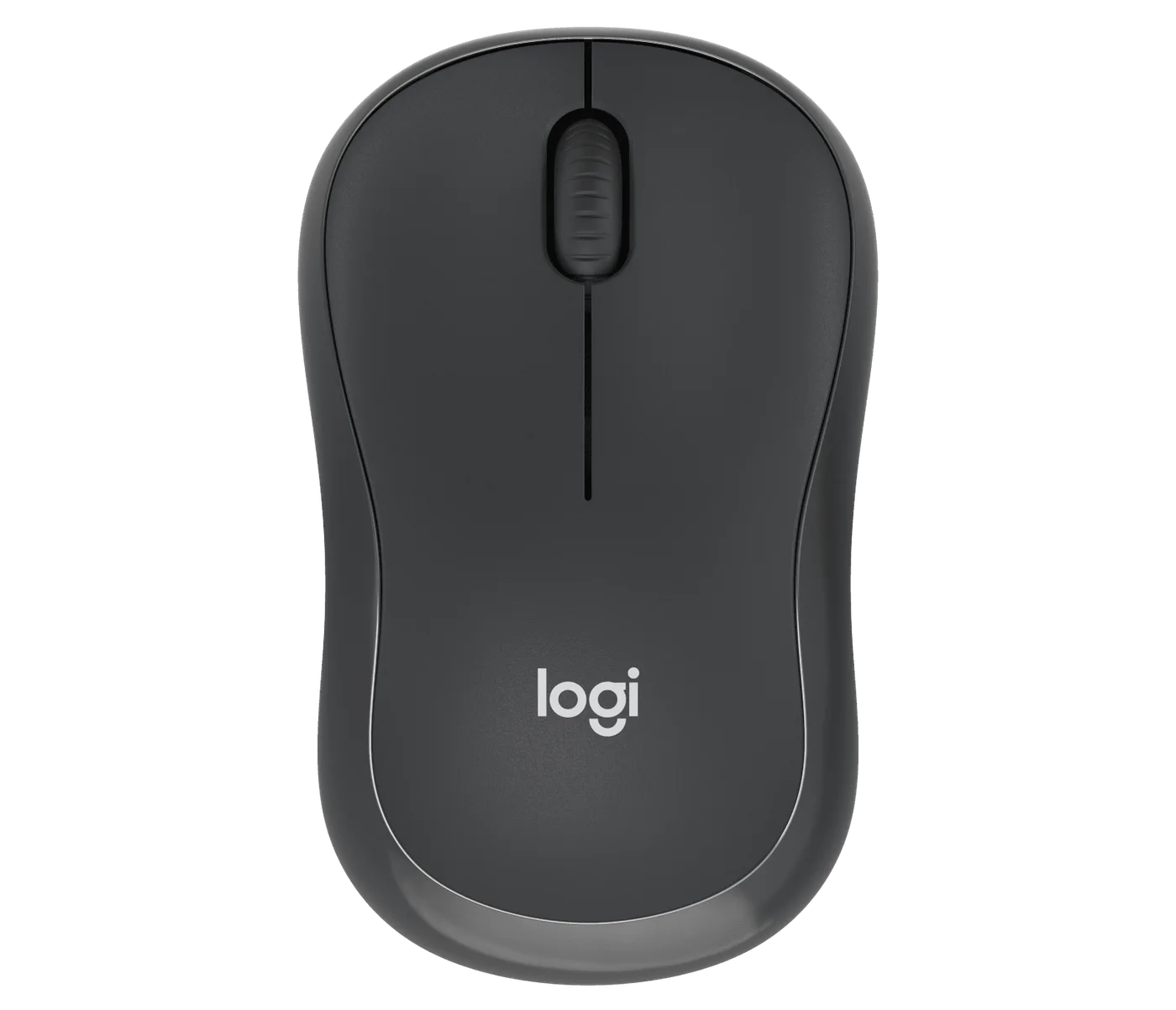
Its compact, contoured shell is a more rounded alternative to an extremely flat travel mouse. Comfort remains personal: trace a roughly 99 × 60 mm rectangle on your desk and imagine your fingers resting on it before assuming that a small mouse will suit long sessions.
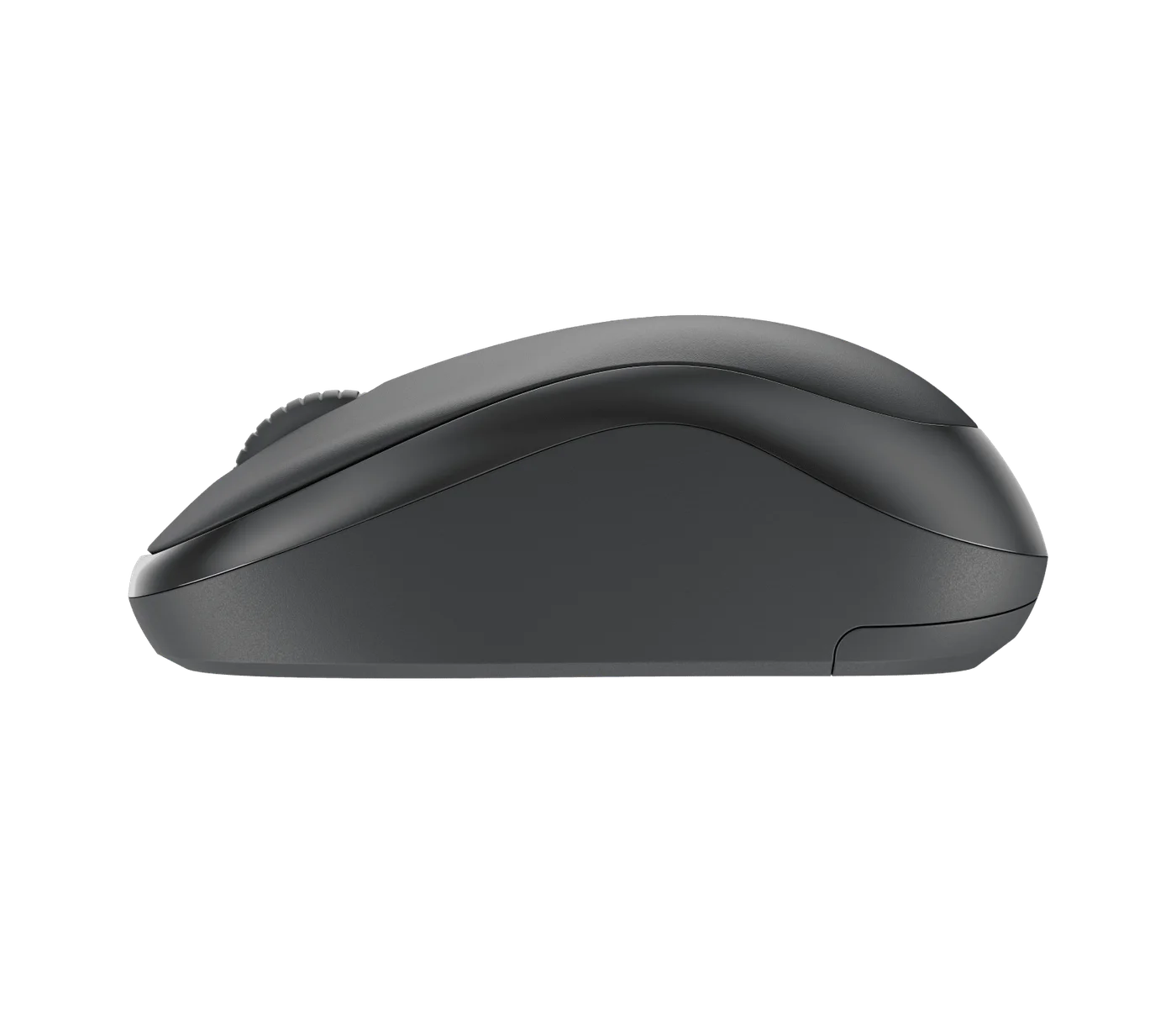
Quiet does not mean feature-rich
You get the basic click-and-scroll arrangement, not customizable side buttons or Easy-Switch controls for moving between computers. If your day involves spreadsheets, browser shortcuts or frequent device changes, those omissions can matter more than quiet clicking.
Logitech rates battery life up to 18 months under its conditions. Treat that as an estimate, not a calendar promise; the useful detail is that this is a replaceable-battery mouse rather than another device to recharge every evening.
Who should choose it?
Choose the M240 when you want straightforward Bluetooth pointing for a laptop and value quieter clicks. Keep your current mouse if it already does that, or choose a multi-device model if switching is the real frustration. Before ordering, confirm Bluetooth support, the graphite consumer variant and the selected seller’s returns policy. This is research-based guidance, not a hands-on noise test.