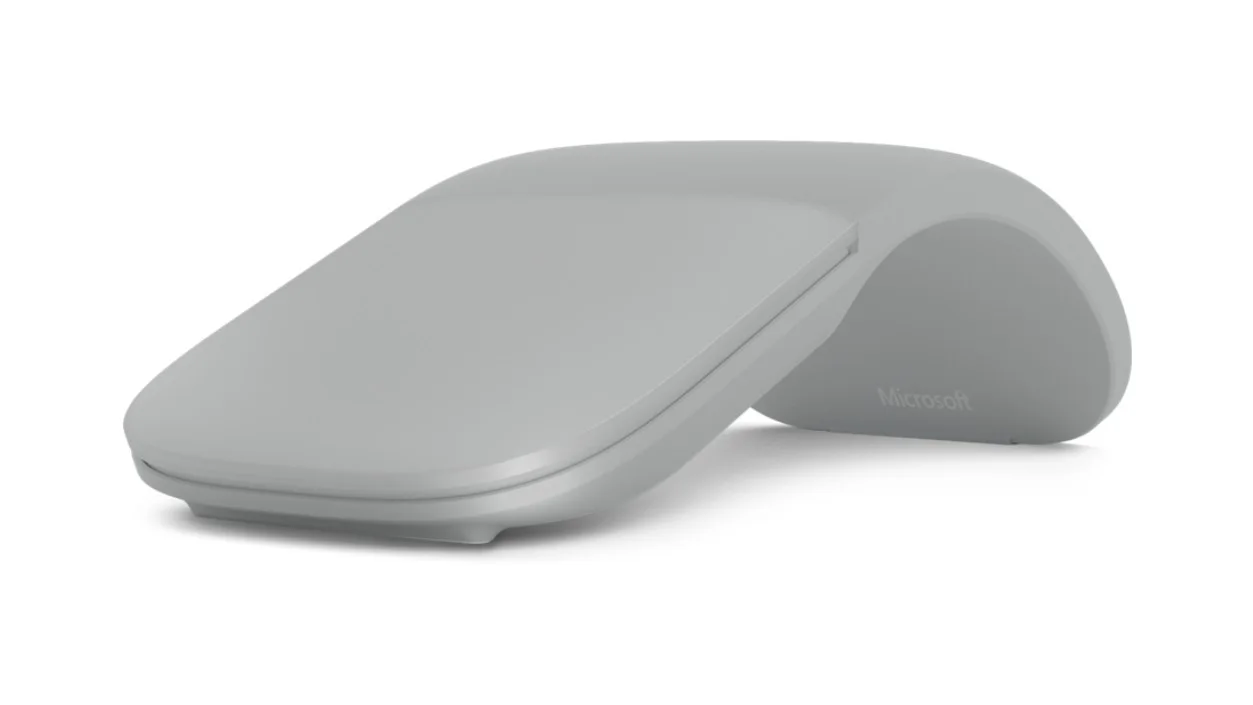
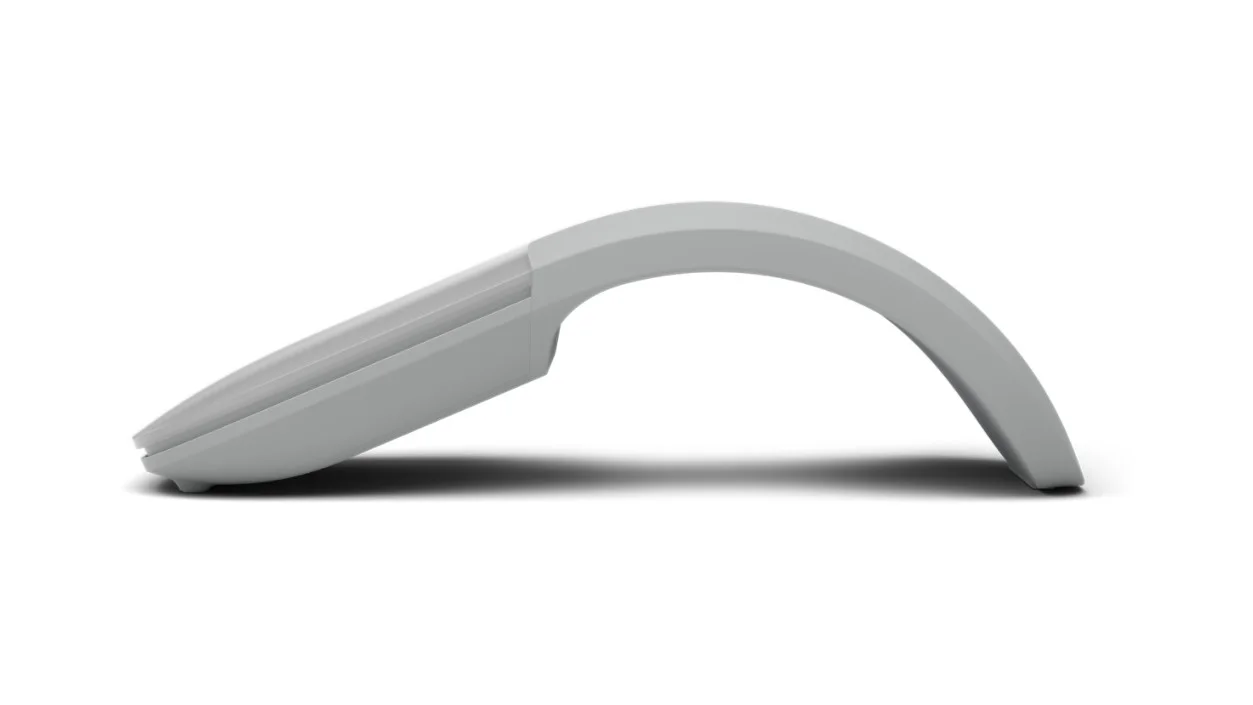
A mouse is easy to forget until its rounded body makes a slim laptop sleeve bulge. Surface Arc takes a different approach: curve it to use it, flatten it to switch it off, and put the slim shape away. That small packing ritual is the attraction. It does not automatically make the curved shape the best choice for eight hours at a fixed desk.
The bag-friendly shape changes how you scroll
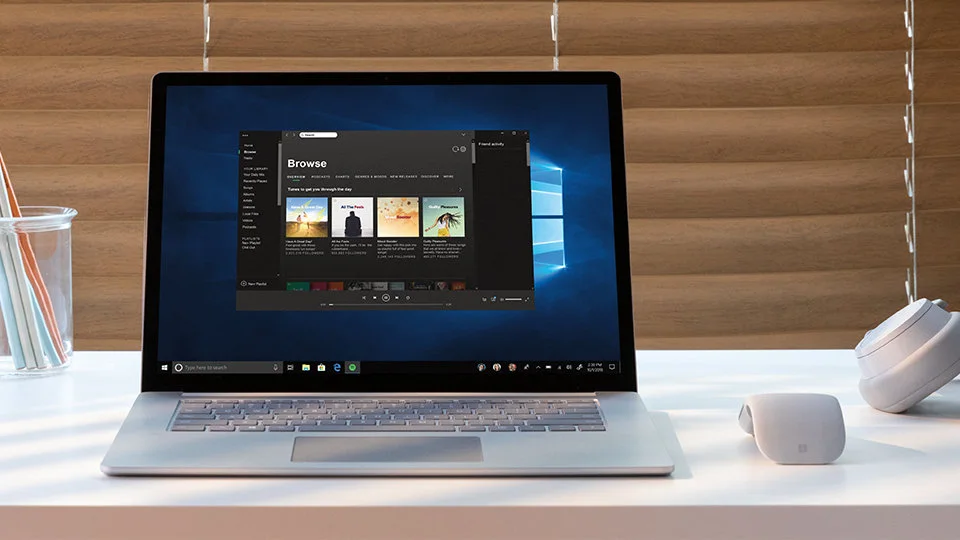
This is the Light Grey Bluetooth Surface Arc, model CZV-00001, not the older Arc Touch with a USB receiver. The touch surface supports vertical and horizontal scrolling instead of a conventional wheel. TwoAAA batteries supply power. Microsoft’s published compatibility requires a Bluetooth-capable host; its current listing supports Windows10 and11. This guide is based on verified specifications, not our own comfort test.
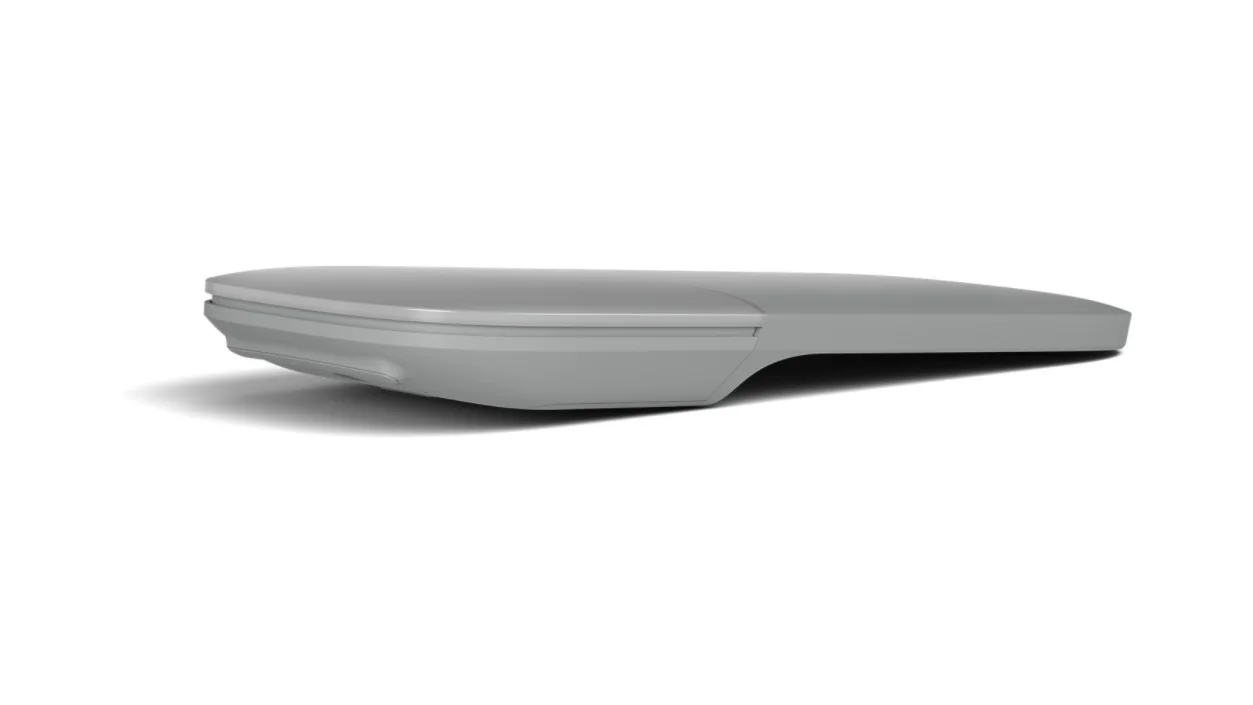
If a physical wheel is how you precisely navigate long documents, spreadsheets or timelines, touch scrolling is a meaningful change rather than a cosmetic detail. A portable mouse should still suit the task you do after unpacking it.
Check the connection before the commute
There is no USB receiver to rescue a computer without suitable Bluetooth. Check the host’s Bluetooth support and operating system rather than assuming every laptop, tablet or Mac behaves identically. On a work-managed machine, also check whether you are allowed to pair an accessory.
Compact is not the same as ergonomic
The curved body has an open space beneath it and does not reproduce the grip of a full-bodied desktop mouse. Hand shape and preference decide whether that feels right. Choose Surface Arc when a flat-packed accessory and a Windows Bluetooth setup make daily travel simpler. Prefer another mouse when a familiar wheel, extra task buttons or a more supportive grip is the reason you are buying. Flattening is useful; it is not a promise to fix wrist discomfort.