A mouse can fail in two opposite ways. It can fill a bag with a bulky object you barely use away from home, or it can be so flat and minimal that your desk work feels unnecessarily fiddly. The MX Master 3S and Pebble Mouse 2 M350s sit on opposite sides of that choice. Before shopping, write down the task you repeat most: carrying the mouse, scrolling a long document, moving across large sheets, or switching devices. A product’s best feature is only valuable if it touches your work.
Start at the desk, not the spec sheet
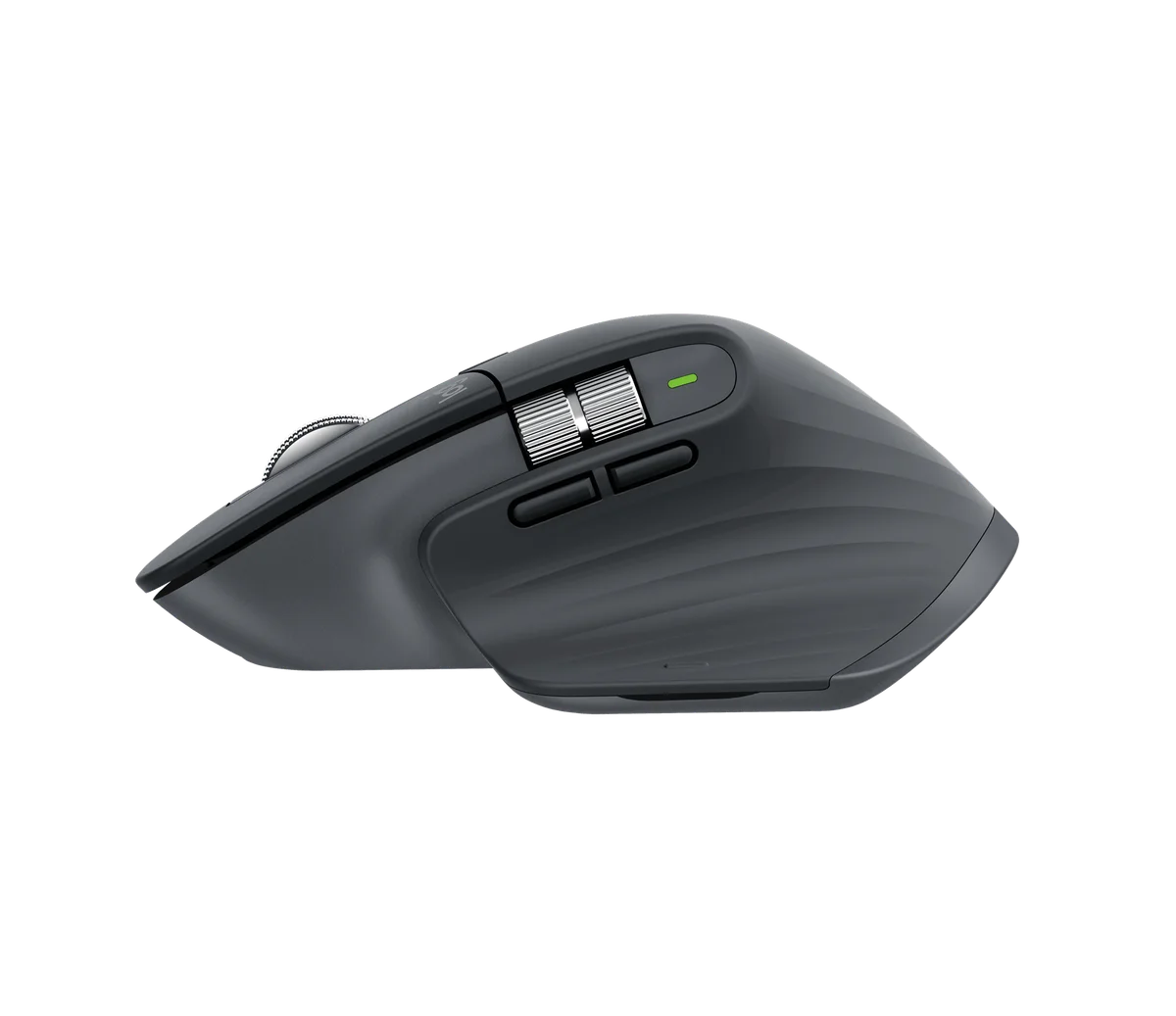
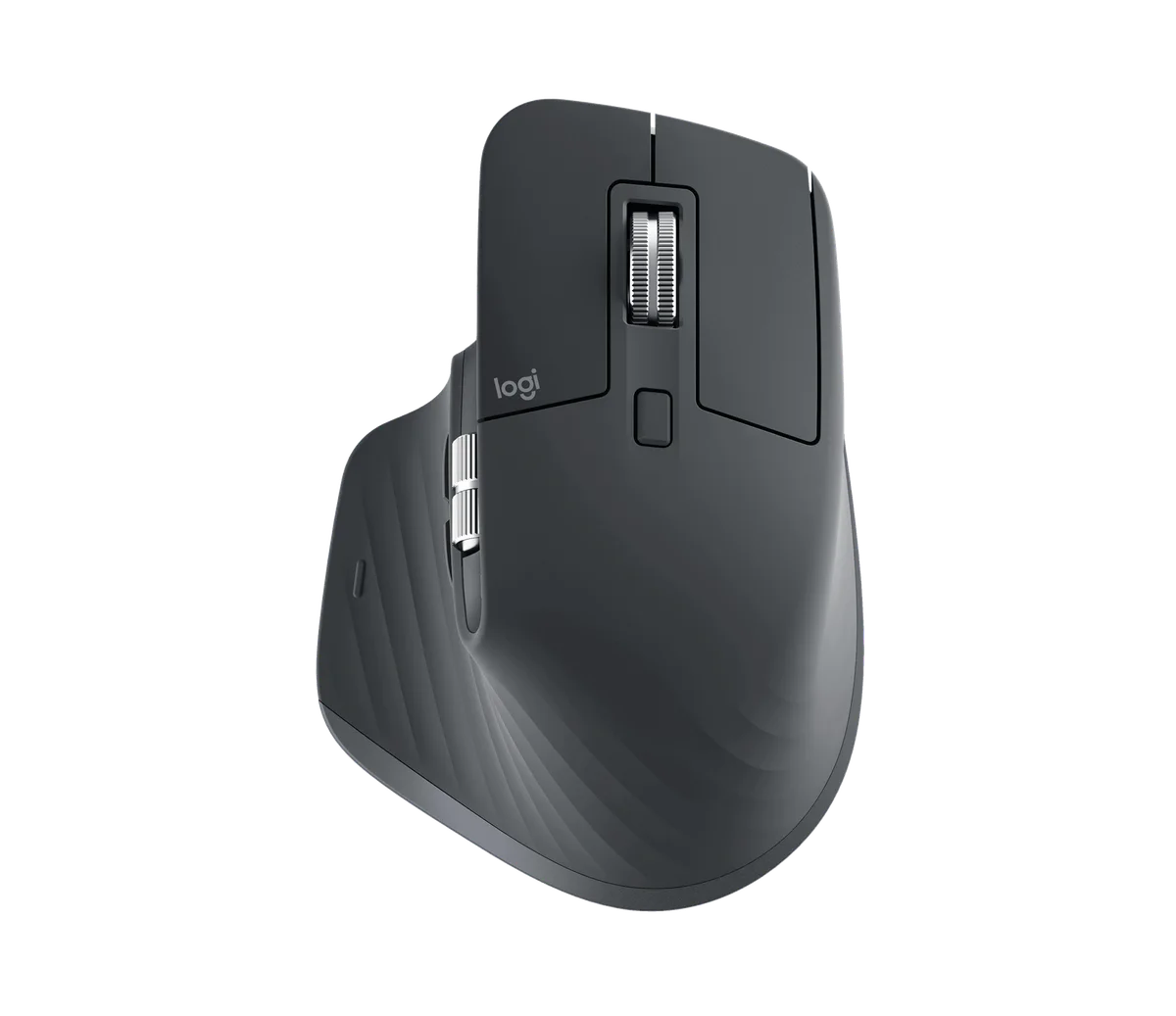
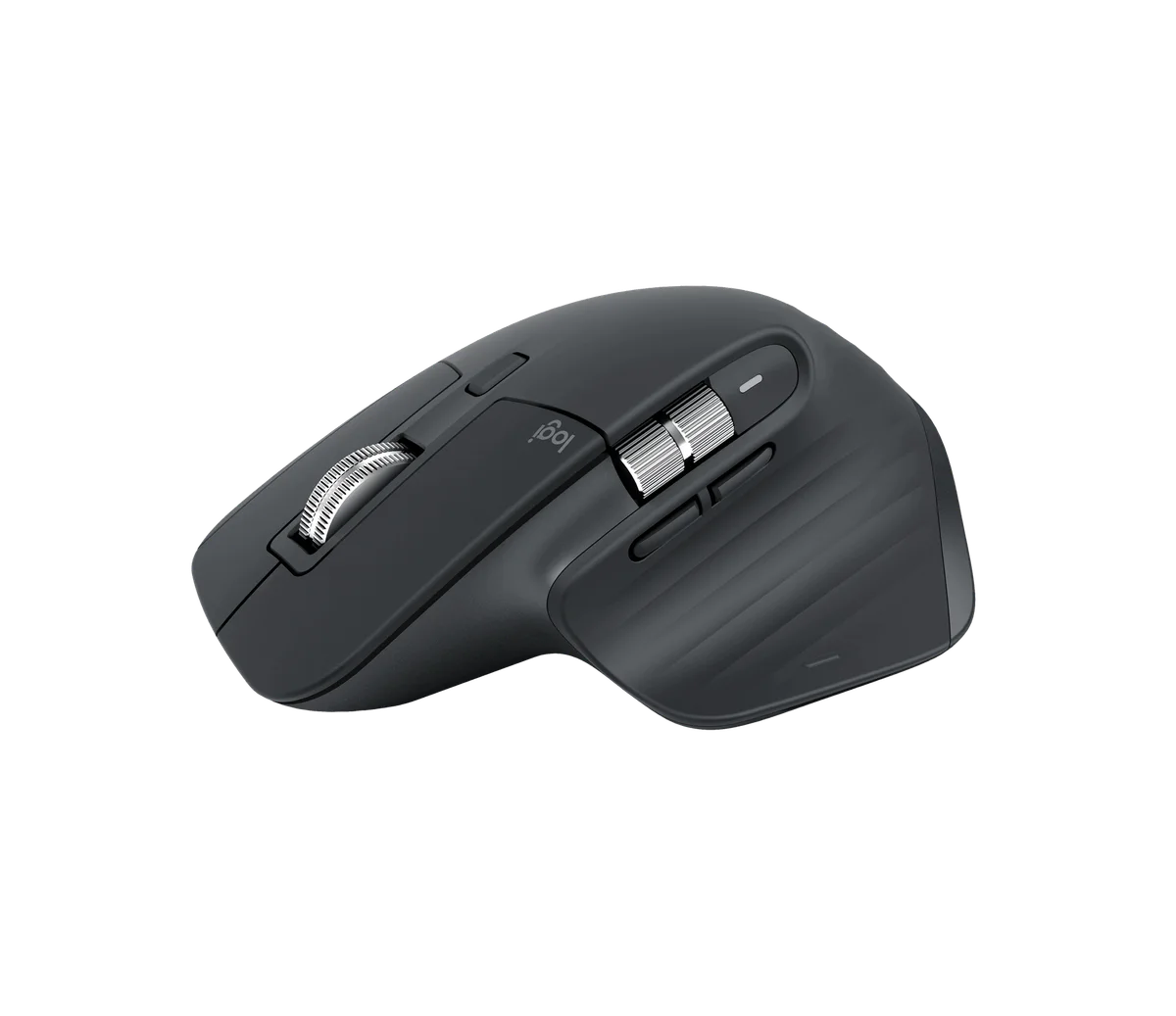
The MX Master 3S is a sculpted, right-handed mouse with a main MagSpeed wheel and a separate thumb wheel. The latter can make horizontal navigation easier in timelines or wide worksheets; programmable buttons may reduce repeated actions on supported systems. Logitech describes a fast electromagnetic main scroll and an 8,000 DPI sensor. None of that proves your hand will like the shape. It is about 141 g and approximately 125 by 84 by 51 mm in the manufacturer’s model specifications—noticeably more mouse to pack than the flat 76 g Pebble M350s. If you spend most of the day at one desk, that bulk may be irrelevant. If the mouse goes in a slim laptop sleeve every morning, it may be the deciding flaw.
The receiver detail can spoil an order
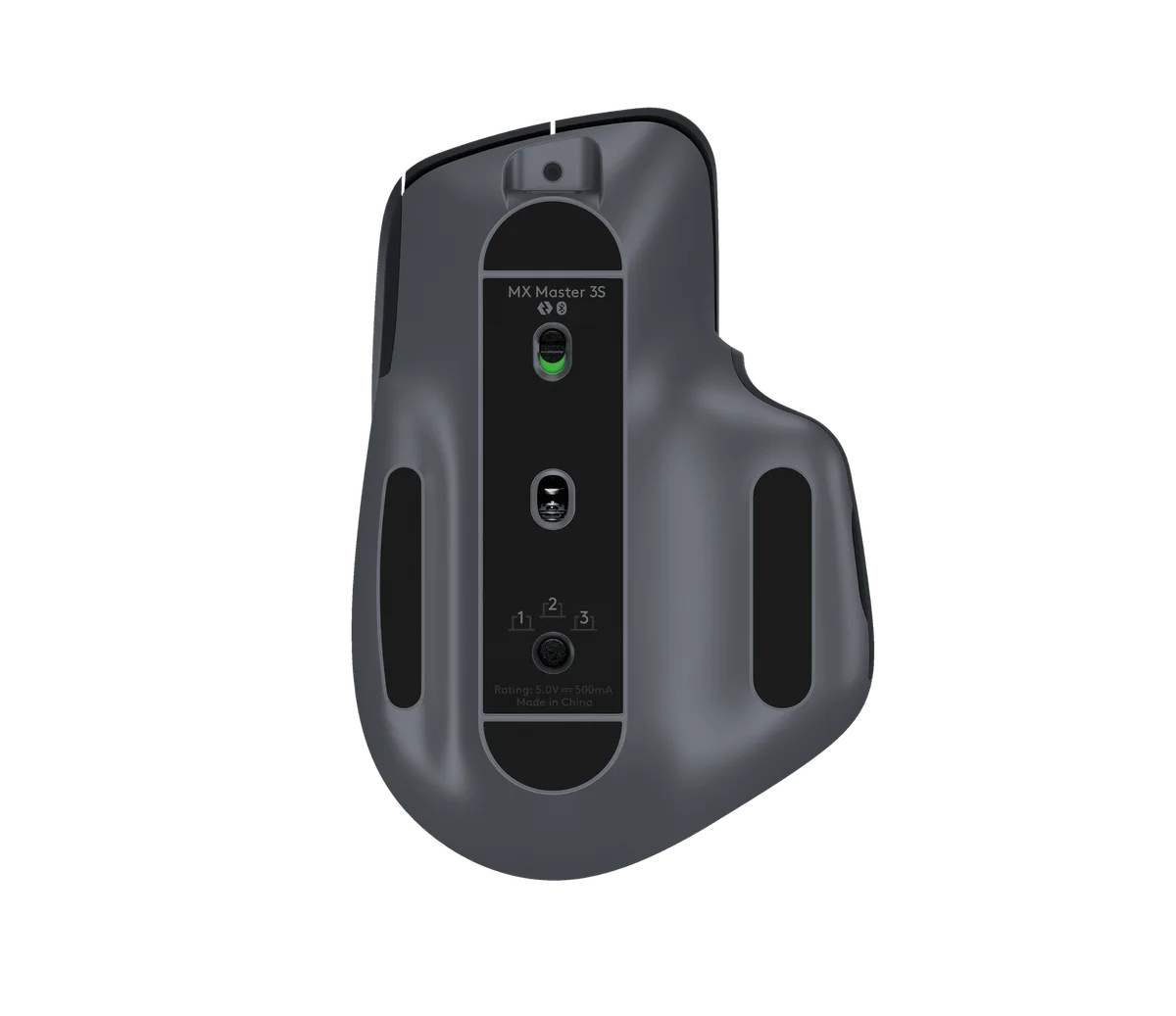
The exact Amazon selection in this guide is the MX Master 3S Bluetooth Edition in Graphite, ASIN B0FB21526X. Its listing says no receiver. Logitech sells other Master 3S packages, and some standard editions include a Logi Bolt USB receiver. Do not treat a picture of the same mouse as evidence of the box contents. If your work computer blocks Bluetooth, this edition is a poor choice unless you separately confirm a compatible Bolt receiver is permitted. It does not pair with older Unifying receivers. Check your employer’s device policy before buying a wireless workaround.
Quiet, precise and rechargeable—within limits
Logitech says the 3S’s left and right clicks produced 90% less sound power than the older MX Master 3 in its one-meter comparison. That is not a Findweave quiet-room recording or a guarantee your desk is silent. The company also says its sensor can track on glass at least 4 mm thick and that a charge can last up to 70 days, varying by usage. These are useful reasons to shortlist the mouse, not measured results for your particular desk or workflow. USB-C charging removes AA replacements; it also adds another cable-and-battery routine.
Software is part of the purchase decision
Logi Options+ can assign app-specific actions and adjust tracking on supported Windows and macOS devices. Basic mouse functions remain available more broadly, but a workflow built around custom buttons should be checked against the OS you actually use. If you mainly need left click, right click and a scroll wheel, the extra controls may become unused complexity. A flat M350s also switches across devices and takes less room in a bag, though it cannot offer the same thumb-wheel layout.
Who should buy which?
Choose the MX Master 3S if your repeated work genuinely benefits from the fast wheel, thumb wheel or programmable controls, and if its full-size right-handed shape and Bluetooth-only box make sense. Choose the Pebble M350s when packing thin and switching between simple tasks matters more. If you already have a mouse that solves both, neither upgrade is required. On Amazon, check Bluetooth Edition, Graphite, no receiver, plus current seller, price and delivery region. We have not personally used either unit; this guide compares verified product information and practical trade-offs, not a measured performance ranking.