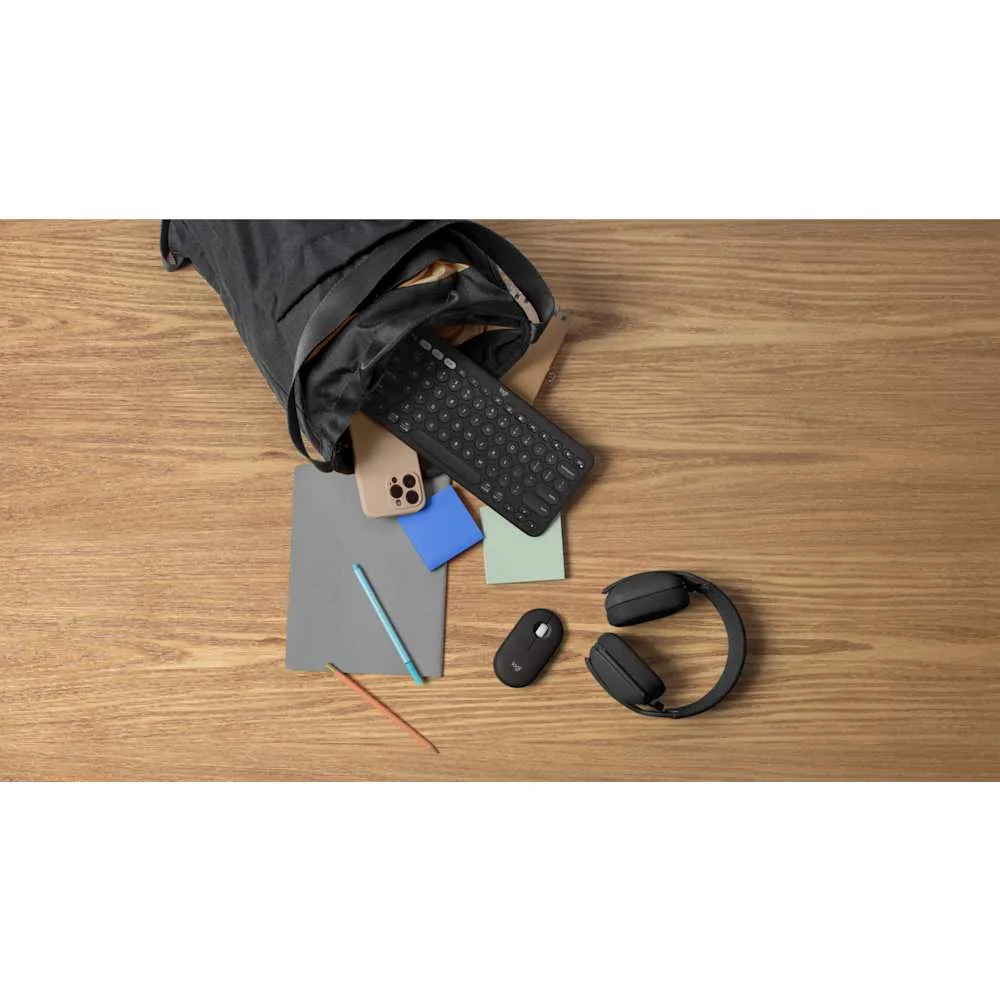
You pack a laptop, a tablet and the one charger you trust. At a cafe you want a pointer for the laptop; on the train you switch to the tablet. The mouse you carry should make that change less annoying, not turn your bag into a small desk drawer. That is the useful promise of the Logitech Pebble Mouse 2 M350s. It is also the right way to judge it: as a portable input tool, not a cure for wrist discomfort.
Start with the job it has to do
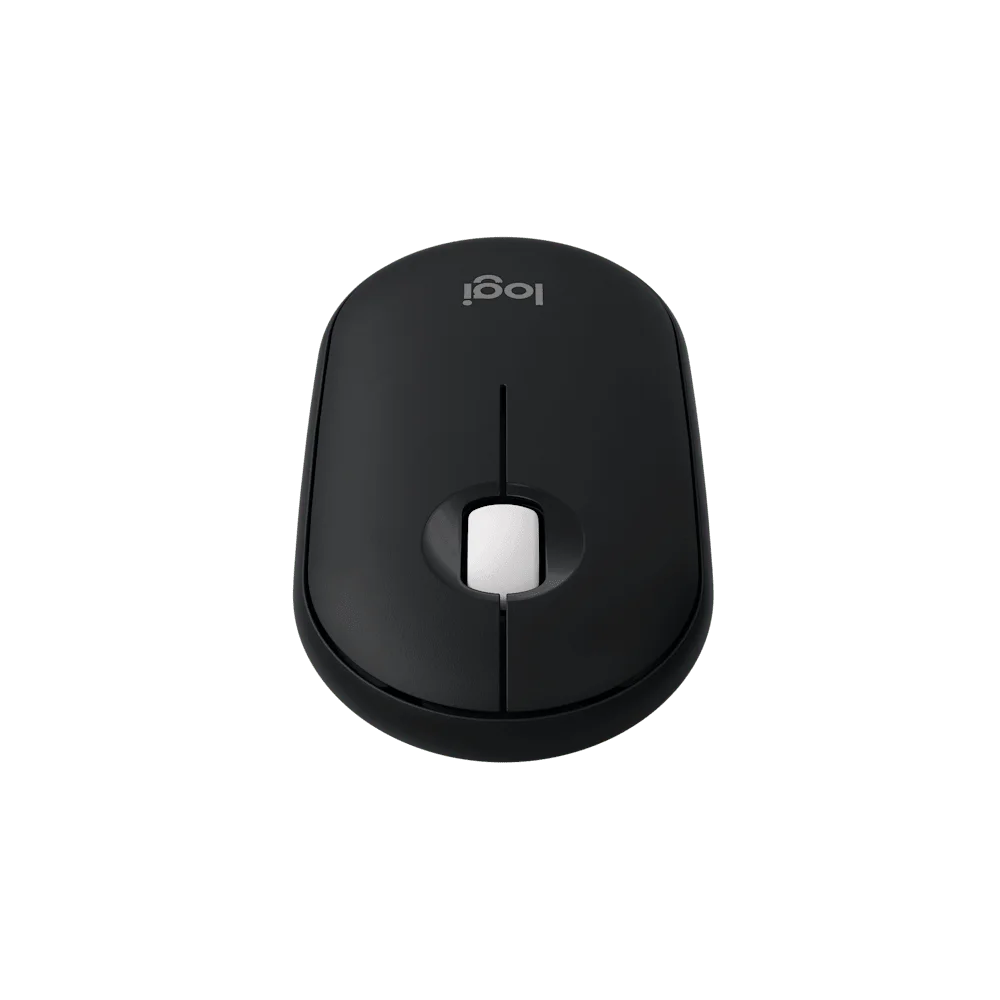
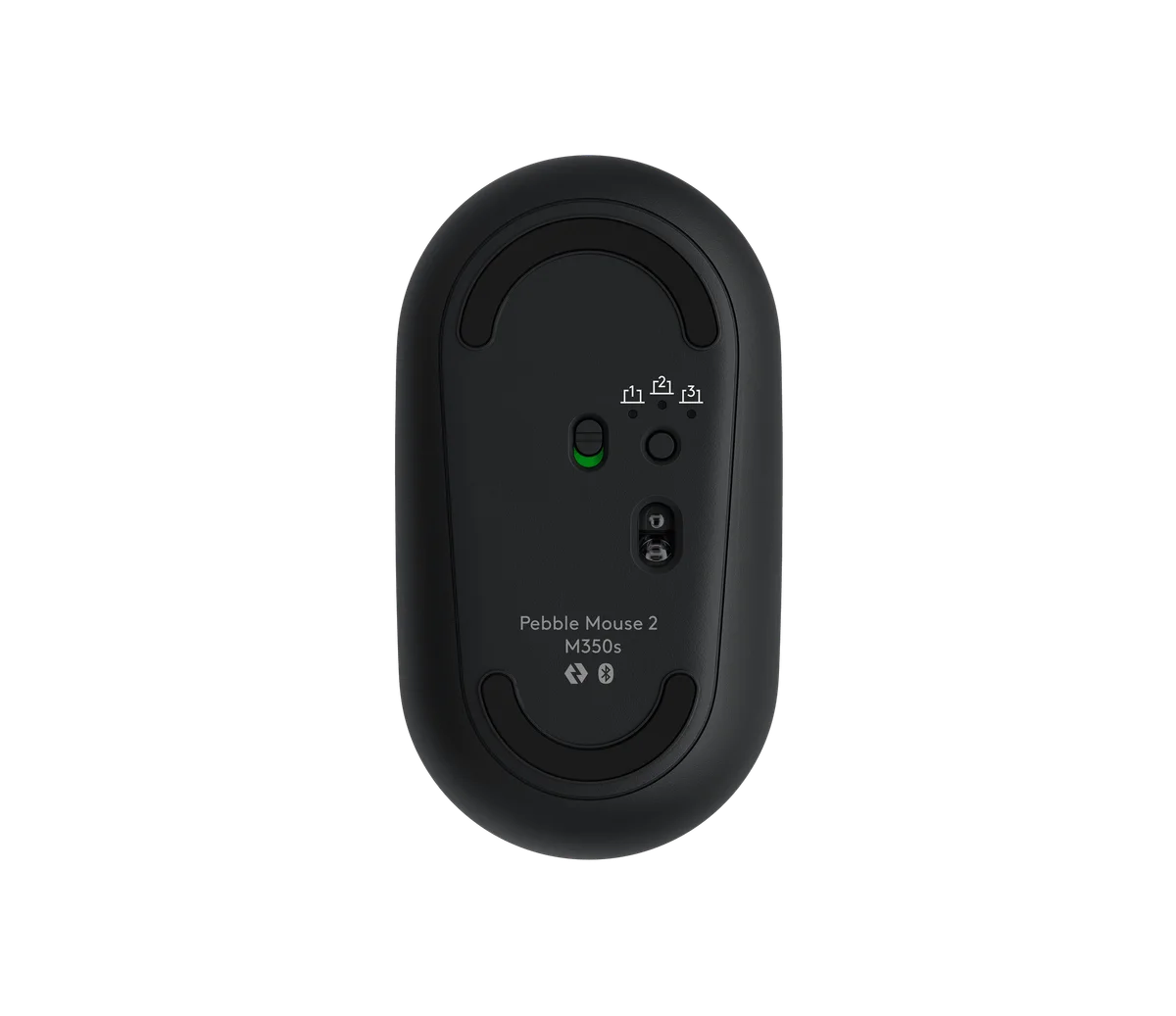
If you use one computer at one fixed desk, almost any comfortable mouse can live there. The M350s earns attention when you move between devices or pack and unpack frequently. Logitech says it can remember three devices and switch among them using the button underneath. That is more specific than the vague claim that a mouse is “travel friendly”: you should actually have a second device you expect to use.
Before buying, list your usual pairings. A laptop plus tablet makes sense. A work laptop whose Bluetooth is locked down by IT may not. Logitech says the M350s works with a Logi Bolt USB receiver, but the receiver is not included with this selected model. Do not assume a dongle is in the box just because an older Pebble mouse had one.
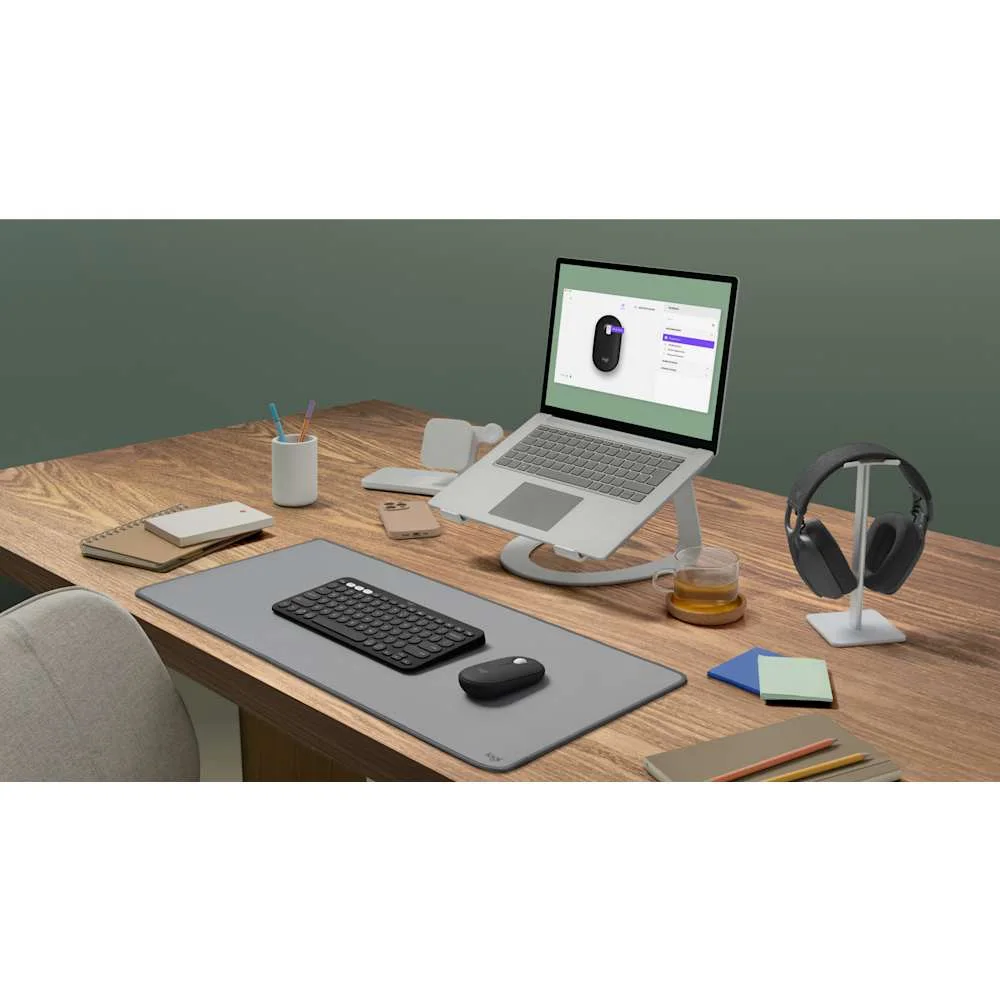
What the flat shape changes
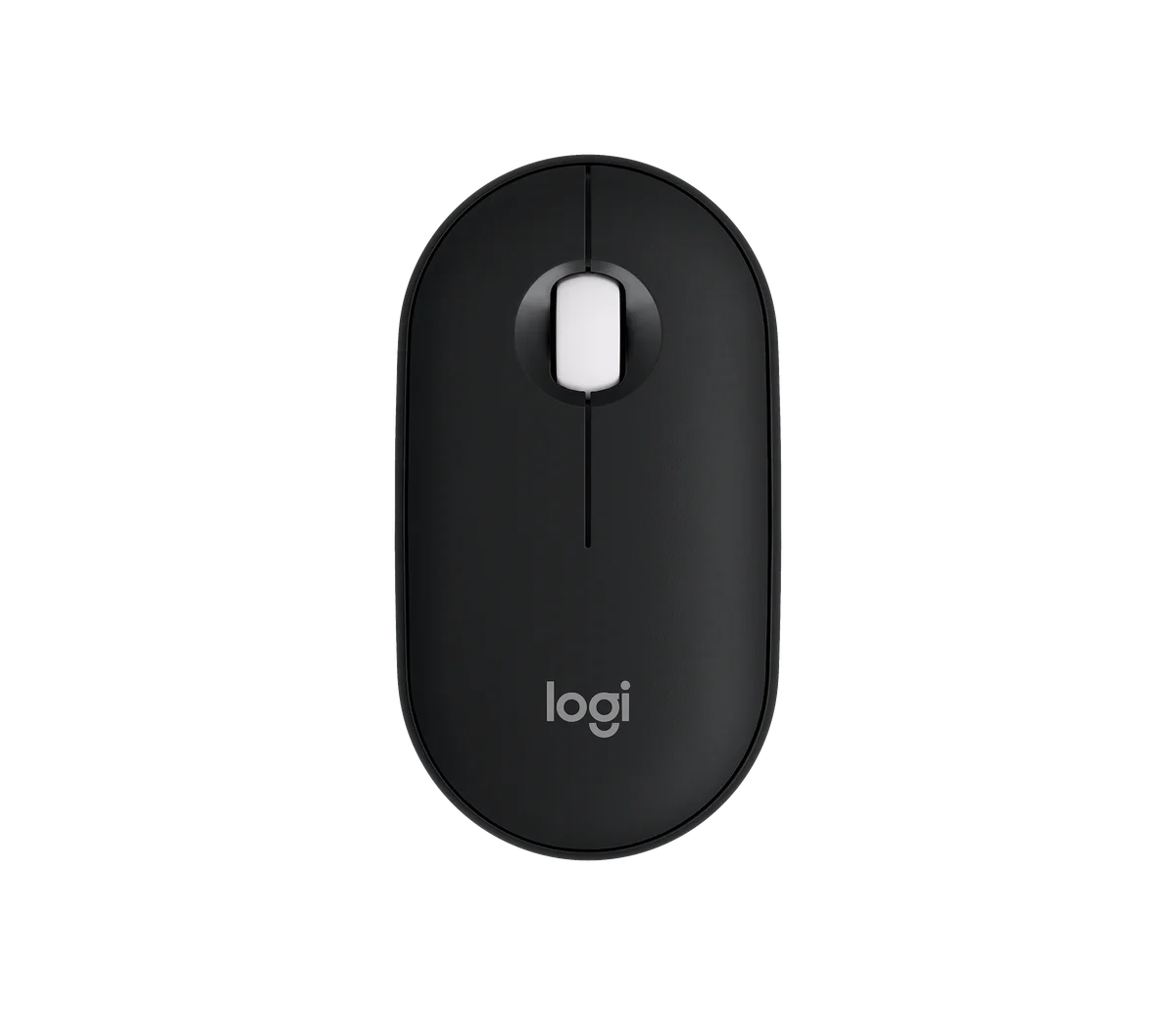
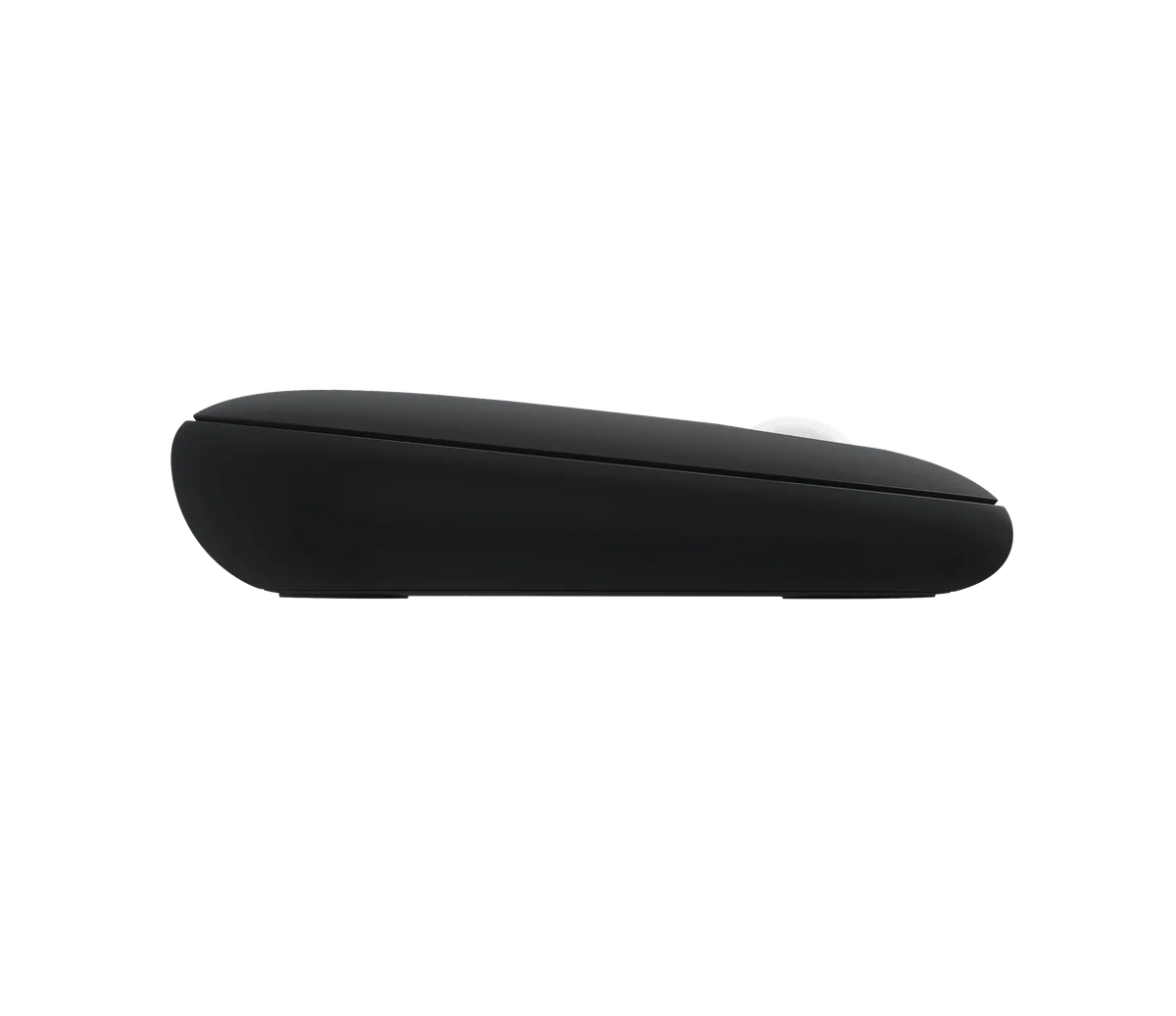
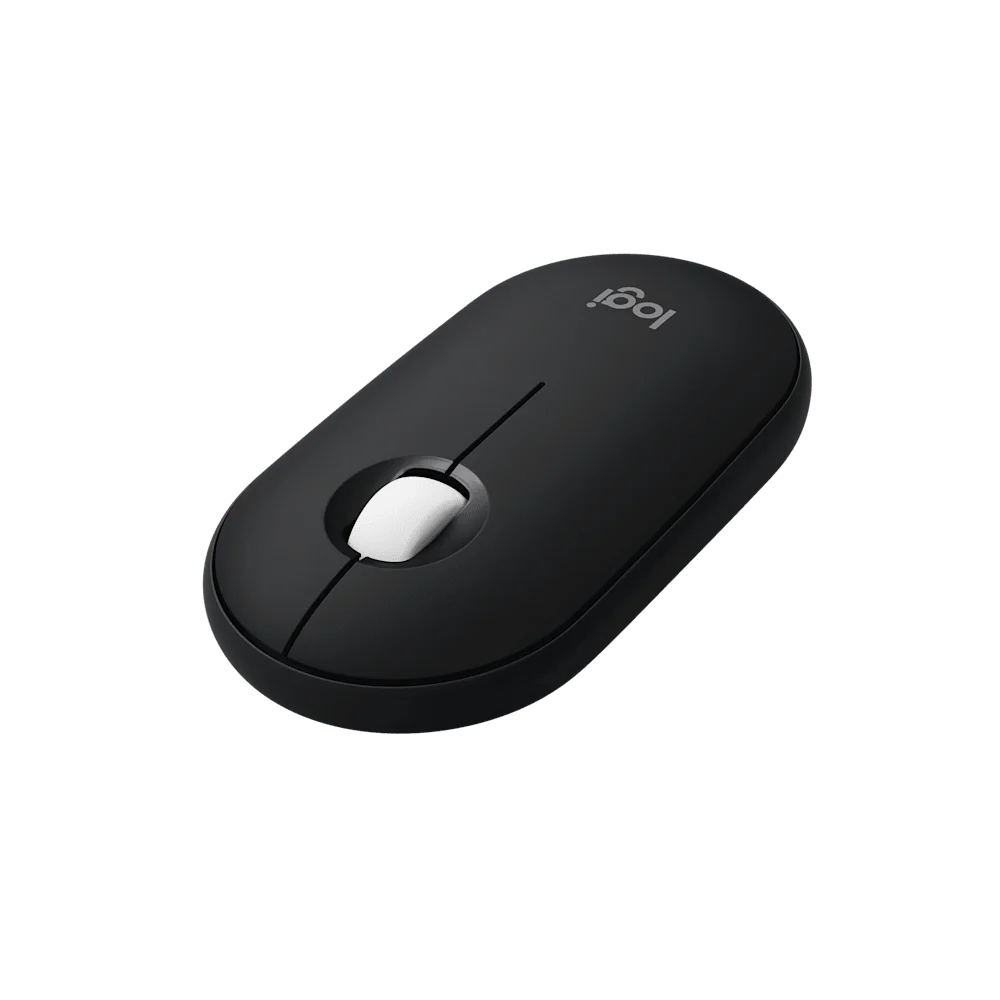
The body is about 26.6 mm deep and weighs 76 g with its AA battery, according to Logitech. It slips into a sleeve or shallow pocket more naturally than a tall vertical mouse. Yet small and slim are not synonyms for comfortable. Your fingers may rest flatter; a person who wants a full palm support may find that less pleasant during long editing sessions. We have not conducted a hand-fit or medical test, so treat this as a decision to try rather than a guaranteed comfort upgrade.
The existing Logitech Lift buying guide covers almost the opposite priority: a more upright grip at a desk. If you need that shape because you dislike conventional mice, a Pebble should not be bought merely because it is pretty in a product photo. If you value a small, light mouse for a bag, the trade-off may be worth exploring.
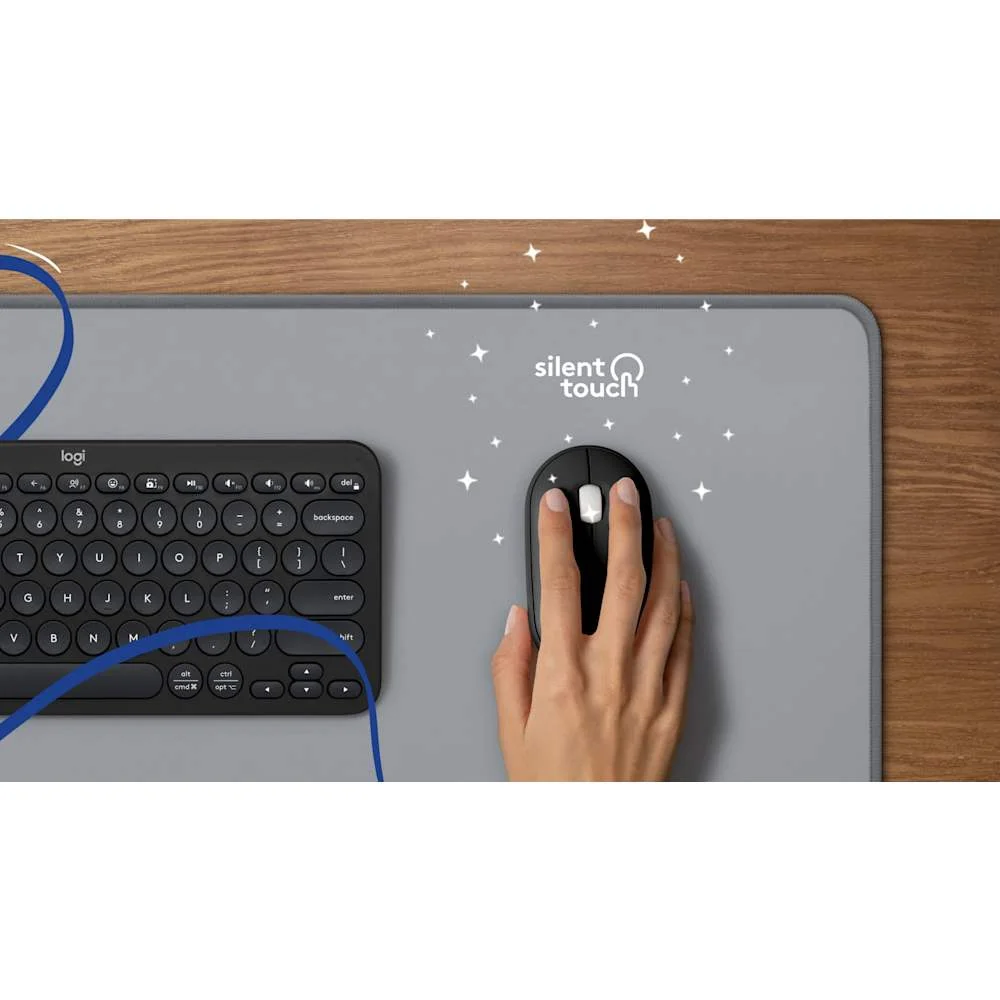
Quiet clicks and shortcuts: useful, but bounded
Logitech describes Silent Touch as reducing click noise by more than 90 percent compared with its M185 in a laboratory comparison. That is a manufacturer comparison, not our listening test and not a promise of absolute silence in your room. In a library or shared workspace, quieter clicks are relevant; for a noisy commute they may matter less than reliable connection and fit.
The middle button can be customized with Logi Options+ on supported Windows and macOS machines. If the workflow you imagine depends on a custom app shortcut on an iPad or phone, confirm software support first. The physical mouse still has left and right click plus scroll-wheel middle click; do not mistake it for a many-button productivity mouse.
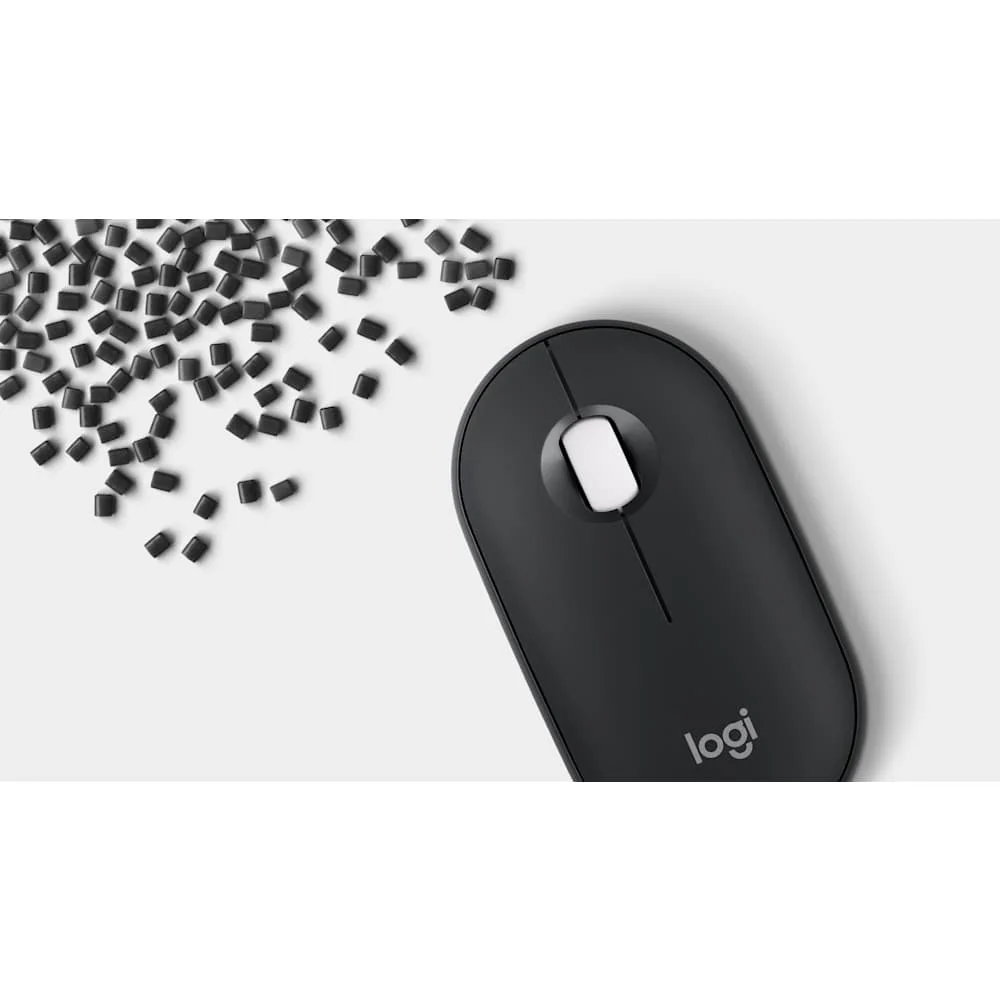
The manufacturer’s additional material photo is useful context for the shell, but it does not tell you how the mouse will feel after an hour of use. Keep the purchase decision tied to your grip, device-switching routine and whether an AA battery is acceptable.
Battery and the real price of convenience
The M350s takes one AA battery. Logitech says it can last up to 24 months; real life depends on connection, use and conditions. The practical advantage is simple: no charging cable on the day it runs flat if you have a replacement AA. The cost is that it is not rechargeable by USB-C. Decide which routine you prefer rather than treating either system as automatically better.
Our selected Amazon page is the Black Pebble Mouse 2 M350s, ASIN B0BT4GFFGR. Before checkout, verify the title still says M350s and Black, check the current seller and delivery region, and avoid confusing it with the older M350 or a keyboard bundle. This is a research-based recommendation, not a first-hand trial.
Who should pass?
Skip it if you need a tall palm-filling shape, a receiver included in the box, multiple programmable buttons, or a fixed-desk mouse you never pack. Choose it if the device-switching task is real, a thin body is a benefit rather than a compromise, and the basic controls cover your work. The product notes keep the exact version and shopping choice together. A good purchase here removes a small daily interruption; it does not need to transform your entire desk.