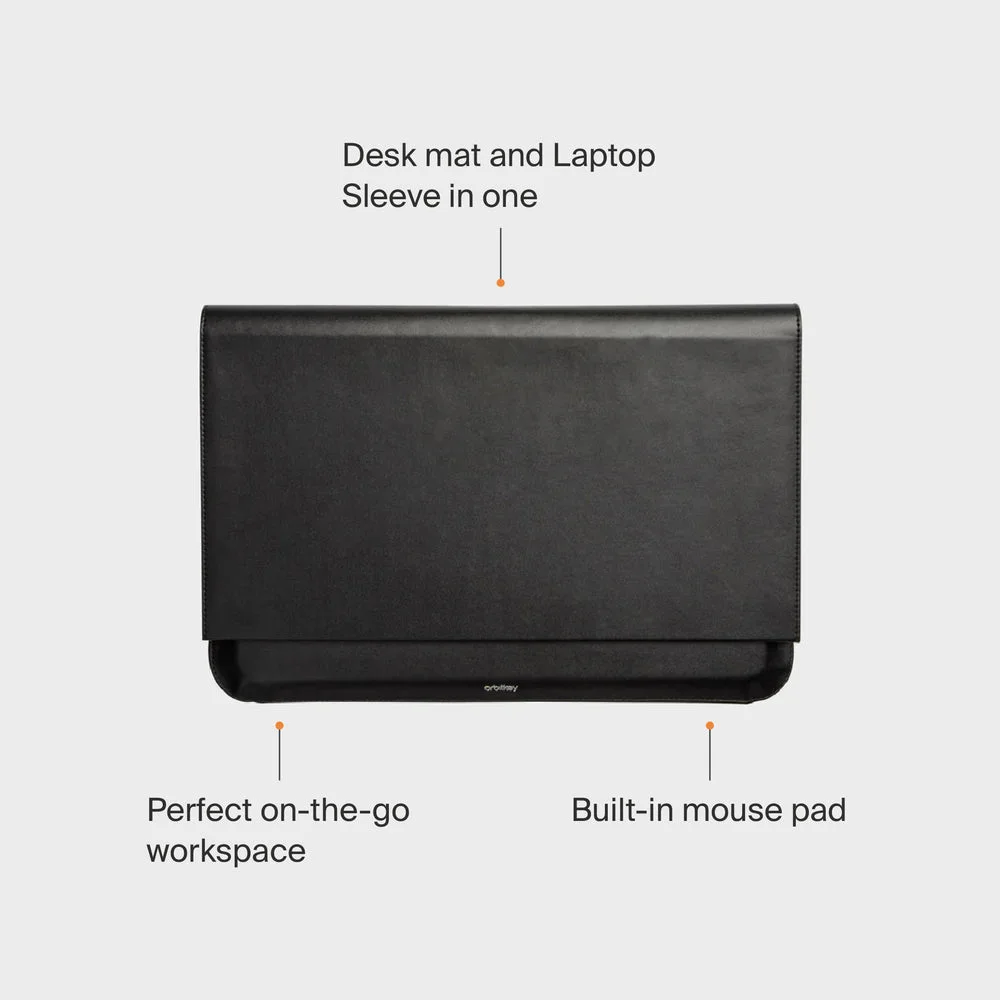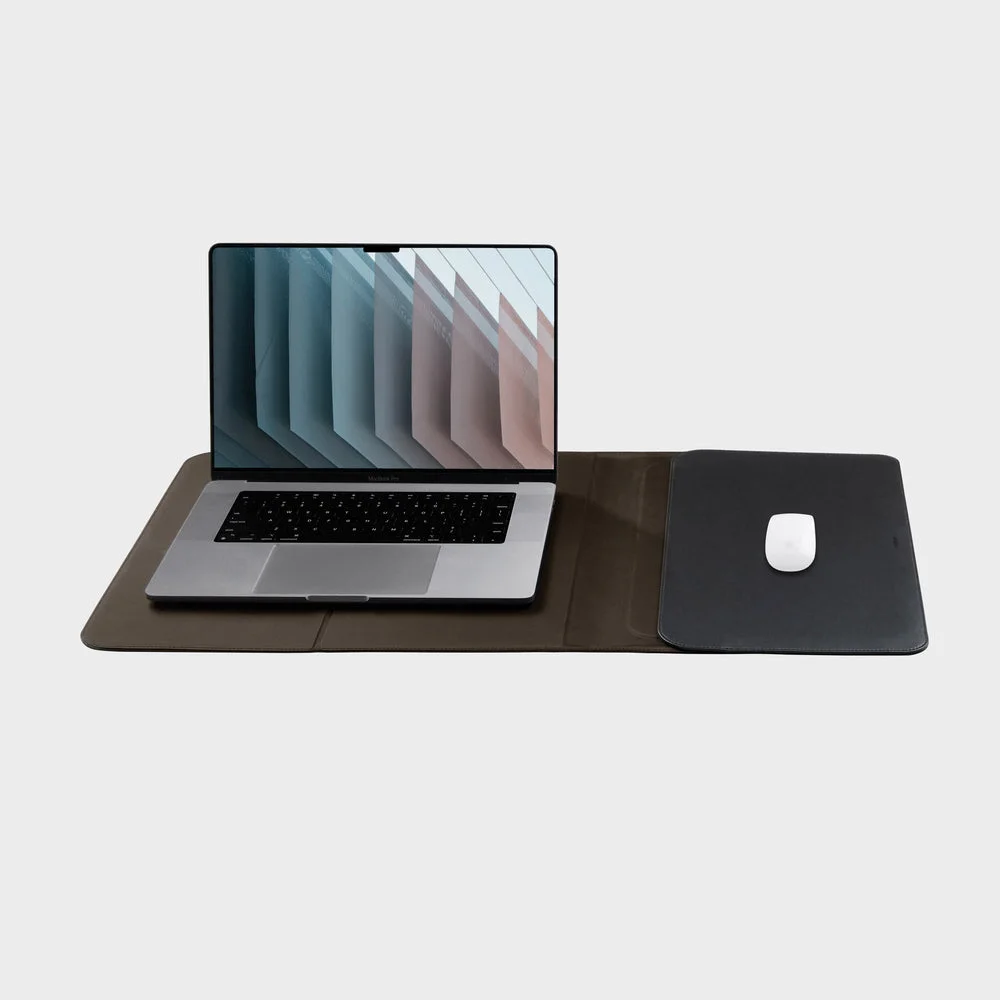
A laptop sleeve usually disappears into the bag once you sit down. Orbitkey’s Hybrid version stays useful: unfold it and the protective cover becomes a desk surface with a mouse area. That is an appealing idea for changing tables and borrowed desks, provided your laptop and available space suit the design.
Sixteen inches is not a fit guarantee
For the selected 16-inch sleeve, the maker gives a maximum laptop size of 356 by 249 by 19 mm. Measure your machine, including any fitted shell, rather than relying on screen size. The sleeve closes with magnets; an overfilled fit can work against the neat fold that makes this product useful.
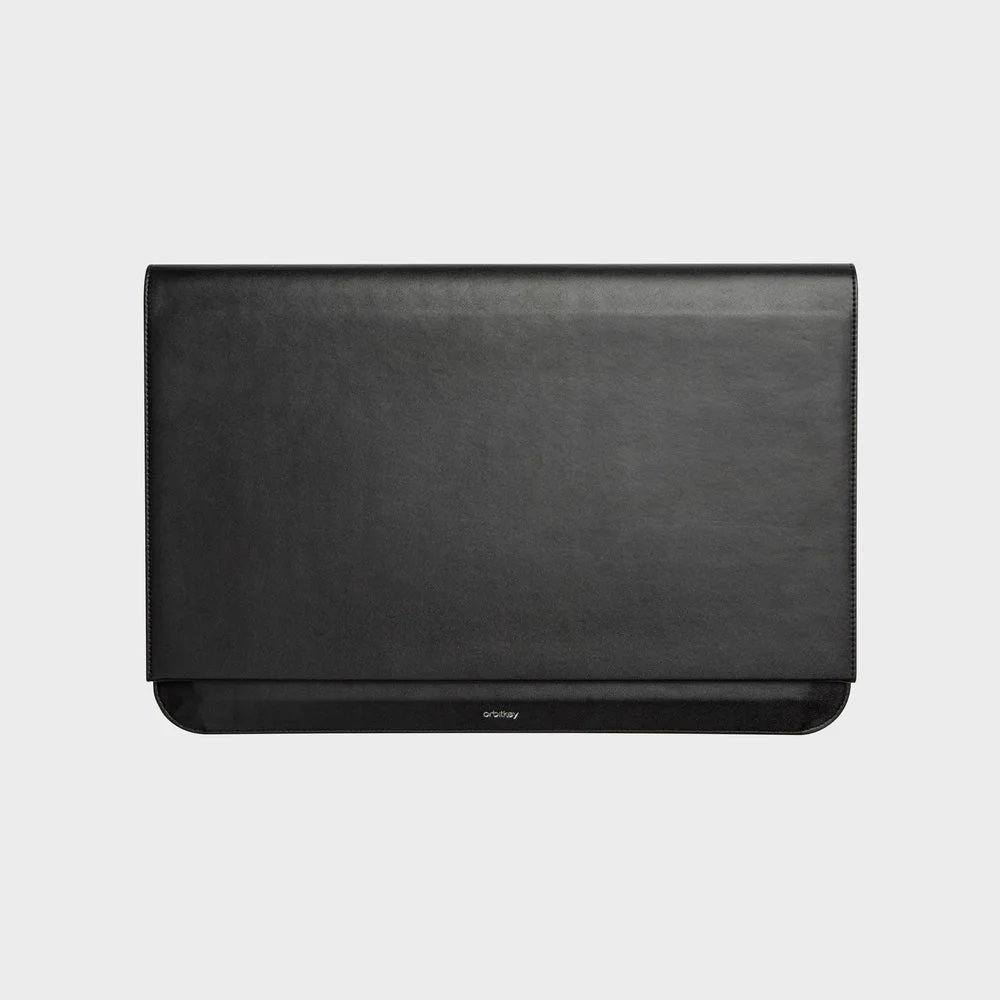
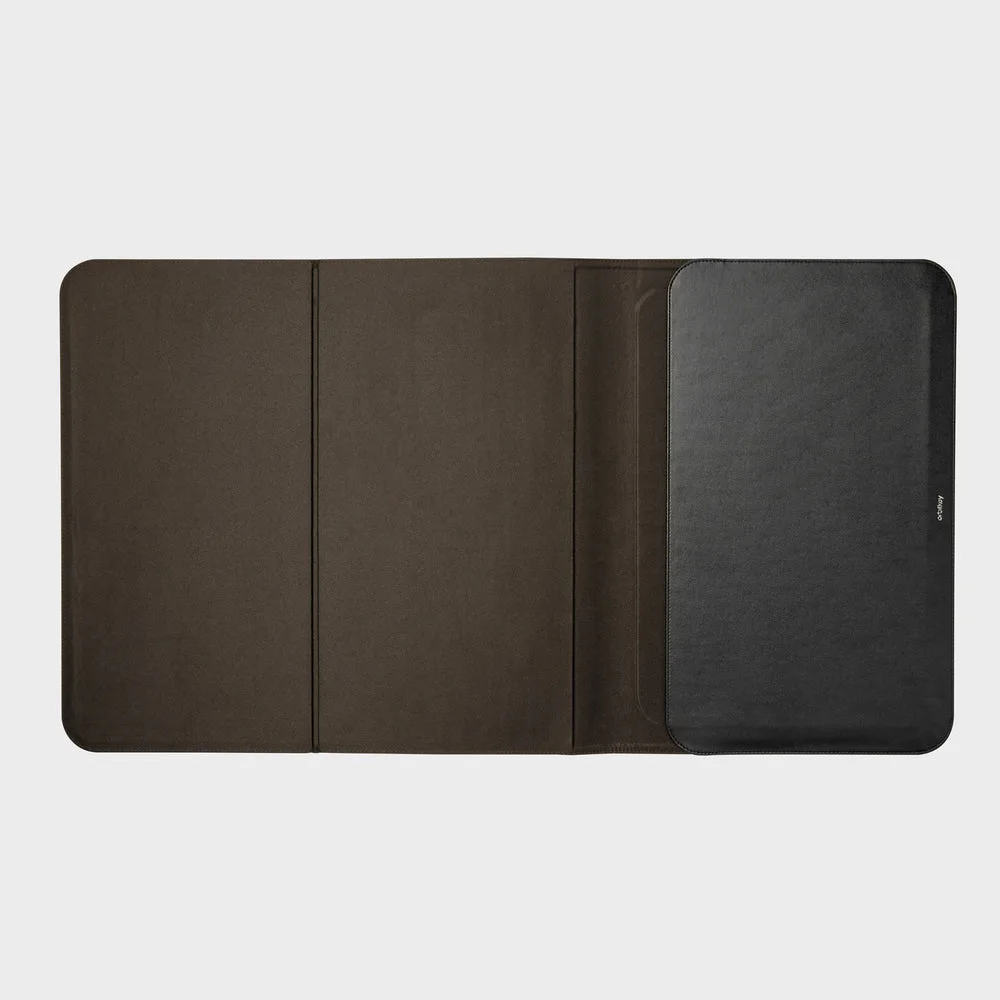
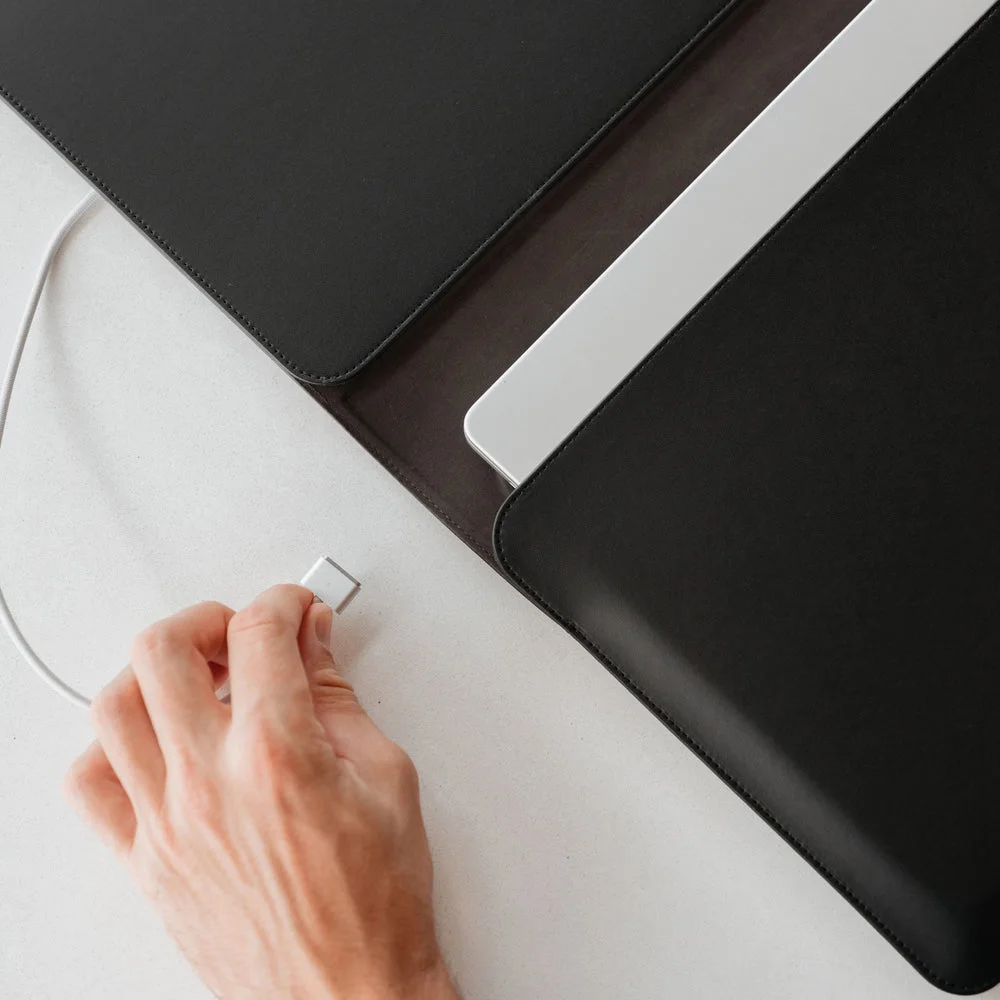
Notice the difference between the closed sleeve and the open work surface in the photographs. Closed, the maker lists 402 by 255 mm. Open, it stretches to 402 by 730 mm. Check a café table or shared desk against that footprint. The smallest table may not leave enough room for the unfolded setup and your drink.
The useful moment is the setup
A defined surface can make a temporary workspace feel less improvised. The design supports either handedness, and the laptop pocket becomes the mouse area. That is more practical than carrying a separate desk mat if you use both functions regularly. Laptop, mouse, bag and charger shown in the photographs are not included.
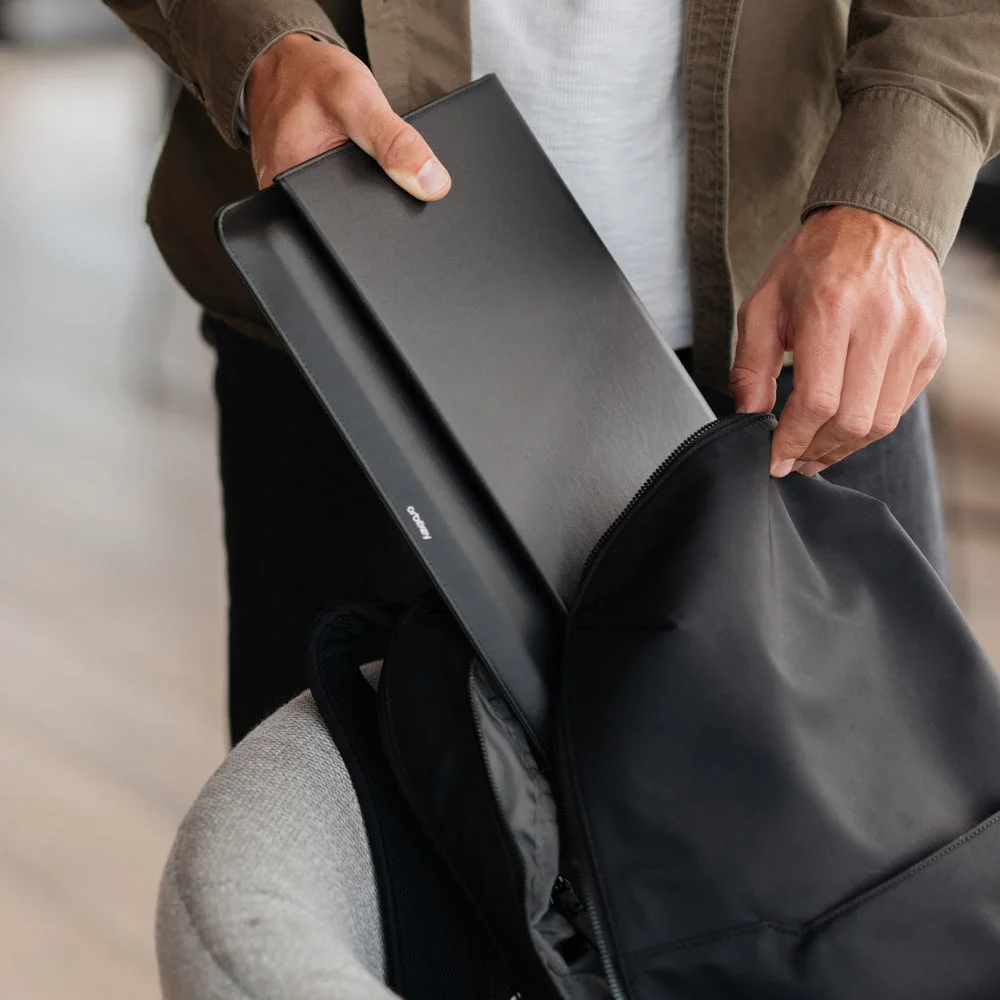
It is still a slim sleeve rather than a rigid protective case. Do not assume waterproofing, a specified drop rating or cooling performance that the maker has not demonstrated. Keep liquids away, follow the laptop’s ventilation instructions and choose a more protective case if rough transport is the main concern.
Skip it if the cover stays in your bag
For a laptop that moves only between home and one fixed office desk, a simple fitted sleeve may do the job. The Hybrid earns its space when you genuinely unfold a work corner in different places. This guide explains the maker’s construction and fit limits; it is not a claim of personal travel or impact testing.