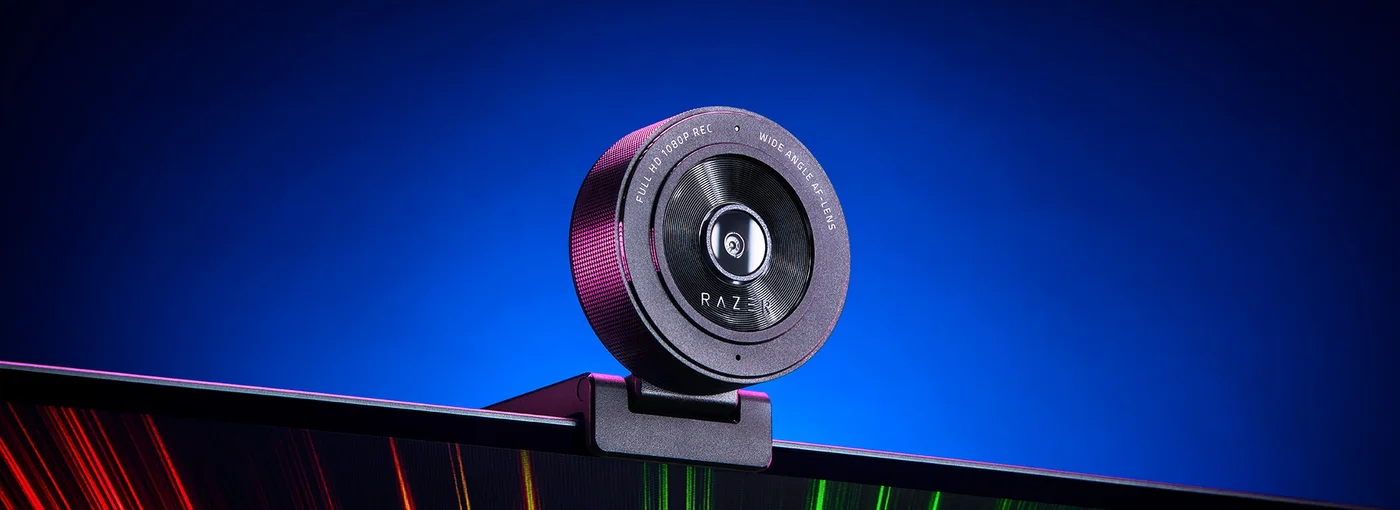
A video call can feel awkward when the laptop camera looks up from the edge of a crowded desk. The Kiyo X gives you another position to work with: above a monitor, on the desk or on a compatible stand. Before chasing a dramatic streaming setup, decide whether that change of angle is the improvement you actually need.
Choose detail or motion, not an impossible combination
The Kiyo X offers 1080p at 30 frames per second or 720p at 60. It does not offer 1080p at 60. For ordinary face-to-face calls, the higher resolution may be the useful option; smoother lower-resolution movement may suit another use. Your call or streaming application can impose its own limits, so the supported capture mode is not a guarantee of what viewers receive.

There is autofocus, but that does not remove the need for reasonable light and sensible positioning. Try moving an existing lamp and raising your current camera before deciding that hardware is the whole problem. A bright window behind you can make a new camera’s job harder rather than giving it a better scene.
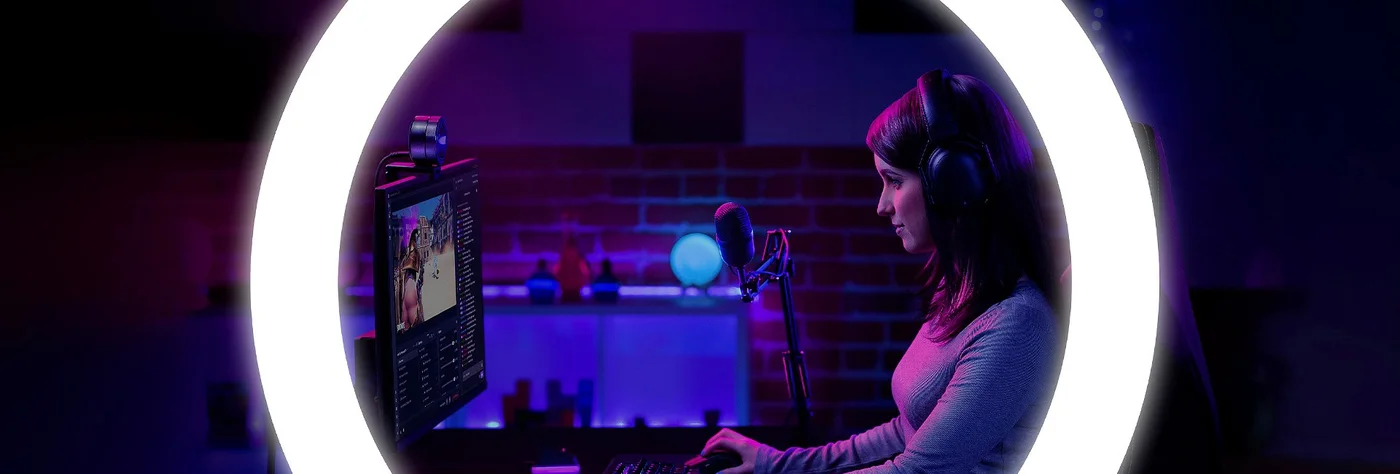
The X is not the ring-light Kiyo
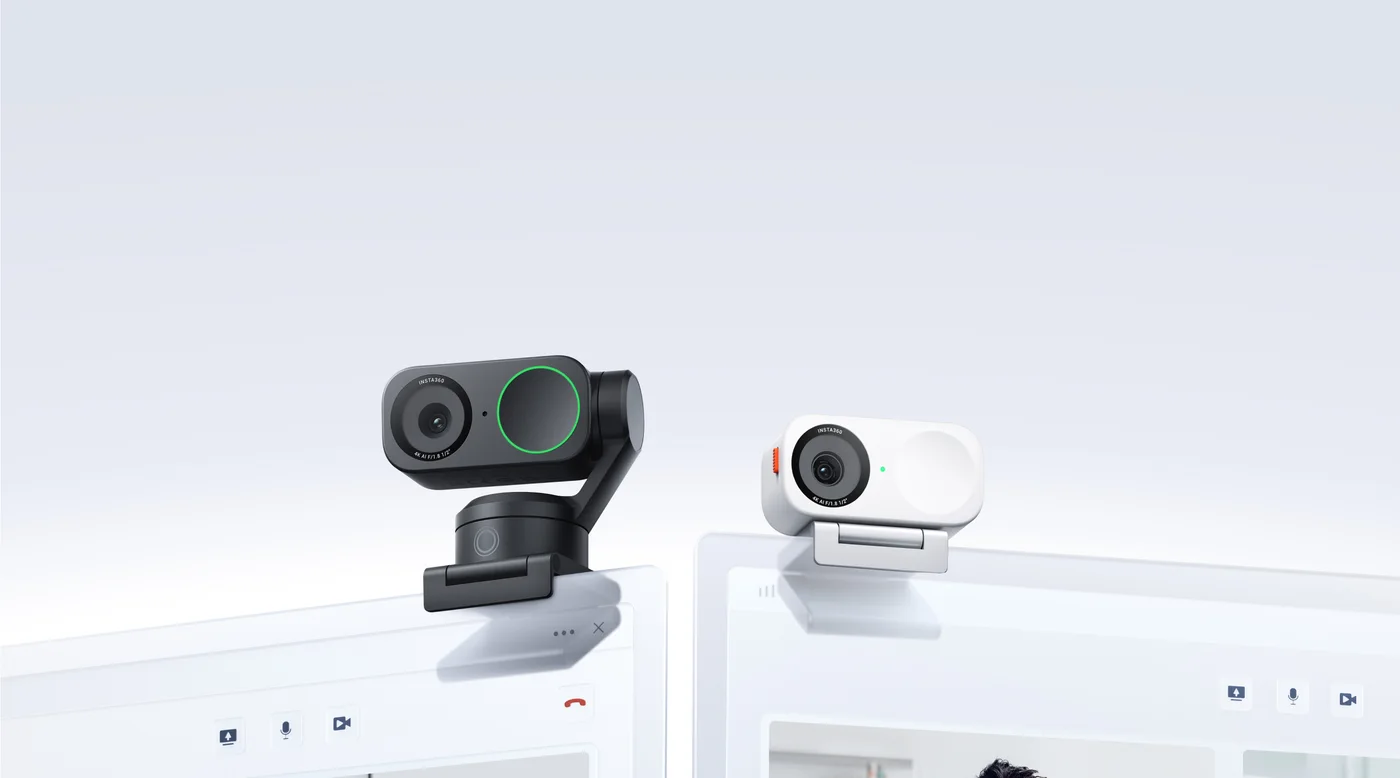
The selected black Kiyo X has no physical ring light. One manufacturer illustration demonstrates a virtual lighting feature using the computer screen; the glowing ring in that visual is not a lamp shipped around the lens. Current software availability and operating-system compatibility should be checked separately.
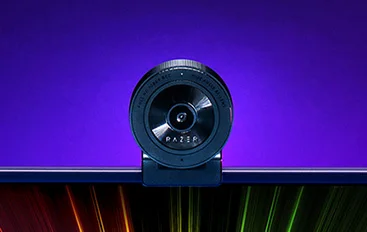
A built-in microphone can be useful for a basic setup, but we have not compared its recording quality. If your camera picture is adequate and speech is the weak point, address the audio problem instead of buying another camera first.
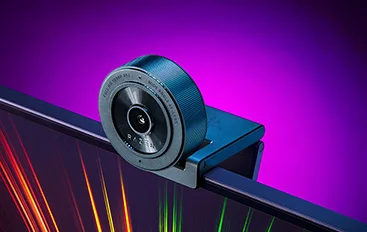
Make the mount fit your working habits
The flexible stand supports monitor or desk placement, and the quarter-inch mounting thread allows a compatible tripod arrangement. A tripod is a separate purchase. Check the monitor’s edge, camera angle and cable route; a camera that blocks something important or gets knocked when you move the screen is not a comfortable setup.
The USB-A connection also matters on a laptop offering only USB-C. Confirm a suitable connection or adapter and the current requirements of the settings software. Pick Kiyo X when Full HD at 30 fps and a more flexible camera position match your use. Do not buy it expecting 4K, HDR or the Pro model’s capabilities. This guide is based on the exact retailer identity and manufacturer information, not our own image-quality or autofocus test.