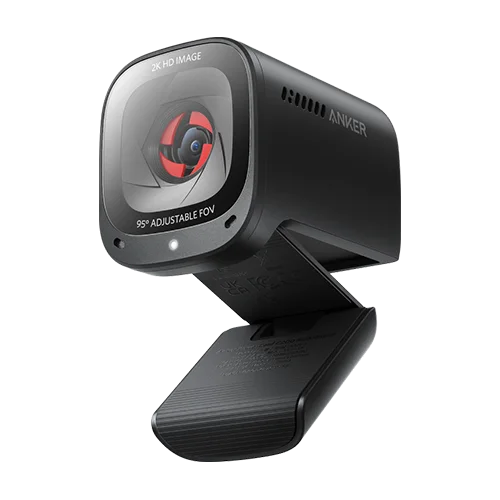
A video call should not require rearranging the whole room. The AnkerWork PowerConf C200 offers a useful starting point: software framing choices that let you show your face more closely or include more of the surrounding space. That can matter more in a small home office than simply buying the highest resolution printed on a box.
Think about the picture the meeting actually uses
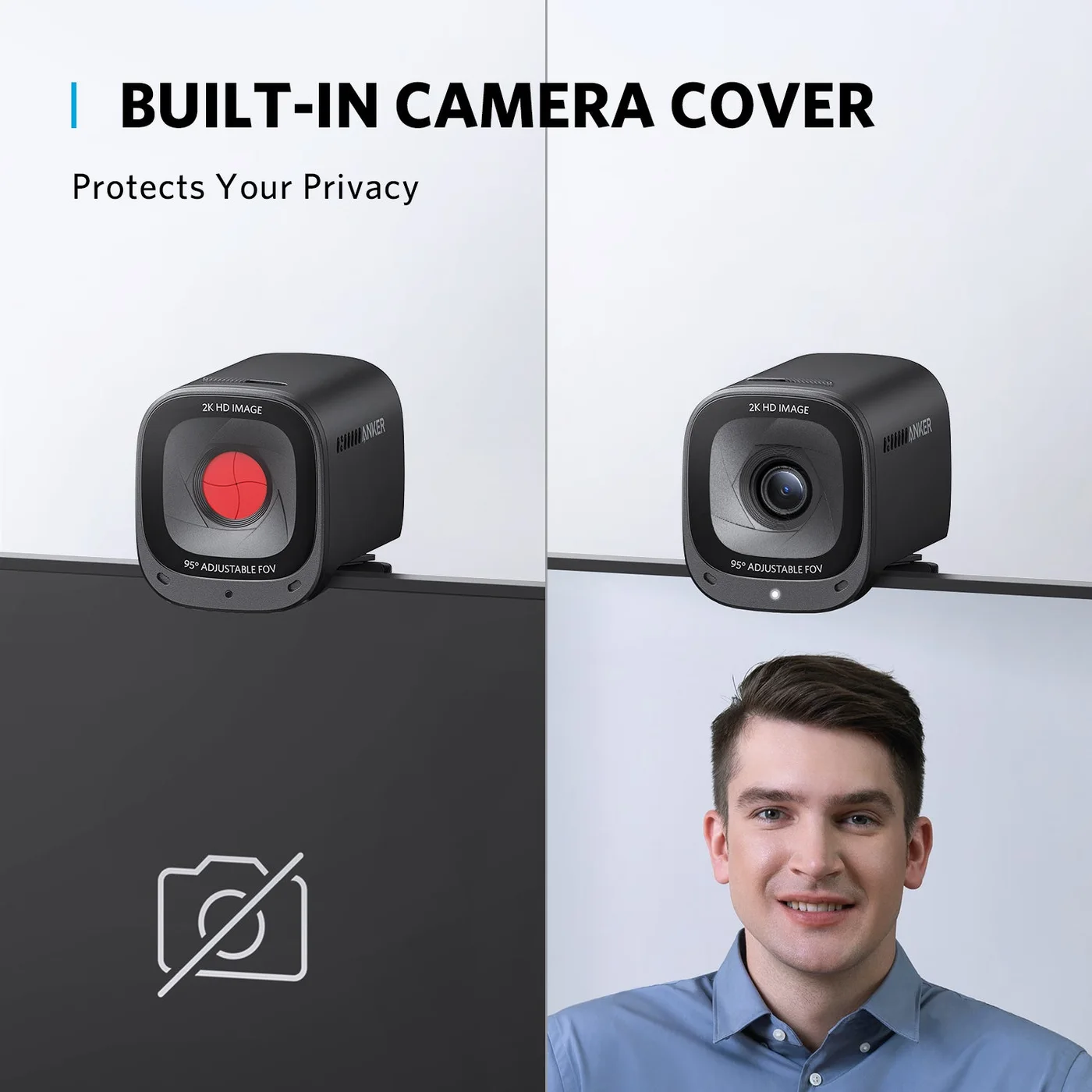
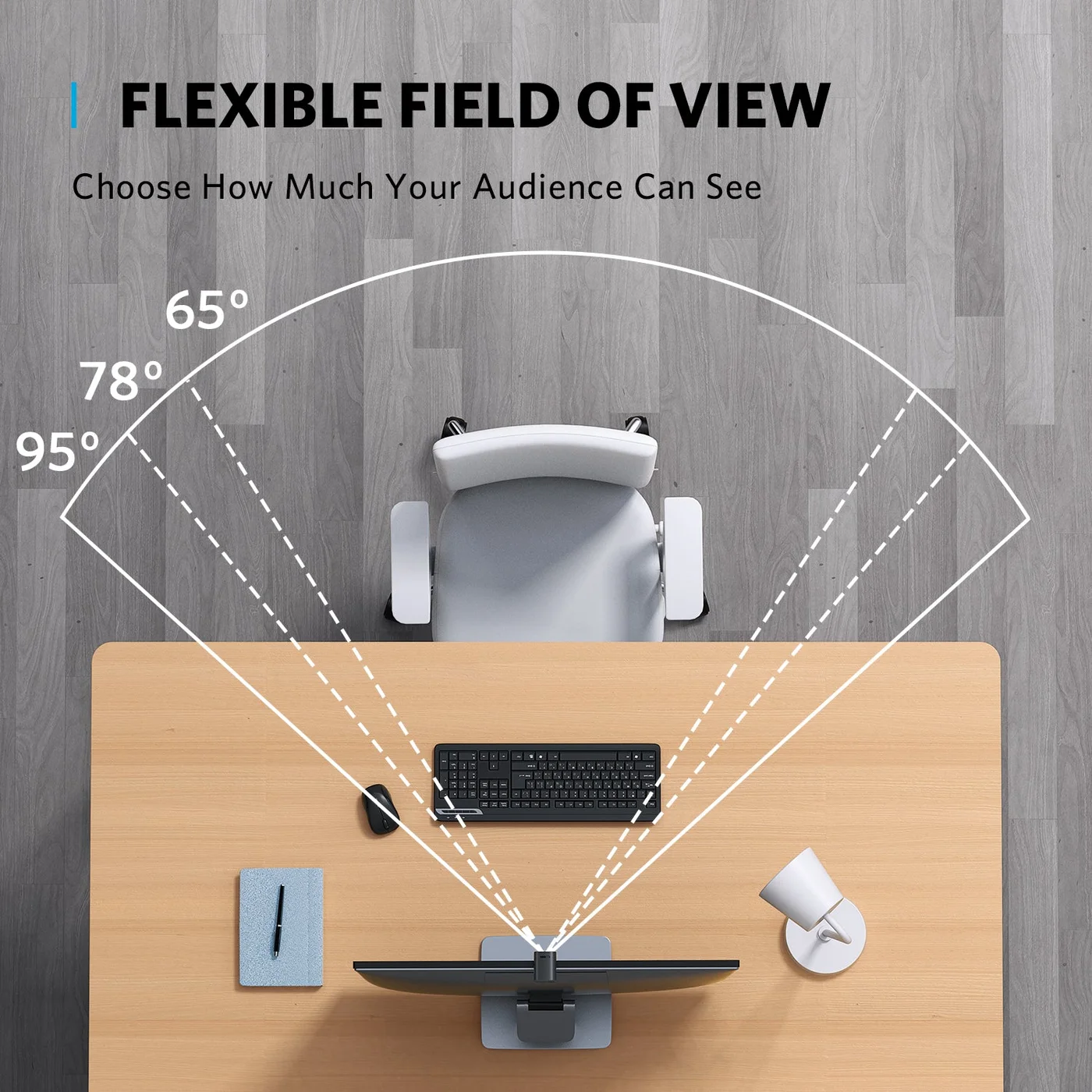
The C200 is a 2K USB webcam, model A3369. Through the supported AnkerWork software, its field of view can be set to sixty-five, seventy-eight or ninety-five degrees. Try a narrower frame for a personal conversation and a wider one when several people genuinely need to be seen.
Your meeting service, connection and settings can limit the transmitted resolution. A 2K camera does not force every call to appear in 2K. Face lighting and camera height remain important, and low-light correction cannot reproduce the results of a well-lit room automatically.
The privacy detail is easy to understand
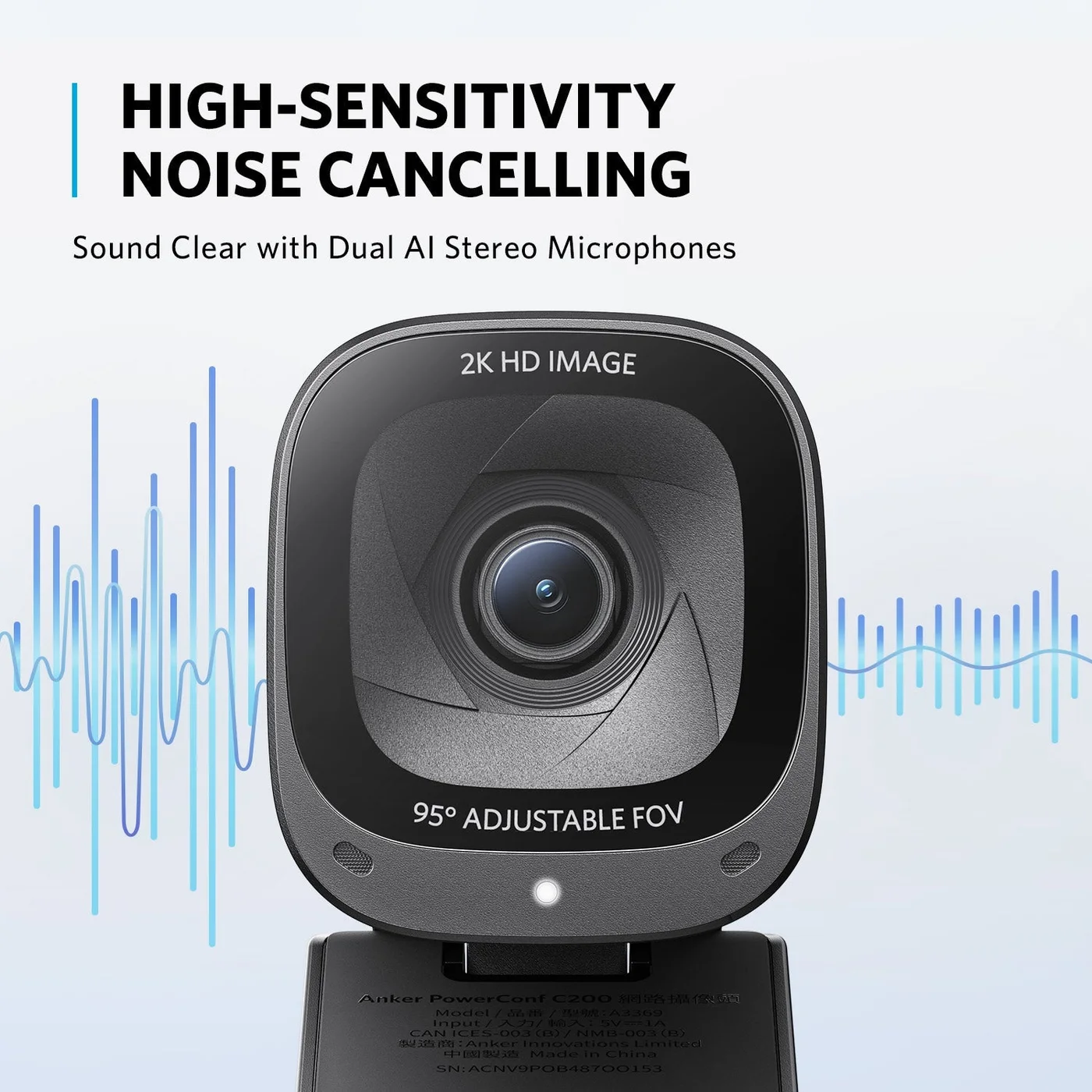
The integrated physical cover closes over the camera. It is a visible way to block the picture between calls; it is not a claim that microphones or every other recording device are disabled. Check the cover position as well as the meeting application’s controls.
The mounting clip needs a stable position, and supported Windows or macOS software should be checked before ordering. The microphone illustration describes the manufacturer’s design rather than proving how your particular room will sound.
Choose this webcam for controllable framing and an obvious camera cover on a compatible computer. Skip it if you need capabilities the specification does not promise. We have not measured image quality, sound or low-light performance ourselves.