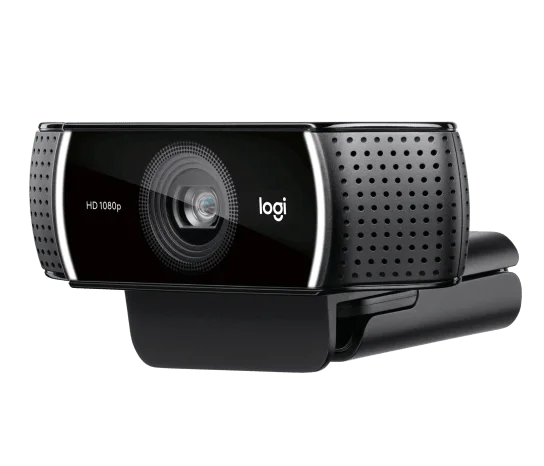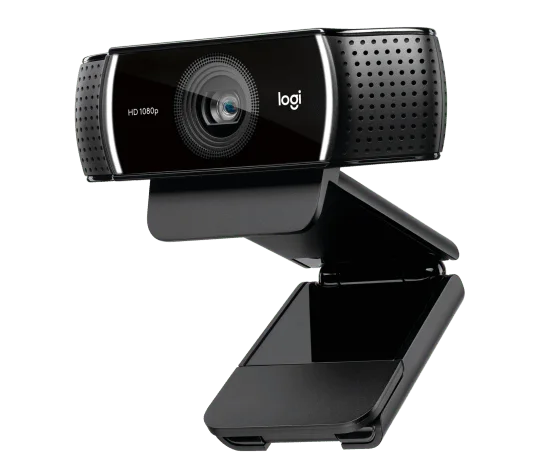
A small face-camera window does not always need the highest resolution. The Logitech C922x offers a useful choice: 1080p at 30 frames per second or 720p at 60. Deciding which matters for your actual stream is more useful than buying on the larger number alone.
What will viewers really see?
For a talking-head meeting or a larger face-camera panel, 1080p can be the more sensible starting point. For movement in a small overlay, the 60fps option may be worth trying. Neither setting guarantees your conferencing service will transmit it unchanged; software, bandwidth and platform limits can reduce the delivered picture.
Logitech’s C922 family design includes autofocus and stereo microphones. Autofocus is helpful when your distance changes, but a clear recording still starts with steady placement and light in front of you. A camera upgrade will not make a noisy room sound quiet.
Do not buy the wrong bundle
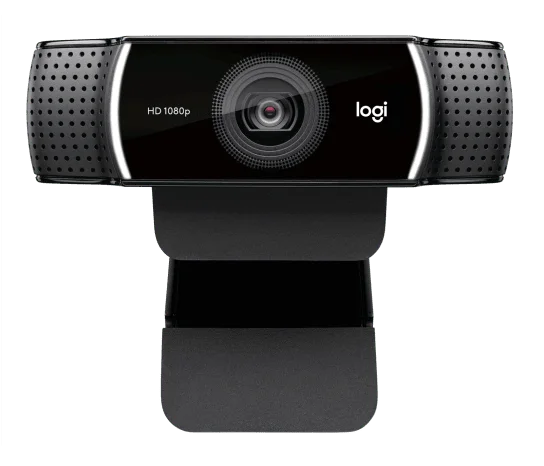
The linked model is C922x. The reference photographs show the C922 family camera housing, not a promise that every C922 bundle accessory comes in this package. Check the current listing contents before assuming a mini tripod or a software subscription is included.
A practical upgrade, not a studio shortcut
This is a reasonable candidate for a desk setup that needs an external camera and a genuine choice of frame rate. Skip it if you already have an adequate 1080p webcam or specifically need 4K. Before purchasing, test your intended framing and microphone arrangement. The recommendation is based on published specifications and package identity, not an invented streaming session.