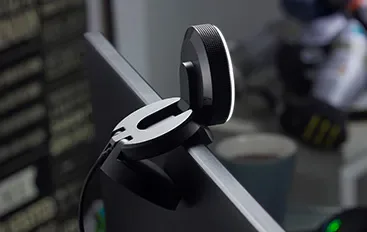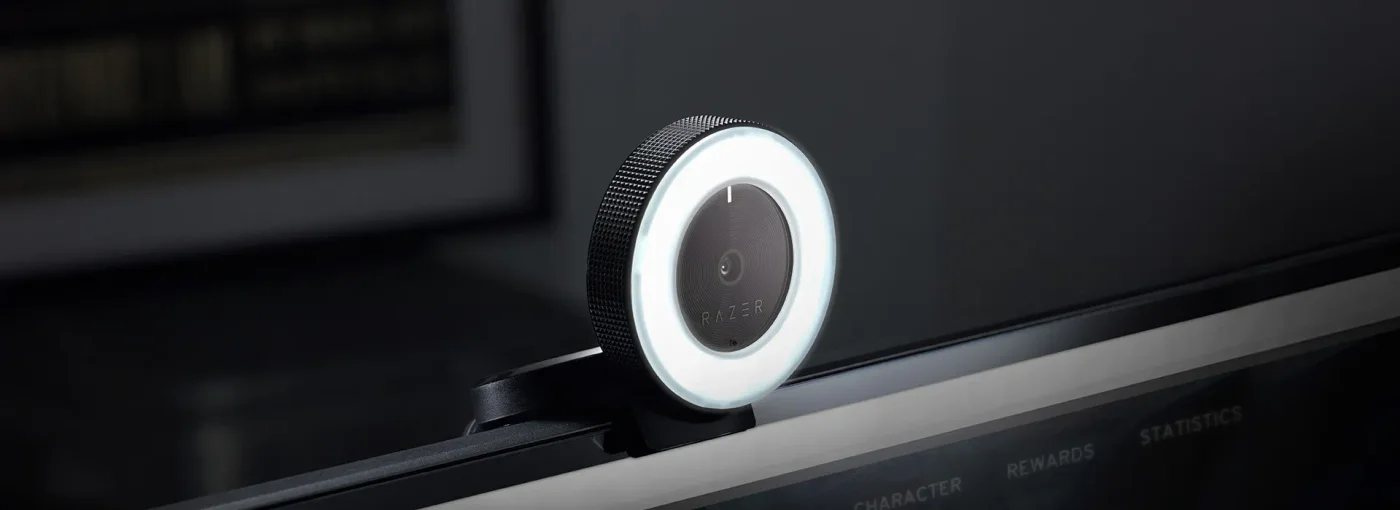
If your face disappears into shadow while the window behind you glows, the problem may be light rather than the camera. The original Razer Kiyo combines a webcam with an adjustable ring light, giving a crowded desk one less separate item to accommodate.
The useful part is the placement
Light close to the lens can add frontal illumination without a separate stand. The brightness adjusts by turning the ring. That makes the Kiyo interesting for a compact calling or streaming corner where a larger light would get in the way.
It does not fix every room. Glasses may catch reflections, and a small nearby light cannot illuminate a whole space evenly. Before buying, move your existing lamp toward the front and check a preview. If that works comfortably, a new webcam may be unnecessary.
Choose the video mode deliberately
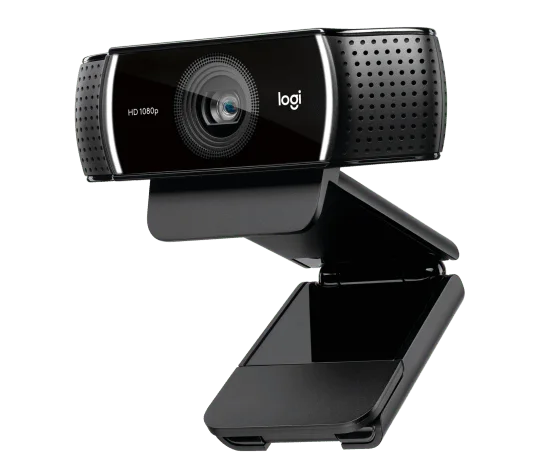
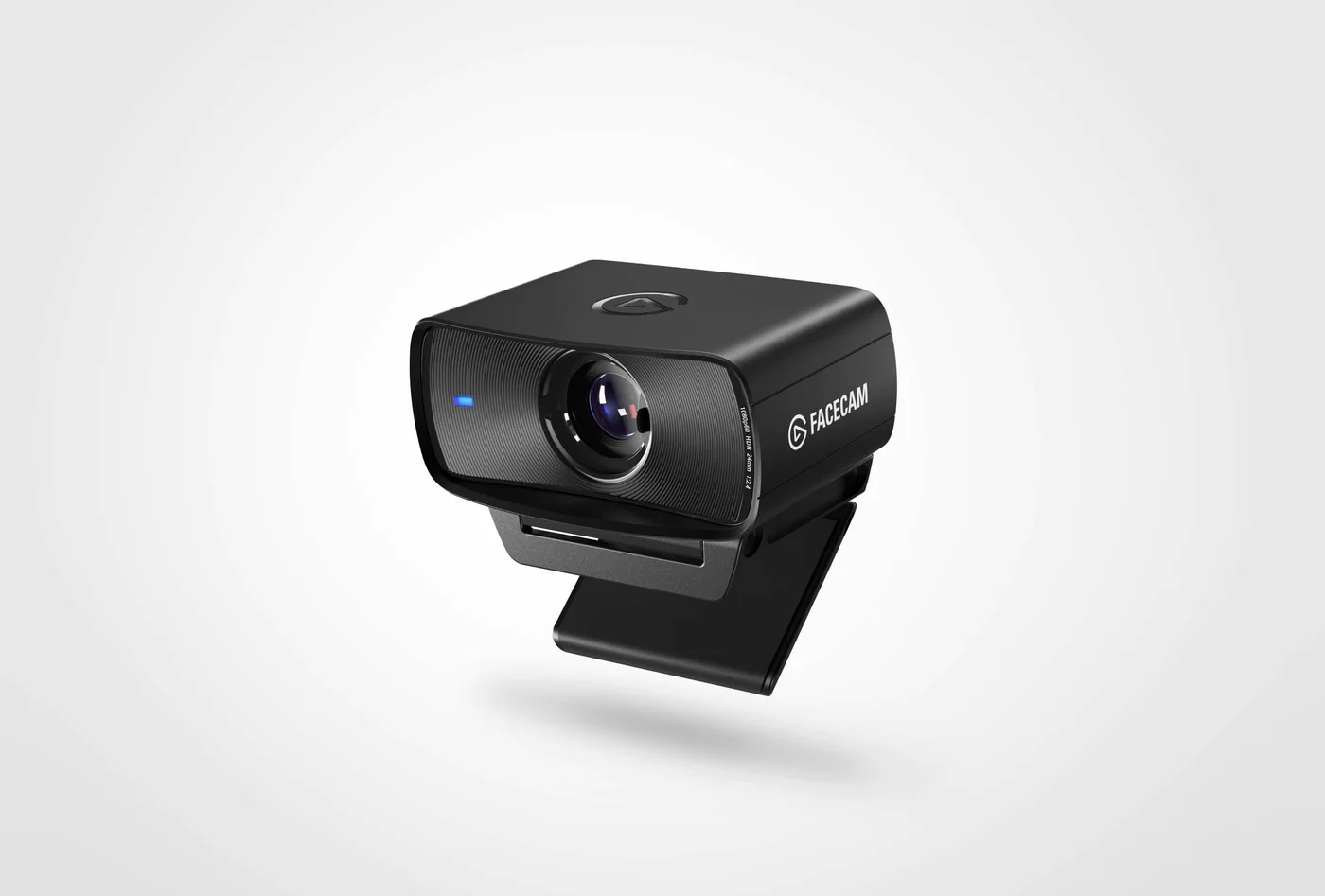
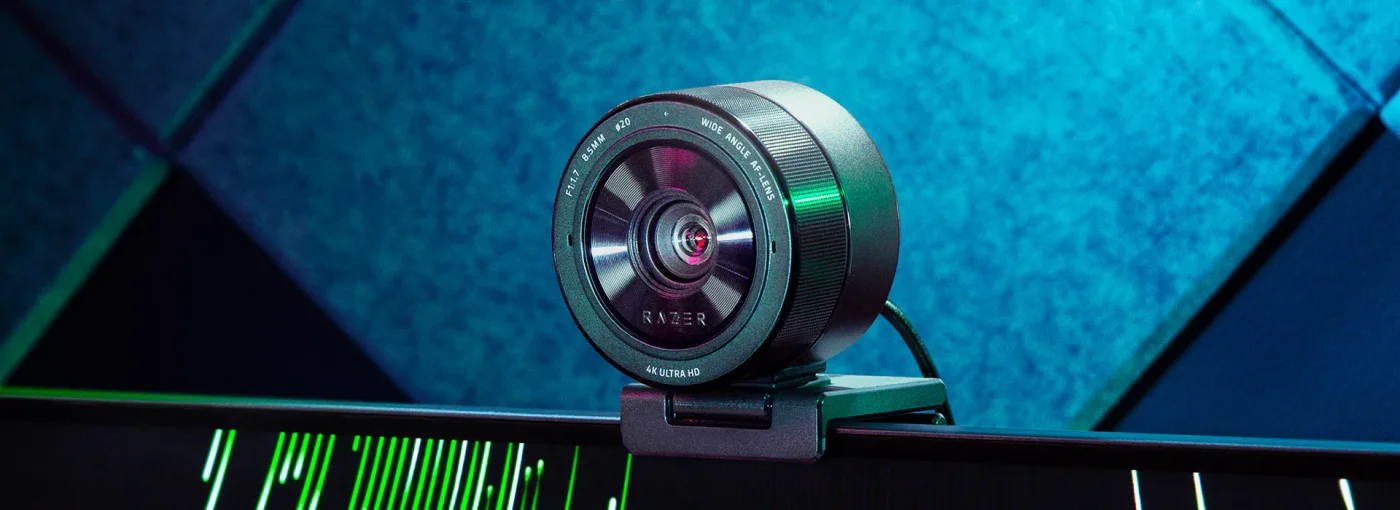
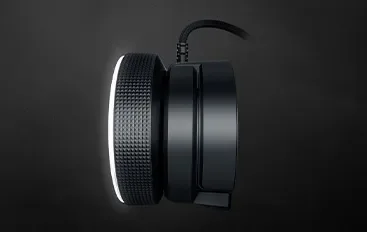
The original Kiyo supports 1080p at 30fps or 720p at 60fps. The latter trades detail for smoother motion; your application may impose its own limits. Check the USB connection and monitor mounting space. This is the ring-light Kiyo, not Kiyo X or Kiyo Pro, whose capabilities differ.
Who will appreciate it?
Choose it when you need both an external camera and modest frontal lighting in a small footprint. Skip it if you already have a suitable camera and simply need better room lighting. Manufacturer scenes show the hardware, not proof of the picture you will obtain at home. This is specification-based advice, with no claimed personal filming experience.