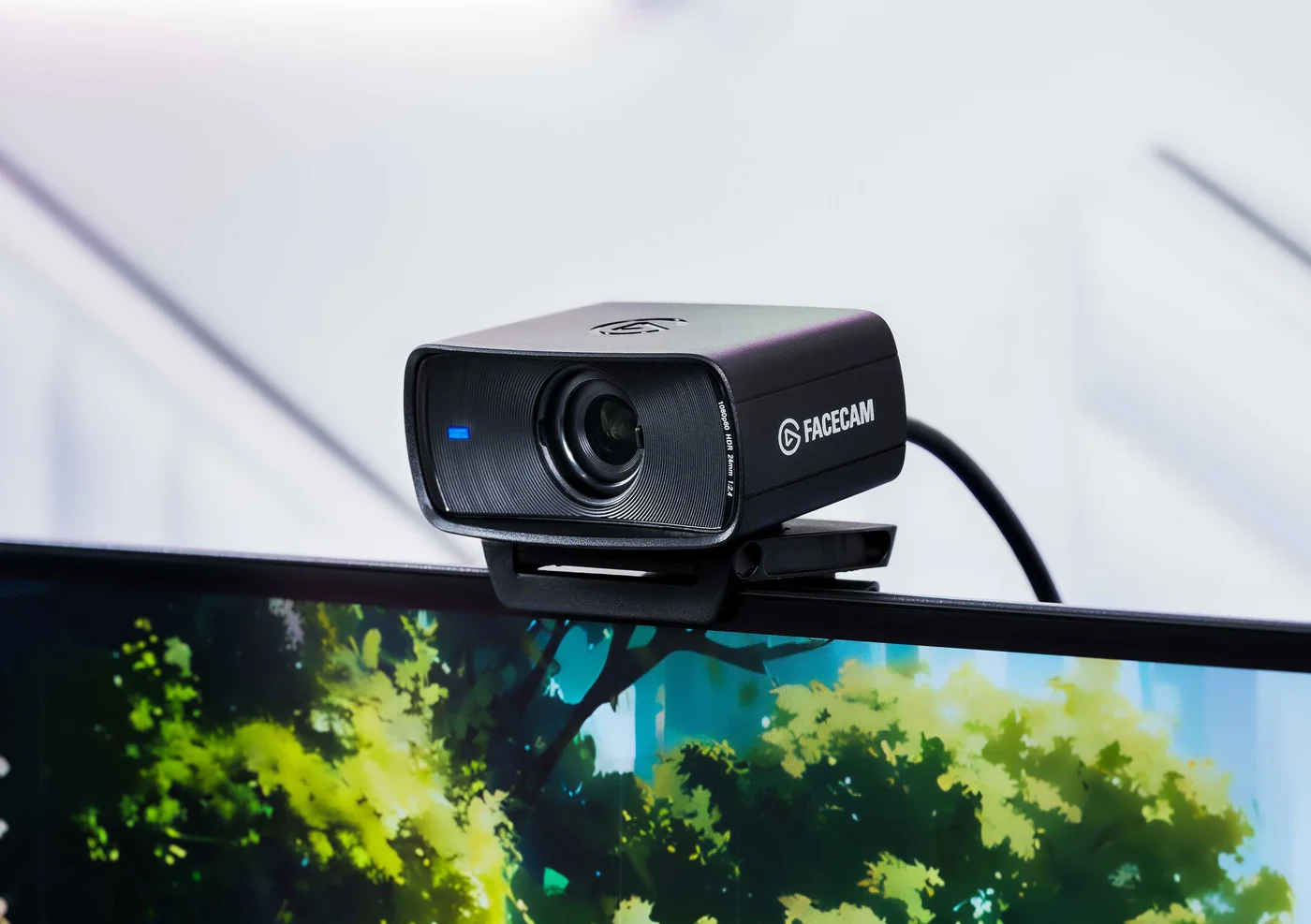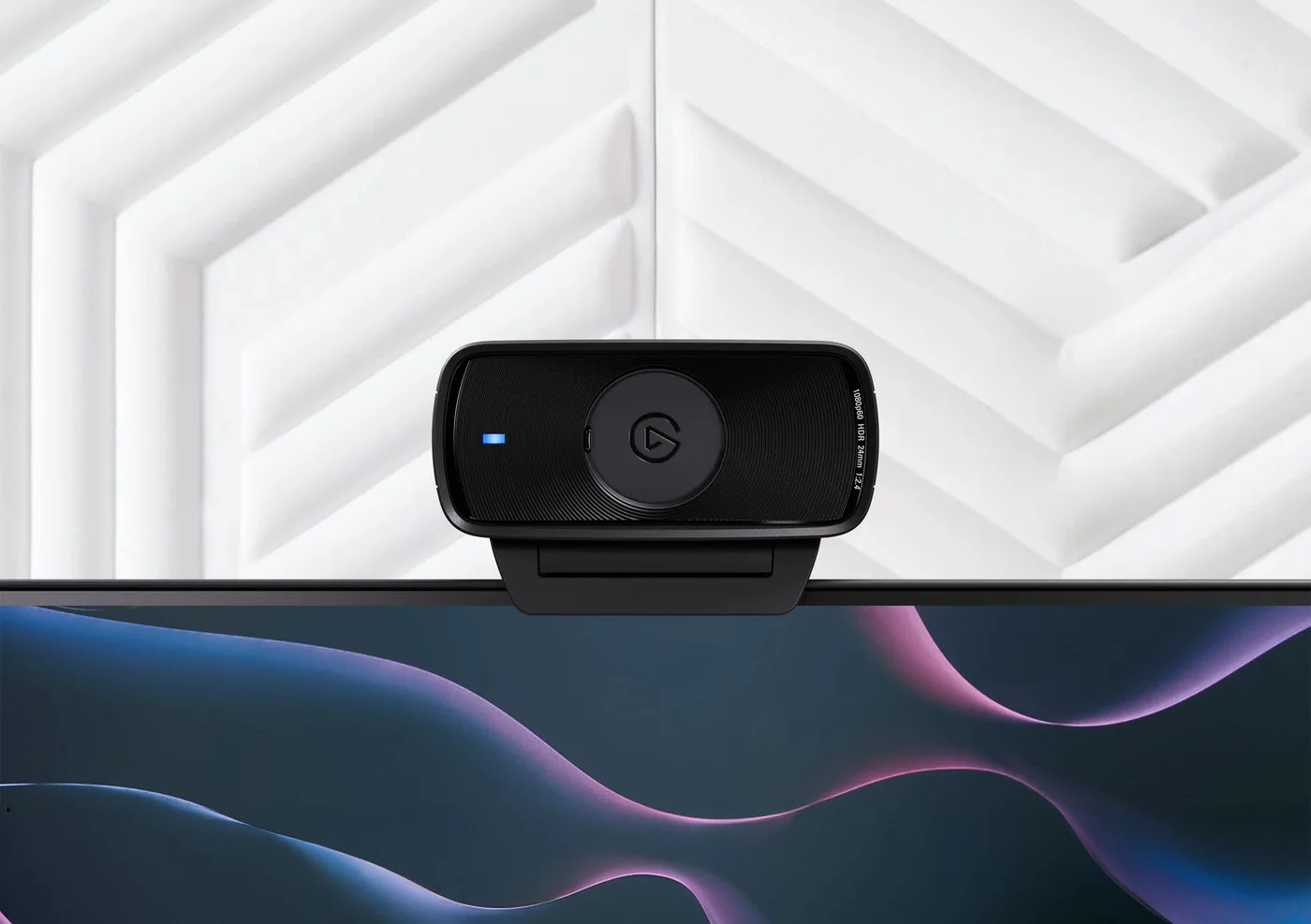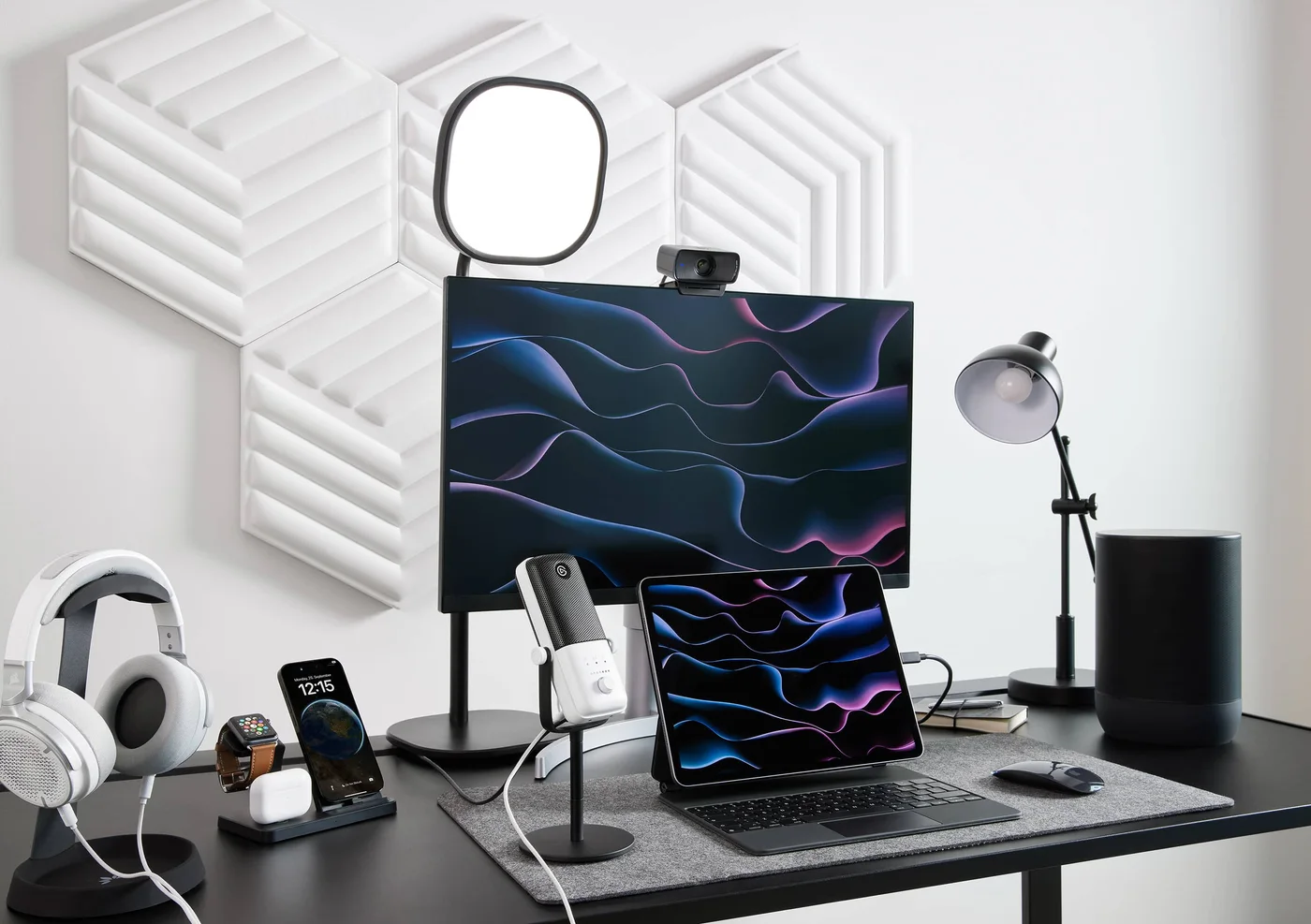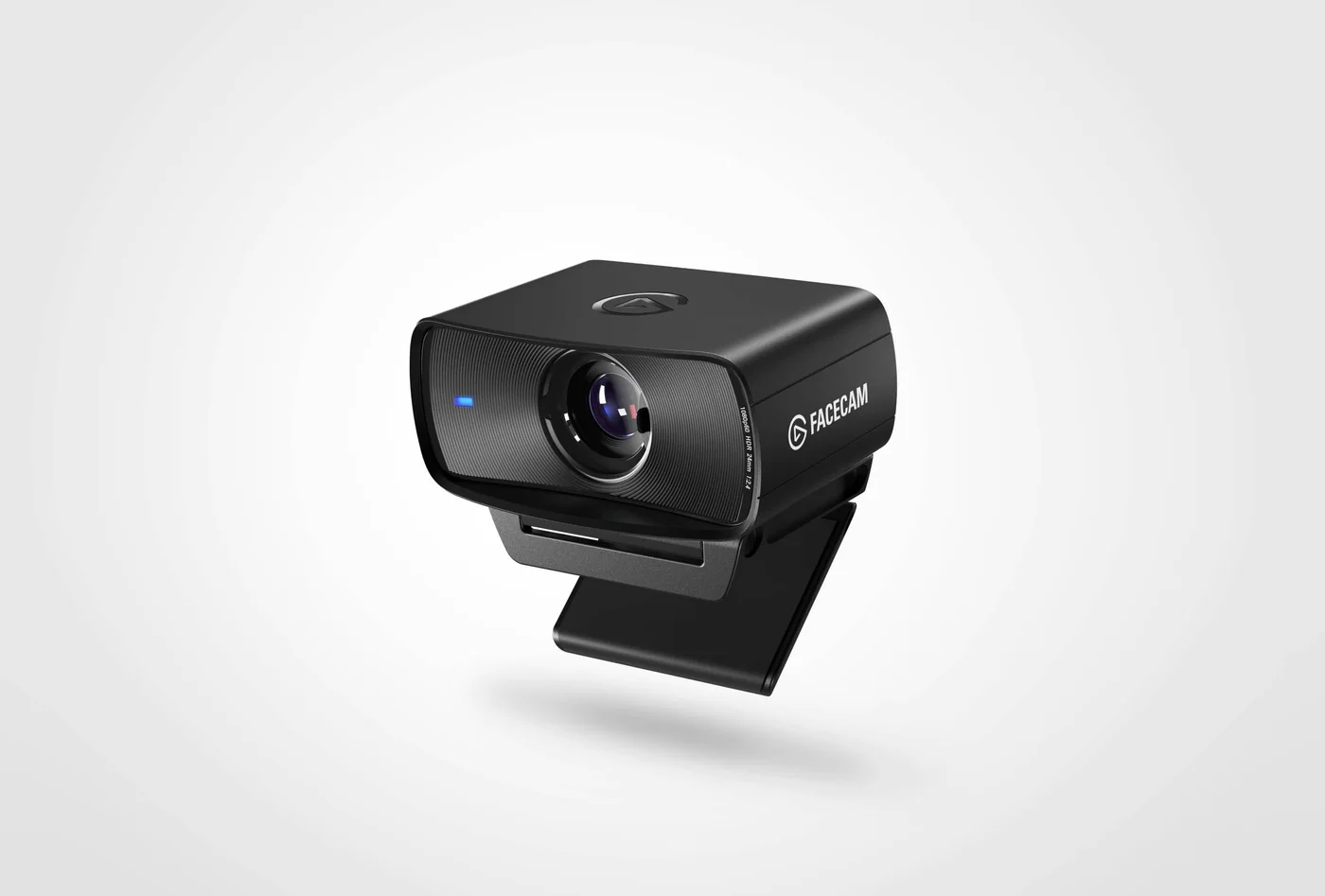
The best video-call upgrade may be a frame you can return to every morning: camera at a useful height, lamp in the right place and the same composition waiting when a call starts. The black Facecam MK.2 is a Full HD camera with controls for that kind of repeatable desk setup. Its limits are as important as its image settings.
Fixed focus suits a fixed routine
The lens is optimized for a person roughly 30–120 cm away. There is no autofocus chasing your movement or a small object held immediately against the lens. Measure your seated distance before buying. A narrow desk, a camera on a distant shelf or frequent close-up demonstrations can call for a different camera arrangement.
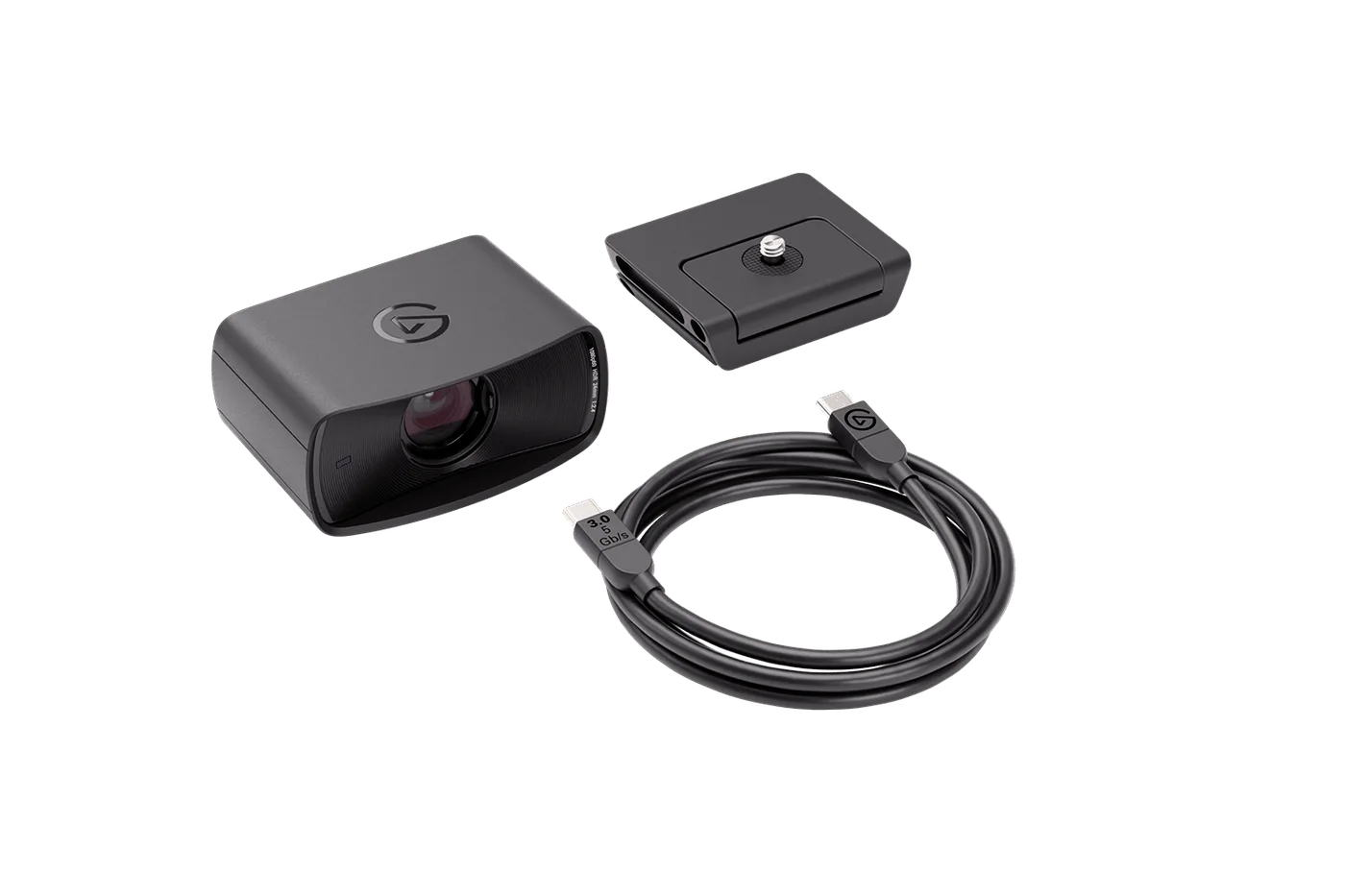
The 84-degree field of view gives some room to frame your surroundings. Camera Hub’s pan, tilt and zoom are digital reframing, not a motorized camera following you around the room. Decide what should stay in view, then remove distractions rather than depending on a crop to fix every background.
Pick the video mode that matches the job
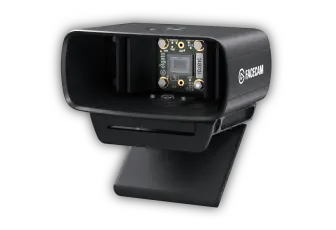
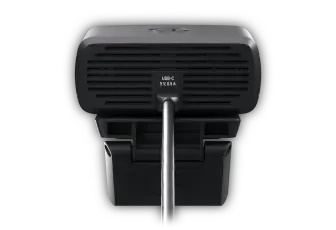
The MK.2 supports uncompressed 1080p at 60 frames per second through a suitable USB 3 connection. HDR is available up to 1080p30, not simultaneously with the highest frame rate. USB 2 uses compressed MJPEG. Check your cable and port as well as the application: the camera’s supported capture mode does not guarantee the service sends that mode to everyone watching.
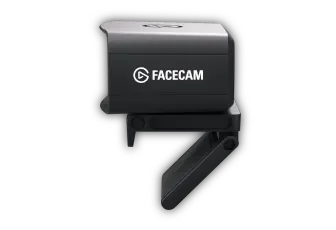
The current maker page calls this model simply Facecam, while the selected retailer identifies MK.2. Match the MK.2 model, black finish and sliding shutter rather than buying by the abbreviated family name. It is not the Neo or Facecam 4K.
Small practical details earn their place
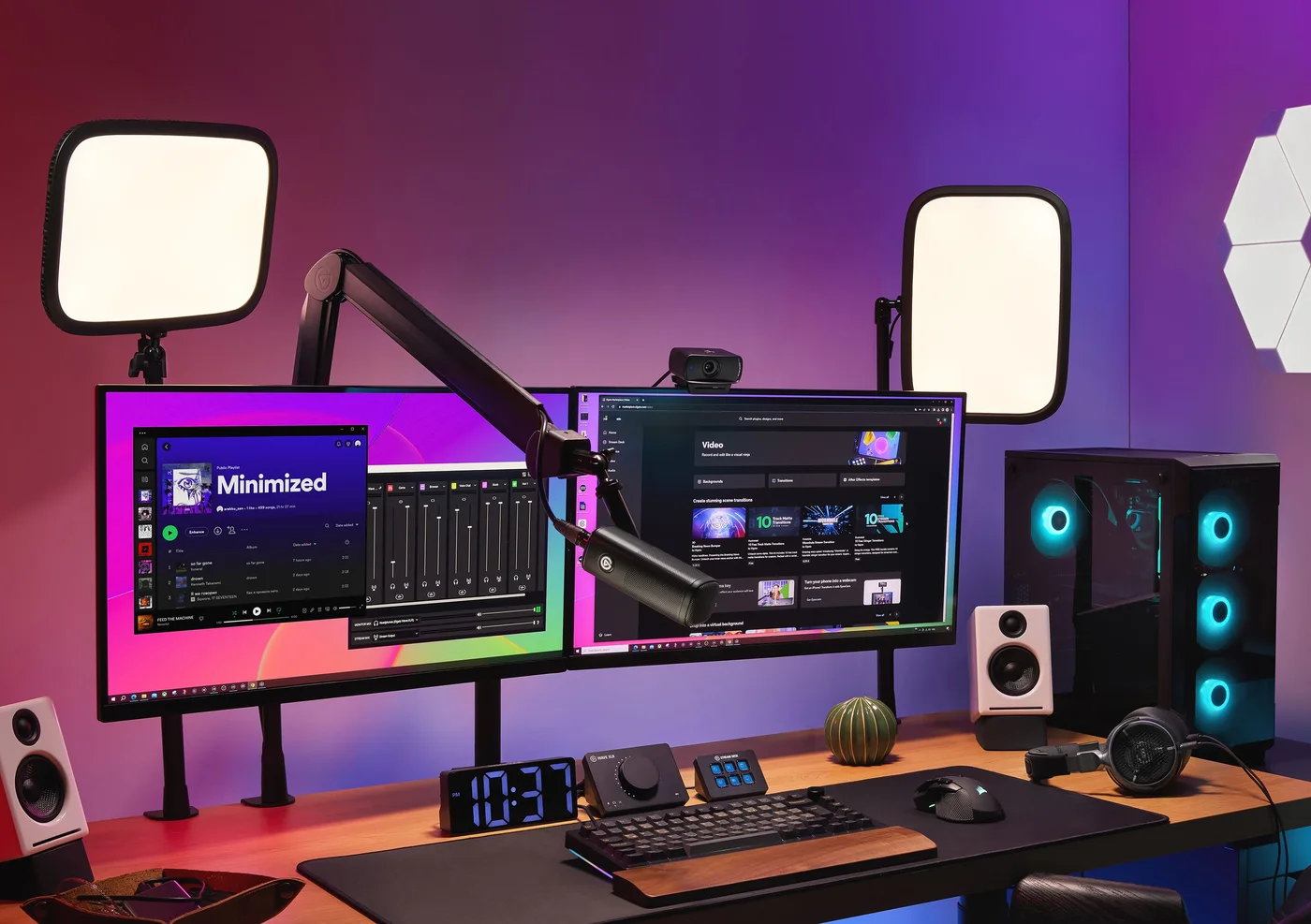
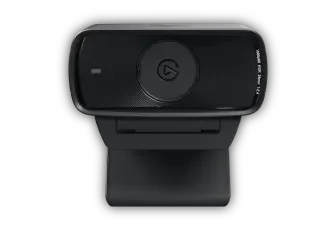
The sliding privacy shutter is a clear way to cover the lens between uses. It does not mute a separate microphone. The monitor mount and quarter-inch thread let you find a more useful angle; a tripod or arm is separate. Keep your existing microphone or confirm the audio setup independently instead of treating this purchase as a complete studio.
Choose the MK.2 when repeatable framing and Full HD control matter more than 4K recording. Check current computer and software requirements, especially optional effects. We have not tested the picture; the recommendation is about matching the documented design to a desk routine.