Fix the angle before the resolution
A laptop camera often points up from below your face. An external camera helps most when you can place it at eye level above a monitor. The C920s gives you 1080p at 30 frames per second, but the more visible improvement for many calls is framing: put a soft light in front of you, avoid a bright window behind you, and move the camera to a comfortable line of sight.
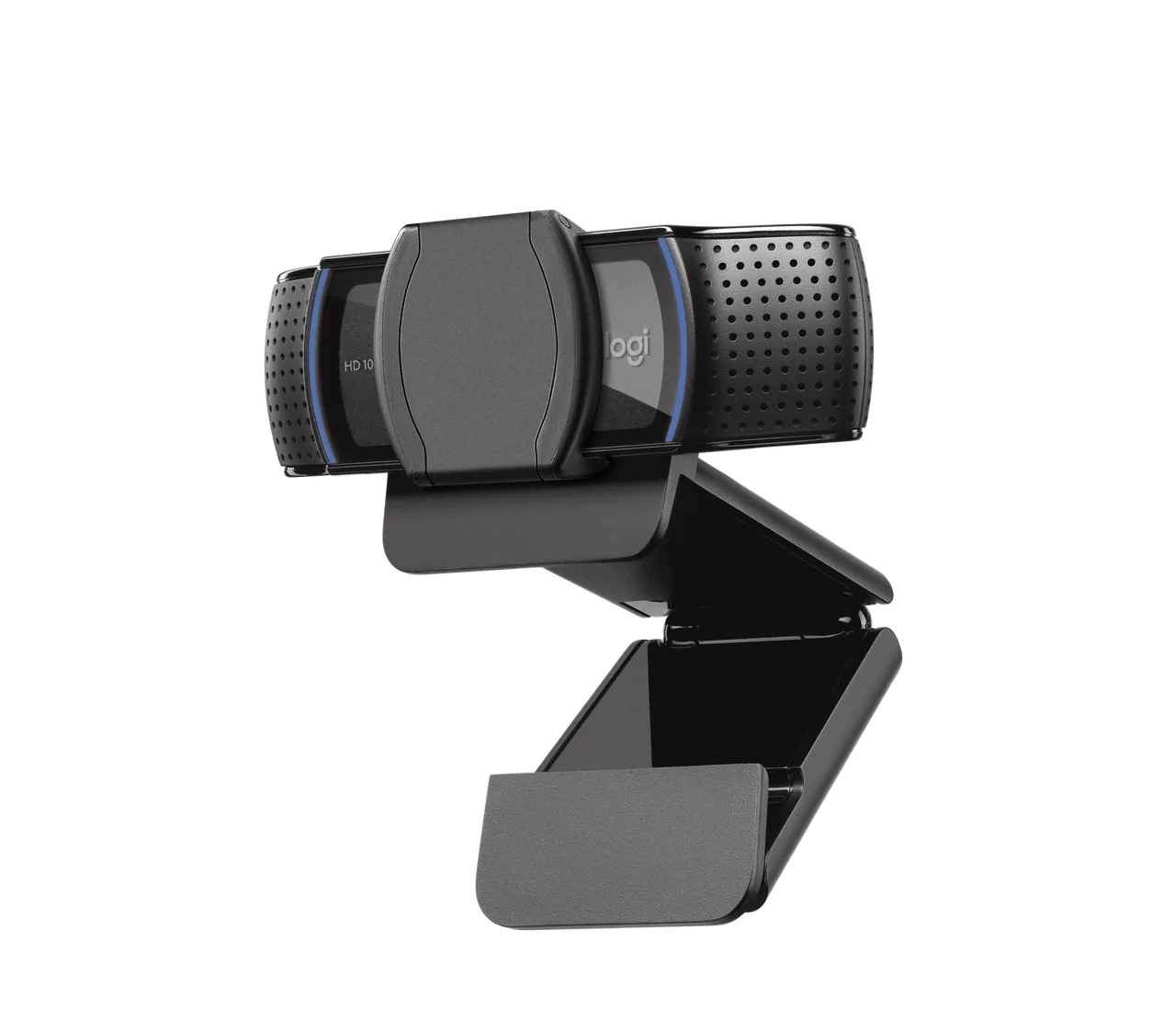
The shutter is the simple feature
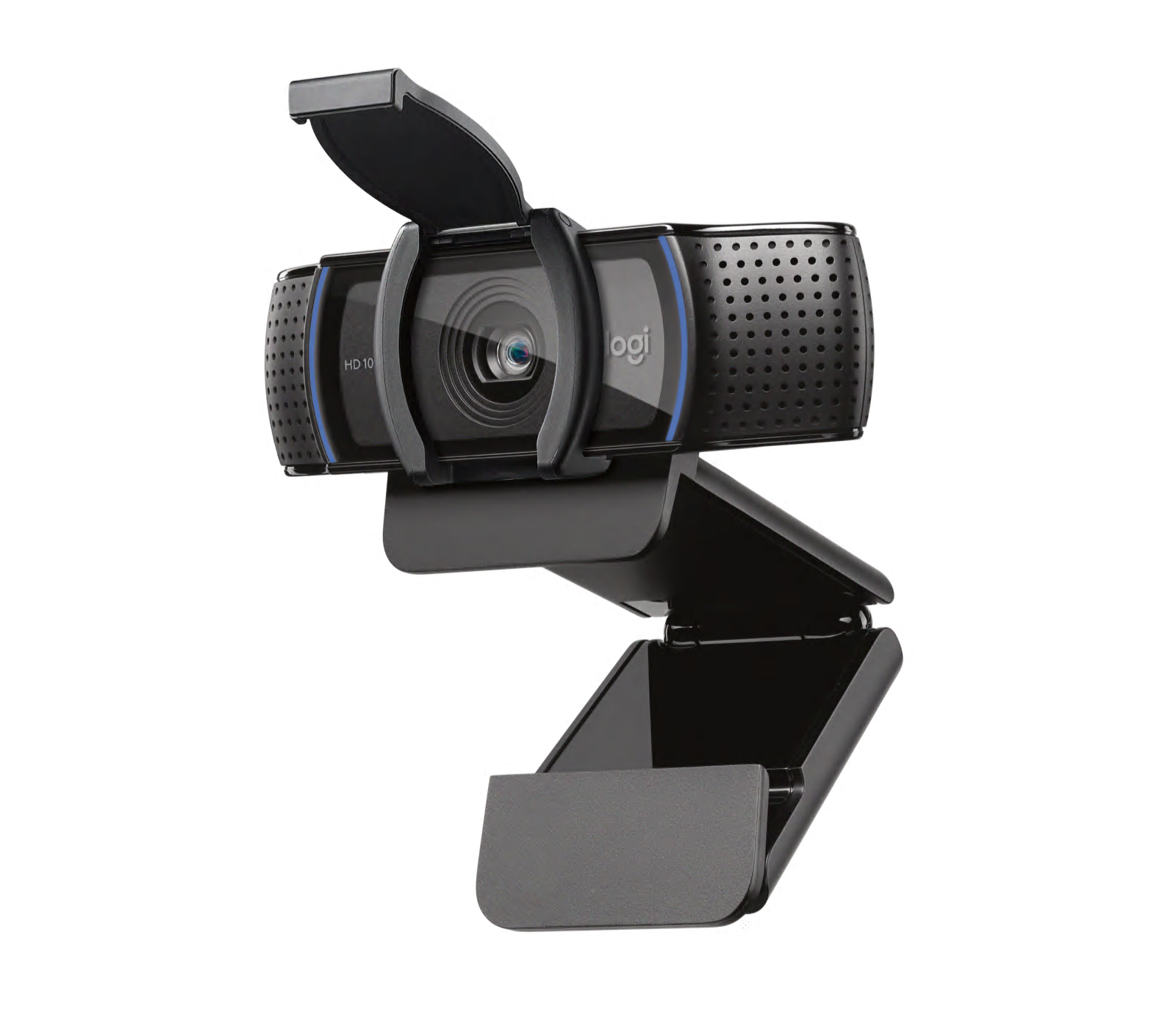
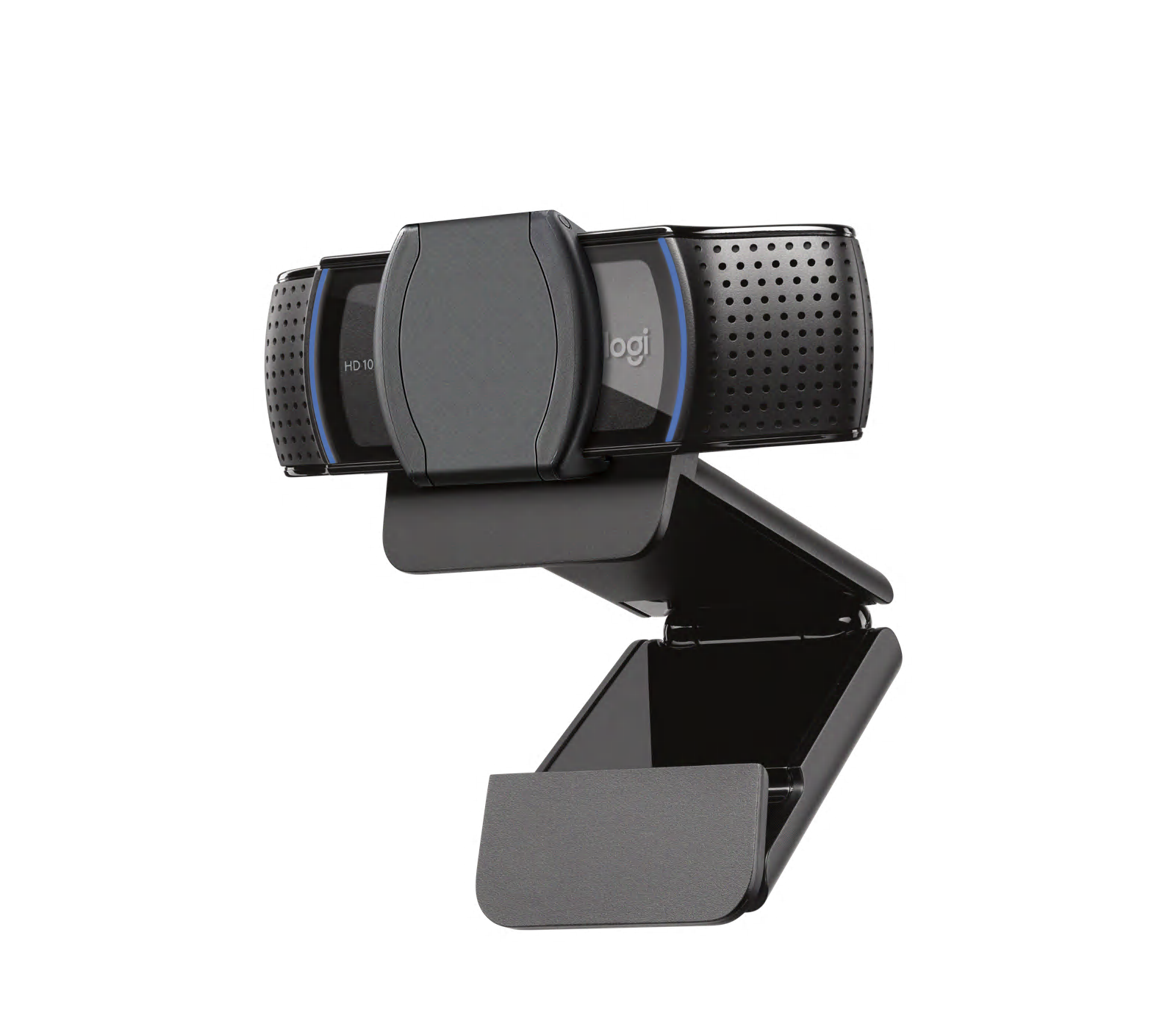
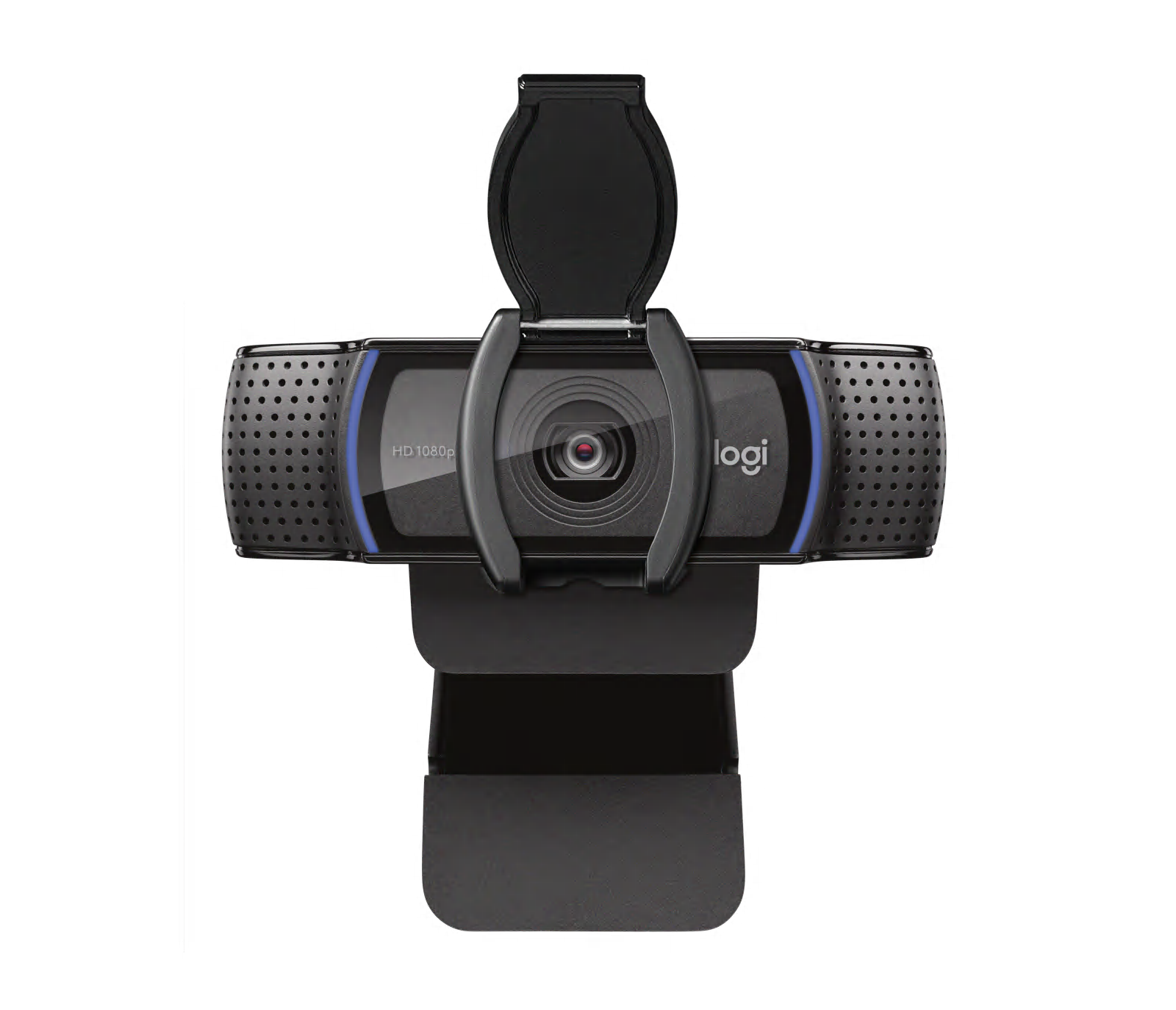
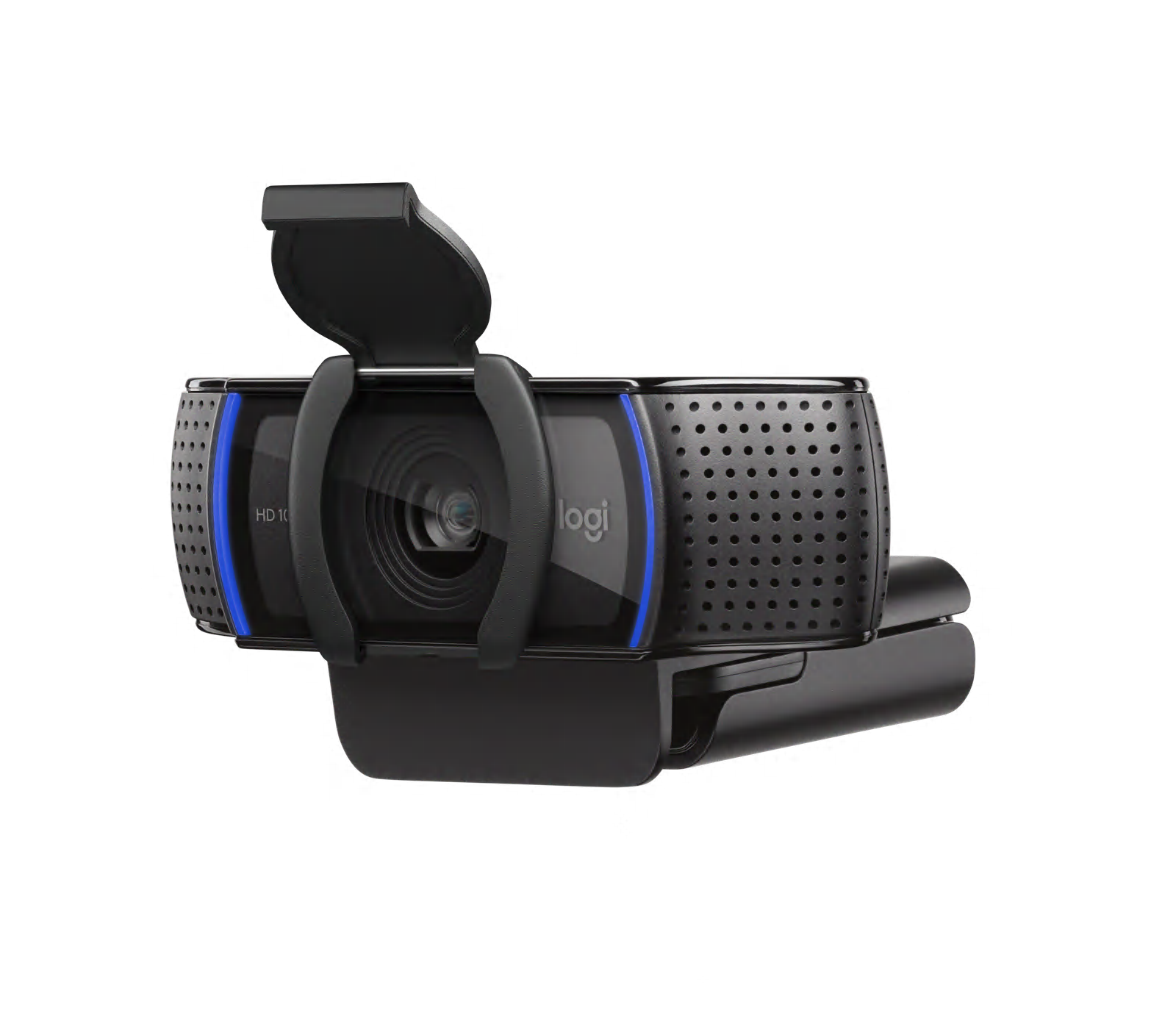
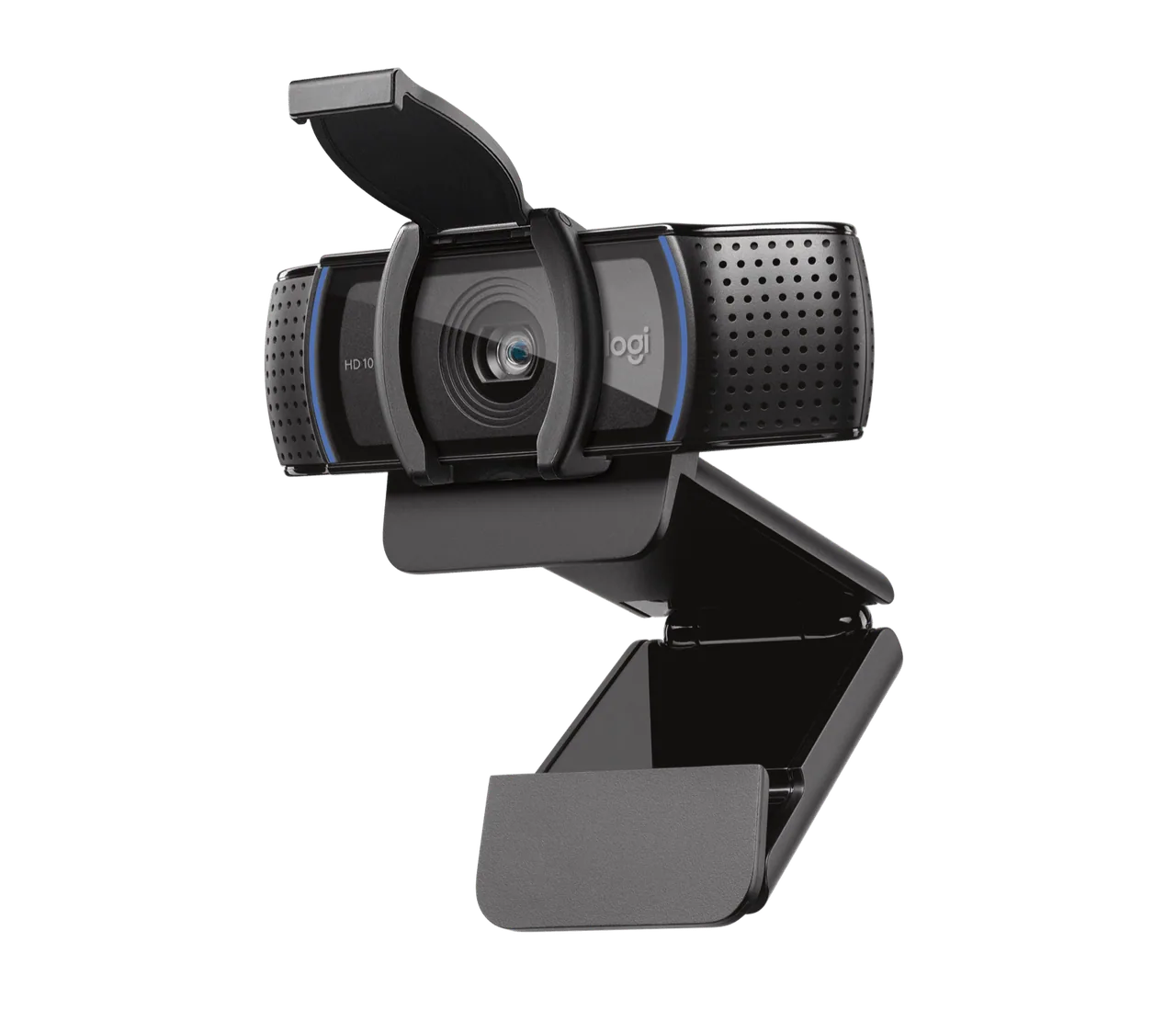
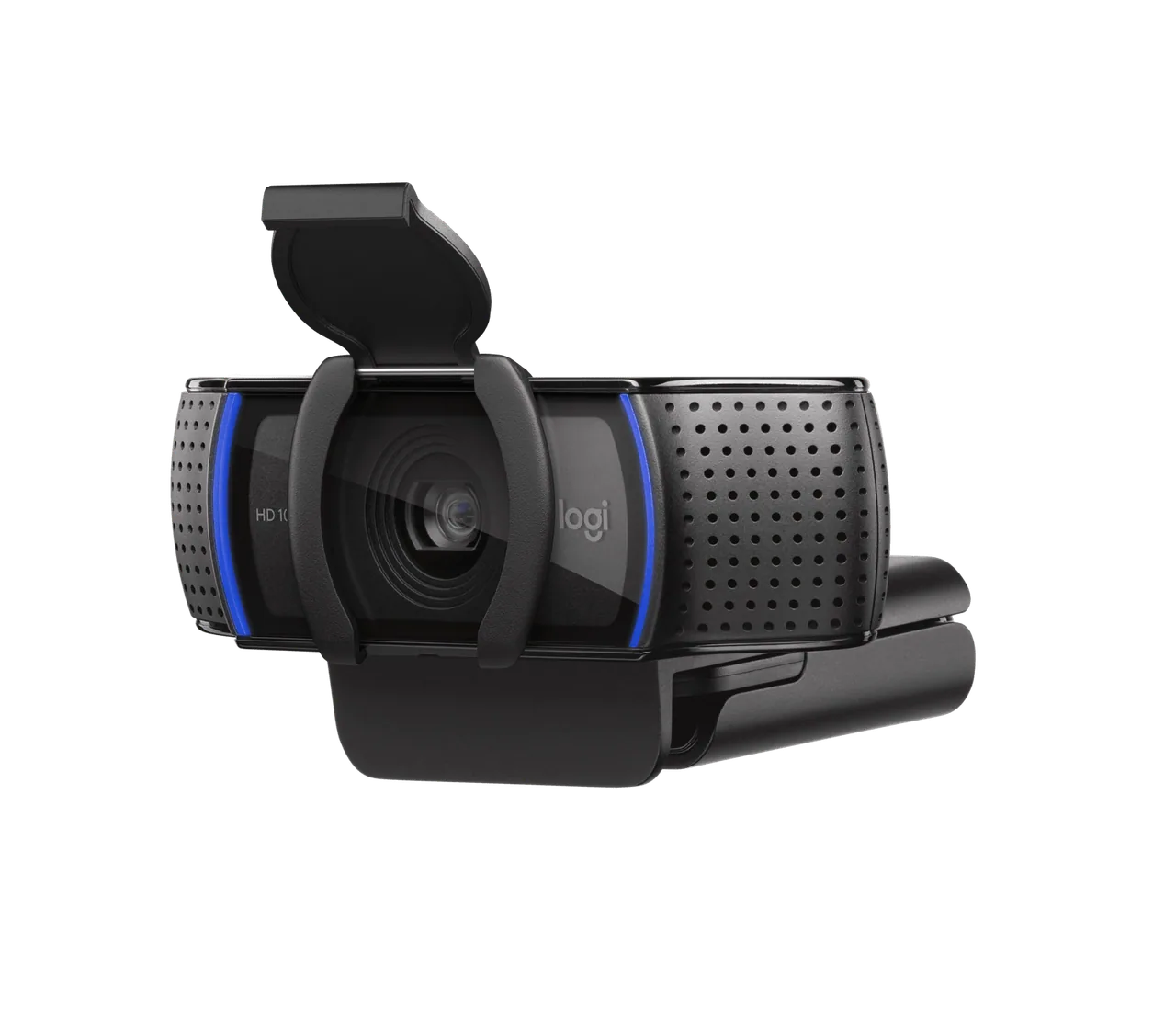
When a meeting ends, the integrated shutter covers the lens. That is easier to check than a software toggle and avoids an adhesive camera cover. The photos show both open and closed positions; examine how the clip would sit on your particular monitor. The 78-degree field of view can include a little background without turning the call into a wide room shot.
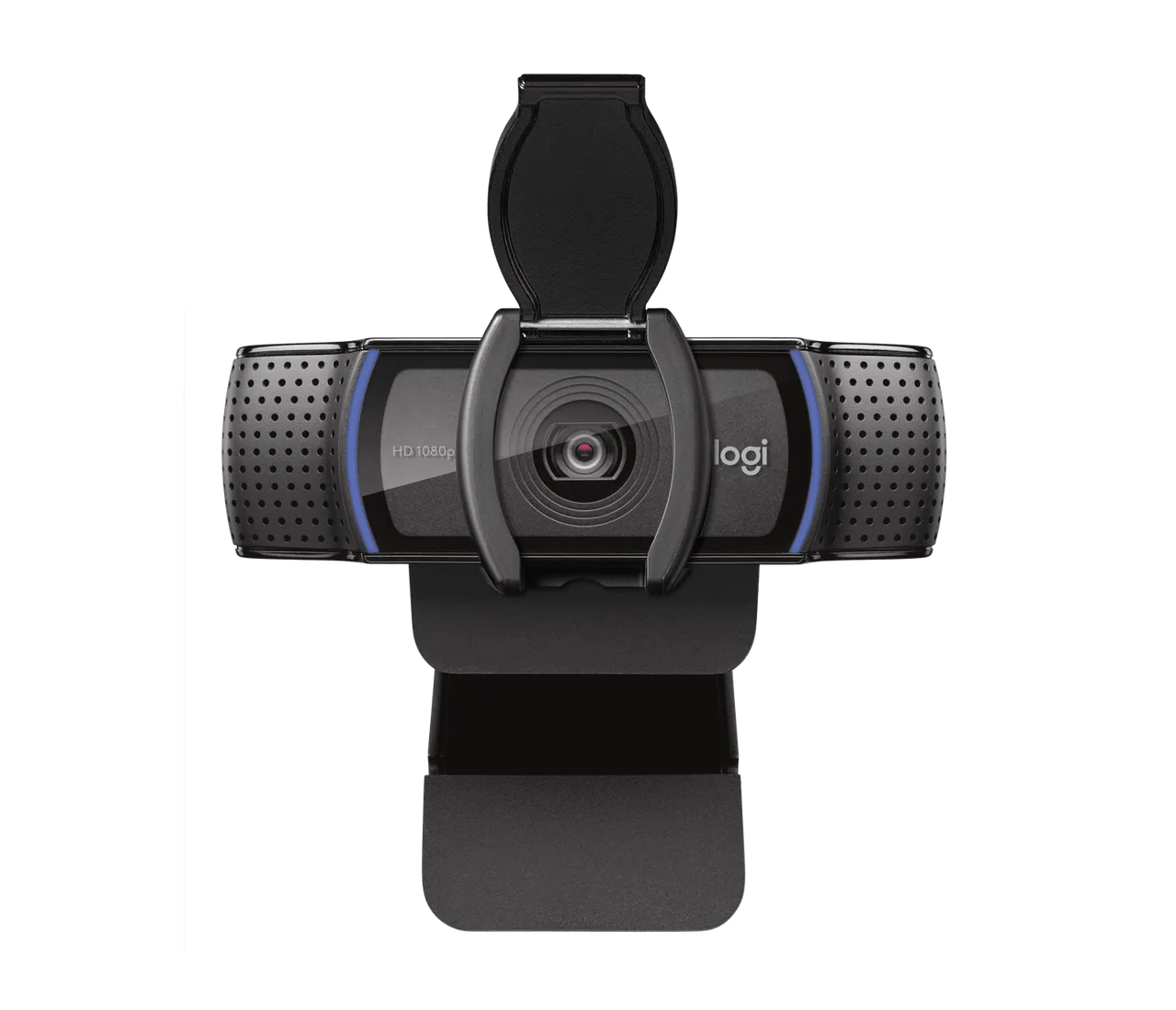
Know what it will not repair
The C920s has microphones, but it cannot remove a noisy café from your room or fix a colleague’s bad connection. If you already own a decent headset, use that microphone. If you need high-frame-rate streaming or sophisticated tracking, compare a different class of camera. For routine remote calls and teaching, this is a sensible upgrade when a physical privacy check and better placement matter more than maximal specifications.
Our bottom line
The built-in shutter gives a visible physical camera cover between calls. But a brighter window behind you can still make any webcam image disappointing. Check the exact variant and current terms at the retailer. This is desk research, not a hands-on test.