webcams

Logitech C930e: When a Wider Video Frame Is Actually Useful

A webcam that shows more of the room is not automatically better. The Logitech C930e's 90-degree diagonal field of view is useful when a tight laptop camera keeps cutting out the second person, the desk demonstration or the context you actually want to show.

Findweave Editorial2 min read

Published

Shop at Amazon

Paid link — we may earn a commission. Amazon may show a local match, an alternative or search results. Check the exact product, delivery and current price.

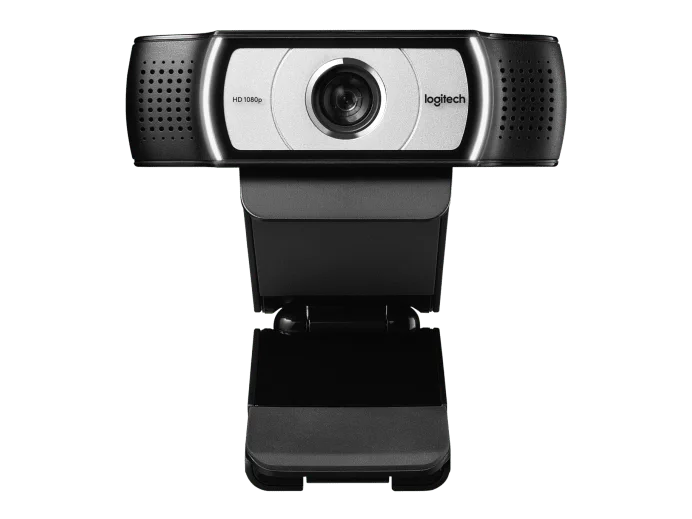
C930e front view with the lens uncovered.
Photo: Logitech · Manufacturer reference image

Some links are paid links: we may earn a commission from qualifying purchases. As an Amazon Associate I earn from qualifying purchases. How we earn money.

THE SHORT VERSION

Before you browse

  1. 1080p camera with a 90-degree field of view
  2. Designed for desk video calls and wider framing
  3. A wider frame includes more background; do not assume old certification wording guarantees every current app

A webcam that shows more of the room is not automatically better. The Logitech C930e’s 90-degree diagonal field of view is useful when a tight laptop camera keeps cutting out the second person, the desk demonstration or the context you actually want to show.

Decide what belongs in the frame

Sit where you normally take calls and imagine a wider view. Would it include useful space—or the laundry rack and a busy doorway? For a solo call at a small desk, wider framing can create an extra privacy problem rather than solve one. Moving the camera or using supported crop controls may help, but plan before you buy.

The C930e provides 1080p at 30fps, autofocus and built-in microphones. Those specifications suit a conventional desk-video role. They do not establish that the camera will improve every modern laptop, or that old certification names in a listing guarantee all current applications.
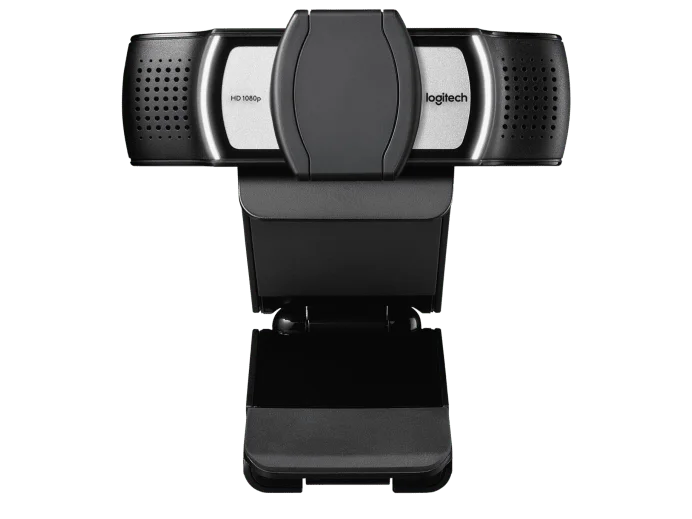
The external privacy cover obscures the lens; it does not mute microphones.
Photo: Logitech · Manufacturer reference image. The external privacy cover obscures the lens; it does not mute microphones.

Make privacy a habit, not an assumption

The photographed external cover blocks the lens. It does not turn off the microphones. Use the application’s mute controls and check the preview when joining a call. Also check the USB connection, monitor clip fit and the position of any separate microphone.

Who should choose it?

Consider the C930e when a wider frame is part of the job, not merely a specification you might someday use. Choose a narrower camera if you only want your face in view. This buying guide compares published capabilities; it does not claim a hands-on image-quality or compatibility test.
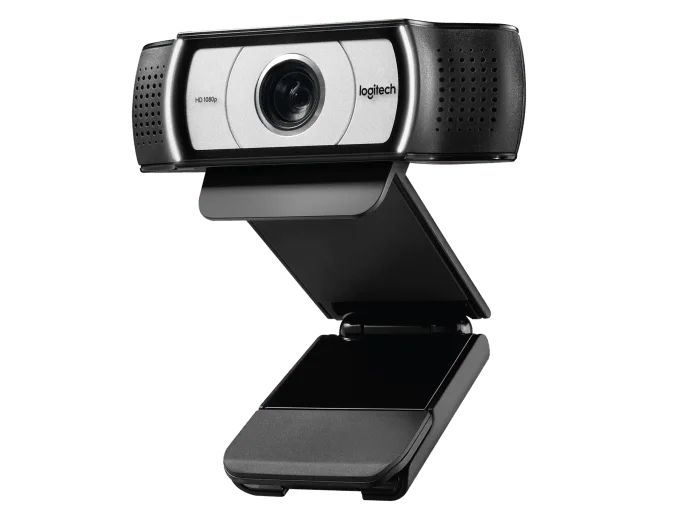
Angled view of the C930e and monitor clip.
Photo: Logitech · Manufacturer reference image. Angled view of the C930e and monitor clip.
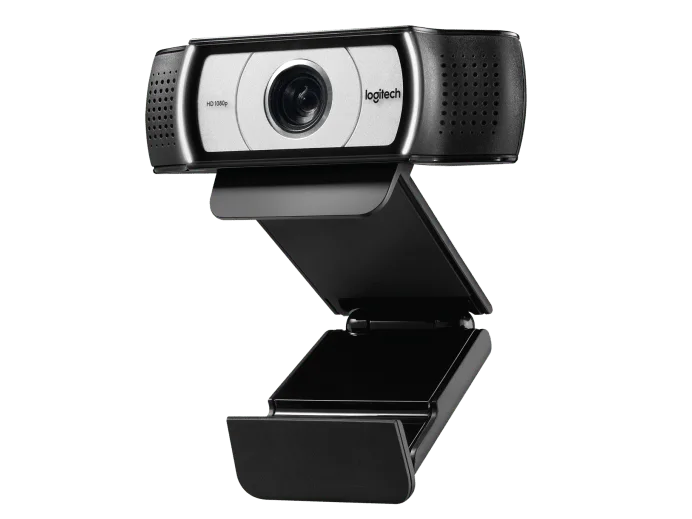
Opposite-angle view of the adjustable camera mount.
Photo: Logitech · Manufacturer reference image. Opposite-angle view of the adjustable camera mount.

Ready to check availability?

Shop at Amazon

Paid link — we may earn a commission. Amazon may show a local match, an alternative or search results. Check the exact product, delivery and current price.

Evidence and sources

Research-based product guidance, not hands-on testing. Exact variant reviewed; price, stock, medical effects and international equivalence are not promised.