webcams

Razer Kiyo Pro Ultra: Give the Camera a Better Job Than an Ordinary Video Call

A premium webcam makes more sense when the picture is part of what you create, not merely proof that you attended a meeting. The Kiyo Pro Ultra is aimed at a more deliberate camera setup, with a large sensor, autofocus and adjustable settings. Before buying, identify where that better source image will actually reach your audience.

Findweave Editorial2 min read

Published

Shop at Amazon

Paid link — we may earn a commission. Amazon may show a local match, an alternative or search results. Check the exact product, delivery and current price.

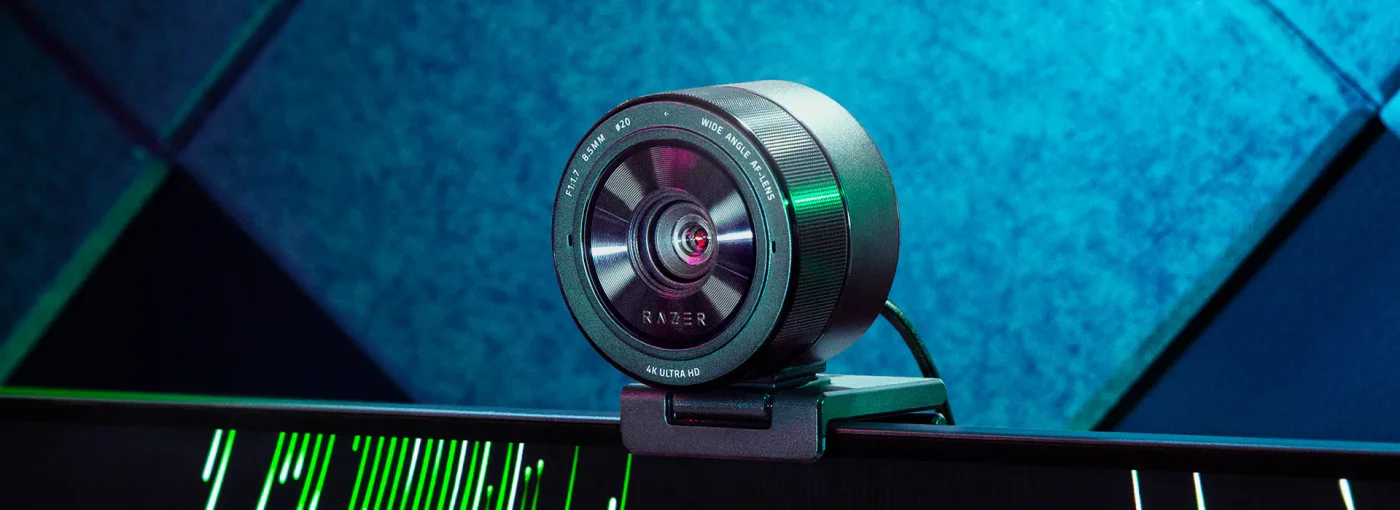
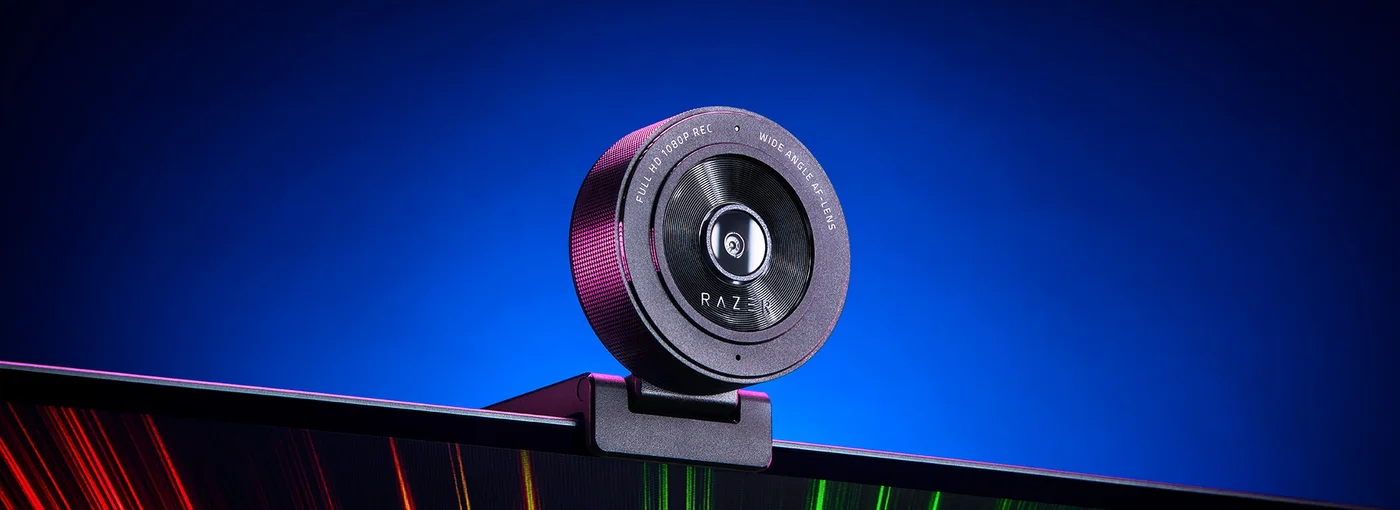
Kiyo Pro Ultra mounted above a display in Razer's reference setup.
Photo: Razer · Manufacturer reference image

Some links are paid links: we may earn a commission from qualifying purchases. As an Amazon Associate I earn from qualifying purchases. How we earn money.

THE SHORT VERSION

Before you browse

  1. Large-sensor 4K webcam with autofocus and built-in shutter
  2. USB 3.0 connection; available output and HDR combinations depend on chosen settings
  3. Not all call apps transmit 4K; Windows-only Razer configuration and software compatibility must be checked

A premium webcam makes more sense when the picture is part of what you create, not merely proof that you attended a meeting. The Kiyo Pro Ultra is aimed at a more deliberate camera setup, with a large sensor, autofocus and adjustable settings. Before buying, identify where that better source image will actually reach your audience.

Source quality and delivered quality are different

Razer specifies a 1/1.2-inch Sony STARVIS 2 sensor and an f/1.7 lens. Those are useful design details, not a promise that a dark room becomes a studio. Face lighting, background brightness and camera position still deserve attention. Try improving those inexpensive parts of the setup before assuming the webcam is the only limitation.
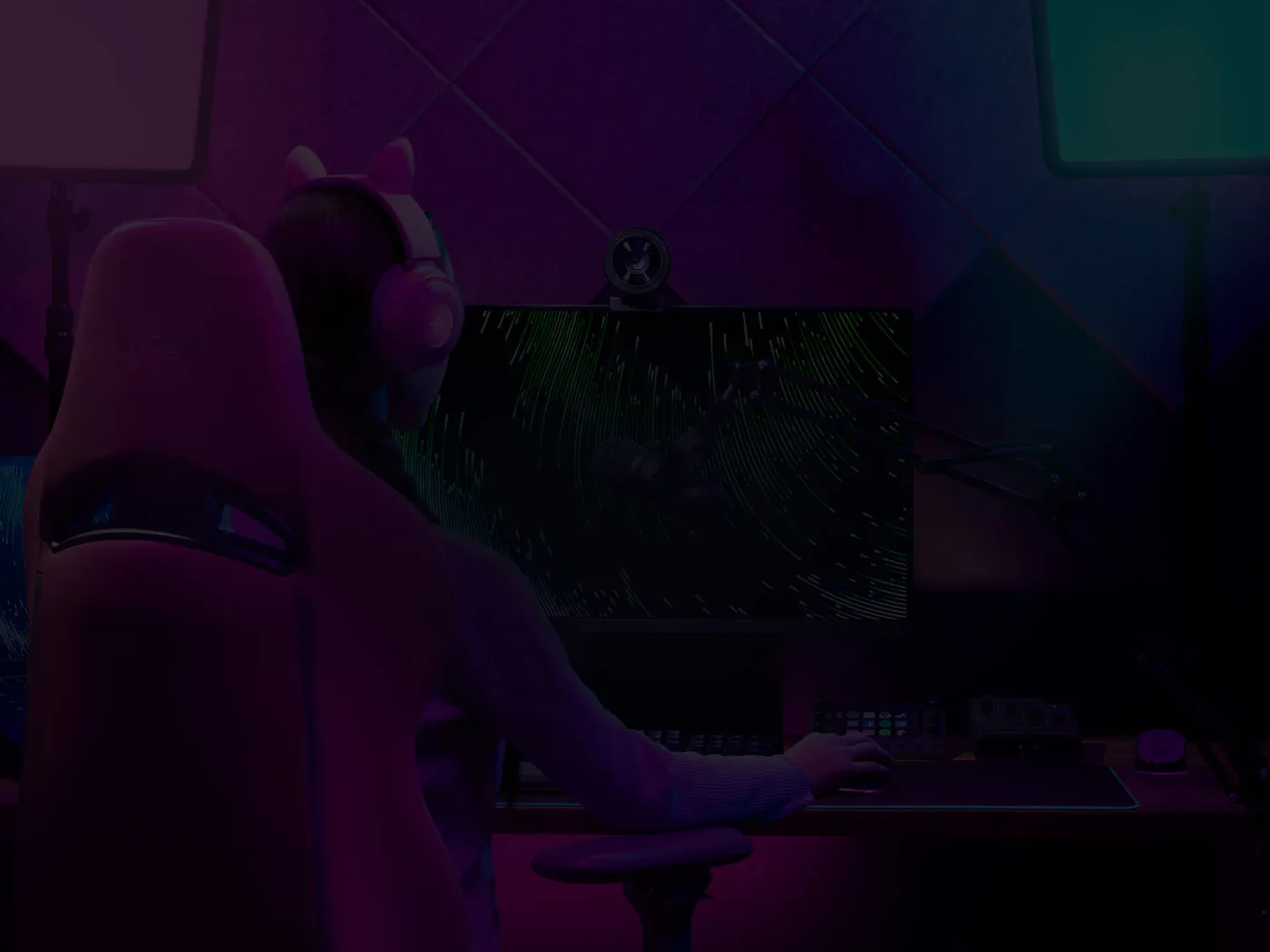
Manufacturer filming-scene illustration; lighting and equipment shown are not included or a hands-on test by FINDWEAVE.
Photo: Razer · Manufacturer reference image. Manufacturer filming-scene illustration; lighting and equipment shown are not included or a hands-on test by FINDWEAVE.

There are important output distinctions: the maker lists raw 4K at 30fps and conversion to uncompressed 4K at 24fps, with 1080p60 also available. Do not read every 4K or HDR headline as one mode operating with all other features simultaneously. Match the chosen mode to your recording or streaming software.
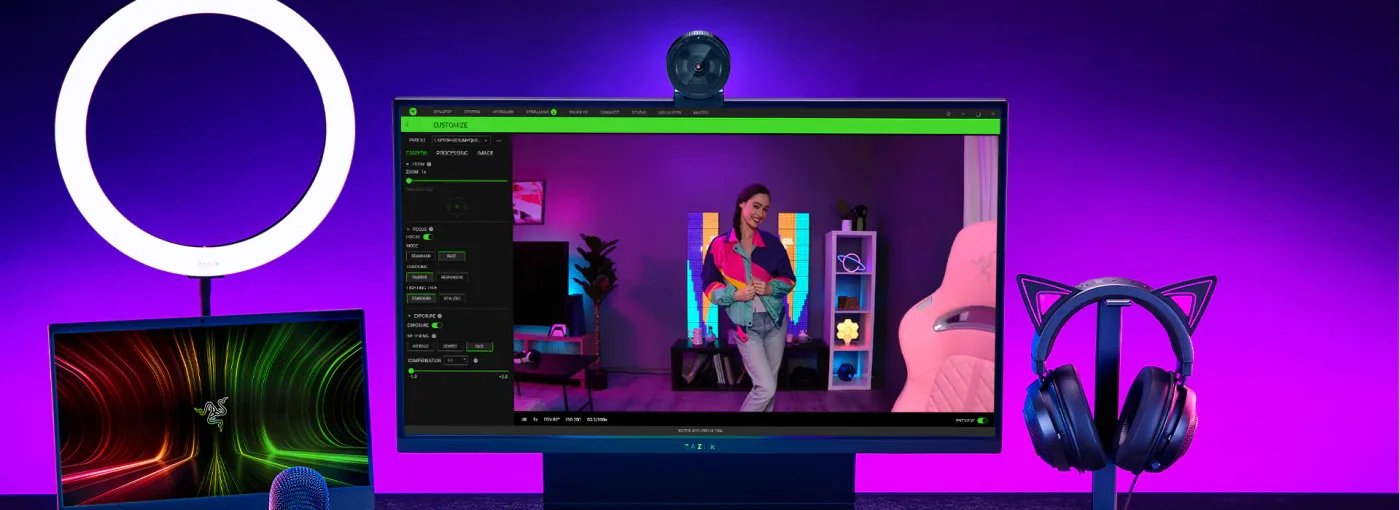
Razer configuration-screen example with the webcam above the monitor; other desk accessories are illustrative.
Photo: Razer · Manufacturer reference image. Razer configuration-screen example with the webcam above the monitor; other desk accessories are illustrative.

Check the computer before the shopping basket

The camera needs a suitable USB 3.0 connection. Verify the port, any hub in the route and the current system requirements. Razer Synapse provides camera configuration, but its operating-system support is separate from whether a call app can recognise a basic webcam. Confirm the configuration tools you need on your own computer.
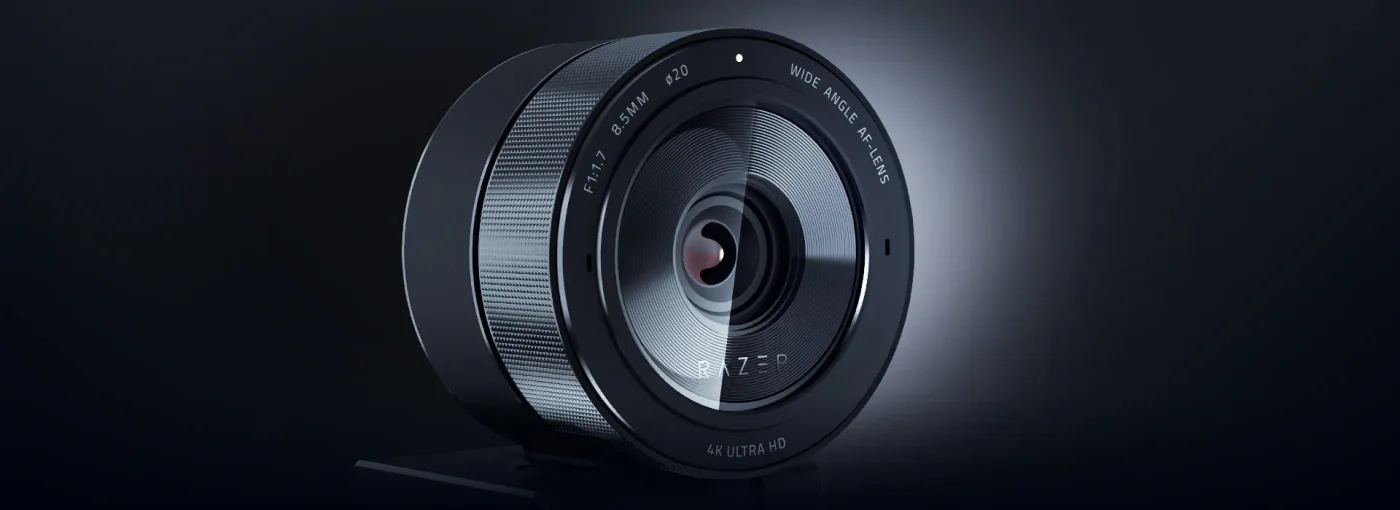
Open lens position on the built-in rotating shutter.
Photo: Razer · Manufacturer reference image. Open lens position on the built-in rotating shutter.

A meeting service may transmit at a much lower resolution than the source. If ordinary calls are the only use, a less ambitious camera plus better lighting may be the more proportionate purchase. Recorded presentations or a carefully controlled streaming scene offer a clearer reason to consider the Ultra.
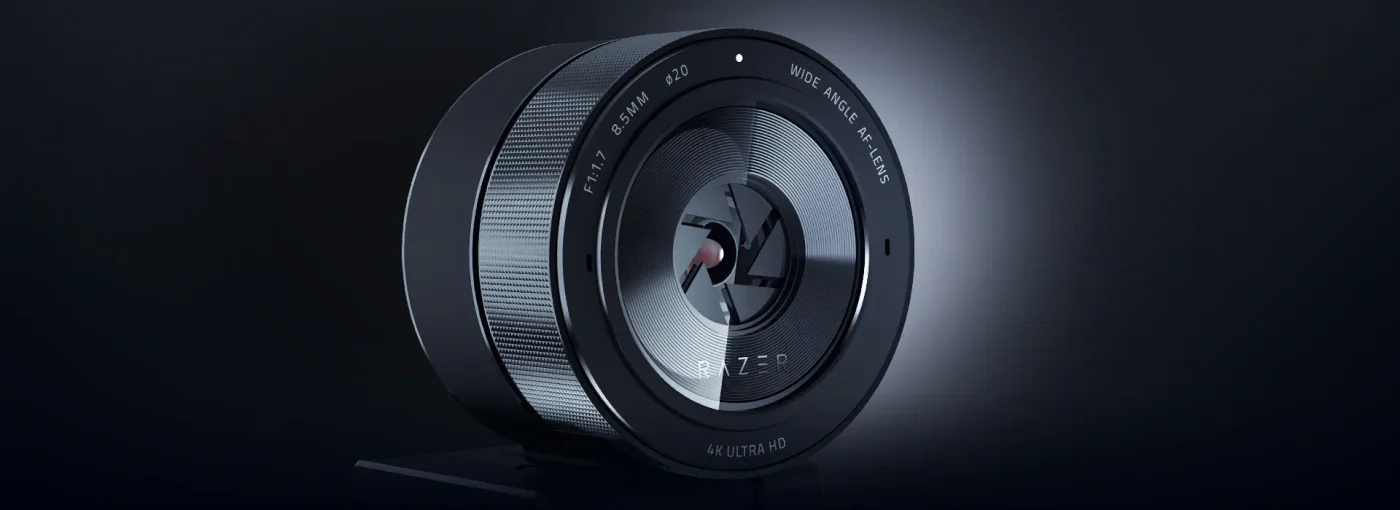
Partially rotated shutter position, illustrating the physical lens-cover mechanism.
Photo: Razer · Manufacturer reference image. Partially rotated shutter position, illustrating the physical lens-cover mechanism.

Privacy should be easy to check

The rotating frame physically covers the lens, and the maker also includes a separate lens cover. The photo sequence makes that mechanism visible. Covering the lens does not mute the built-in microphone: manage audio permissions separately.
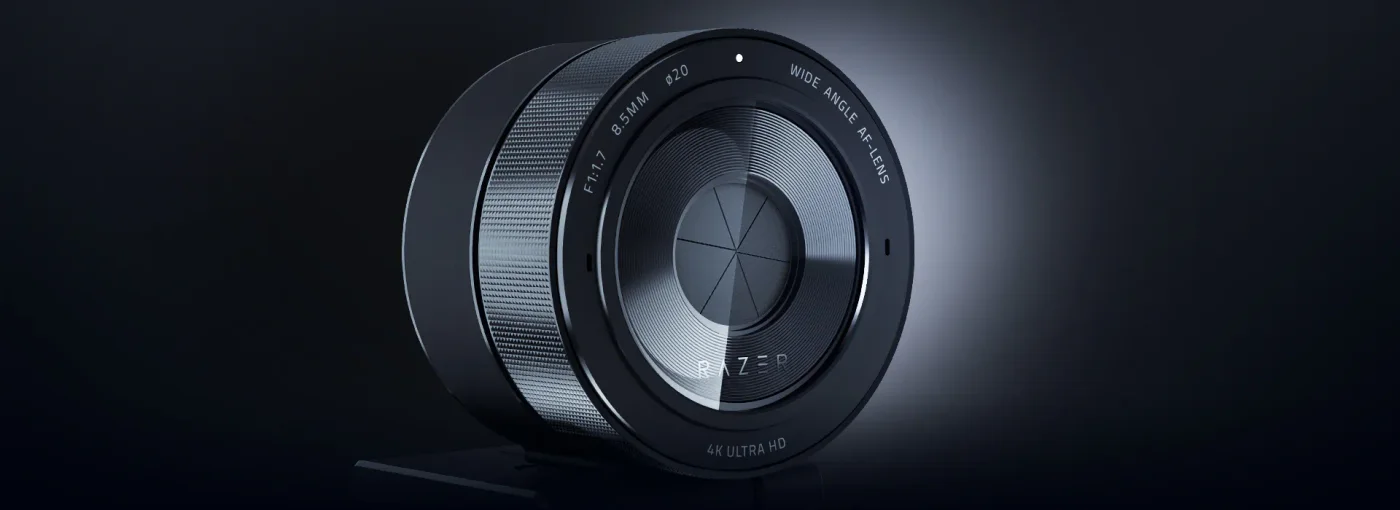
Closed rotating shutter covering the Kiyo Pro Ultra lens.
Photo: Razer · Manufacturer reference image. Closed rotating shutter covering the Kiyo Pro Ultra lens.

Choose this model for a workflow that benefits from its camera controls and source quality. It is not a shortcut to a polished production, and these photographs are manufacturer examples rather than footage from our own test.
Ready to check availability?

Shop at Amazon

Paid link — we may earn a commission. Amazon may show a local match, an alternative or search results. Check the exact product, delivery and current price.

Evidence and sources

Research-based product guidance, not hands-on testing. Exact variant reviewed; price, stock, medical effects and international equivalence are not promised.