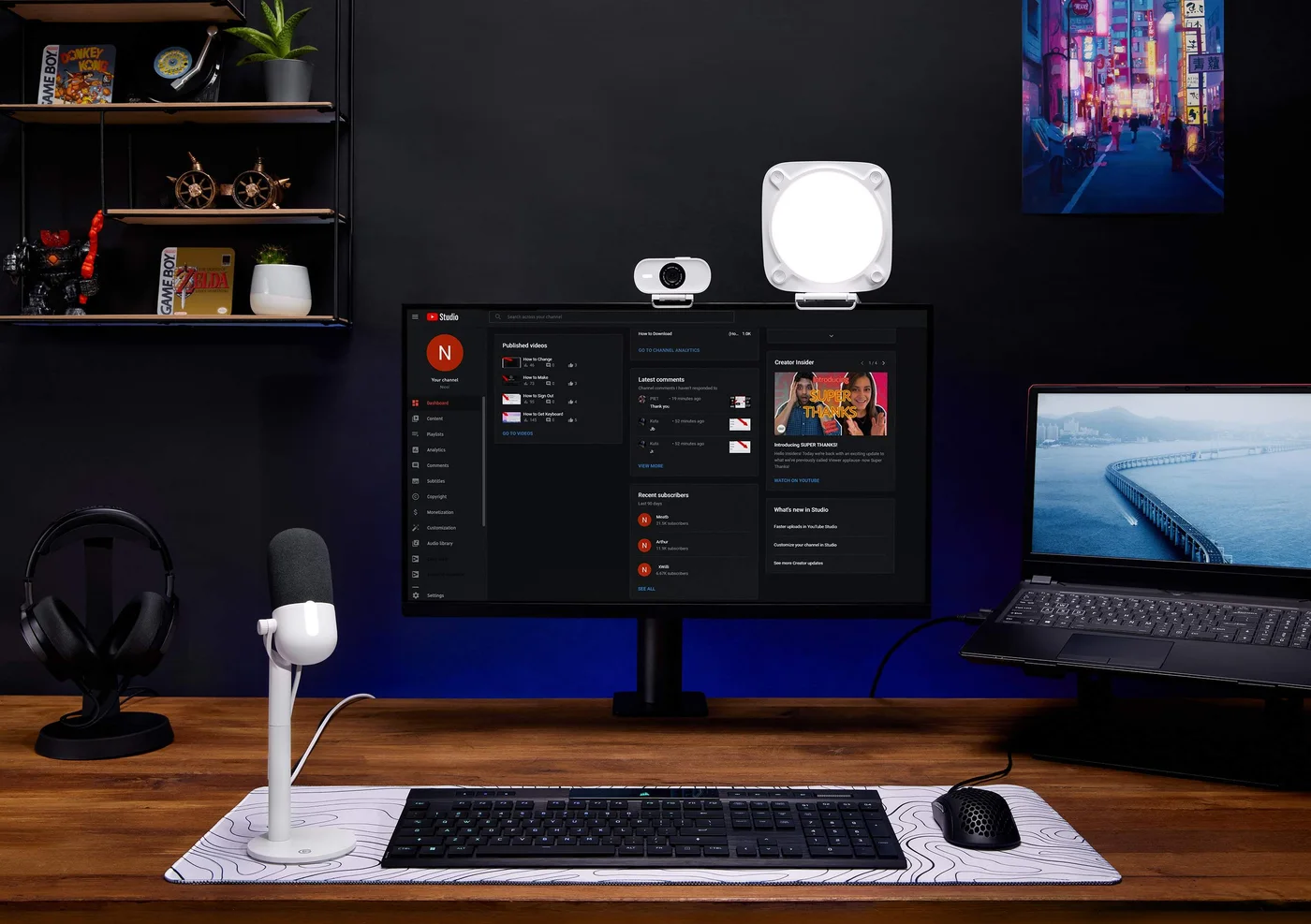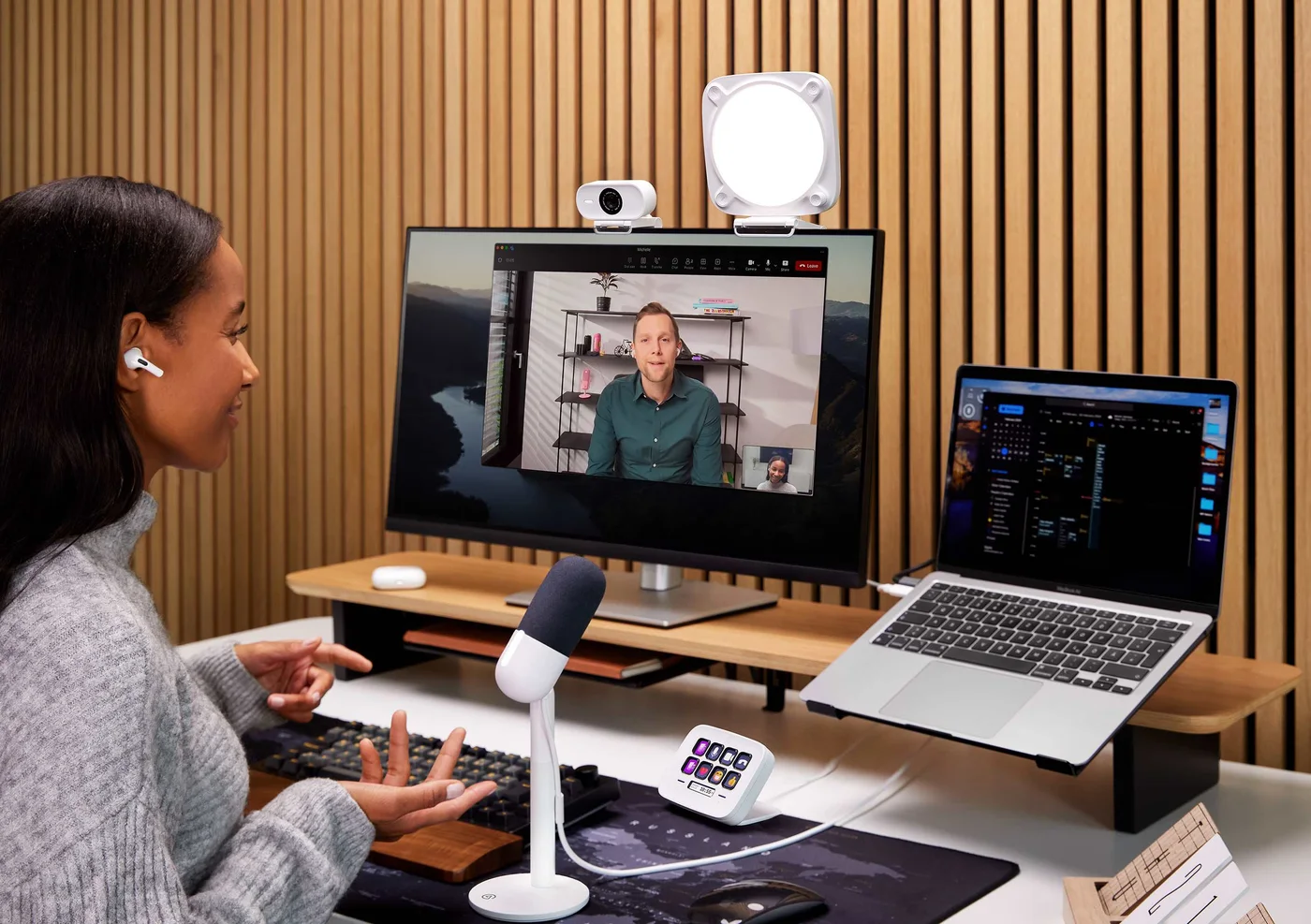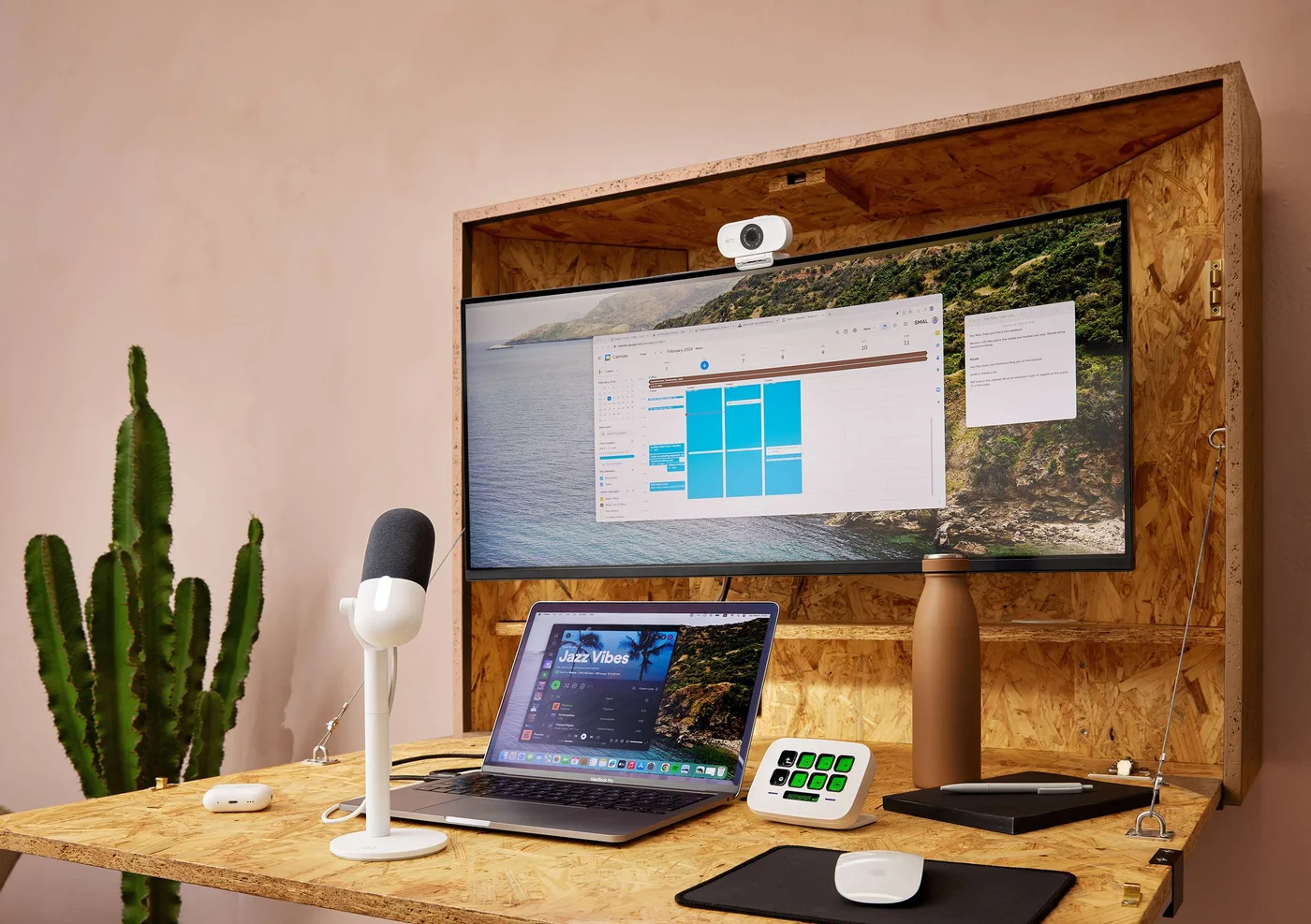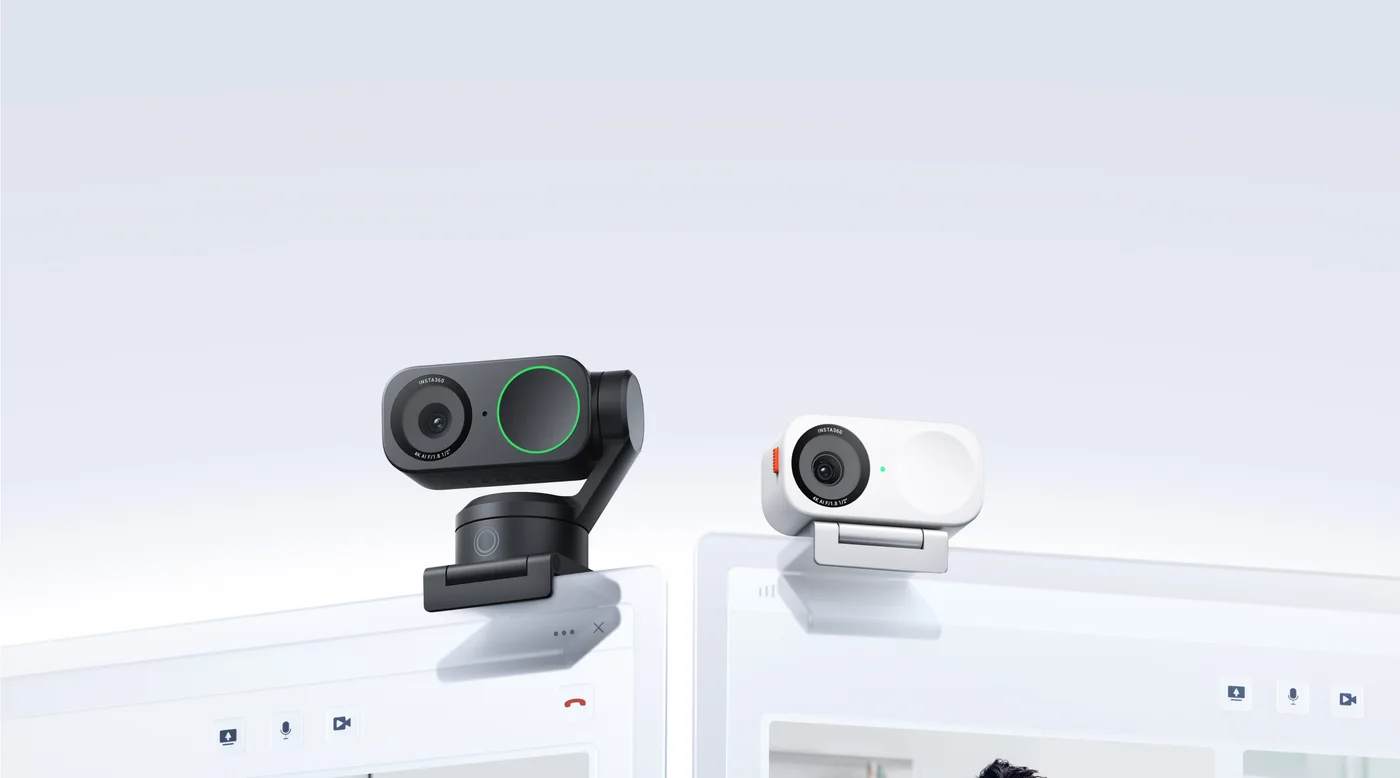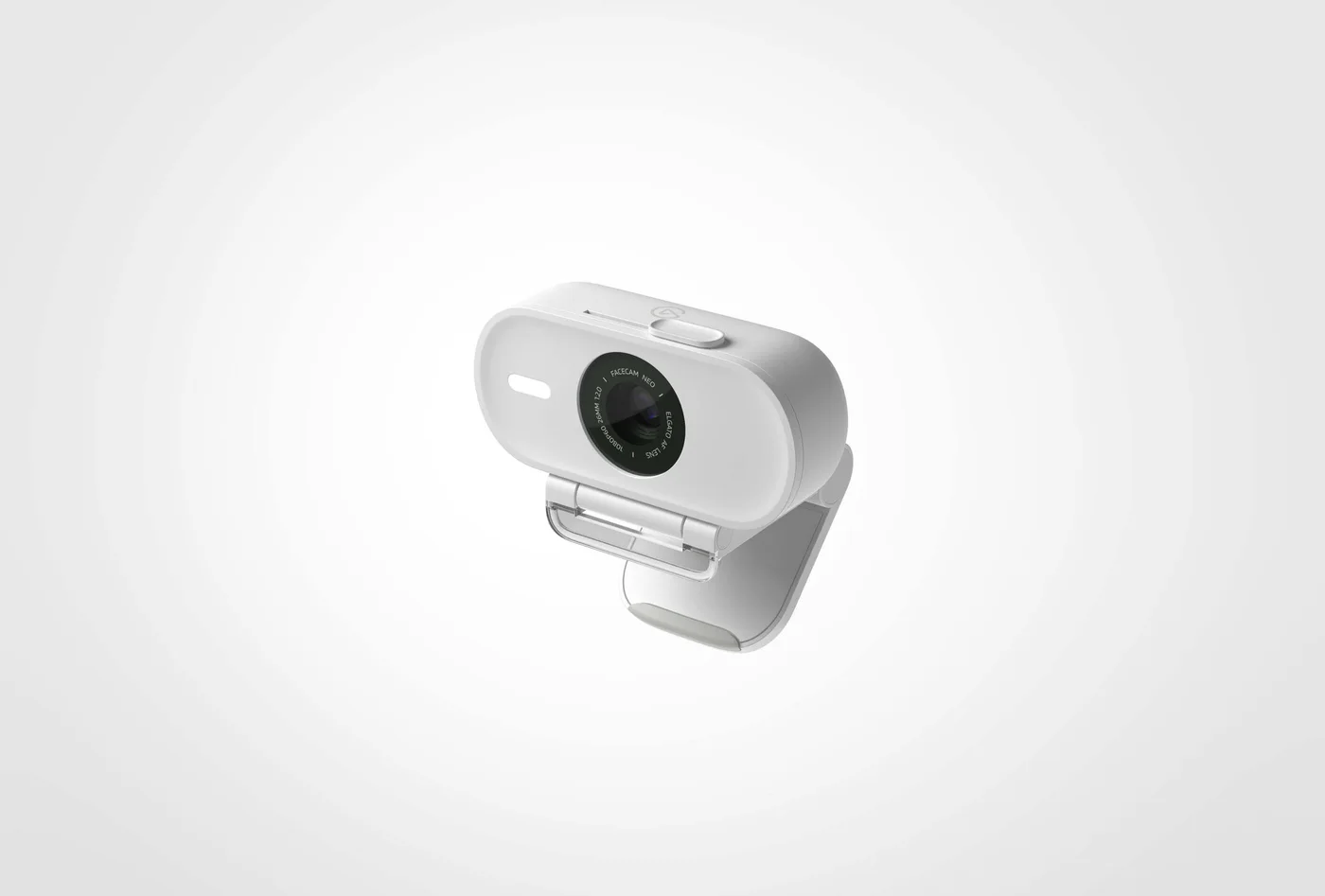
Your laptop screen sits below eye level, the camera points up your nose, and a bright window steals the picture. The Elgato Facecam Neo gives you a separate camera to place more deliberately. Its real appeal is control over the shot—not a promise that every call will suddenly look professional.
The detail that changes the buying decision
This webcam has no built-in microphone. If you already use a headset or dedicated mic, that is not a problem. If you want one plug-in device to replace both your laptop camera and audio, choose a webcam with a mic instead. Remember to select your existing microphone in the meeting app.
Use the flexibility, not just the resolution
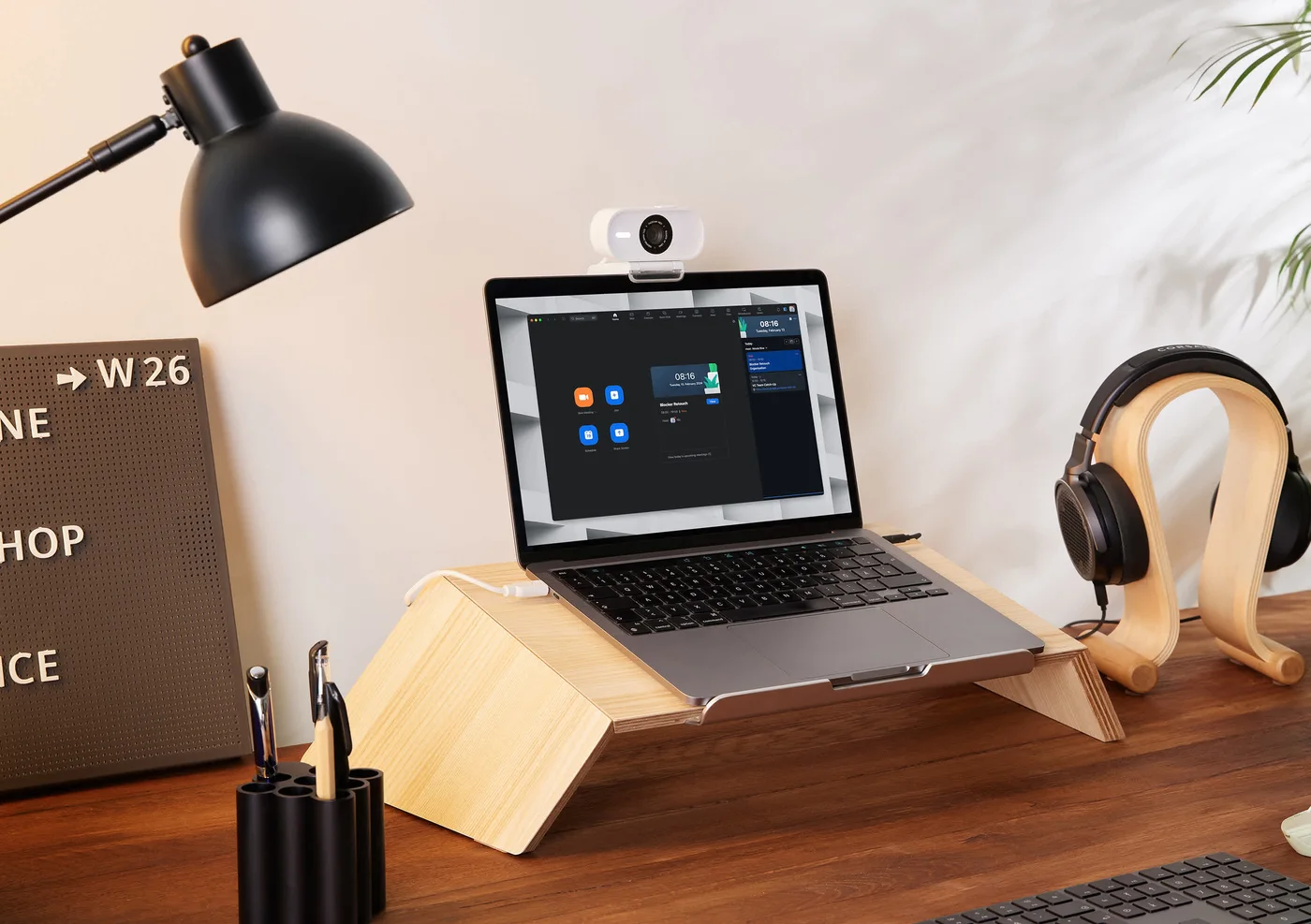
Neo offers autofocus, a sliding shutter and video up to 1080p at 60 frames per second. Autofocus can help when you move between a seated conversation and showing an object, although meeting software may limit the transmitted resolution or frame rate. Start with the camera near eye level and a light in front of you; those changes can matter more than a specification upgrade.
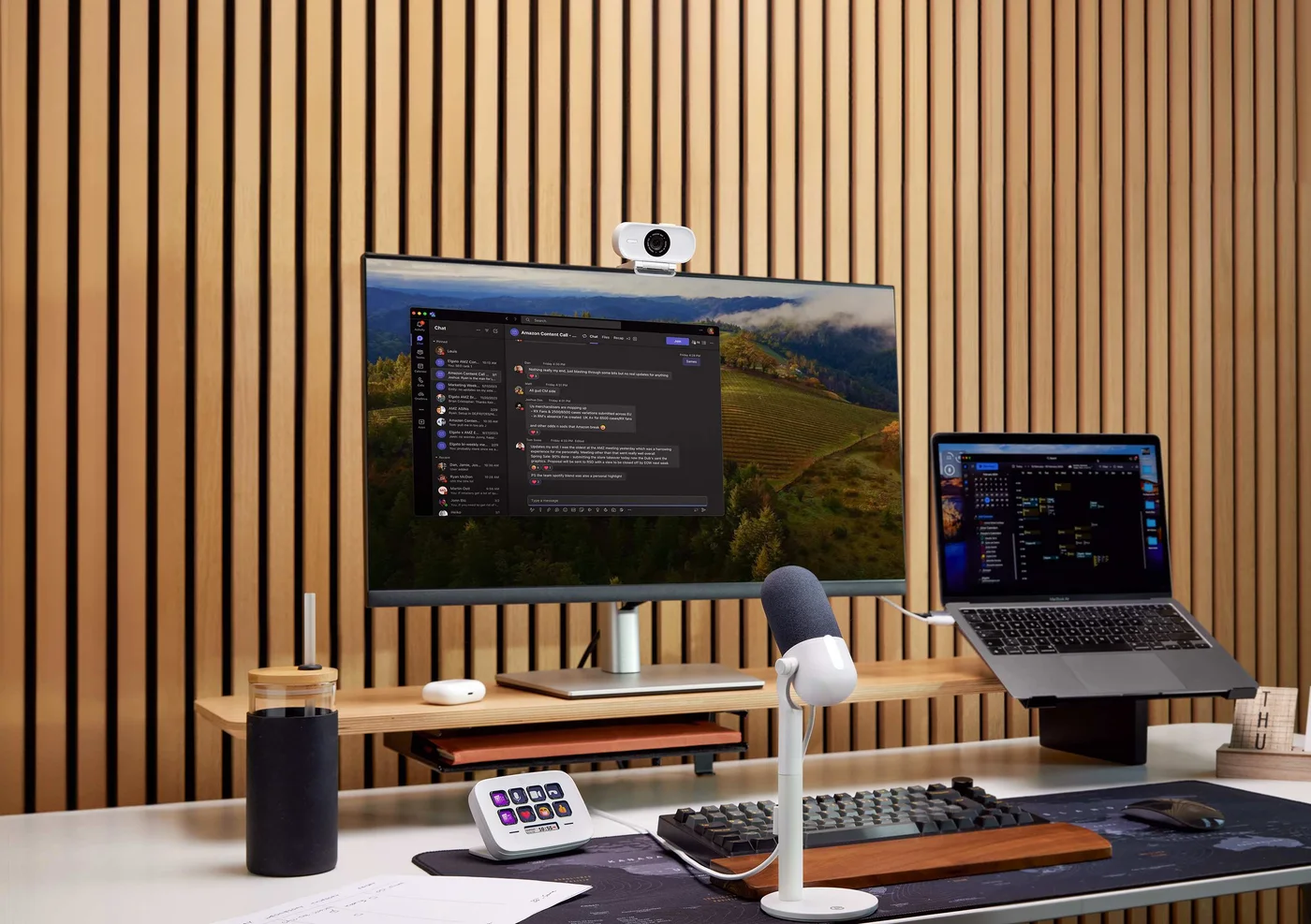
The attached cable ends in USB-C. Check your available port, cable reach and current operating-system requirements before ordering. A USB-A adapter is not included. Do not assume a dock or adapter will provide a trouble-free video connection.
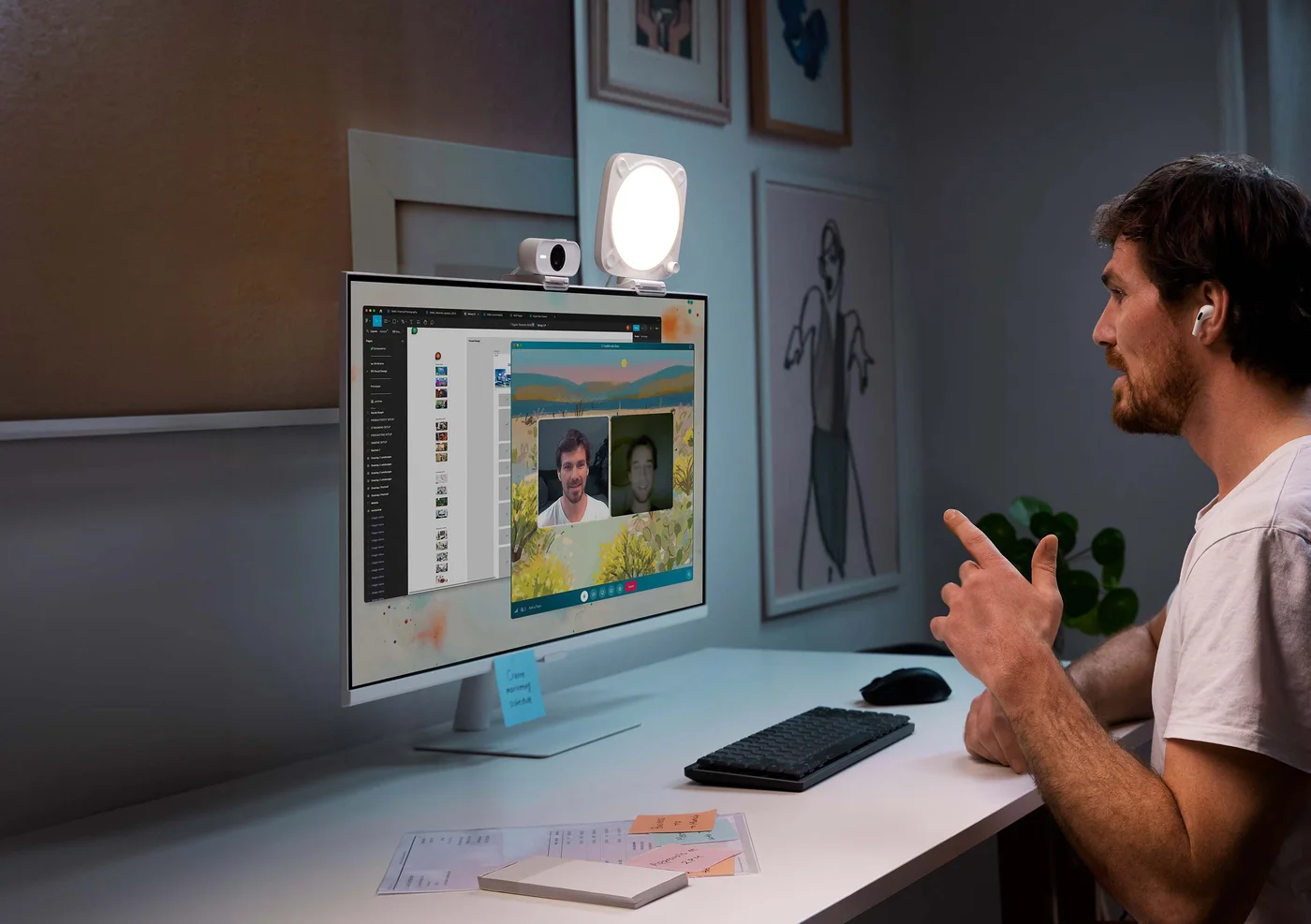
Who should keep the laptop camera?
For occasional calls with an adequate picture, spend nothing first: raise the laptop, move the lamp and clean the lens. Neo makes more sense for regular meetings where camera placement is constrained and your audio is already handled. Buy the white Facecam Neo itself—not a similarly named Facecam Pro, 4K model or multi-device bundle.