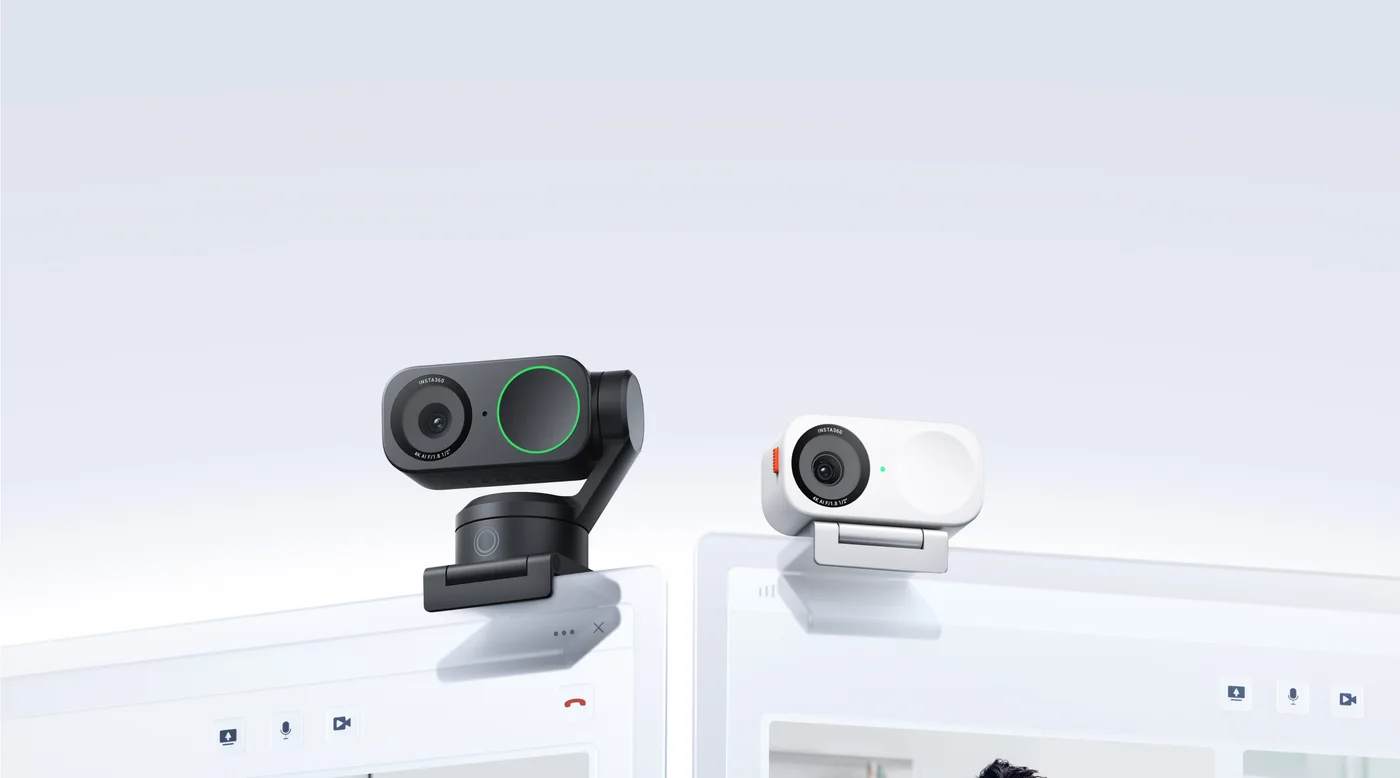
A seated call does not always need a moving camera
If most of your working day happens in one chair, a rotating webcam may solve a problem you do not have. The Insta360 Link 2C keeps its body fixed while offering autofocus and digital framing. That makes it worth considering as a simpler monitor-top arrangement rather than treating it as the motorised Link 2 with a shorter name.
Separate the two cameras in the pictures
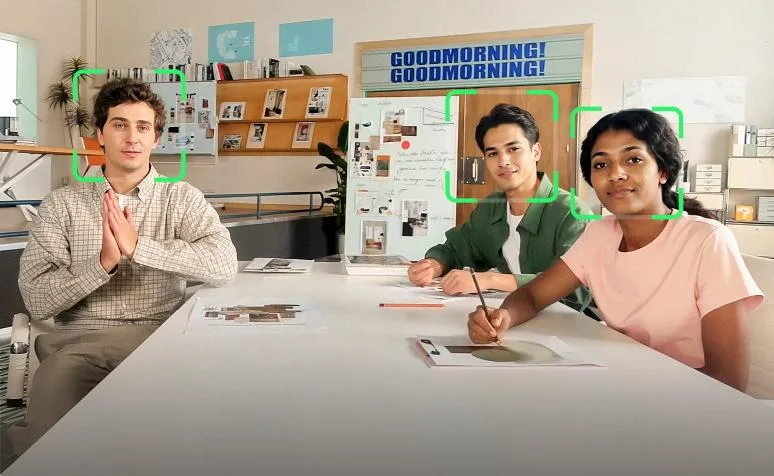
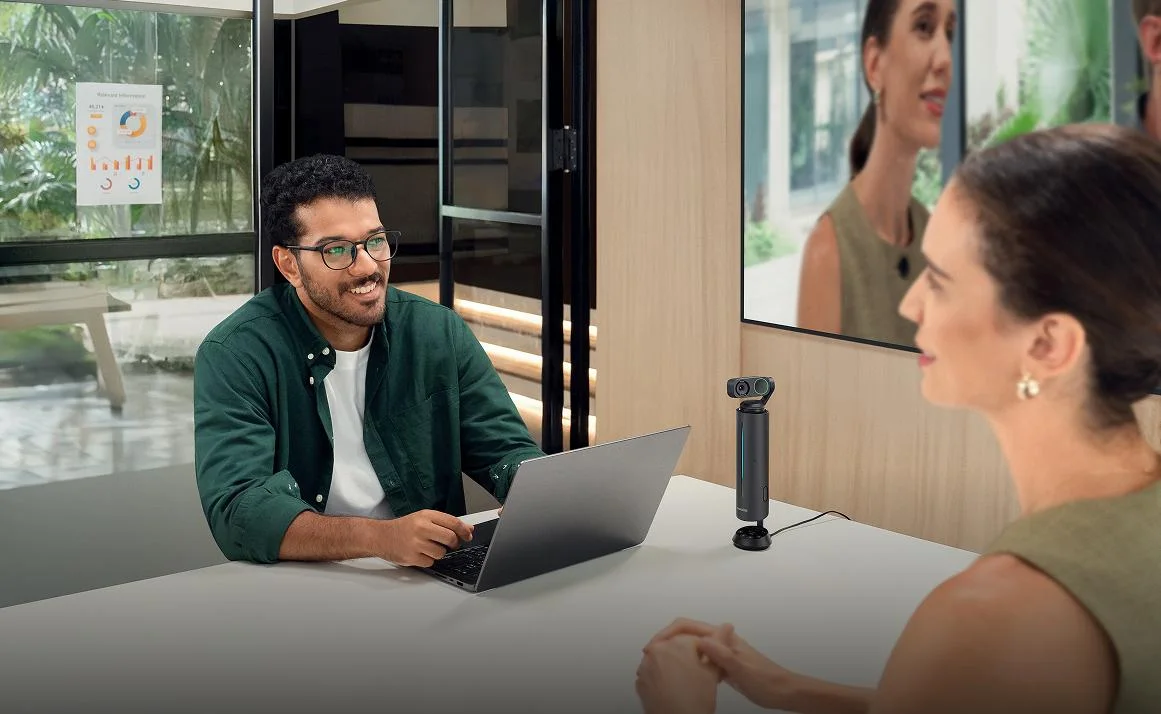
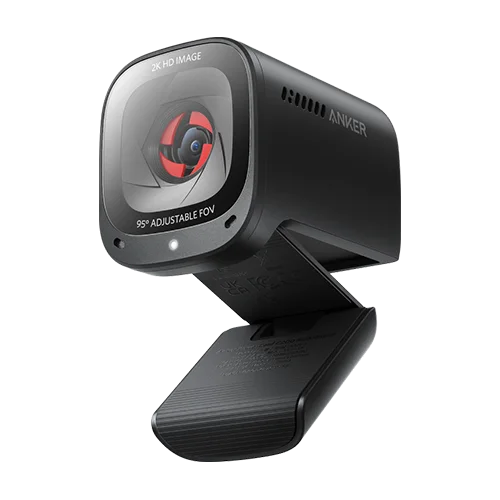
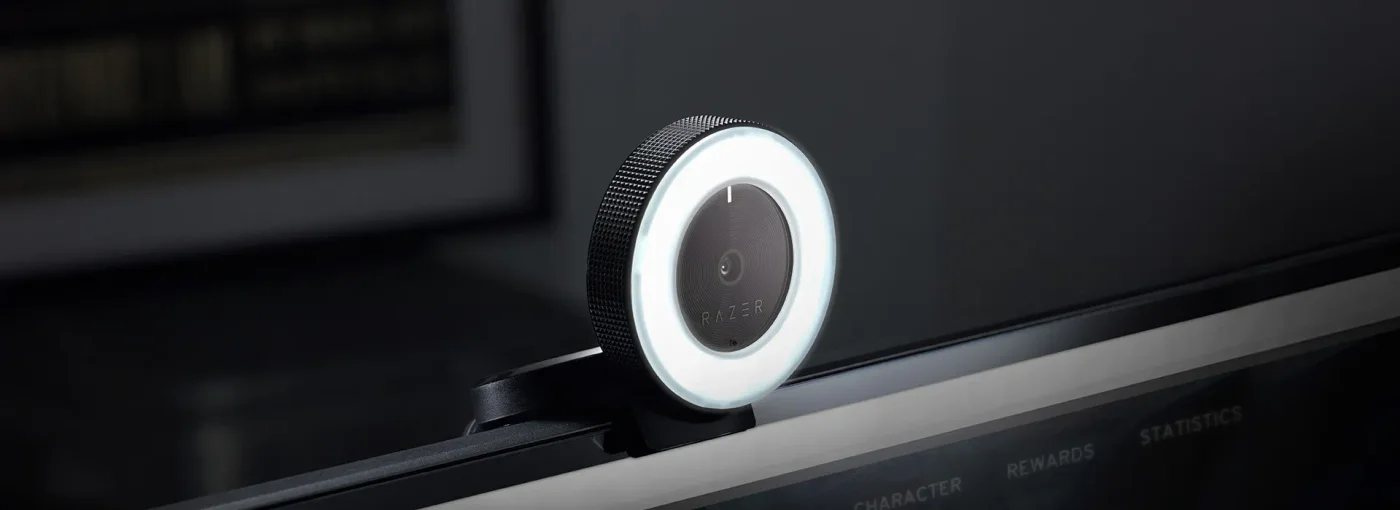
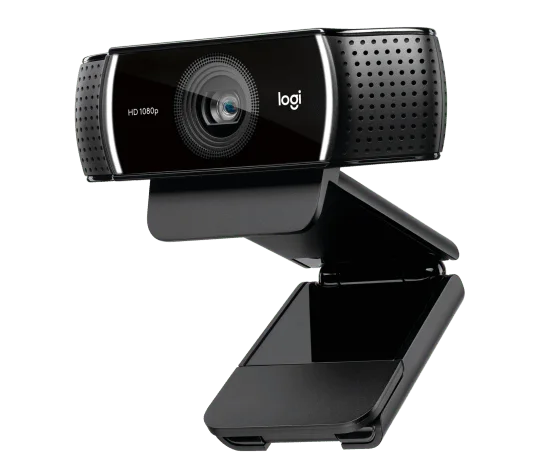
Insta360 presents Link 2 and Link 2C together, sometimes in different finishes. The selected offer here is the original Graphite Black Link 2C Standard Bundle, not a Pro model or a two-camera package. Link 2C lacks the moving gimbal visible on Link 2. Read the selected variant before copying the appearance of a comparison photograph into your shopping decision.
Put the mount where your eyes already go
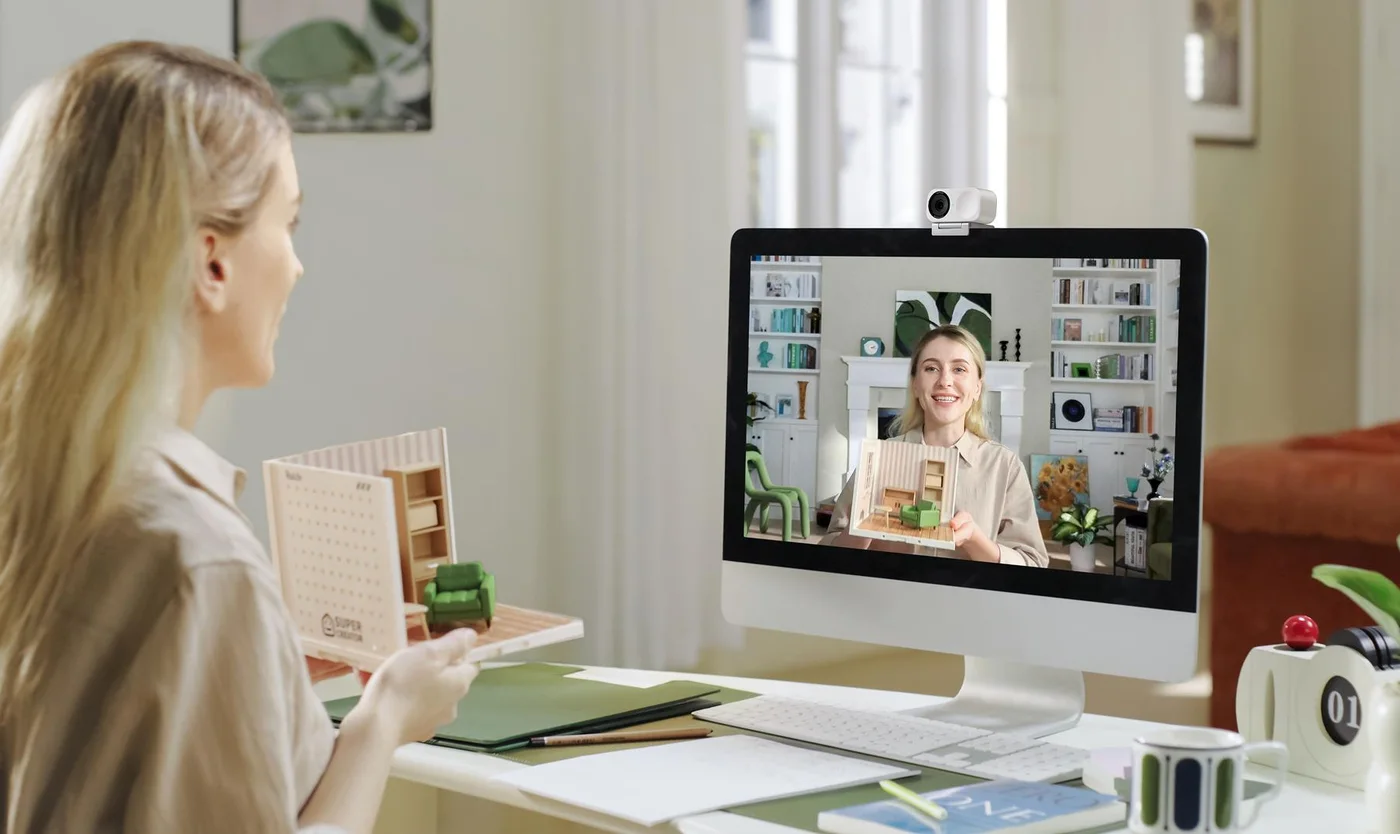
The magnetic mount and supplied USB-C cable with USB-A adapter give you a starting arrangement. Check your screen edge, cable reach and port availability. Raising the lens toward eye level and putting a light in front of you can be more useful than simply increasing the resolution. The camera supports 4K30; your meeting service may deliver less.
Treat software modes as a second purchase test
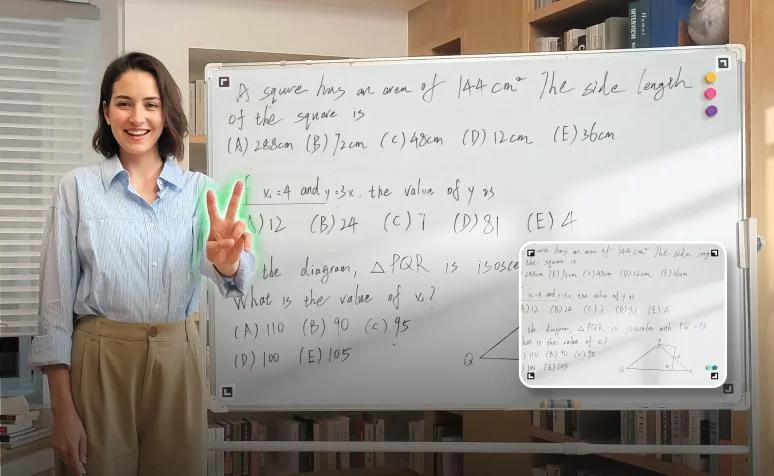
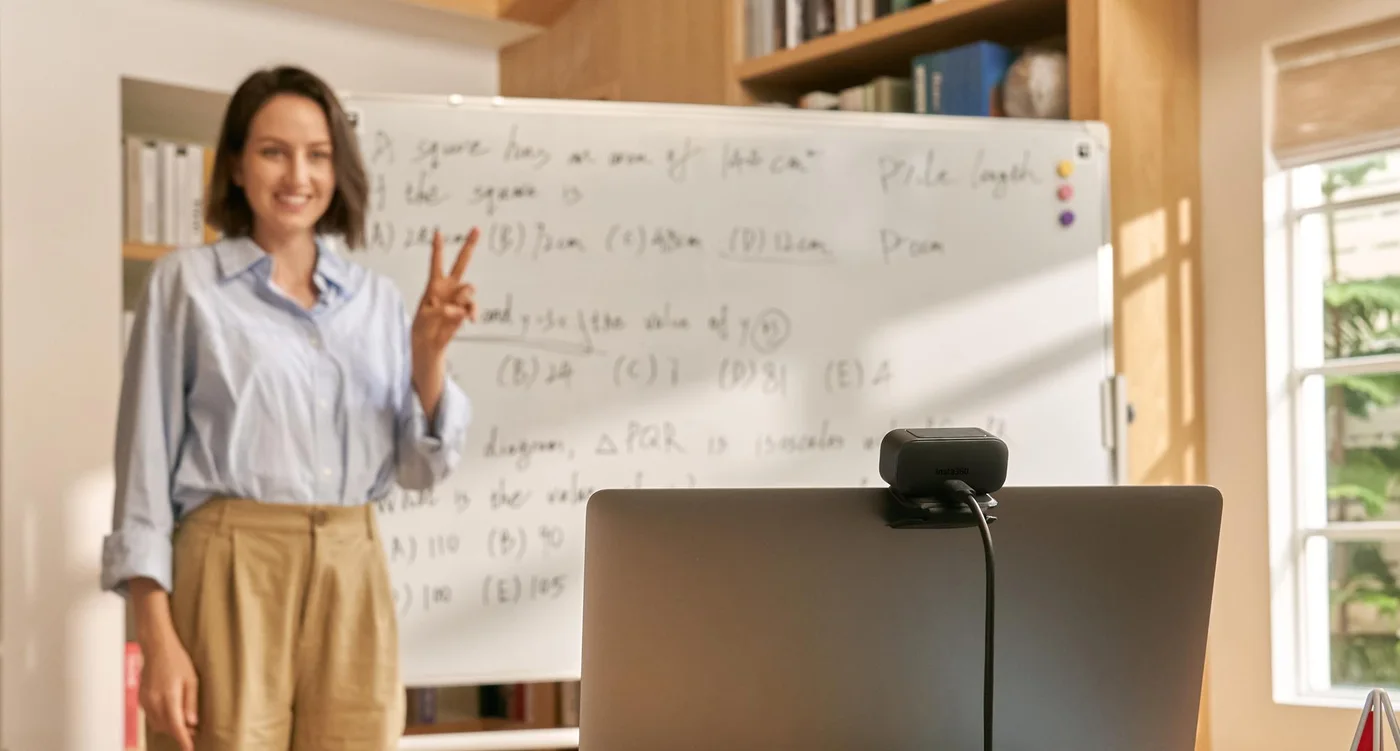
Whiteboard and other advanced workflows need suitable placement and supported software. The Link Controller requirements distinguish Windows and macOS environments, with additional restrictions for some GPU-dependent features; ARM Windows is not supported in the listed requirements. Check the functions you actually want on your own computer before ordering.
Choose the fixed body intentionally
Link 2C makes sense for a regular desk position and occasional digital reframing. Choose a motorised model if following substantial movement is the main purpose. Do not pay extra for a list of software effects you will never open. Confirm the original 2C name, finish and bundle in your local offer. Findweave has not tested picture quality, noise suppression or conferencing compatibility.