computer-mice

Kensington Expert Wired Trackball: Keep the Cursor Moving, Not the Mouse

A desk crowded with notes, a drawing tablet and a keyboard can leave almost no room to slide a mouse. The wired Kensington Expert Mouse K64325 stays in place while your fingers move its 55mm ball. It changes how you use the desk rather than making the desk bigger.

Findweave Editorial2 min read

Published

Shop at Amazon

Paid link — we may earn a commission. Amazon may show a local match, an alternative or search results. Check the exact product, delivery and current price.

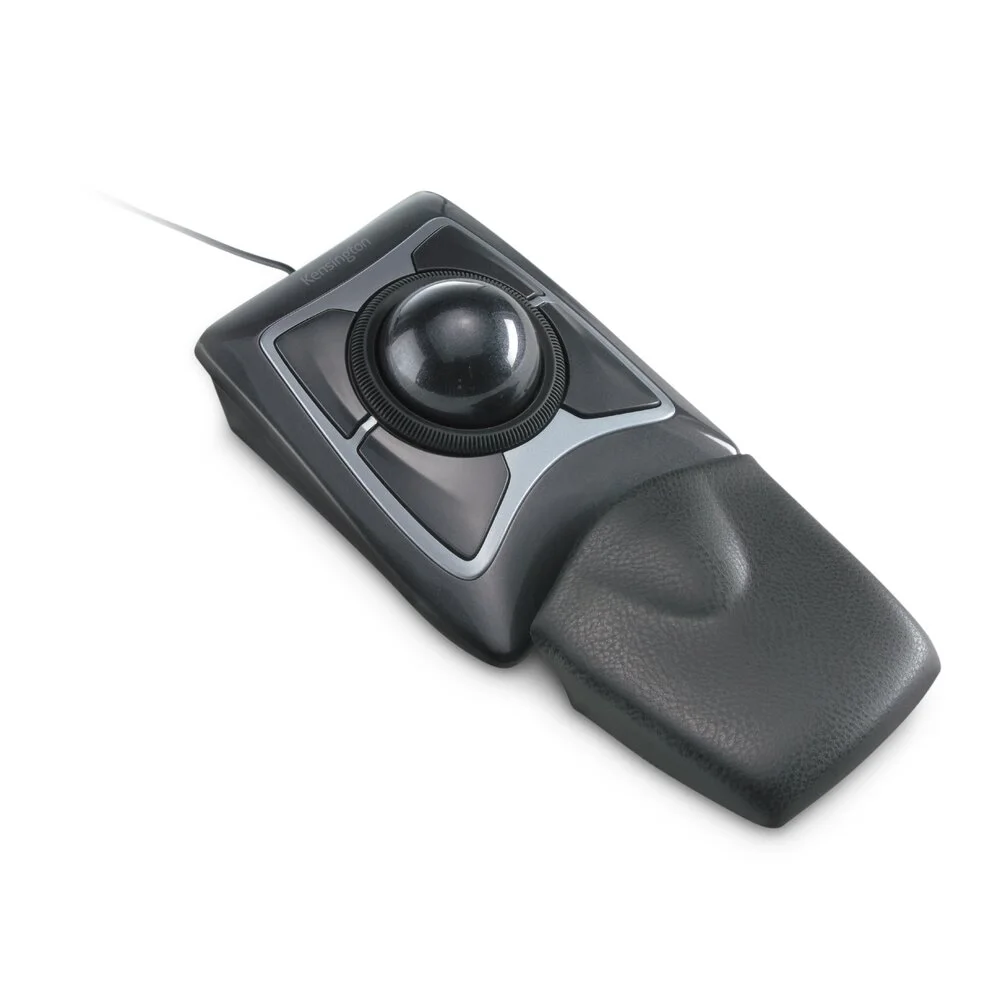
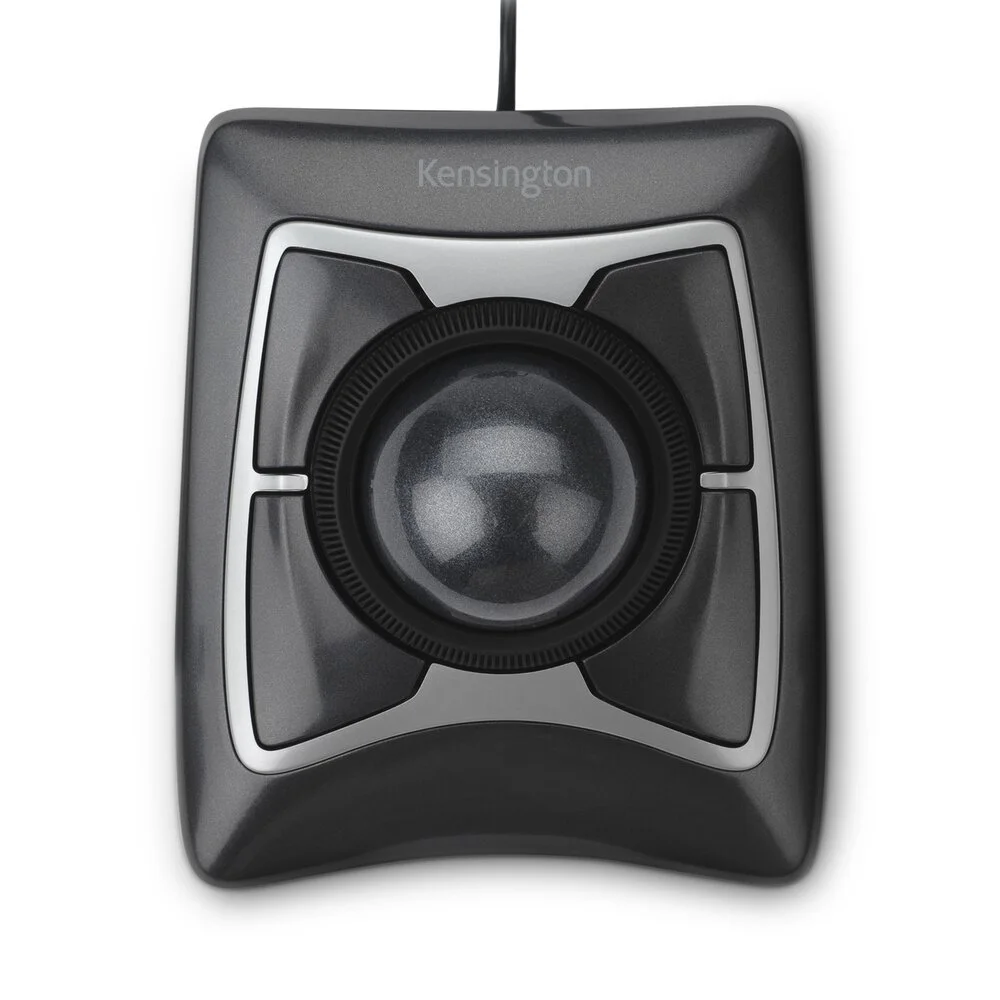
Wired Expert Mouse K64325 with a central ball and four surrounding buttons.
Photo: Kensington · Manufacturer reference image

Some links are paid links: we may earn a commission from qualifying purchases. As an Amazon Associate I earn from qualifying purchases. How we earn money.

THE SHORT VERSION

Before you browse

  1. 55mm finger-operated ball and surrounding scroll ring
  2. Ambidextrous wired USB design with four buttons
  3. Large stationary footprint; not the red-ball wireless Expert model

A desk crowded with notes, a drawing tablet and a keyboard can leave almost no room to slide a mouse. The wired Kensington Expert Mouse K64325 stays in place while your fingers move its 55mm ball. It changes how you use the desk rather than making the desk bigger.

Understand the different hand movement

This is a finger-operated trackball, not a thumb-ball mouse. Four buttons surround the ball, and a scroll ring sits around it. The ambidextrous body can appeal to people who want an alternative to a strongly right-handed mouse shape.

That is a different skill, not an instant upgrade. If you have only used a conventional mouse, allow for adaptation. A stationary device still needs space for its body, your hand and the detachable wrist rest. Measure that footprint before assuming it will suit a tiny keyboard tray.
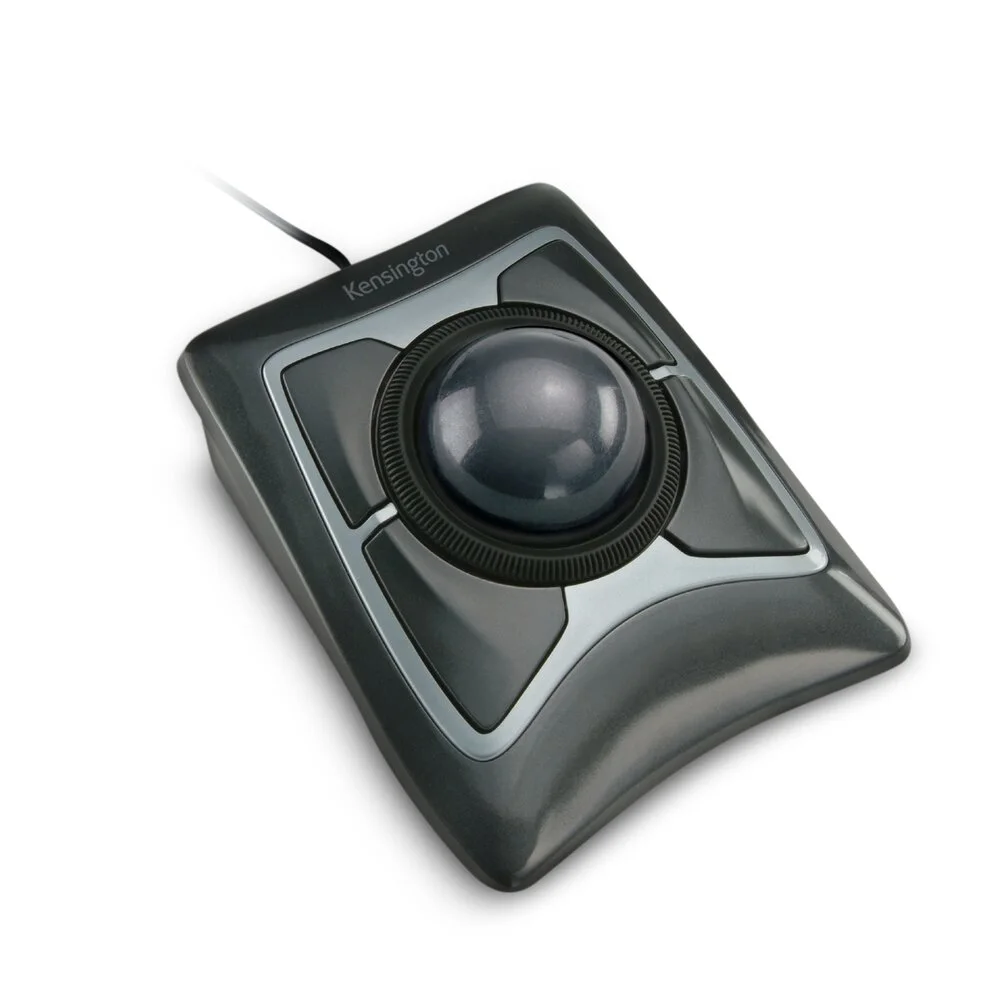
Angled view of the stationary trackball and scroll ring.
Photo: Kensington · Manufacturer reference image. Angled view of the stationary trackball and scroll ring.

Why choose the wired version?

USB power and connection remove battery changes and wireless pairing from the routine. The tradeoff is a cable on the desk and an available port. This selected K64325 is the wired model; do not confuse it with the wireless Expert variant pictured elsewhere with a red ball.

Buy for your working arrangement

Consider it when mouse travel is the practical problem or you specifically want finger-controlled pointing. Skip it if portability, a familiar gaming grip or a minimal footprint comes first. Comfort varies, so no trackball should be treated as a medical solution. The photographs and specifications support the design comparison; they are not evidence of our own long-term use.
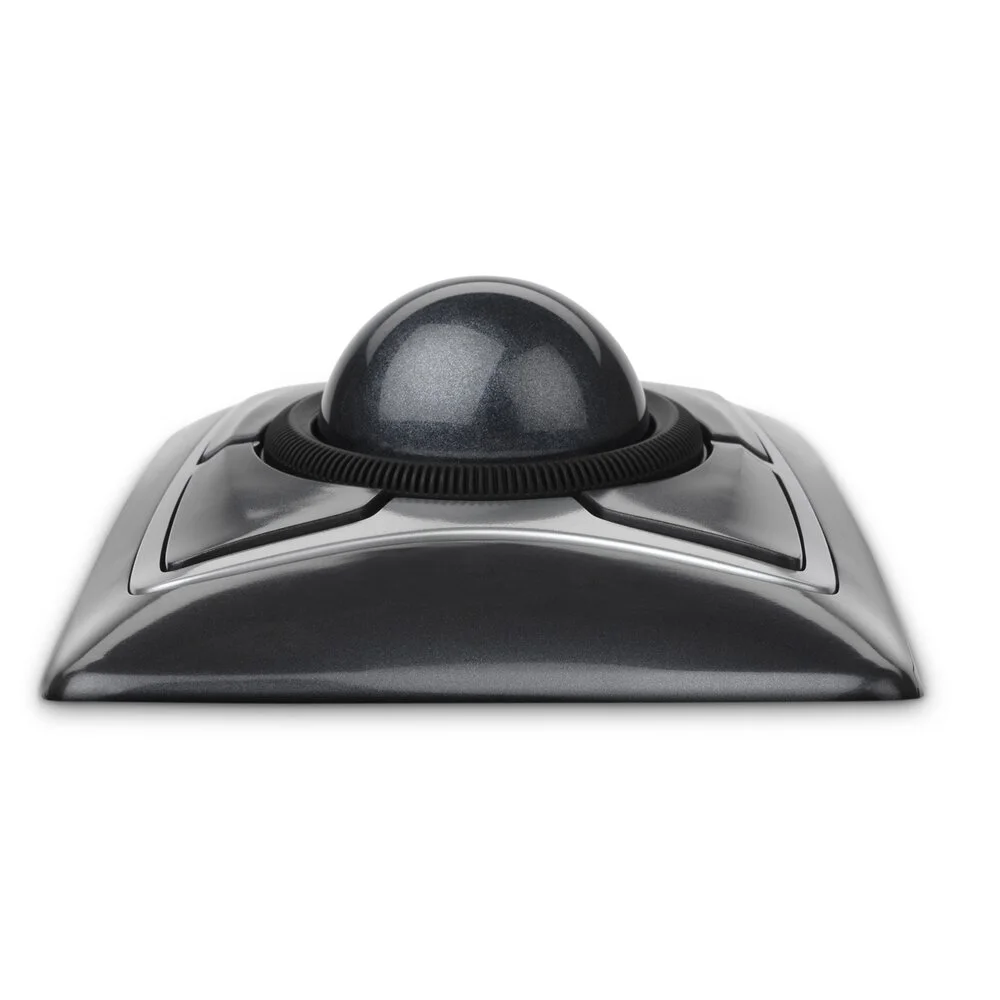
Front view shows how far the finger-operated ball rises above the body.
Photo: Kensington · Manufacturer reference image. Front view shows how far the finger-operated ball rises above the body.
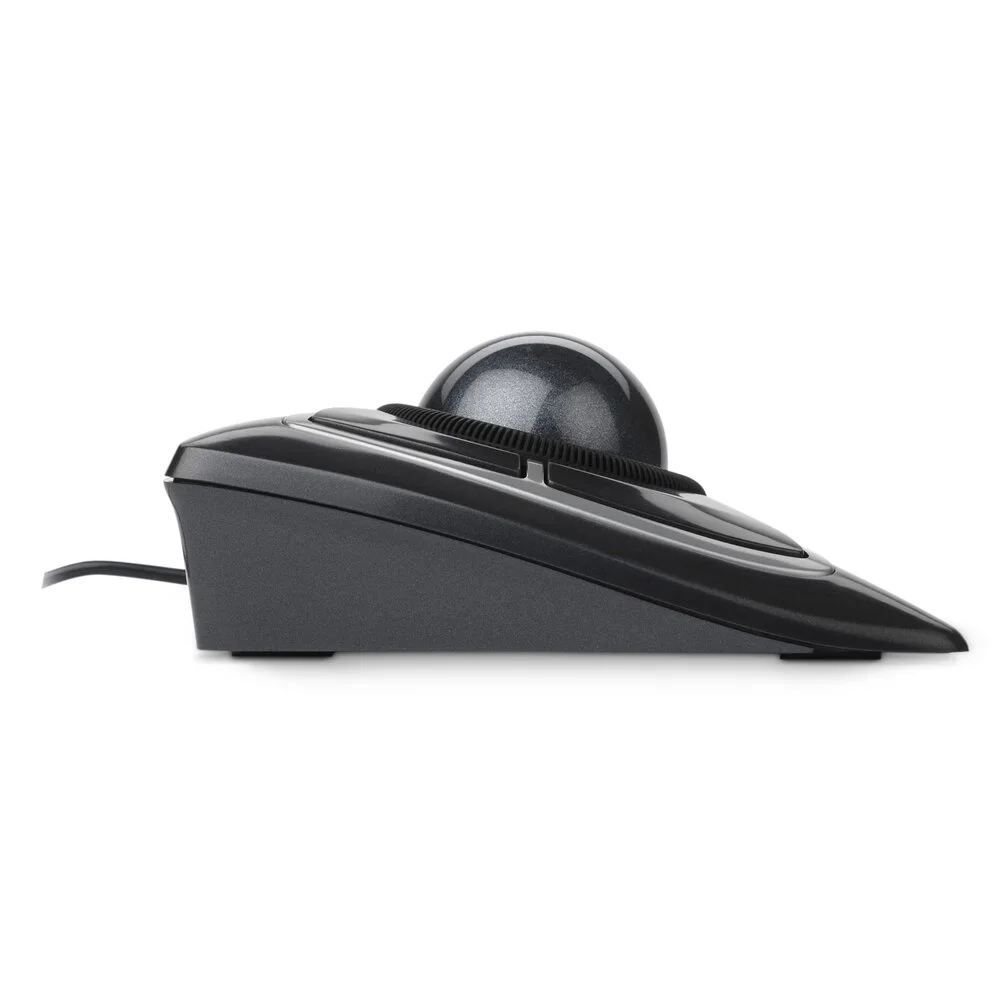
Side profile helps assess the wrist and hand position at your desk.
Photo: Kensington · Manufacturer reference image. Side profile helps assess the wrist and hand position at your desk.
K64325 pictured with its detachable wrist rest.
Photo: Kensington · Manufacturer reference image. K64325 pictured with its detachable wrist rest.

Ready to check availability?

Shop at Amazon

Paid link — we may earn a commission. Amazon may show a local match, an alternative or search results. Check the exact product, delivery and current price.

Evidence and sources

Research-based product guidance, not hands-on testing. Exact variant reviewed; price, stock, medical effects and international equivalence are not promised.