computer-mice

Logitech MX Anywhere 3S: Is the Satisfying Scroll Worth a Place in Your Bag?

A good portable mouse should make a temporary table feel less temporary. Logitech MX Anywhere 3S brings a compact Graphite body and a magnetic MagSpeed wheel to that everyday routine. The attraction is not a dramatic desk makeover—it is a more considered way to move through the long pages you actually read.

Findweave Editorial2 min read

Published

Shop at Amazon

Paid link — we may earn a commission. Amazon may show a local match, an alternative or search results. Check the exact product, delivery and current price.

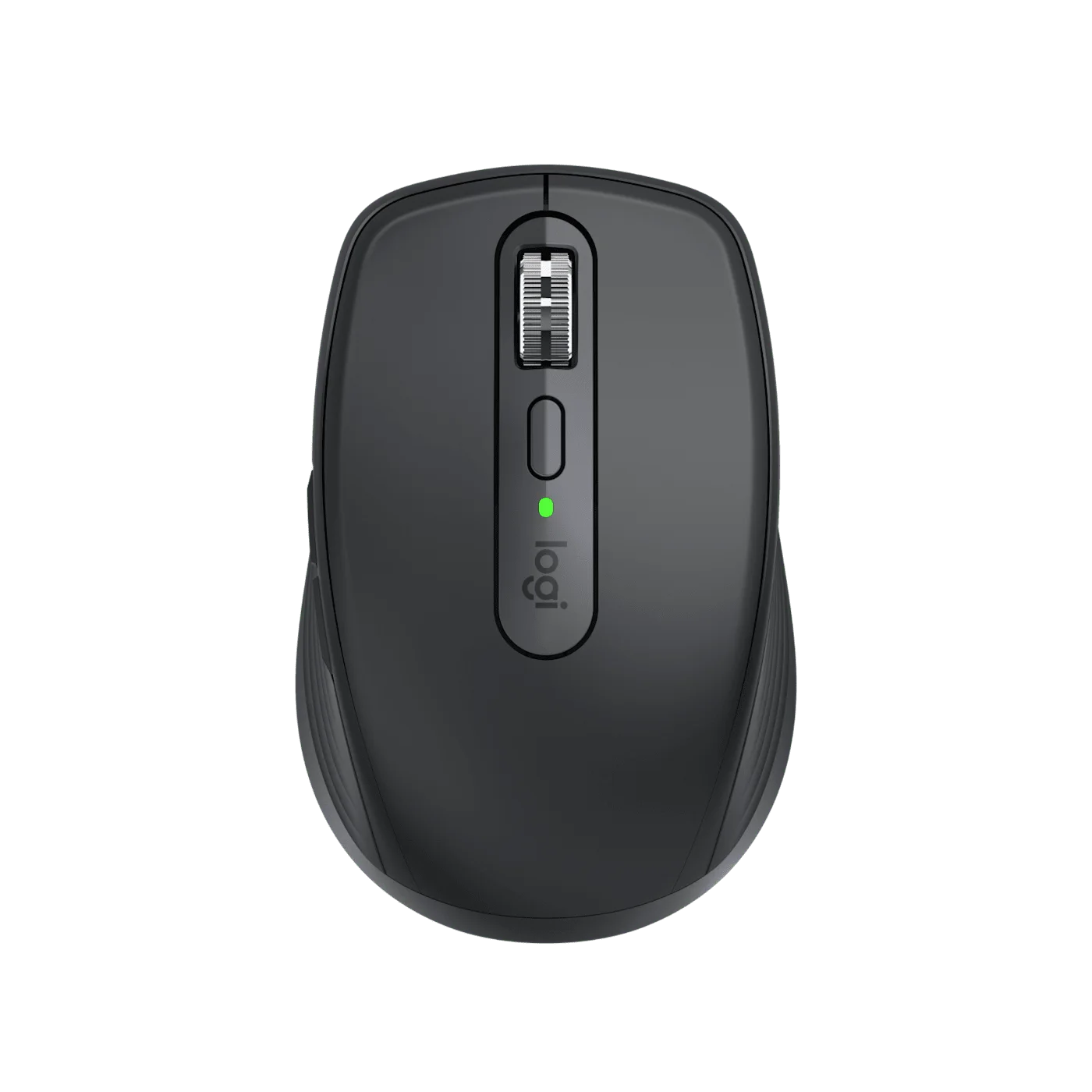
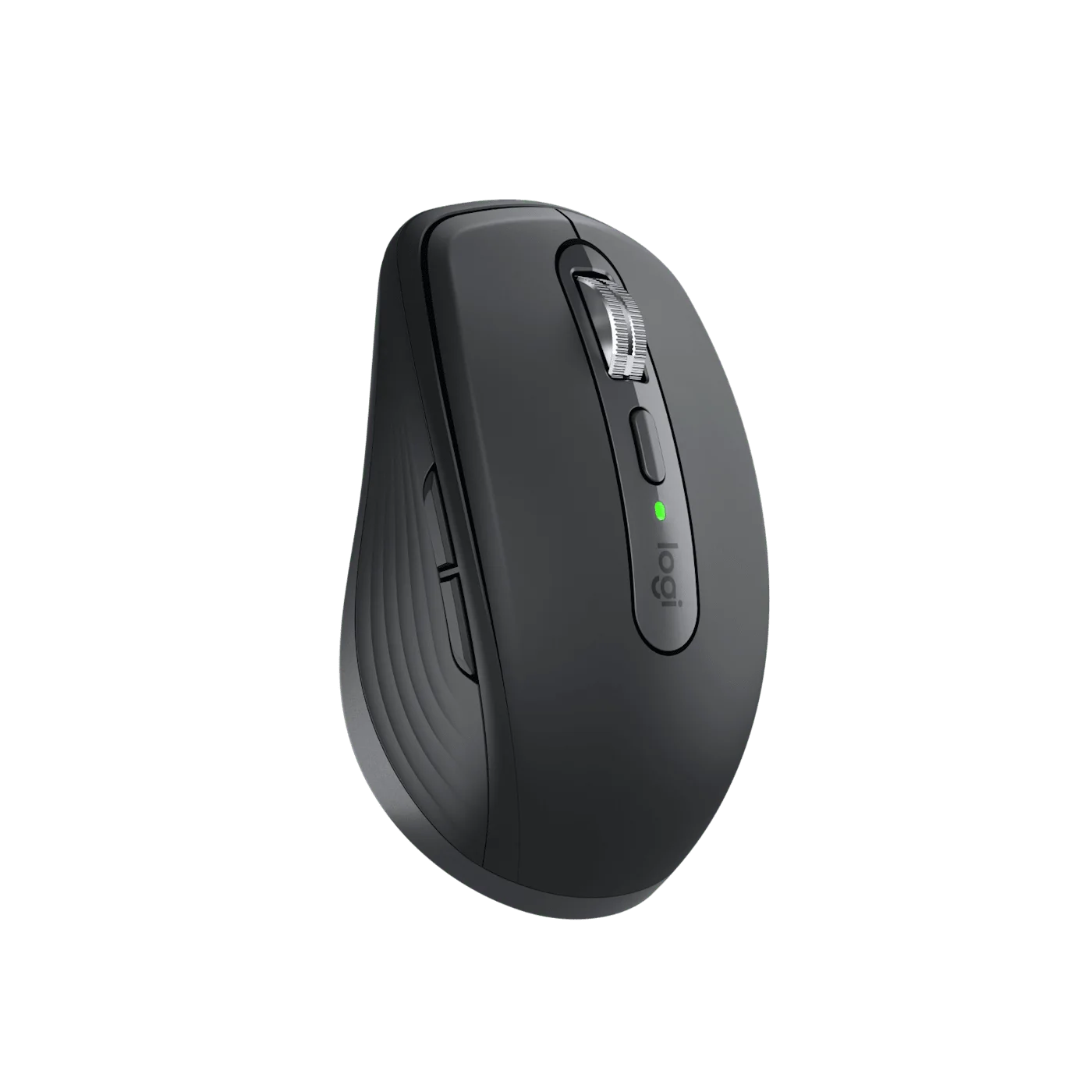
Top view of the Graphite MX Anywhere 3S and MagSpeed wheel.
Photo: Logitech · Manufacturer reference image

Some links are paid links: we may earn a commission from qualifying purchases. As an Amazon Associate I earn from qualifying purchases. How we earn money.

THE SHORT VERSION

Before you browse

  1. Compact mouse with MagSpeed ratchet and free-spinning scroll modes.
  2. 8K DPI sensor with manufacturer glass-tracking claim subject to surface requirements.
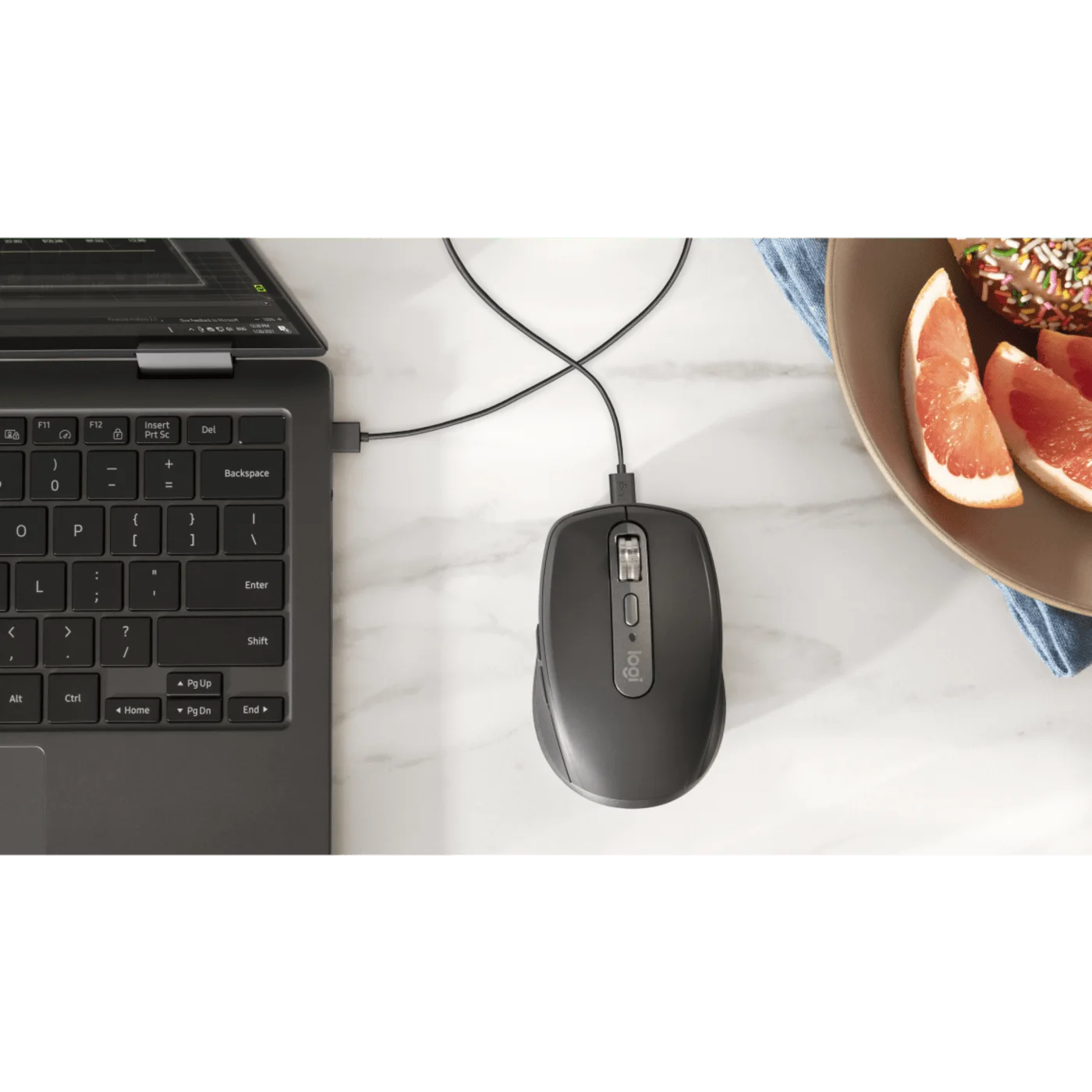
  3. Bluetooth pairings for three compatible devices; rechargeable via supplied USB-A to USB-C cable.
  4. Logi Bolt receiver not included; compact shell and premium scrolling may not justify replacing a comfortable existing mouse.

A good portable mouse should make a temporary table feel less temporary. Logitech MX Anywhere 3S brings a compact Graphite body and a magnetic MagSpeed wheel to that everyday routine. The attraction is not a dramatic desk makeover—it is a more considered way to move through the long pages you actually read.

Buy the scrolling experience, not the biggest DPI number

MagSpeed offers stepped ratchet scrolling and a free-spinning mode. Think about the last long document, research page or spreadsheet you navigated. If switching between precise movement and a quick sweep would be useful, the wheel has a clear role. If your work mostly consists of short clicks, the premium feature may matter less than the price difference.

Manufacturer hand-placement scene; comfort is not independently tested here.
Photo: Logitech · Manufacturer reference image. Manufacturer hand-placement scene; comfort is not independently tested here.

The 8K DPI sensor is a specification, not a requirement to run the cursor at maximum speed. Logitech also describes tracking on glass, subject to its surface requirements. That is useful flexibility, not a promise that every transparent, dirty or reflective surface will behave identically.
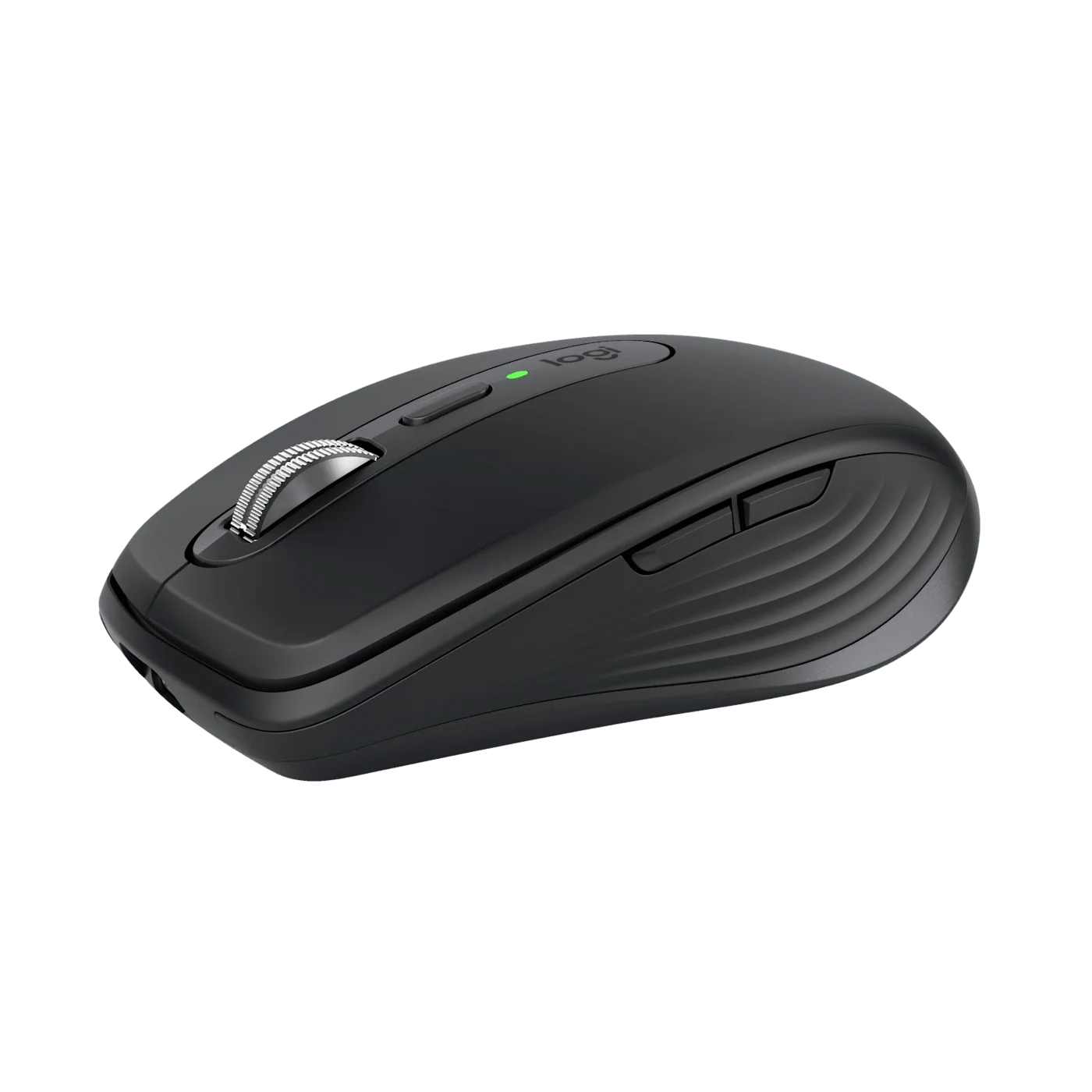
Angled view of the compact Graphite shell.
Photo: Logitech · Manufacturer reference image. Angled view of the compact Graphite shell.

A compact shell still needs to suit your hand

Look at the hand-placement photograph beside the side profile. MX Anywhere 3S is designed to travel; it is not the larger MX Master shape in miniature with every feature retained. Someone who prefers a whole-hand rest may still favor a bigger mouse at a permanent desk. We have not conducted a hands-on comfort or noise test.
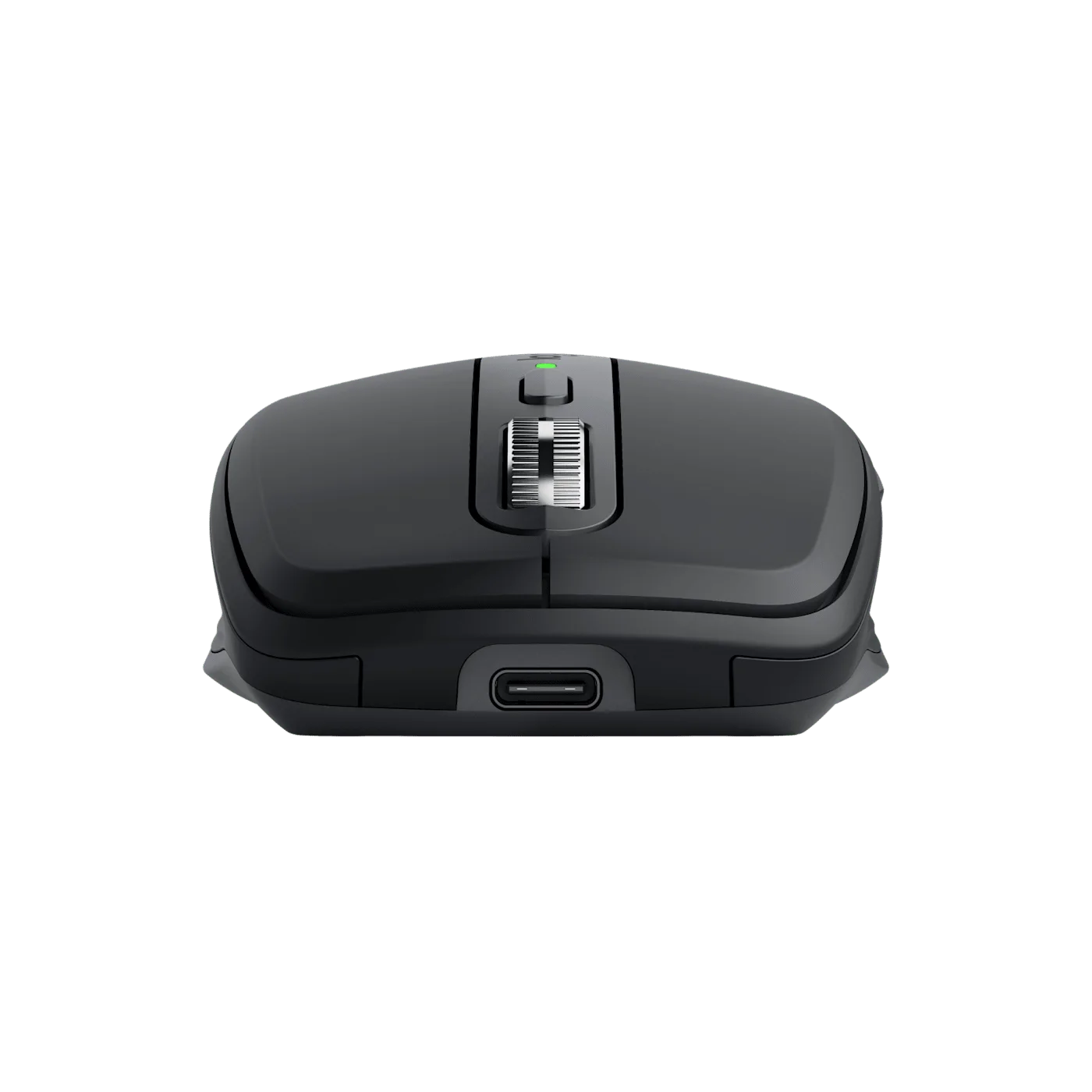
Front view shows the USB-C charging port.
Photo: Logitech · Manufacturer reference image. Front view shows the USB-C charging port.

Three Bluetooth pairings help if you switch between compatible machines. Button customization uses the relevant Logi Options+ software, with feature availability depending on platform. This consumer Graphite offer is distinct from Business and Mac-labelled packages.
Left-side detail shows the thumb buttons and sculpted grip.
Photo: Logitech · Manufacturer reference image. Left-side detail shows the thumb buttons and sculpted grip.

One included cable, one absent receiver

The selected model includes a USB-A to USB-C charging cable but not a Logi Bolt USB receiver. Charging does not turn it into an ordinary wired USB mouse. Do not import a manufacturer’s own-store free-case promotion into an Amazon buying expectation.
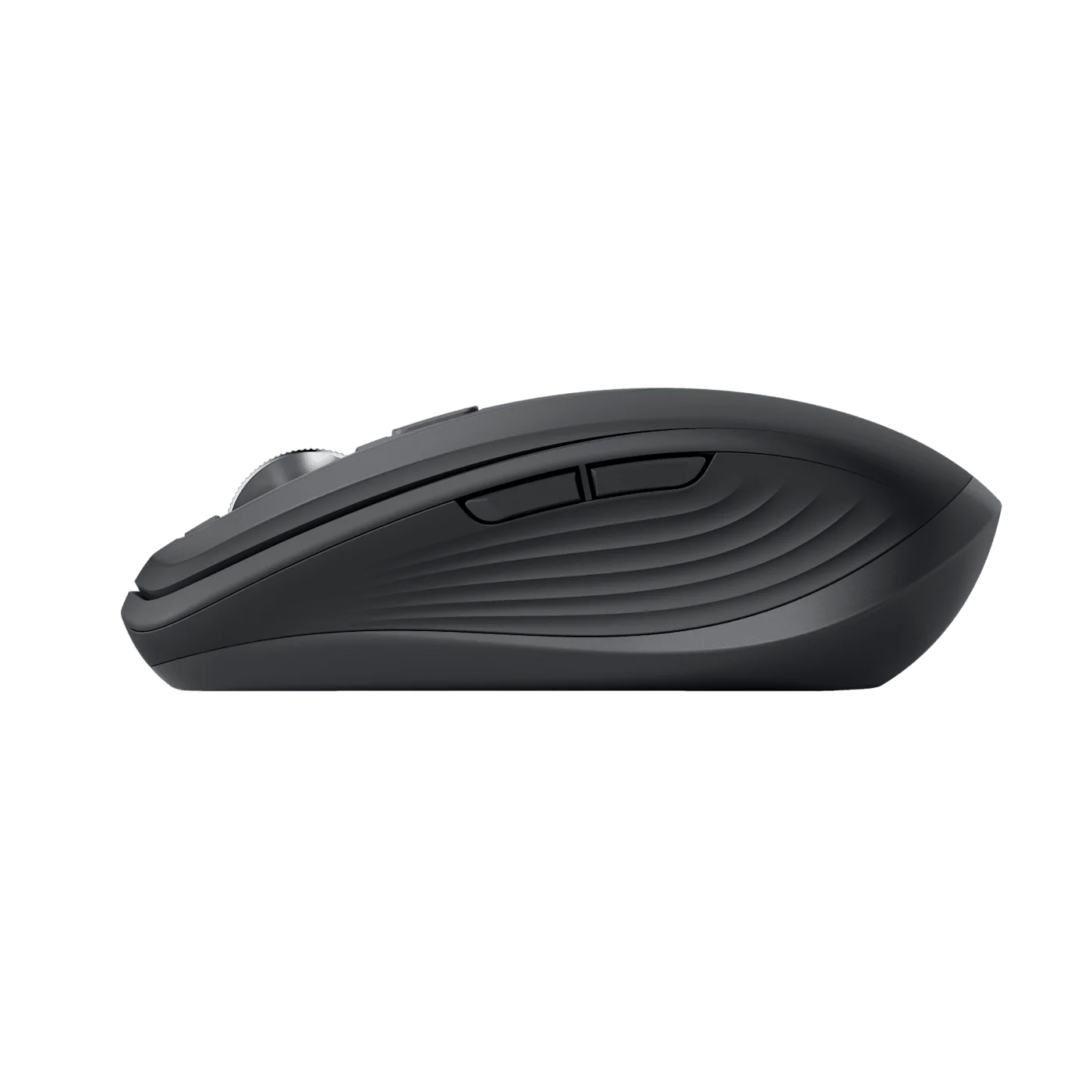
Low side profile of the Graphite mouse.
Photo: Logitech · Manufacturer reference image. Low side profile of the Graphite mouse.

Choose MX Anywhere 3S when a compact shape and the wheel’s two scrolling modes solve a frequent annoyance. Keep your existing mouse if it already feels right and document navigation is rarely a problem. The best justification is enjoying a repeated daily interaction—not collecting another premium specification.
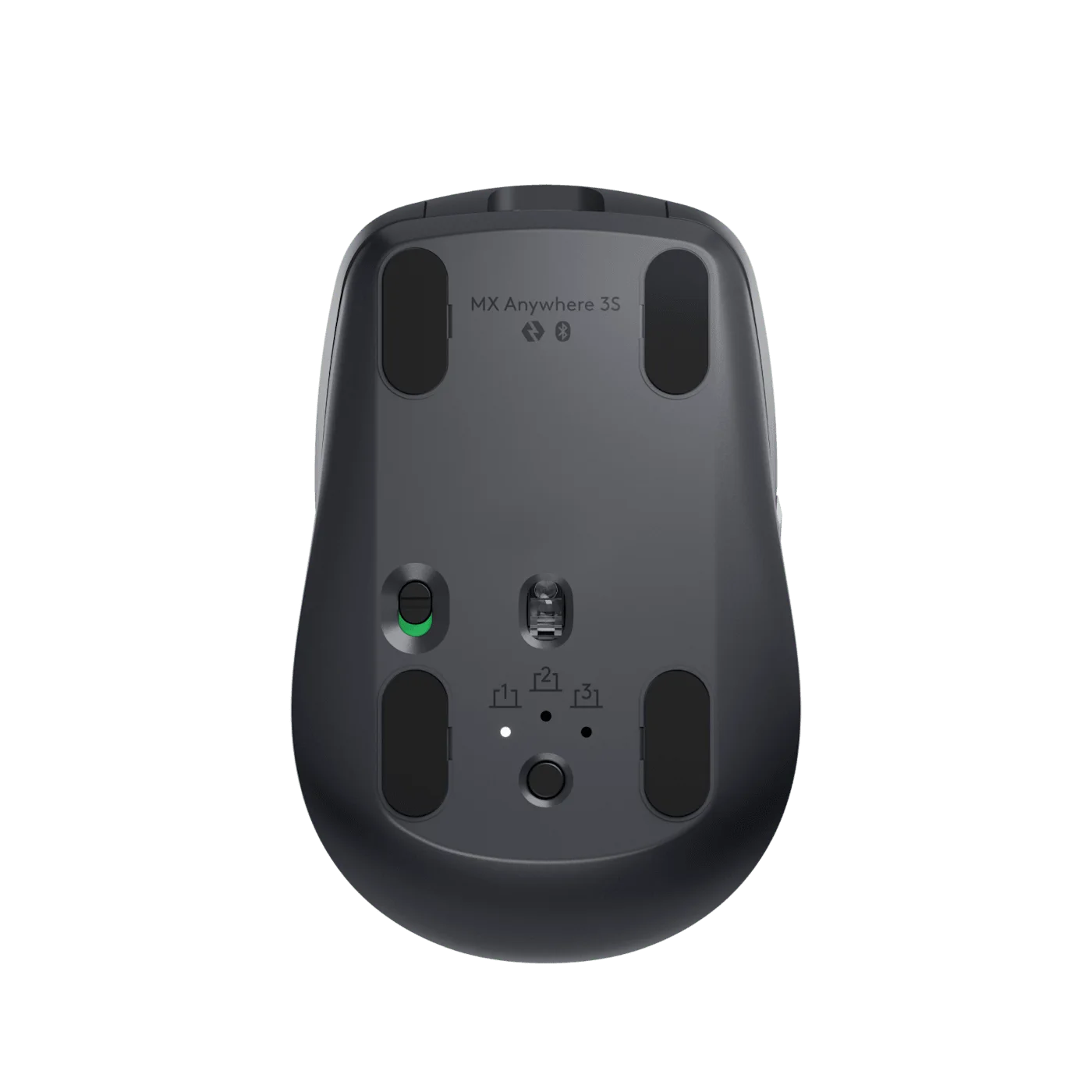
Underside shows the sensor, device-switching button and feet.
Photo: Logitech · Manufacturer reference image. Underside shows the sensor, device-switching button and feet.
Manufacturer charging scene; laptop and desk objects are not included.
Photo: Logitech · Manufacturer reference image. Manufacturer charging scene; laptop and desk objects are not included.

Ready to check availability?

Shop at Amazon

Paid link — we may earn a commission. Amazon may show a local match, an alternative or search results. Check the exact product, delivery and current price.

Evidence and sources

Research-based product guidance, not hands-on testing. Exact variant reviewed; price, stock, medical effects and international equivalence are not promised.