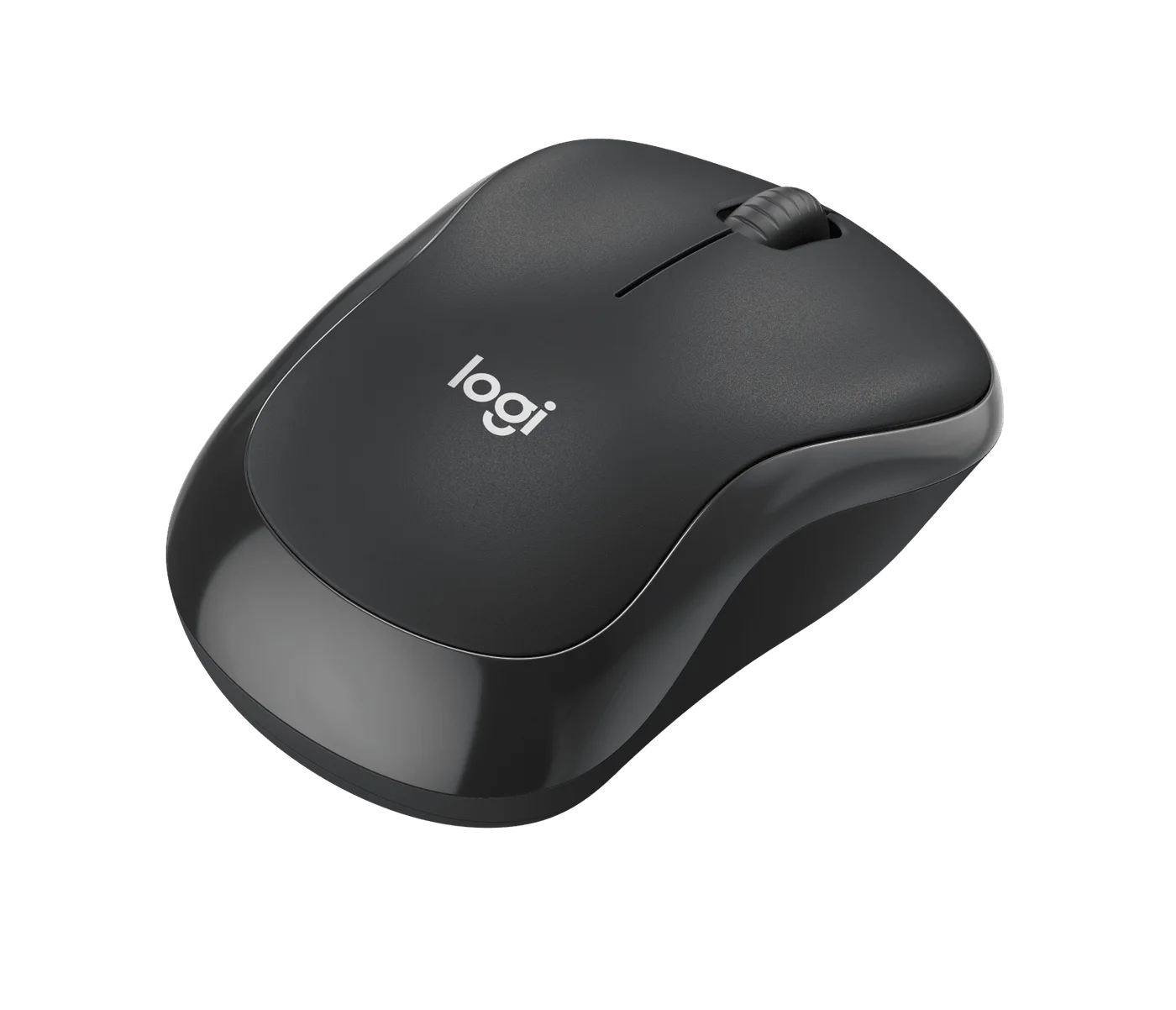
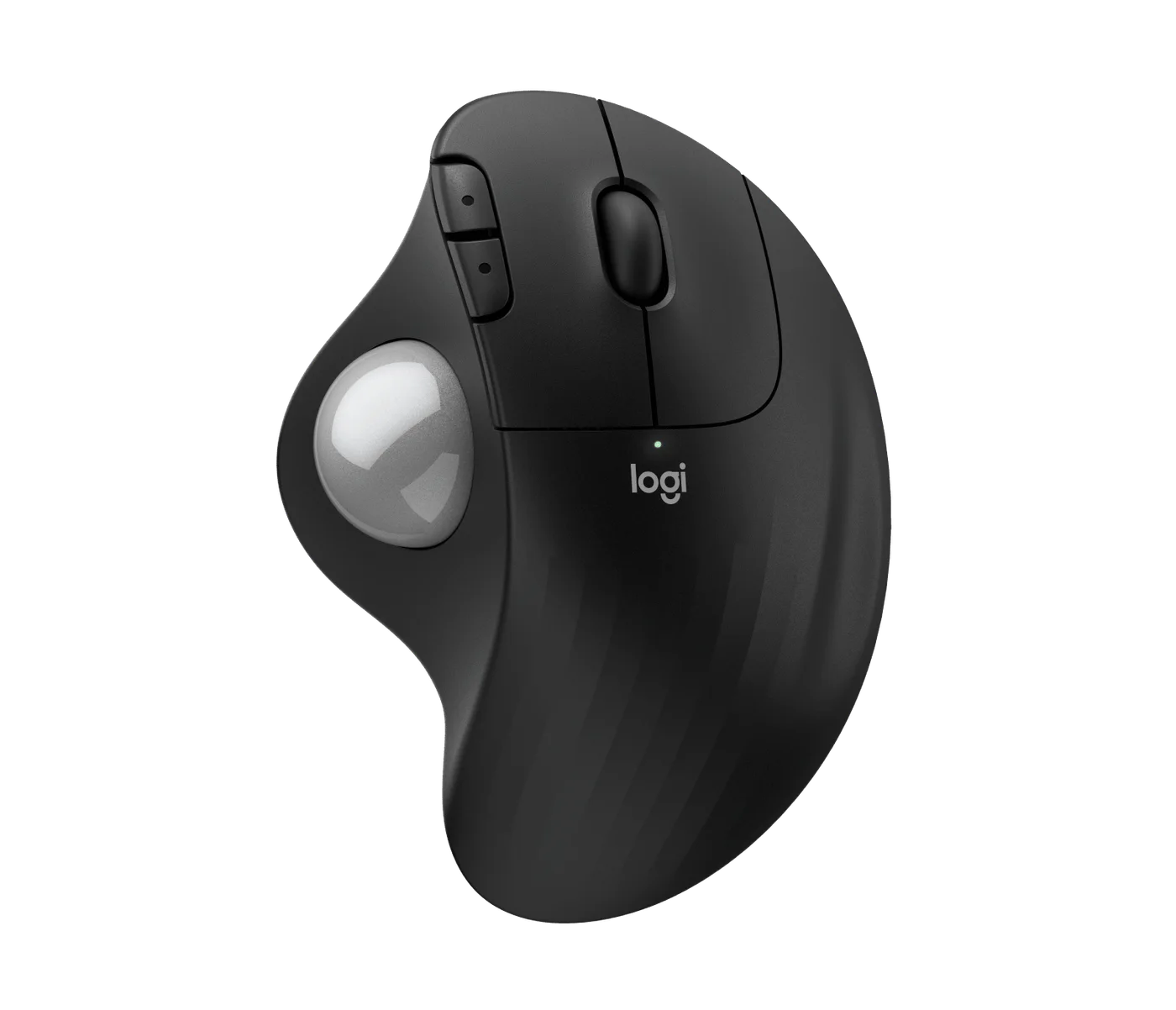
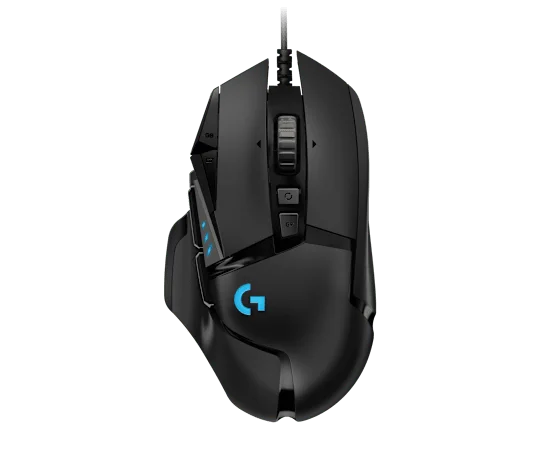
The cursor moves. The work gets done. Yet by late afternoon you find yourself repositioning your hand again and again, as if the mouse has become one more thing to manage. It is tempting to treat an upright mouse as a quick fix. Before spending money, there is a better question: will this particular shape fit your hand, desk and workday?
Our take: the Logitech Lift is a credible option for someone with a small-to-medium right hand who wants to try a more upright grip and values quiet clicks and flexible connectivity. It is not a treatment for wrist pain, and not an automatic upgrade for anyone already comfortable with a conventional mouse. This is a researched buying guide, not a hands-on review or medical advice. Our linked product page has an Amazon paid link; as an Amazon Associate I earn from qualifying purchases.
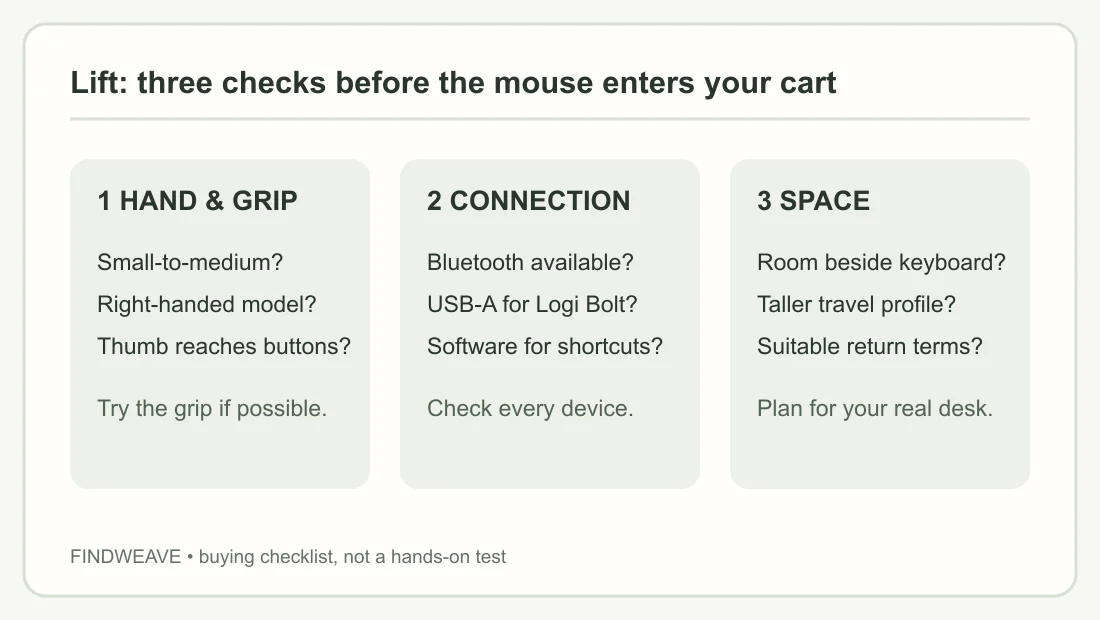
Begin with your hand, not the angle
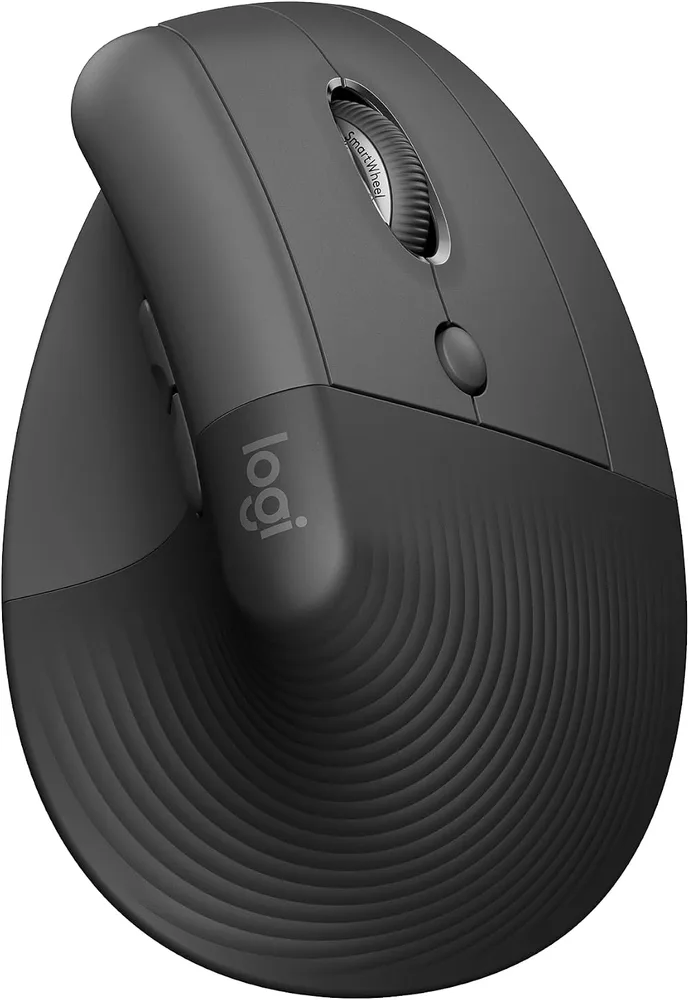
Lift positions the hand at about 57 degrees, closer to an upright handshake than the palm-down position of a flat mouse. That changes the posture, but an angle printed on a box cannot tell you whether your fingers land naturally on the buttons. Logitech describes Lift as suited to small-to-medium hands. If you have a larger hand or rely on a stretched fingertip grip, compare its larger MX Vertical or a different shape rather than assuming any vertical mouse will fit.
Try a simple fit check at your current desk. With your forearm supported in a position you can maintain, notice whether your fingertips already reach a mouse without clawing or overextending. If you can visit a shop, grip the Lift with the wrist resting in your usual position and click repeatedly, not just once. Does your thumb reach its buttons without rotating the hand? Does moving the taller body require lifting your arm more than you want? Those observations matter more than a generic comfort claim.
The Amazon listing selected here is Graphite, Right-Handed, Mouse, ASIN B09J1TB35S. Lift Left exists, but it is not the same selected variant. A color thumbnail or right-versus-left switch can change what goes into the cart; recheck before paying.
Will it fit the desk and the laptop bag?
An upright mouse stands higher than the flat shape many laptop sleeves are designed around. That can be an advantage on a clear desk and an annoyance if you squeeze a mouse into a narrow pouch. Look at how much moving area you actually have beside the keyboard. Lift is a mouse you move across the surface, not a stationary trackball. A crowded desk or a very short mouse pad may make arm movement feel constrained.
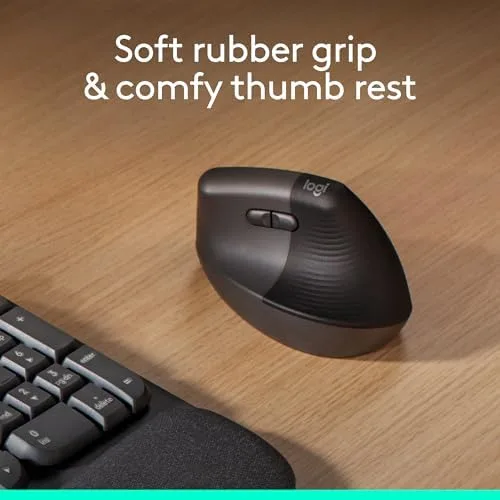
If you mostly work from one desk, portability may not matter. If you carry a laptop daily, trace the path from mouse to bag: will you have a dedicated compartment, and will the upright top be pressed by heavy objects? This does not require buying an accessory; it requires checking the bag you already own.
Bluetooth or Logi Bolt: choose for your actual computer
The listed Lift supports Bluetooth Low Energy and includes a Logi Bolt USB-A receiver. Bluetooth is useful when you want to leave a laptop port free; the receiver is an alternative when Bluetooth pairing or a crowded wireless environment is inconvenient. Neither is universally faster or more reliable for every computer. Check your operating-system support, available USB ports and workplace device policy before assuming the included receiver will be your preferred route.
Logitech describes multi-device switching and button customization with Logi Options+. If shortcuts are the reason you are buying, check the current software requirements for each machine you use. Basic pointer use and advanced per-app customization are different expectations. The mouse runs on one AA battery. The maker’s up-to-two-year estimate is not a promise for your usage pattern; plan to replace a battery rather than recharge the body.
How to judge it against your present mouse
| If your main problem is… | Try first | Is Lift a sensible shortlist? |
|---|---|---|
| Poor desk height or unsupported forearm | Adjust the desk and input position | Maybe, after the workspace issue is addressed |
| A flat grip you dislike | Try a vertical grip if possible | Yes, especially for a small-to-medium right hand |
| No free USB-A port | Check Bluetooth support | Yes, if your devices pair reliably |
| A mouse that must pack nearly flat | Measure your pouch | Possibly not |
| A left-handed setup | Select Lift Left separately | Not this right-handed listing |
We have not tested the Lift for comfort, durability, click consistency or medical outcomes. Online reviews describe mixed experiences with hand size and connectivity; they are reasons to check fit and return terms, not measured findings from our own lab. If pain persists, seek appropriate professional advice rather than relying on a product description to diagnose it.
A purchase decision that should still make sense next month
Buy a vertical mouse to solve a specific ergonomic preference or workflow mismatch, not because the word “ergonomic” guarantees relief. If the tall shape feels natural in your hand, your desk has room, and either Bluetooth or the receiver suits your computer, Lift makes a focused candidate. If you need a flat travel profile, have large hands, or are content with your current setup, the case is weaker.
Before ordering, confirm the Graphite right-handed version, current seller, total delivered cost and return terms. The Logitech Lift product page keeps our specifications and the current Amazon purchase option together. Readers outside the US should check where Amazon routes them and whether the exact version remains available locally.