Device Cleaning

OXO Electronics Cleaning Brush: A Small Tool for the Edges You Miss

Dry dust in accessible keyboard edges and device seams.

Findweave Editorial2 min read

Published

Shop at Amazon

Paid link — we may earn a commission. Amazon may show a local match, an alternative or search results. Check the exact product, delivery and current price.

OXO Good Grips Electronics Cleaning Brush — product detail 1
Photo: OXO · Manufacturer reference image

Some links are paid links: we may earn a commission from qualifying purchases. As an Amazon Associate I earn from qualifying purchases. How we earn money.

THE SHORT VERSION

Before you browse

  1. Best for: Dry dust in accessible keyboard edges and device seams.
  2. Skip it if: You need liquids, optical cleaning or access inside a device.
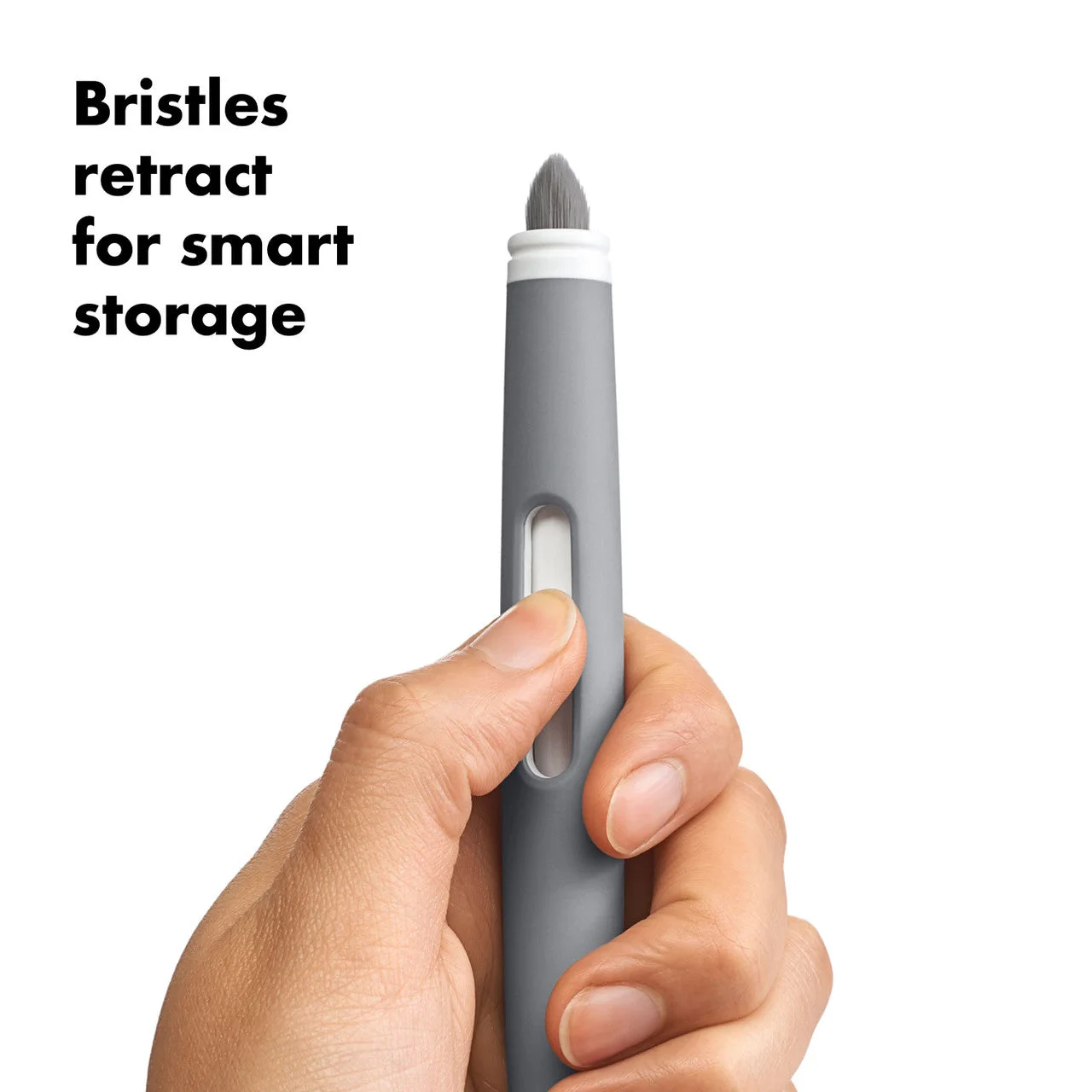
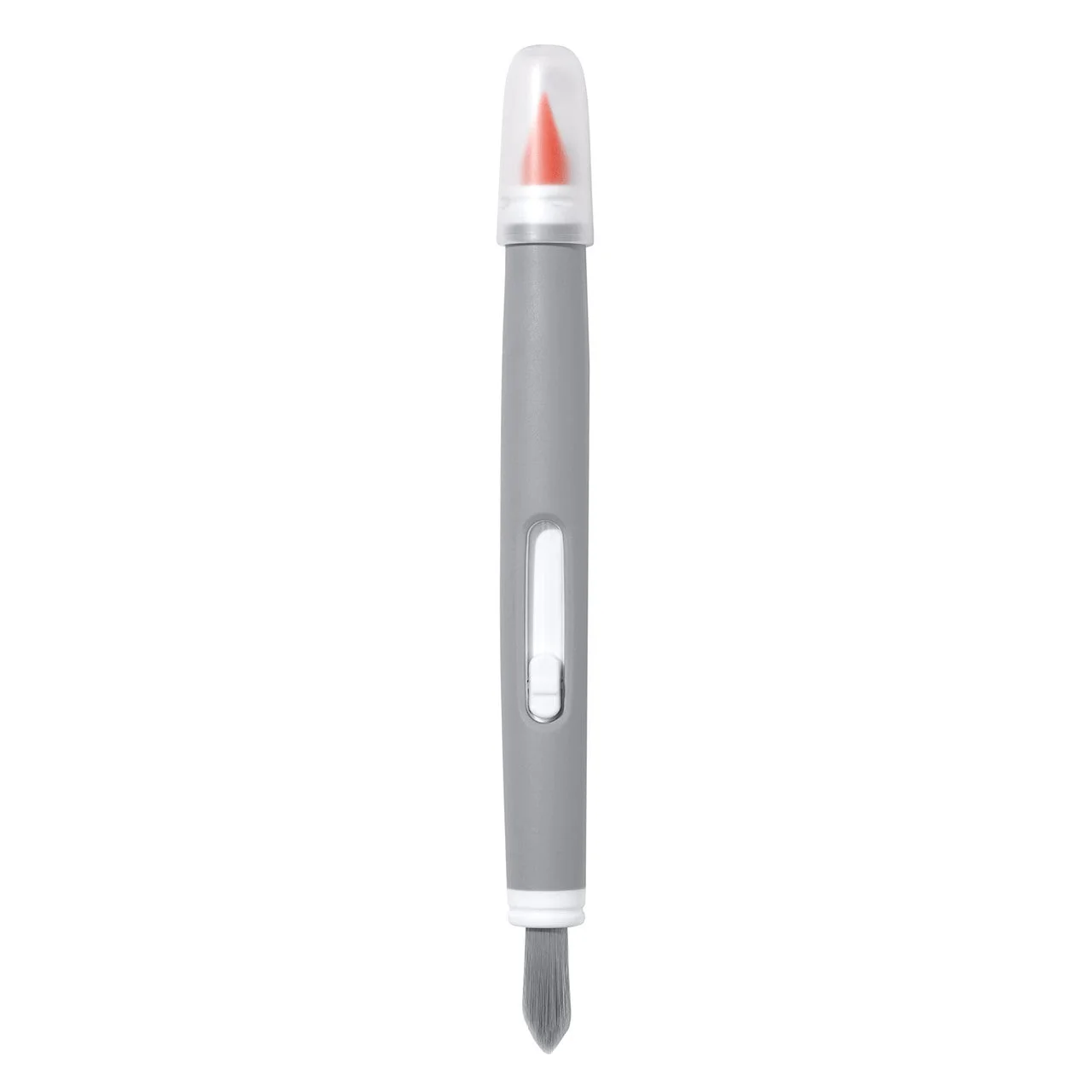
  3. Working ends: Retractable bristles and a silicone tip

A cloth cannot reach every gap

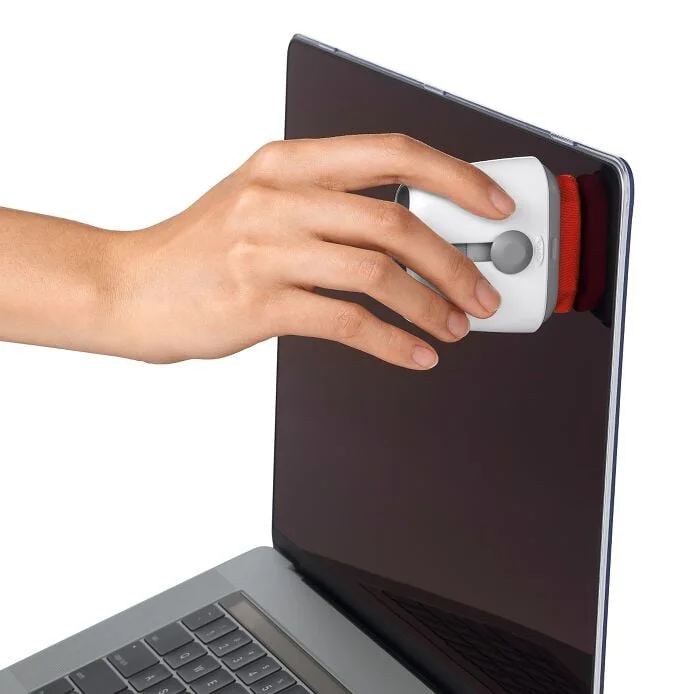
Keyboard edges, seams and small recesses often keep dust after the broad surfaces are wiped. OXO’s Electronics Cleaning Brush combines retractable soft bristles with a narrow silicone tip. It is a candidate for detail work around accessible gaps, not a chemical cleaner or repair tool.
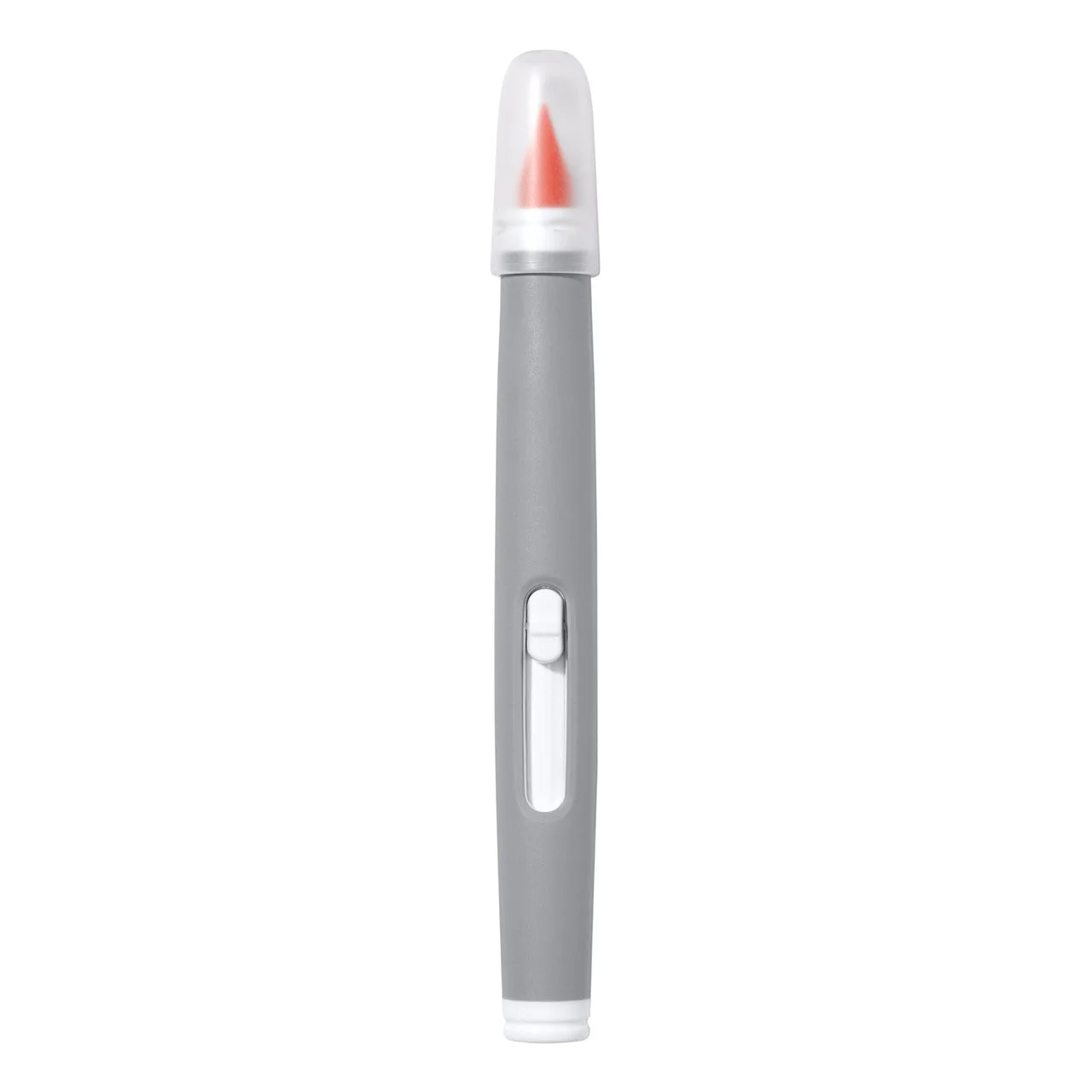
OXO Good Grips Electronics Cleaning Brush — product detail 2
Photo: OXO · Manufacturer reference image. Manufacturer reference photograph; check the selected retailer size and included pieces.

Start with the device switched off and follow its manufacturer’s cleaning instructions. Sweep loose material away without forcing it into ports. A visible speck near a delicate component is not a reason to push a silicone tip into it.

OXO Good Grips Electronics Cleaning Brush — product detail 3
Photo: OXO · Manufacturer reference image. Manufacturer reference photograph; check the selected retailer size and included pieces.

Keep the cleaning claim modest

OXO markets the brush for several electronics, including cameras. That does not establish compatibility with every lens coating or sensitive surface. Use the approved cleaning method for the particular device, especially for optics. The retractable bristles and capped tip help keep the working ends covered in storage. Choose it when you repeatedly have accessible dust-catching edges a cloth misses. If a soft brush already handles those jobs, there is no need to replace it. This tool addresses dust and small gaps; it does not remove the need for careful device-specific cleaning.
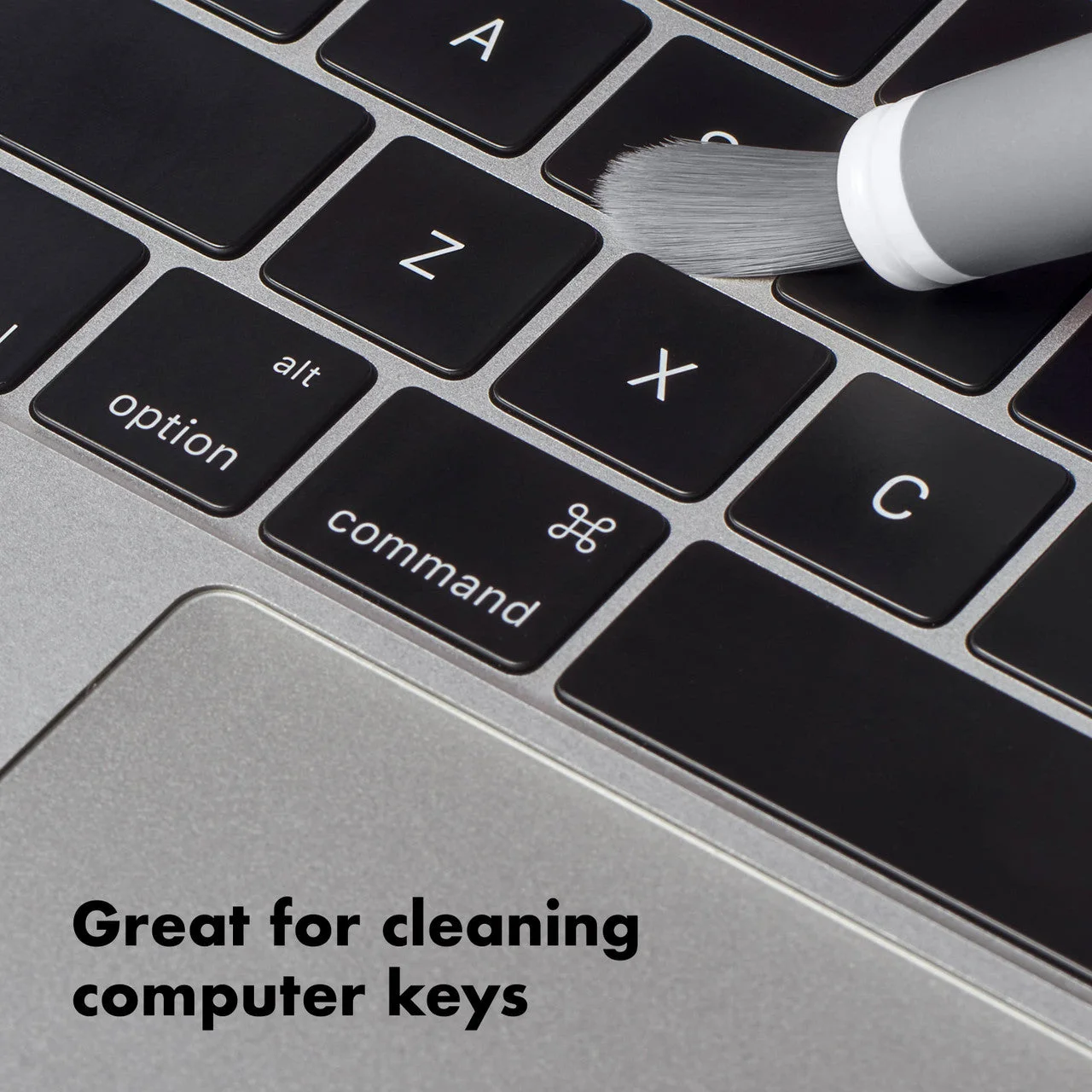
OXO Good Grips Electronics Cleaning Brush — product detail 4
Photo: OXO · Manufacturer reference image. Manufacturer reference photograph; check the selected retailer size and included pieces.

The decision before checkout

Switch the device off and check its cleaning guidance first. Brush loose dust away from openings; do not push material deeper into ports or use a point to pry components. The appeal is a compact dry detail tool, not an all-purpose electronics cleaner or an approved lens-cleaning system.
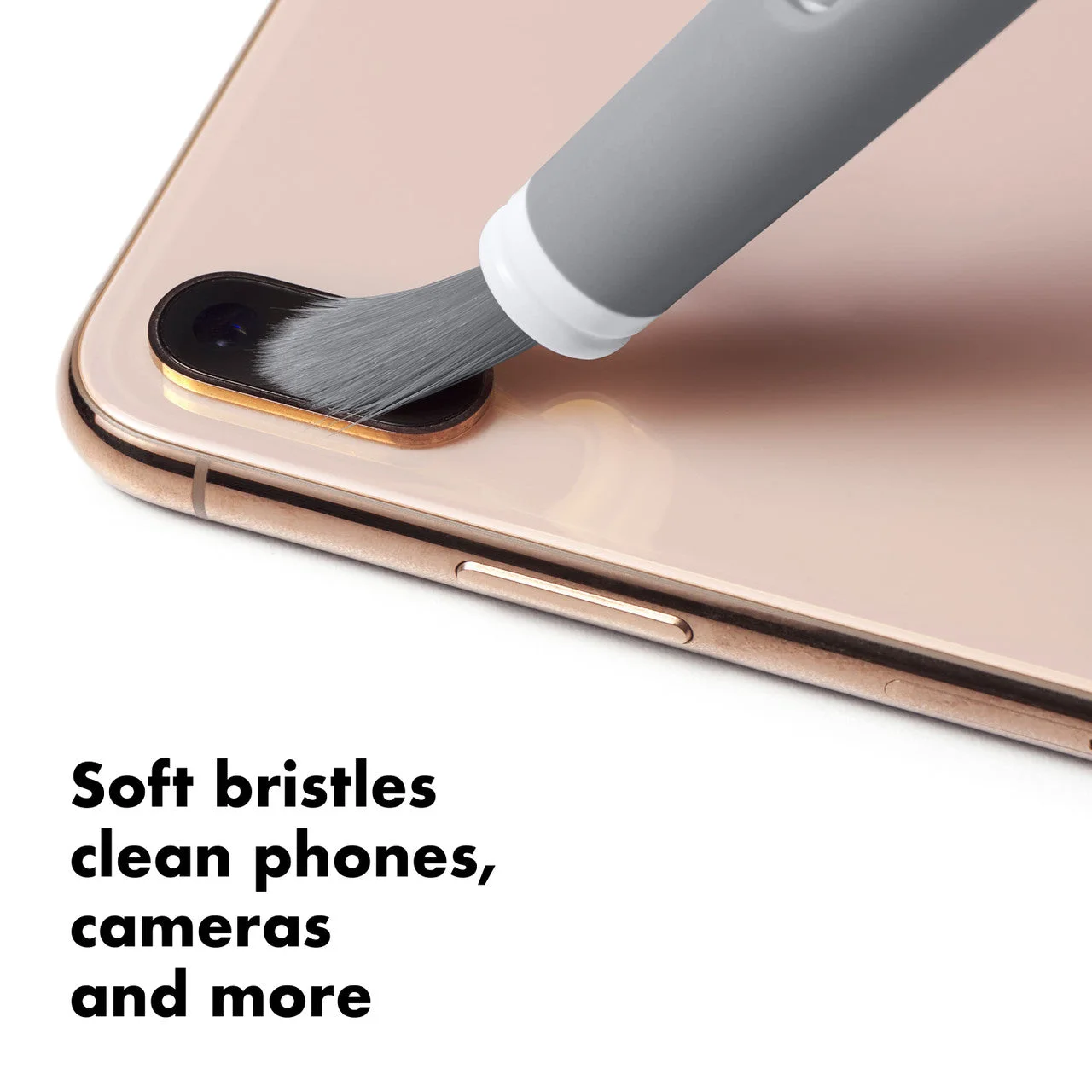
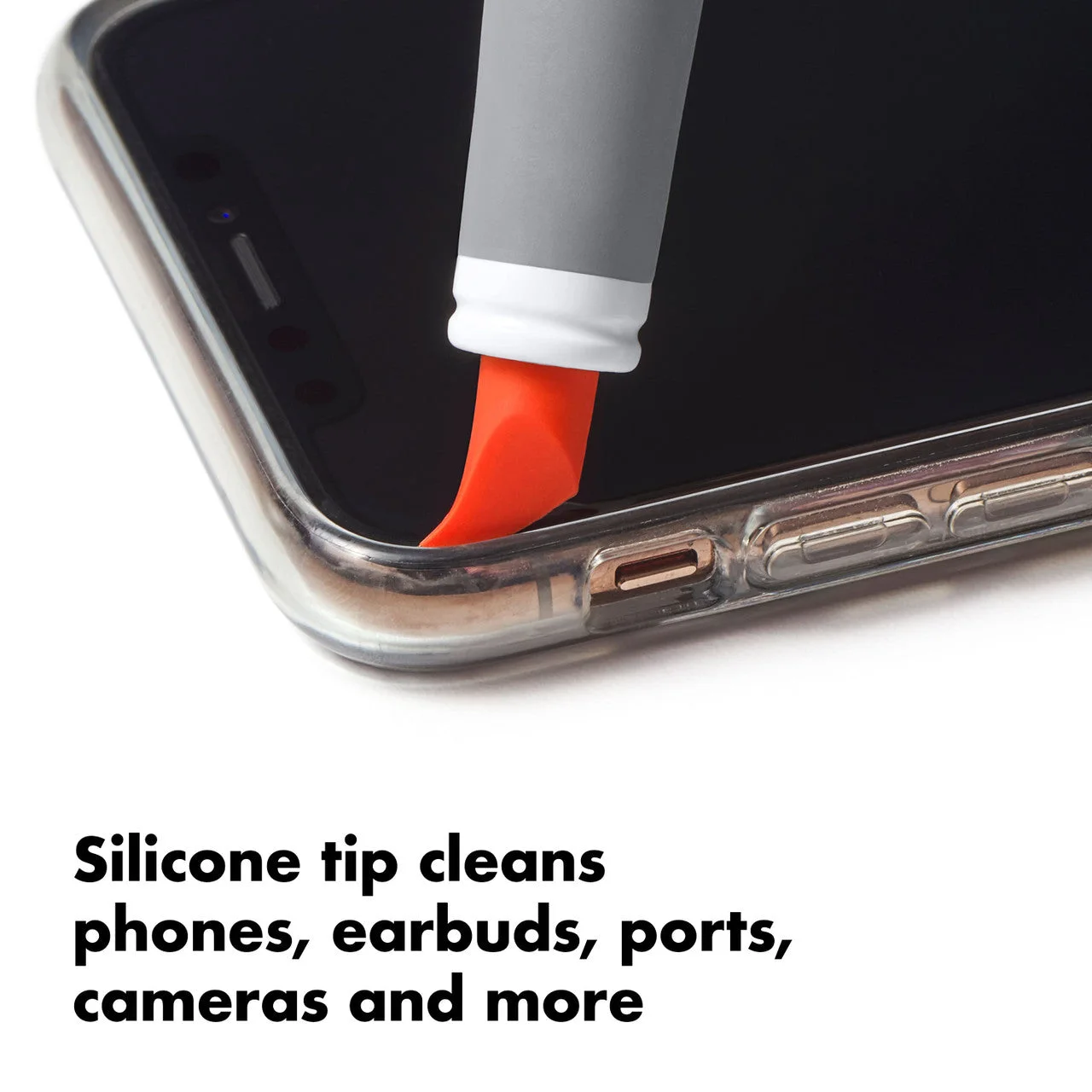
OXO Good Grips Electronics Cleaning Brush — product detail 5
Photo: OXO · Manufacturer reference image. Manufacturer reference photograph; check the selected retailer size and included pieces.
OXO Good Grips Electronics Cleaning Brush — product detail 7
Photo: OXO · Manufacturer reference image. Manufacturer reference photograph; check the selected retailer size and included pieces.
OXO Good Grips Electronics Cleaning Brush — product detail 8
Photo: OXO · Manufacturer reference image. Manufacturer reference photograph; check the selected retailer size and included pieces.

Ready to check availability?

Shop at Amazon

Paid link — we may earn a commission. Amazon may show a local match, an alternative or search results. Check the exact product, delivery and current price.

Evidence and sources

Research-based buying advice from linked manufacturer descriptions and the selected retailer identity. Not a hands-on test; price, stock, commission rates and international equivalence are not guaranteed.